Claude → Codex
Migrate or go agnostic
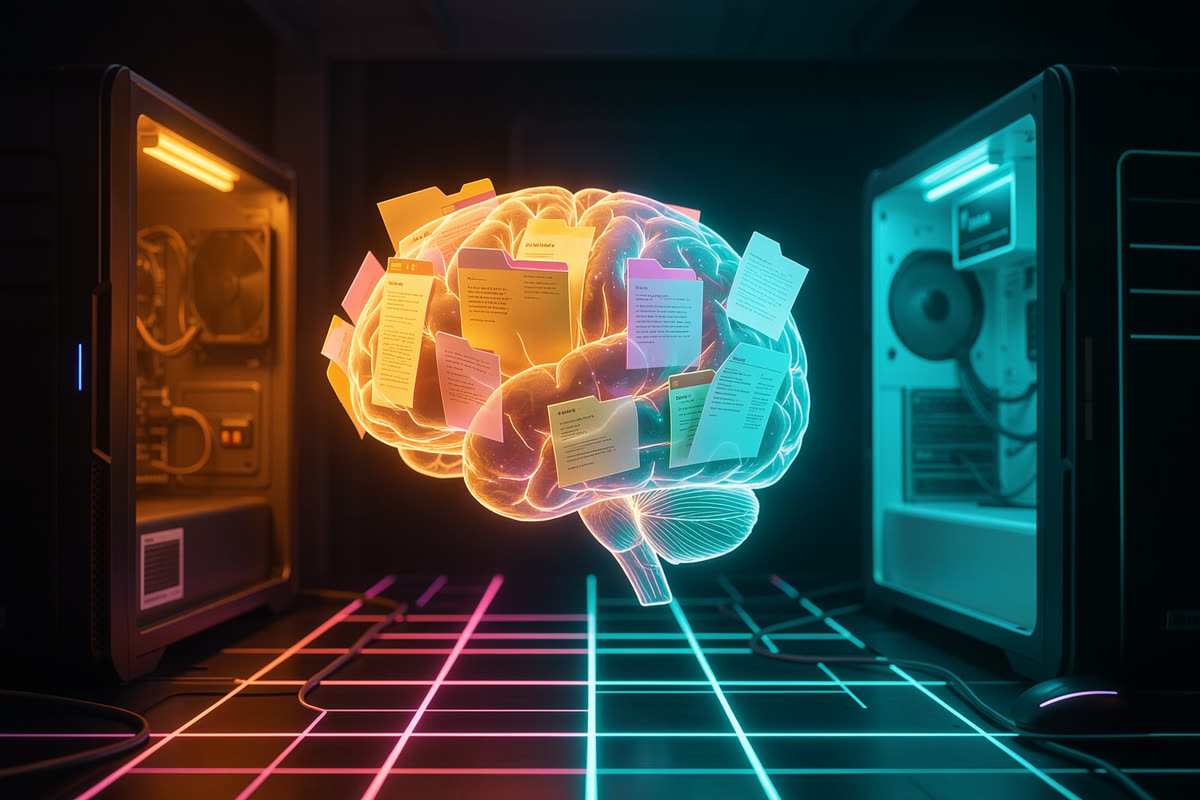
Don't migrate your "brain" from one model to another. Separate the brain from the model. Context, rules, skills, decisions and handoffs in portable Markdown; Claude Code, Codex, Gemini or a local model become mere executors.
0 of 108 topics read · check off each section as you go
What you will build
This course takes the idea of a model-independent workspace and turns it into a system you set up on your own machine: a portable core (AGENTS.md, context/, tasks/, handoffs/, canonical skills), small adapters for each tool (Claude Code, Codex CLI, a local model in a container) and a continuity test that proves, in a fresh session, that the agent found, read and used what you wrote.
The foundation is real: the agente-claude-codex kit (scripts for diagnosis, audit, adaptation, skill sync and readback) and a diagnosis run on a machine with 117 skills in Claude, 27 in Codex, 165 projects with CLAUDE.md and no global AGENTS.md. Each module shows the command, the output and the failure that actually happened.
Separate brain
Context and rules in Markdown, outside any provider.
Handoff and prime
Claude writes, Codex picks up. And vice versa.
One skill, N runtimes
Canonical source, generated copies, zero drift.
Proof, not promise
Every step marked passed, failed or not run.
The 3 tracks
🧠 Fundamentals
Why separate the model's brain, the vocabulary (runtime, harness, skill, MCP, hook, handoff), the three levels, the anatomy of the workspace, information owners and audit mode.
🛠️ Hands-on
The kit's scripts, one per module: doctor and audit, CLAUDE.md → AGENTS.md, portable core, skills with polyskill, readback in a fresh session and the handoff → prime cycle.
🚀 Projects
Six projects on a real system: migrate the first project, MCP and hooks, curated memory, a third executor in a container, a client workspace and the iterative mindset.
The architecture in one picture
Look at the center: everything that is yours (context, decisions, tasks, skills, processes, handoff) lives in the portable layer. The executors at the edges read that layer and do the work. Switching models means switching an edge, not the center.
How the course works
Mark what you've read
Every section has "mark as read". Progress per module, track and course is calculated automatically.
Annotate the text itself
Select a passage to highlight, annotate or flag a question. It stays saved in your browser.
My journey
A panel with progress, questions and notes; takes you back to where you left off; exports and imports as .json.
Copy-run commands
The kit's real scripts, with the goal, the block and how to verify the result.
Diagrams that teach
Every concept has an SVG with a caption. You can understand the module just from the visual + caption pairs.
Read your way
Themes (dark, light, sepia, focus, high contrast), font, size and line spacing under the "Appearance" button.
✅ Prerequisites
- •Already use Claude Code or Codex CLI in at least one project (Track 1 defines every term from scratch, but Track 2 runs real commands).
- •A terminal with git, bash and python3. Node only for polyskill (module 2.4).
- •Willingness to clean up your folders before migrating. It's the part nobody gets to skip.