Claude Code · plugins with an interface

Five ready-made mods for Claude Code

Save money on big chats, hide sensitive data while recording, track the progress of /goal, stop two chats from editing the same file and get next-step suggestions. All local, installed in a minute.

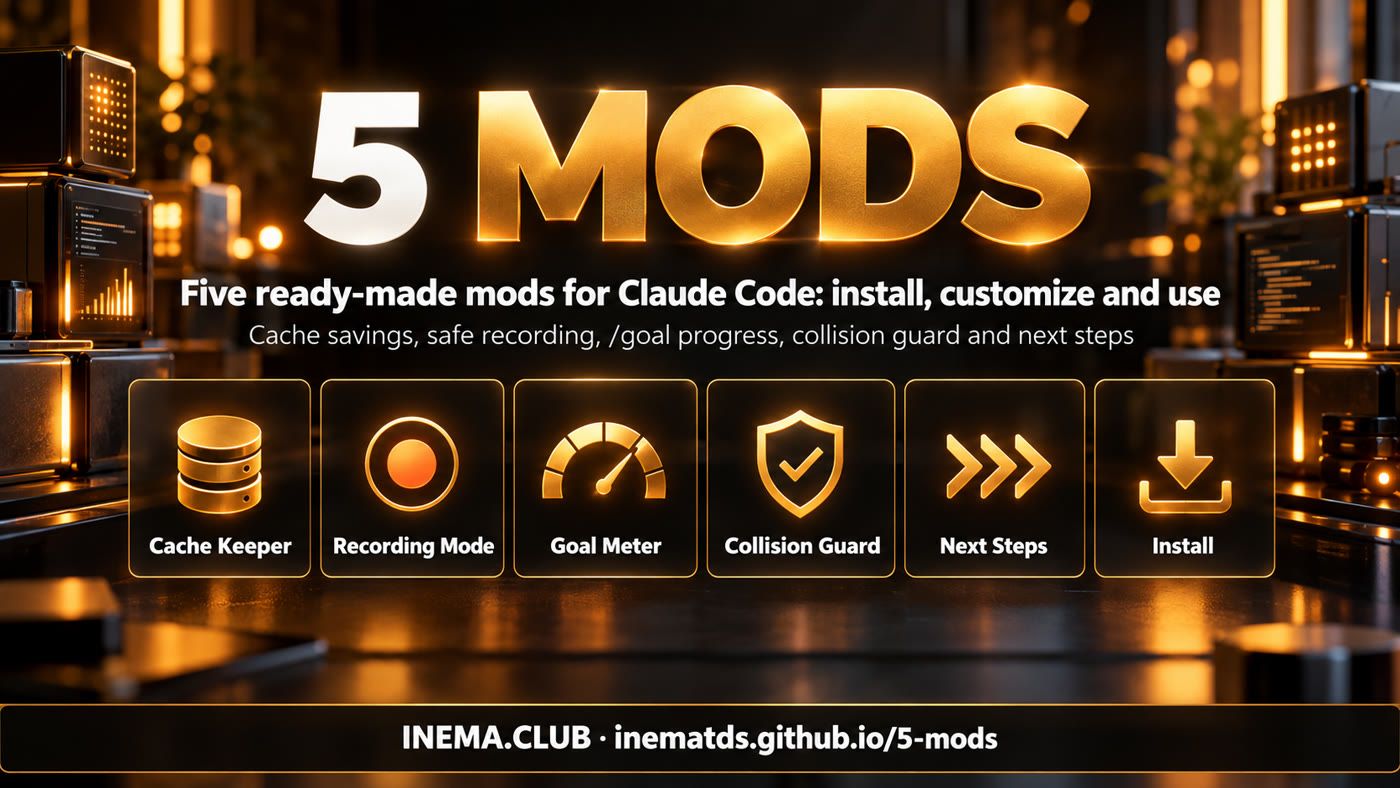
5 MODS banner: five ready-made mods for Claude Code
What it is

Mods: Claude Code the way you want it

If you wanted Claude Code to do something different, ask it, and it changes. A mod is a small JavaScript module, shipped inside a plugin, that runs inside Claude Code: it draws on screen, creates commands and asks with buttons before an action.

The five mods: Cache Keeper, Recording Mode, Goal Meter, Collision Guard and Next Steps

🔥 Cache Keeper

Shows whether the chat cache is warm or cold, how much a cold restart would cost, keeps big chats warm and moves a long chat into a new one with /handoff.

🔴 Recording Mode

/rec before you record: keys, e-mails, amounts and .env files disappear from the screen in every open chat.

📊 Goal Meter

Progress bar and finish-time estimate for /goal, built from Claude's own task plan.

🛡️ Collision Guard

Before editing a file that another chat changed in the last 30 minutes, it asks: proceed, move to a worktree or cancel.

➡️ Next Steps

At the end of each reply, up to 3 next-prompt suggestions as buttons. One key sends; another dismisses.

🔒 All local

Data stays in ~/.claude/mods-data/. No mod makes its own network calls. MIT license.

Concepts in 2 minutes

How a mod works

The mod loads when the chat starts and reacts to events: a prompt sent, a tool about to run, the end of a reply. On each event it can draw, ask or store state.

Chat starts→ Mod loads→ Event (prompt, tool, end of reply)→ Draw · ask · record

Mod × hook × skill

A skill is Markdown instructions that Claude reads. A classic hook is a shell command that blocks or allows, with no interface. A mod does what a hook does and also draws on screen, creates commands and remembers state.

Context

Everything in the chat. With every message, the model rereads the whole context. A long chat easily passes 100k tokens.

Prompt cache

Rereading from the cache costs ~10% of the price. The cache expires while the chat is idle (5 min or 1 h). When you come back, the first message rewrites everything at up to 2× the price: the “cold restart”.

/goal and worktree

/goal runs a long job until the goal is met. A git worktree is a second folder of the same repository, so two chats don't step on the same files.

Prerequisites

What you need

Two things: a recent version of Claude Code and mods enabled on your account.

Claude Code 2.1.287+

Works in the terminal and in the Code tab of the Desktop app.

claude --version
claude update   # if it is older

Mods enabled

In an empty folder: “no hooks module to load” = it can load; “served off” = not enabled yet (install anyway).

claude plugin test
User guide · step by step

Install in four steps

The simplest way is to ask Claude itself. Below is the manual path, command by command.

1

Download the repository

Clone it and copy it to the folder where the marketplace will live (it has to stay in place).

git clone https://github.com/inematds/5-mods
cp -a 5-mods ~/.claude/5-mods
2

Register the marketplace

The repository is a plugin marketplace called 5-mods.

claude plugin marketplace add "$HOME/.claude/5-mods"
3

Install the mods, one at a time

Not in parallel: they all write to the same settings file. Install only the ones you want.

claude plugin install cache-keeper@5-mods
claude plugin install recording-mode@5-mods
claude plugin install goal-meter@5-mods
claude plugin install collision-guard@5-mods
claude plugin install next-steps@5-mods
4

Open a new chat and test

The mod loads when the chat starts (/clear and /reload-plugins don't count). If /guard answers, everything is running.

claude
/guard   # answers with what Collision Guard is seeing
★

Or ask Claude

It checks the version, copies, registers, installs all five and leaves a note in your global CLAUDE.md.

Install the five Claude Code mods from this folder: ~/5-mods.
Follow the INSTALL-FOR-CLAUDE.md that is in it.
↻

Update and remove

The installation is a copy: nothing changes until you update and open a new chat.

claude plugin marketplace update 5-mods
claude plugin update next-steps@5-mods
claude plugin uninstall next-steps@5-mods
The 5 mods in detail

What each one does and how to use it

Each mod has its own commands. All of them can be turned on and off without uninstalling.

🔥

Cache Keeper

A line above the prompt shows the cache state, the context size, how much rewriting would cost and the session spend. It turns yellow 5 min before cooling, with a keep warm button. It also shows the 5 h and weekly limits (yellow at 80%, red at 95%). In a chat above 150k tokens with a cold cache, it asks before sending: send, compact first or cancel.

● cache warm 42m │ ctx 412k │ rewrite ≈ $3.30 │ session $5.12
/keepwarm 2      # keeps it warm for 2 h (default 4, max 24)
/board           # all local chats in one panel
/handoff         # summarizes, clears and continues in a new chat
/cache big 100k  # ask before a cold send from 100k

Dollar values follow the API price table; on a subscription they become limit usage, not a charge.

🔴

Recording Mode

Applies to all open chats within 3 s. It masks API keys, .env values, e-mails, names, phone numbers, addresses, ID numbers and money amounts; hides entire results from e-mail, calendar, CRM and finance tools; closes sensitive files. Claude still receives the real data: only the screen changes.

/rec          # turns on (red ● REC above the prompt)
/rec strict   # also masks every large number and percentage
/rec config   # creates ~/.claude/mods-data/recording-mode/config.json
/rec off

Note for non-English users: the business words and masking patterns are English-centric. Local currency, national ID numbers and non-English business words may slip through: use /rec strict, fill in names and privatePaths in the config and review the footage before publishing.

📊

Goal Meter

With /goal, Claude writes the plan (tasks S, M or L, worth 1, 2 and 3) and checks off each one. The estimate uses the goal's own pace and appears after 2 tasks. If new work appears, the plan grows and the bar may step back. It makes no extra model calls.

/goal migrate the tests to Vitest and get them all passing
5 of 8 tasks · 69%  ████████░░░  38m elapsed · about 17m left
/goals             # lists this chat + goals from other chats (12 h)
/goals strict on   # no file edits before the plan exists
🛡️

Collision Guard

Before Edit, Write or NotebookEdit, it checks whether another open chat changed that file within the time window. If so: Proceed (edits), Move to a worktree (when the file is in git) or Cancel. Nothing is added to the prompt.

/guard             # what it is seeing
/guard window 60   # 60 min window instead of 30
/guard off
➡️

Next Steps

When the reply ends, the mod asks the model, reusing the chat history that is already cached, what the most useful next steps are. Suggestions come out in the language you write in. It stays silent while Recording Mode is on. It costs one small query per reply, almost all of it cache reads.

→ next steps
  [j] Run the tests for the login module
  [k] Commit the changes
  [l] Update the README with the new command
  [d] dismiss
/next off   # turns off (applies to following chats)
A day of use

All five working together

A realistic example, from the first chat of the day to recording a tutorial.

9 am
Two chats on the same projectOne fixes the login bug; the other adds the “most popular” badge to the pricing page.
9:10
Collision GuardBoth want to touch pricing.html. The second one asks first: proceed, worktree or cancel.
9:30
Goal MeterTest-migration /goal: 3 of 7 tasks · 41% and the finish-time estimate.
10 am
Next Steps“Run the full suite”, “Commit”, “Update the CHANGELOG”: one key and the prompt is sent.
11 am
Cache KeeperBefore lunch, the yellow line warns you. keep warm keeps the 300k chat cheap; or /handoff starts clean.
3 pm
Recording Mode/rec before recording: sensitive data disappears from the screen in every chat. At the end, /rec off.
Build your own

Your own mod, in plain English

You don't need to know JavaScript: describe what you want to see and when. The five mods in this repository are good models; next-steps is the smallest (~180 lines).

I want a mod that, when I type /pomodoro, shows a 25-minute counter
above the prompt and alerts me with a toast when it ends.

# structure of a mod
my-mod/.claude-plugin/plugin.json   # name, version, description
my-mod/hooks/hooks.json             # { "modules": ["./register.mjs"] }
my-mod/hooks/register.mjs           # export const register = (on) => { ... }

claude plugin validate --strict ./my-mod
claude plugin test ./my-mod

To change an existing mod, just ask: “collision guard should look back 60 minutes”, “never hide my company name in recording mode”. Claude follows CUSTOMIZE.md: a command first, then the config file, and the code last.

FAQ

Frequently asked questions

I installed it and nothing shows up

Mods load when the chat starts. Quit and run claude again, then type /guard.

“served off”

Your account hasn't received the mods yet. The installation stays ready and starts working when access arrives.

A command doesn't exist

Another plugin already used the name. Use the alternative: /next-steps, /ck-cache, /ck-handoff, /recording, /goal-meter, /collision-guard.

Are the dollar values charged?

Not on a subscription: they become usage of the 5 h and weekly limits. They are estimates based on API pricing.

Does it work in the Desktop app?

Yes, in the Code tab. The line with buttons above the prompt is a terminal feature; on Desktop you get the footer labels and the commands.

I changed the code and nothing changed

Claude Code runs a copy. Bump the version in plugin.json, update the marketplace and the mod, and open a new chat.