AI video · open source
Minutes-long video, with an open model
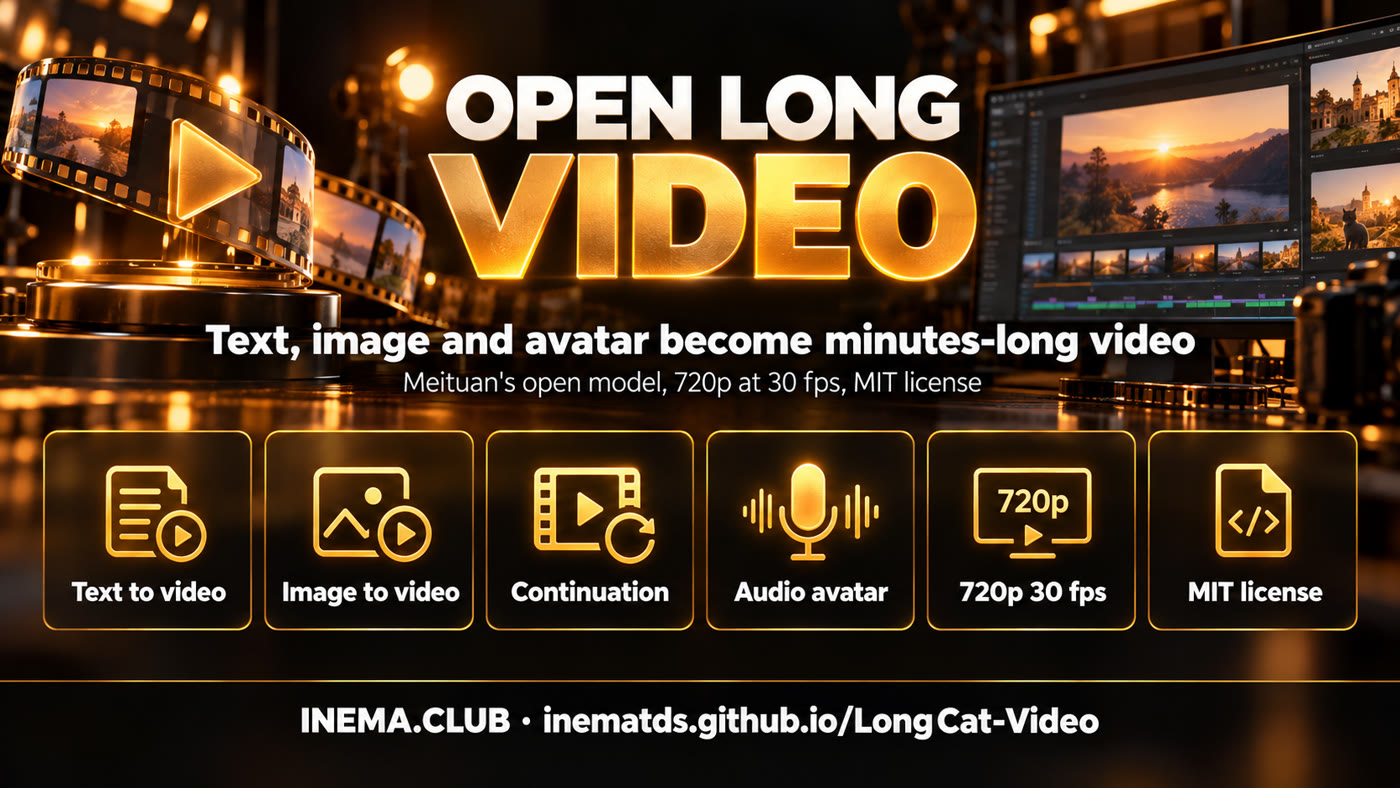
Text, an image, or a video of yours become scenes at 720p and 30 fps. And the Avatar version makes a person speak from an audio file.
Text, an image, or a video of yours become scenes at 720p and 30 fps. And the Avatar version makes a person speak from an audio file.
LongCat-Video is an artificial intelligence model that creates videos, released for free by Meituan, a large Chinese technology company. You describe a scene in text, or hand it an image or the start of a video, and it generates the continuation at 720p and 30 frames per second, including videos that run for several minutes. The Avatar version takes a photo and an audio file and makes the person speak with lip sync. It suits anyone who produces video and wants to run everything on their own server, without paying for credits. It needs a large NVIDIA graphics card and 80 to 160 GB of disk space for the models.
A project by meituan-longcat/LongCat-Video (MIT license on code and weights), mirrored by INEMA with this guide. Released on Oct 25, 2025; the Avatar 1.5 version came out on May 21, 2026.
Text to video, image to video and video continuation all come from the same 13.6 billion parameter model. The only difference is how many frames you give it at the start: none, one or several.
It was trained by continuing videos, so it chains segment after segment for minutes without the colors fading or the image degrading. You can even change the instruction for each segment.
LongCat-Video-Avatar 1.5 animates one or several people from audio, with lip sync through Whisper-Large and only 8 generation steps.
The model is a diffusion transformer (the same kind of model as Wan and Sora): it starts from noise and cleans up the image bit by bit. Three tricks make 720p generation more than 10 times faster, according to the technical report.
It first generates at 480p and 15 fps, upscales, and runs a "refinement expert" (a LoRA on top of the base model) that returns 720p at 30 fps with more detail than generating straight at 720p.
Instead of every piece of the image looking at all the others, it looks only at the most similar blocks. It uses less than 10% of the original computation with almost no loss.
Distillation cuts from more than 50 to 16 steps with similar quality. In Avatar 1.5, DMD2 distillation brings it down to 8 steps.
The final tuning used reinforcement learning with three "judges" at the same time (visual quality, motion and fidelity to the text). With a single judge, the model learned to cheat, for example by standing still to look good.
Human evaluation scores (MOS, from 1 to 5) published by Meituan itself, for text to video. This is not an independent test.
| Criterion | Veo3 | PixVerse-V5 | Wan 2.2 A14B | LongCat-Video |
|---|---|---|---|---|
| Access | closed | closed | open | open (MIT) |
| Active parameters | – | – | 14B (of 28B) | 13.6B |
| Text fidelity | 3.99 | 3.81 | 3.70 | 3.76 |
| Visual quality | 3.23 | 3.13 | 3.26 | 3.25 |
| Motion | 3.86 | 3.81 | 3.78 | 3.74 |
| Overall | 3.48 | 3.36 | 3.35 | 3.38 |
Third best overall score, behind only Veo3 and Vidu Q1, and first in common sense (plausible motion and physics).
Best visual quality (3.27), but below Seedance 1.0, Hailuo-02 and Wan 2.2 in fidelity to the image and motion. Overall score 3.17 against 3.35 for Seedance.
The report measures times on an NVIDIA H800. The README does not state the minimum video memory; the Avatar examples use 2 cards and the --use_int8 mode.
Linux with NVIDIA and CUDA. The official environment is Python 3.10, PyTorch 2.6 (cu124) and FlashAttention 2.7.4.
nvidia-smi ; df -h .
Measured on Hugging Face (Oct 16, 2026): LongCat-Video 83 GB, Avatar 1.5 75 GB (16 GB in the int8 version), Avatar 1.0 129 GB.
pip install "huggingface_hub[cli]"
Also librosa and ffmpeg and the requirements_avatar.txt file. The README downloads the base model along with it.
conda install -c conda-forge librosa ffmpegCommands from the project's official documentation. For multiple cards, replace torchrun with torchrun --nproc_per_node=2 and add --context_parallel_size=2.
Match the PyTorch version to your CUDA.
git clone https://github.com/inematds/LongCat-Video.git
cd LongCat-Video
conda create -n longcat-video python=3.10
conda activate longcat-video
pip install torch==2.6.0+cu124 torchvision==0.21.0+cu124 torchaudio==2.6.0 --index-url https://download.pytorch.org/whl/cu124
pip install ninja psutil packaging
pip install flash_attn==2.7.4.post1
pip install -r requirements.txt
The setup uses FlashAttention-2; you can swap it for FlashAttention-3 or xformers in the model's configuration file.
Only what you will use: the base model for text, image and continuation; Avatar 1.5 for the talking avatar.
huggingface-cli download meituan-longcat/LongCat-Video --local-dir ./weights/LongCat-Video
huggingface-cli download meituan-longcat/LongCat-Video-Avatar-1.5 --local-dir ./weights/LongCat-Video-Avatar-1.5
Each task has its own example script; edit the text and the image inside it.
torchrun run_demo_text_to_video.py --checkpoint_dir=./weights/LongCat-Video --enable_compile
torchrun run_demo_image_to_video.py --checkpoint_dir=./weights/LongCat-Video --enable_compile
Continuation starts from a video of yours. Long video chains segments for minutes. Interactive accepts a new instruction for each segment.
torchrun run_demo_video_continuation.py --checkpoint_dir=./weights/LongCat-Video --enable_compile
torchrun run_demo_long_video.py --checkpoint_dir=./weights/LongCat-Video --enable_compile
torchrun run_demo_interactive_video.py --checkpoint_dir=./weights/LongCat-Video --enable_compile
The project ships a Streamlit interface for a single card.
streamlit run ./run_streamlit.py --server.fileWatcherType none --server.headless=false
The request is a JSON with the scene text, the image and each person's audio. --stage_1 chooses whether the scene starts from text (at2v) or from your photo (ai2v).
Example that comes in the repo (assets/avatar/single_example_1.json):
{
  "prompt": "A western man stands on stage under dramatic lighting, holding a microphone...",
  "cond_image": "assets/avatar/single/man.png",
  "cond_audio": { "person1": "assets/avatar/single/man.mp3" }
}
--use_distill turns on the 8 steps and --use_int8 loads the smaller model. With --num_segments the video is continued in segments, to make it long.
pip install -r requirements_avatar.txt
# photo + audio, 5 chained segments
torchrun --nproc_per_node=2 run_demo_avatar_single_audio_to_video.py --context_parallel_size=2 \
  --checkpoint_dir=./weights/LongCat-Video-Avatar-1.5 --stage_1=ai2v \
  --input_json=assets/avatar/single_example_1.json --num_segments=5 --ref_img_index=10 \
  --mask_frame_range=3 --use_distill --model_type avatar-v1.5 --use_int8
One audio per person in the JSON (multi_example_1.json) and the multi-voice script.
torchrun --nproc_per_node=2 run_demo_avatar_multi_audio_to_video.py --context_parallel_size=2 \
  --checkpoint_dir=./weights/LongCat-Video-Avatar-1.5 --input_json=assets/avatar/multi_example_1.json \
  --use_distill --model_type avatar-v1.5 --use_int8
Audio is read by Whisper-Large instead of Wav2Vec2: a more natural, better synchronized mouth.
Identity kept in long video, hands holding objects and scenes with several people.
It also works with anime and animals, according to the technical report (more than 500 test cases).
Today Nei's avatar comes from the HeyGen studio and the AI clips come from Kling and the local LTX. Nothing below has been tested yet on our server.
| Function | Today at INEMA | LongCat-Video |
|---|---|---|
| Talking avatar | HeyGen studio (subscription) | Local Avatar 1.5: photo + audio, no per-minute credit |
| AI clip | Kling (subscription), local LTX-2.3 | Text or image to video, 720p at 30 fps |
| Long video | Chaining short clips | Native continuation for minutes |
| License | Each service's terms | MIT on code and weights |
It has 128 GB of unified memory and an ARM processor. The versions pinned by the project (PyTorch cu124 and the prebuilt FlashAttention) probably have no package for ARM with the Blackwell card; the expected path is to compile FlashAttention or swap it for xformers. Not measured yet.
The mirror and this guide are published; the hands-on test has not been done yet.