🗣️ The vocabulary: LLM, agent, and AI OS
Before installing anything, it helps to get the terminology straight. Three terms will come up throughout the course: LLM (the brain), agent (the brain with hands) and AI OS (the home where all this lives — Hermes). This module defines each one from scratch, without assuming anything.
🤖 What an LLM is
When you type in ChatGPT, behind the chat window there's a program that writes the response. That program is the LLM. Chat is just the outfit: the intelligence that thinks up the words is the LLM. Switching chats (ChatGPT, Hermes, the Ollama terminal) doesn’t switch the brain — you can connect the SAME LLM to several "outfits".
New here? LLM and stands for "Large Language Model." "Large" because it was trained by reading an enormous amount of text; "language" because it works with words. Think of the LLM as the AI brain, separate from the little screen where you chat with it.
Under the hood, the LLM doesn't "understand" like we do. It does just one thing, very well: predicts the next piece of text. Given the sentence so far, it calculates the most likely continuation, writes that piece, and repeats. By writing one small piece at a time, it produces a whole text that looks like reasoning.
Notice: the LLM doesn't "know" the answer in advance—it weighs multiple candidates and picks the most likely one at each step. That's why the same question can produce slightly different wording.
Key concepts
The AI brain—a large language model, separate from the chat.
The small piece of text it predicts at a time (details in 1.4).
The only thing it does: the next most likely piece.
The same LLM can power several different interfaces.
🛠️ What an agent is
An LLM by itself only writes text. It can’t open a file, search the web, or run a command—it only talks about do this. A agent and the game changer: it’s the LLM with hands. The formula is simple: agent = LLM + tools.
New here? A tool (in English, "tool") is an action the LLM can trigger in the real world: read/write a file, search, or run a piece of code. The agent reads your request, decides WHICH tool to use, uses it, reads the result, and continues. This "think → act → observe" loop is what separates a chat from an agent.
✓ What an AGENT does
- ✓Searches the web for up-to-date information.
- ✓Read and edit files on your computer.
- ✓Runs code and checks the result to correct itself.
- ✓It chains several steps on its own until the task is done.
✗ What a "bare" LLM DOESN'T do
- ✗Access today’s data (it only knows what it saw during training).
- ✗Editing files — it only describes how it would do it.
- ✗Run nothing; it stops at the text.
- ✗Verify your work by running it for real.
Remember this equation: throughout the course, "agent" always means an LLM equipped with tools. The Hermes and that's exactly what it is—an agent—just running with your local model in the command.
Key concepts
LLM + tools; it thinks, acts, and observes.
Action the LLM can trigger: search, run, edit.
Think → act → observe, repeated until the task is complete.
It chains several steps without asking you for everything each time.
🖥️ What is an "AI OS"
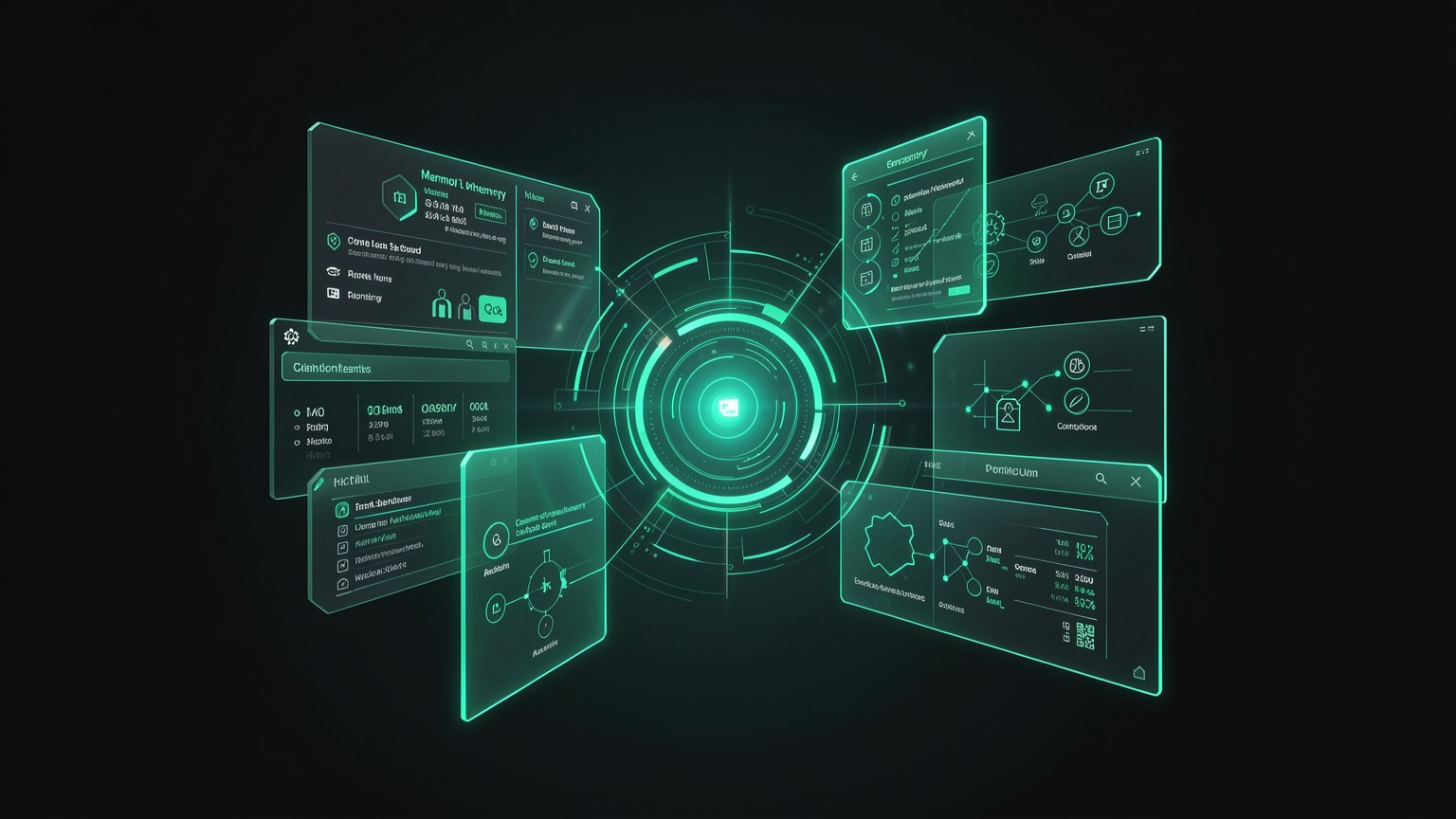
If the agent is the LLM with hands, the AI OS and the home where it lives. Hermes describes itself this way: an operating system for your AI. Instead of a standalone chat window, it brings together in one place the memory, the skills, the connections and the agents — all managed by you.
New here? "OS" stands for "operating system"—like Windows or macOS, which organize programs, files, and windows in one place. A AI OS plays the same role, but for your intelligence: it's where your AI's memory, skills, and connections are stored and available, instead of being scattered across chats that disappear.
🏠 Why "home" and not "chat"
In a regular chat, each conversation starts from scratch and gets lost. In an AI OS, intelligence has a fixed address: what you taught it stays there, connections remain active, and agents can run even when you’re not watching.
- •Memory: what it remembers about you and your work.
- •Skills: skills you install/activate.
- •Connections: external sources (GitHub, documents).
- •Agents: workers that carry out tasks.
Key concepts
The “home” that brings together memory, skills, connections, and agents.
This course’s AI OS, which runs your local model.
The intelligence doesn’t start from scratch with every chat.
Memory, skills, connections, and agents — defined below.
🧠 Memory, personas, and skills
Three parts of the OS deserve their own definition because they appear throughout the course. Each one solves a classic frustration for anyone who has only used chat: forgetting everything, always speaking the same way, and not knowing how to handle specific tasks.
Memory
What the AI remembers between conversations: your projects, preferences, and personal facts. Instead of reintroducing yourself every time, you pick up where you left off. It’s the opposite of a chat that “forgets” with each new window.
Persona
A “way of being” that you define: the tone, role, and rules for how the AI responds (e.g., “blunt, direct reviewer” or “patient teacher”). You can have several and switch between them depending on the task.
Skill
A ready-made skill you turn on: a set of instructions + tools for a specific task (summarizing a PDF, organizing a repo). It’s like installing an “app” inside your AI OS.
New here? Don’t confuse the three: memory and what it REMEMBERS; persona and HOW it speaks; skill and what it CAN DO. All three are stored in the SO, and you configure them in Track 3 (module 3.3).
Key concepts
What the AI remembers about you between conversations.
The tone and role the AI responds with.
Installable capability for a specific task.
You build all three to suit you (in Track 3).
🔌 Connections: connect AI to your world
A connection is a pipe that connects the agent to one of your data sources—a code repository on GitHub, a folder of documents, your notes. Without a connection, the agent only knows what’s in the chat. With a connection, it can read YOUR context and work with it.
New here? "GitHub" is a website where programmers store and version code (a "repo" = a project). But a connection isn’t only for code: it also works for a folder of PDFs, spreadsheets, or notes. The general idea is the same—give the agent read access to the materials YOU work with.
See the agent at the center and the blue pipes coming from your sources. The more connections you have, the more the agent works with YOUR world—and not generic knowledge.
📊 Why this matters for local
Connections become even more valuable when the agent runs locally: you connect sensitive data (proprietary code, private documents) WITHOUT sending anything to the cloud. The pipeline is there, but the work happens on your machine—the subject of the next topic.
Key concepts
Pipe that connects the agent to one of your data sources.
A version-controlled code project; a shared source.
The agent works with YOUR material, not generic content.
Local + connection = use private data without leaking it.
☁️ Local vs. cloud: where each part runs
We have the vocabulary now. One question remains, and it will come up throughout the course: where does the LLM run? "Local" means on YOUR machine; "cloud" means on a company’s server. The agent, memory, and connections can use either a local OR a cloud model—and you choose.
🖥️ LOCAL model
- ✓Runs on your machine; data doesn't leave.
- ✓Free to use after downloading; works offline.
- ✓Limited by your hardware.
☁️ Cloud model
- •Runs on a company's server.
- •It tends to be more powerful for difficult tasks.
- •Charges by usage and requires internet; data is transmitted.
Bridge to 1.6: it's not "one or the other" forever. Hermes lets you switch — private by default, cloud when it makes sense. This becomes the three modes (Vault, Connected, Cloud) in module 1.6, and Ollama (module 1.3) is what runs the local model.
Key concepts
The model runs on your machine; data stays there.
The model runs on a company’s server.
The question is WHERE the LLM runs.
Switch between the two and the theme from module 1.6.
Optional self-check: Which statement correctly defines an "agent"?
🎯 Module summary
Next module:
1.3 — What Ollama and open models are