🗄️ The three modes: Vault, Connected, and Cloud
The percentage breakdown from the previous module now becomes concrete. Hermes sums up the entire trade-off in three modes with a toggle: Vault (all private and local), Connected (the middle ground) and Cloud (maximum quality). In this final module of the track, you'll learn what each mode does, when to use each one, and how to switch between them dynamically.
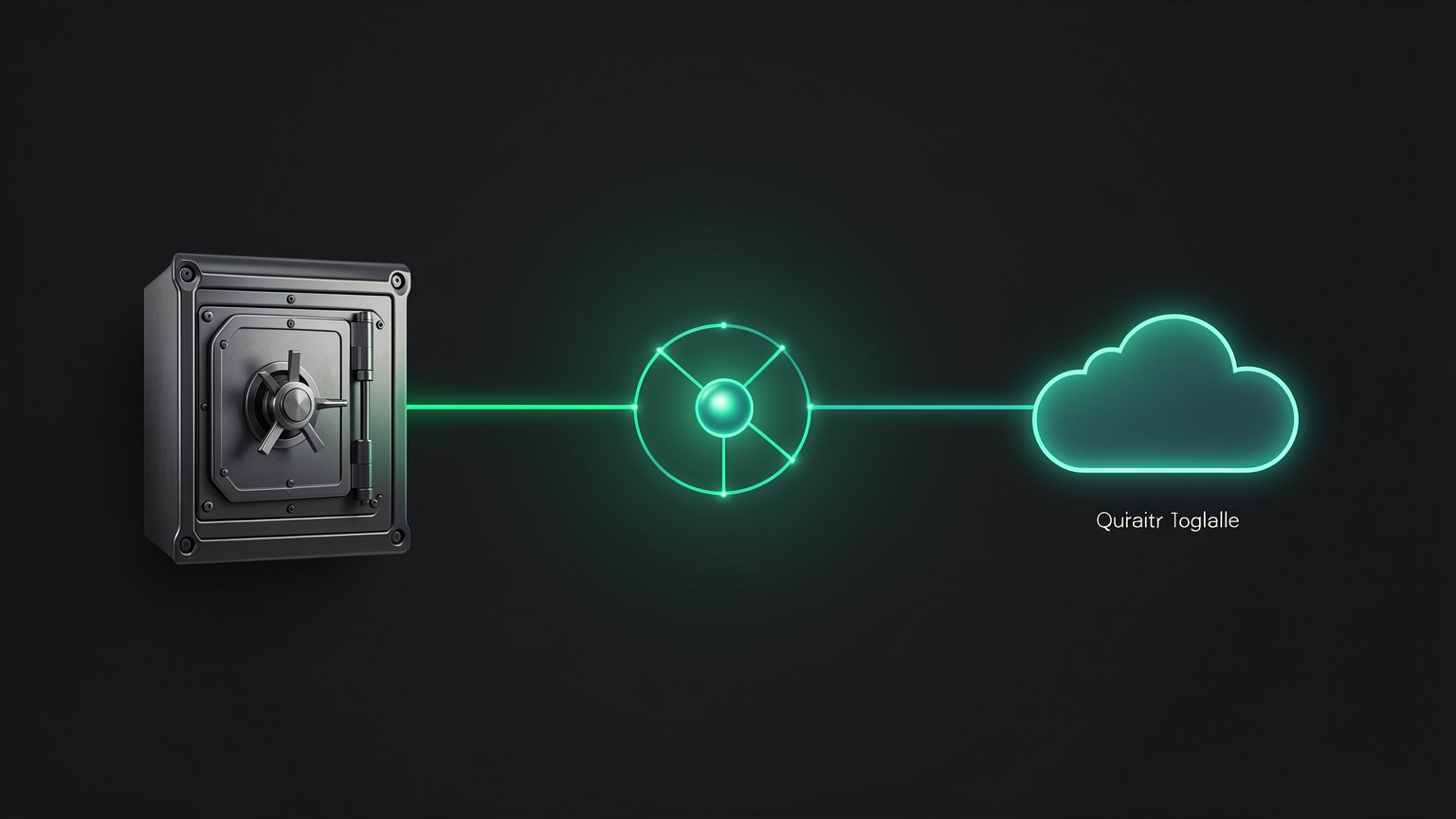
🗄️ Vault: private, everything local
O Vault and the mode at the privacy extreme. In it, the agent stays air-gapped — as if you had pulled the internet cable out of the wall. Everything runs on your local model: nothing is sent, nothing is fetched from outside, nothing leaks. It’s the vault: what goes in stays there, and nothing gets out. For data that must under no circumstances leave your machine, this is the mode to use.
New here? "Air-gapped" means a system with no connection to the internet or other networks—it is physically isolated. It’s the gold standard for security: if there’s no way out, the data can’t leak. Vault mode simulates exactly that in software.
🔒 What Vault guarantees
- •Zero network traffic—it works even offline, on a plane or in a bunker.
- •Only the local model responds; no cloud, no external search.
- •Privacy by design, not by promise.
Key concepts
Air-gapped mode: everything is local; nothing leaves.
An isolated system with no internet connection.
The far end of the spectrum: no possible way out.
Without a network connection, Vault keeps responding.
🔗 Connected: performance, the middle ground
O Connected and the balance. The model is still your model local, but now the agent gets a "private pipe" (a private pipeline) and the ability to search. In other words: the intelligence is still yours and runs on your machine, but the agent can go find fresh information when it needs to — without handing the entire task over to the cloud.
📊 What changes from Vault to Connected
- •The model stays LOCAL — the reasoning never leaves your machine.
- •Gets a private pipe + search — the agent can retrieve current data.
- •More useful for tasks that need information from the world, while still offering strong privacy.
New here? "Private pipe" is a controlled output channel: the agent searches for what it needs through a restricted path instead of sending everything to the cloud. Think of Connected as "Vault with a little window"—most of it stays at home, and only what’s strictly necessary goes out.
Key concepts
Local model + private pipe + search: the middle ground.
Controlled output channel for fetching only what’s needed.
The agent brings in fresh information without outsourcing the reasoning.
High privacy with more utility than the Vault alone.
☁️ Cloud: quality over privacy
O Cloud and the exact opposite of Vault. Here, you consciously connects to the cloud to use a frontier model when answer quality matters more than keeping the data at home. This is the "tough problem" mode: those 5% of tasks where you want the best available brain, even knowing the data will be transmitted.
✓ When Cloud makes sense
- ✓The task requires the best possible answer.
- ✓The data is NOT sensitive (public or already exposed).
- ✓The problem is beyond the reach of the local model.
- ✓You chose INTENTIONALLY, knowing the trade-off.
✗ When NOT to use Cloud
- ✗Customer, health, or proprietary IP data.
- ✗Out of laziness, when local would already do the job.
- ✗In a regulated environment that prohibits data from leaving.
- ✗When you want $0 cost and offline access.
Key concepts
Turn on the cloud for quality; the exact opposite of the Vault.
The best available brain, at the cost of privacy.
Cloud is a deliberate choice, not the default.
The slice of tasks where that last bit of quality matters.
🩺 When to use Vault: data that can't leave
A clear rule is useful for the most critical case. The Vault isn’t a luxury; it’s a necessity whenever the data can't leave your machine due to law or contract. When in doubt, the question is simple: “If this leaked, would it be a serious problem?” If the answer is yes, use Vault.
Customer data
Third-party information that you are responsible for protecting—Vault.
Health and proprietary IP
Health notes, business secrets, confidential code — Vault.
No internet
Plane, remote area, flaky network — Vault is the only mode that always works.
⚠️ The mistake to avoid
Send sensitive data to the Cloud "just this once" because it was more convenient. In a regulated environment, this may be illegal — and there's no undoing it once the data is out. If you're unsure about sensitivity, the safe default is the Vault.
Key concepts
If you're unsure about sensitivity, start with Vault.
Once the data is out, there’s no way to get it back.
Regulated environments become simple when data doesn’t travel.
"Would it be serious if this leaked?" If yes, use Vault.
🔄 Switch dynamically: "send it to private"
The real power lies in switch modes on the fly, as the task changes. You don't choose a mode forever — you route each request. In the middle of a conversation, you can literally say something like "send this one to private" and the agent passes the work to Vault. The SVG below is the decision tree you'll use.
The tree: first ask whether the data is sensitive (yes → Vault). If not, ask whether the task requires better answer (yes → Cloud; no → Connected). That's exactly the routing you'll set up in practice in Track 3.
Practical tip: You don’t have to decide everything at the start. Start with Connected (a good default), and when you encounter sensitive data, say "send it to private" to route it to the Vault; when you encounter a difficult, non-sensitive problem, switch to Cloud. The mode follows the task, not the other way around.
Key concepts
Switch modes on the fly, depending on the task.
Natural-language command that sends the work to the Vault.
Sensitive? → Vault. Best response? → Cloud. Otherwise → Connected.
A good starting point; adjust for the extremes when needed.
🤖 Background agents 24/7 for $0
The most powerful result of combining Vault (privacy) with $0 per use (price): you can leave agents running all the time. Since every call is free, there's no meter to scare you — an agent can stay on duty 24 hours a day, seven days a week, processing background tasks, with no surprise on your bill.
♻️ Why only local makes this possible
- •In the cloud, a 24/7 agent would rack up a huge bill per token.
- •Locally, the marginal cost is ~$0—just electricity and the hardware you already own.
- •And it can run in Vault: constant AND private automation at the same time.
🧭 Where this takes you
You finish Track 1 with the complete mental map: why local, the vocabulary, Ollama, context and parameters, the trade-off, and now the three modes. In practice, setting up these 24/7 agents in Vault is a project topic in Track 3 (Project 5). Before that, Track 2 gets you hands-on: installing, downloading models, and connecting everything to Hermes.
Key concepts
Agent that runs in the background without you at the controls.
Constant availability because each local call costs zero.
The next use adds no cost — just electricity.
Persistent agent running in Vault, with no data leaving.
Optional self-check: You’re going to work with customer data (sensitive) on a task that the local model handles well. Which mode?
🎯 Summary of the module and Track 1
You completed Track 1 — Fundamentals! 🎉
Now you have the complete mental map: why local, the vocabulary (LLM/agent/OS), Ollama and open models, context and parameters, the trade-off, and the three modes. The next track is hands-on.