From scratch to a published app, commanding AI through language
Learn to use the AntiGravity — Google’s code editor with AI agents — for building, publishing, and scaling real applications. Without becoming a programmer: you describe, the agents build. From the first screen to secure deployment and a professional application.
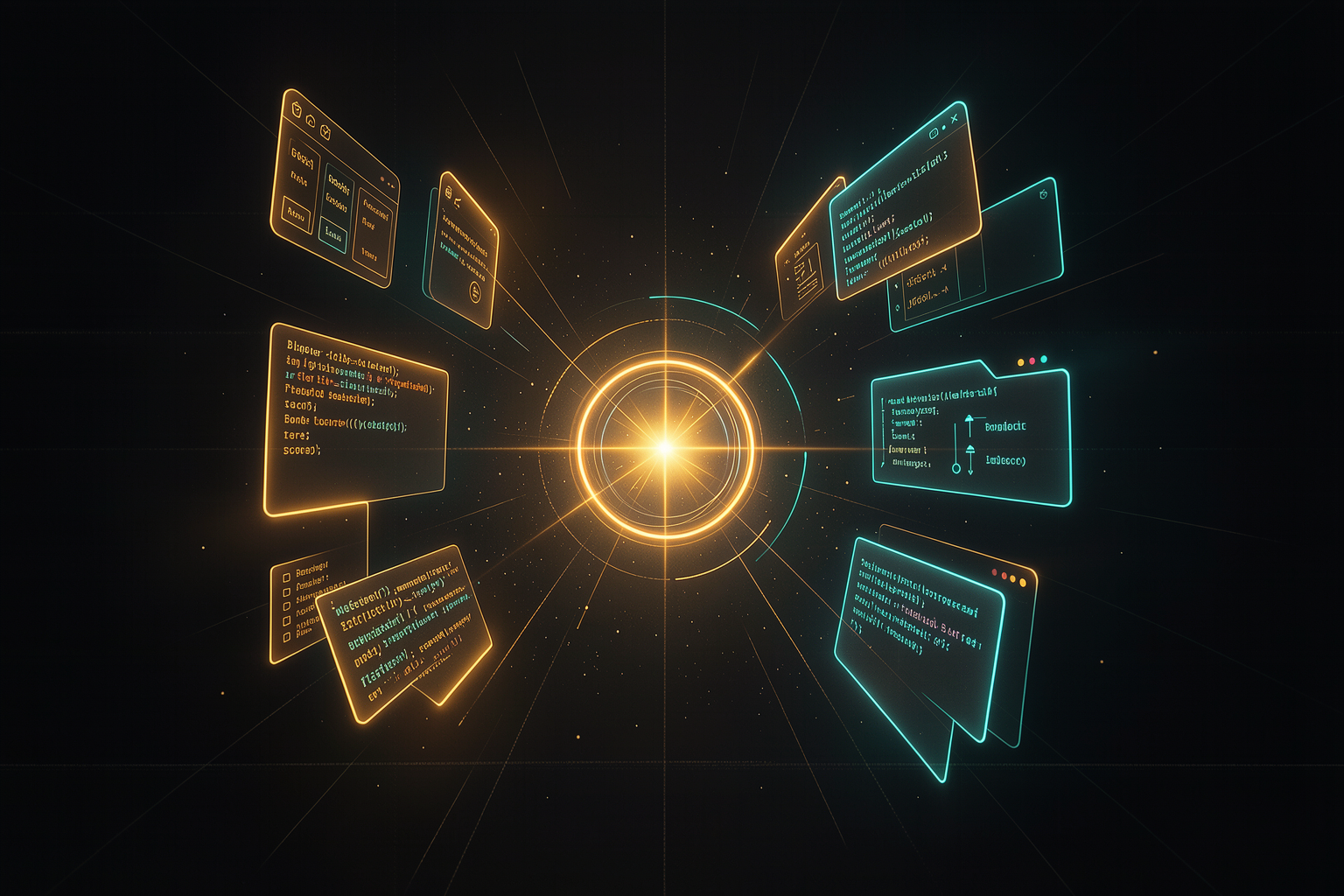
You give the commands; the agents build in parallel; the result goes live.
How this course works
You give commands in natural language
Instead of dragging blocks or writing code by hand, you describe what you want. AntiGravity writes and edits the code on your computer.
Agents build in parallel
Treat agents like employees: each with their own task, running at the same time. You review and approve the plans before execution.
Publish and maintain
From localhost to the world: GitHub, deployment on Vercel, protected keys, rollback, and professional QA before delivery.
Each module includes: explained concepts, step by step, a practical example, a hands-on exercise, and ready-to-copy prompts. Mark each section as read—your progress is saved in the browser.
The 5 tracks
Fundamentals
What AntiGravity is, when to use it vs. no-code, and a complete environment setup. 3 modules.
Build & Publish
From the problem to your first app on localhost, then secure deployment and maintenance. 2 modules.
Scale production
A cloning system for building lots of websites and moving everything to GoHighLevel/WordPress. 2 modules.
Professionalize
Professional workflow and delivery with QA, security, and an application model. 2 modules.
Mastery & Library
The CODA framework for coding like a professional and the library with all the course’s ready-to-use skills and prompts. 2 modules.
Skills & Prompts Library
The entire course comes with ready-to-download, adaptable artifacts: the Cloning Skill, the GoHighLevel conversion Skill, the Ultimate Debugger Prompt, the MCP configuration, the claude.md template (CODA), and the QA Pre-Flight checklist — plus a prompt library for every step.
View the library →