Local creative studio · 5 providers
73 image and video models, one contract only.
The keys stay on your machine, the prompt is editable before you spend anything, the files are yours, and every cent is shown.
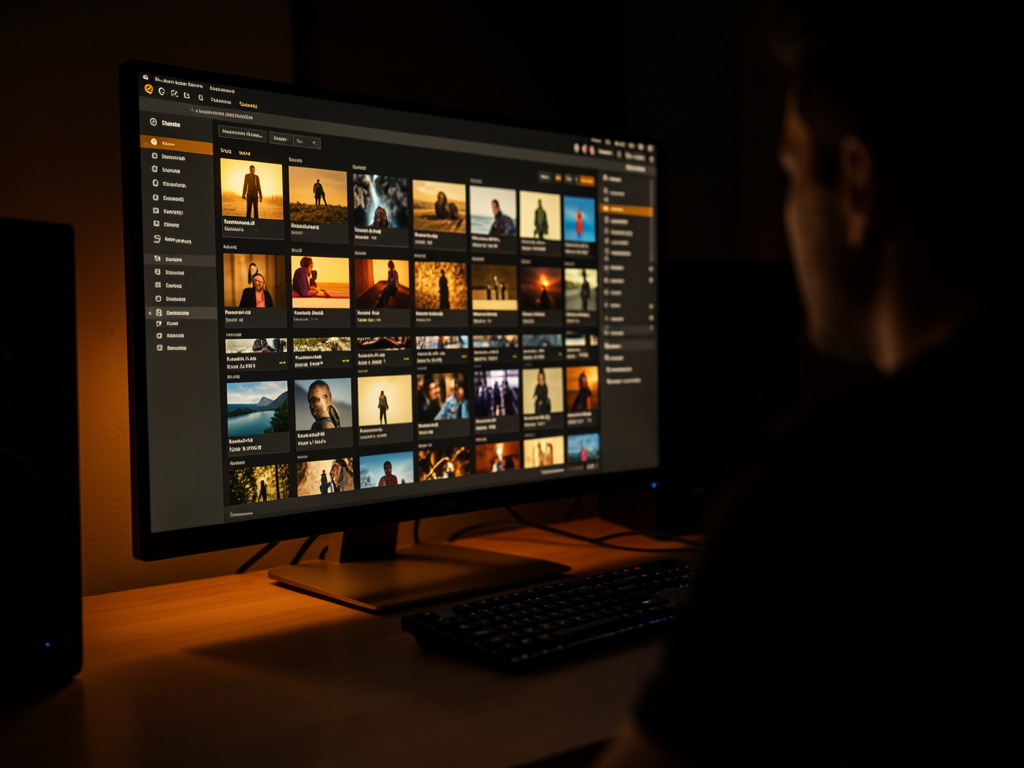
The keys stay on your machine, the prompt is editable before you spend anything, the files are yours, and every cent is shown.
It stores your keys, knows the format each model expects, rewrites the prompt in that model’s style, submits it, tracks it, downloads the file, and records the cost. None of this is difficult—and that’s the point: it’s exactly the layer wrapper services charge a subscription for.
fal, Kling, Agnes, kie, and a local server on your GPU all run behind the same adapter. None is required: anything missing shows as unavailable with the reason, and the studio starts up anyway.
Three units that can’t be added together—dollars, plan credits, and zero. Actual usage is measured by the account balance change, and anything that can’t be known before running is marked as unknown instead of guessed.
Routing, catalog, pricing, availability, and retries are deterministic code. The model is a tool hired for a specific task, never a manager—that’s why costs are predictable.
The same workflow applies whether you use the screen or connect an agent through MCP.
The rewrite is displayed and editable before before you spend. It’s the cheapest place to catch a misunderstanding — after you submit, fixing it costs another round.
Gemini, then OpenRouter, then local Codex. With a single refiner, its quota takes down the entire studio—that’s what happened in production, which is why it became a chain.
All media is intentionally mirrored locally: provider URLs expire (24 hours on Kling, temporary on Agnes). What you generated won’t disappear when the link expires.
| Provider | Models | How it charges | What you need |
|---|---|---|---|
| fal.ai | 37 | dollars, live pricing | FAL_KEY |
| Kling | 26 | plan credits | Official CLI with OAuth login |
| Agnes AI | 4 | zero | AGNES_API_KEY |
| kie.ai | 4 | credits | KIE_API_KEY |
| inemaimg | 2 | zero (your GPU) | local server running |
Node is the only real requirement. Every provider is optional and degrades gracefully on its own—a missing key makes those models unavailable, with the reason and how to fix it, and the studio keeps opening.
Node 24 is recommended because the studio uses node:sqlite native — no external database, no service to start.
node -v # v22.5 or later
To generate anything. Start with the free options if you want to experiment without spending.
# free, no card required
apihub.agnes-ai.com  # Agnes
A refiner (Google AI Studio or OpenRouter); Chrome to print PDFs; Codex or Claude Code for the agent-based website builder.
# without a refiner, the prompt goes through as-is
# — and Agnes rejects non-English
Real commands, in order. From scratch to the first generated file takes a few minutes—most of that is the npm install.
No build step: the studio runs directly from the code.
git clone https://github.com/inematds/bench-studio-en.git
cd bench-studio-en
npm install
O .env.example documents the 19 variables: what each one unlocks, how it’s billed, and where to create the key. Fill in only the ones you have.
cp .env.example .env # .env is ignored by git
Starts the API and interface together. The interface is served from localhost:5200 and the API at localhost:8787.
npm run dev # opens at http://localhost:5200
Button Config, at the top right. It shows each variable: whether it's present, where it came from, and the last 4 characters — never the value. You can test each provider there and save the .env without leaving the screen. For security, it only accepts saves from someone on the machine itself.
# reading order, strongest to weakest
exportado no shell  >  .env do projeto  >  ~/.env
73 models is a lot to scroll through. In Model catalog, filter by provider, and turn off what you won't use. It's a preference, not a block: the model disappears from the selectors, but a Redo from an old result still works.
# restore factory settings: delete the file
rm data/catalog-prefs.json
The button No cost enables exactly the zero-cost models. Use them to find a prompt that works; then spend on the model that renders best.
# 6 zero-cost models: Agnes (4) + local server (2)
Comes without a password, intentionally — talking to your own machine shouldn't require one. If you expose it on the network, set one: it's stored as a scrypt hash, and changing the password kicks out anyone who's already signed in.
npm run set-password            # prompts without echoing
npm run set-password -- --remove  # removes the password
By default, only the machine itself can access the studio. Opening it to the outside takes three things—the interface listening on the network, the firewall rule, and remembering to undo both. One command does it all, and the close undoes exactly what the open did.
./scripts/remote.sh open     # publishes to the machine's IP
./scripts/remote.sh status   # open or closed, and with what protection
./scripts/remote.sh close    # switches back to local-only
O open prompts you for the password before opening. Say yes and it calls the set-password; reply n and the studio opens without a password, which is the default. The offer exists for a hard reason: the password is set only on the machine itself — over the network it’s 403, even when already logged in. This rule prevents someone who finds the open port from setting their own password and locking you out. On a VPS, the right order is npm install → npm run set-password → remote.sh open. The API port (8787) never is published.
./scripts/remote.sh open --ip 203.0.113.7  # only this address
./scripts/remote.sh open --firewall        # enables ufw (SSH allowed first)
The tab Connect provides the ready-to-use MCP configuration for Claude, Codex, and Cursor. The agent sees the same lineup of models you do — not a parallel list.
npm run mcp # MCP server over stdio
The contracts run in seconds. The end-to-end test uses a real browser and requires Playwright’s Chromium once.
npm run test:contracts   # 30 tests
npx playwright install chromium && npm run test:e2e
Things learned by running the studio for real, not by reading provider documentation.
You can edit it before submitting. Fixing it there is free; fixing it afterward costs another generation.
With just one, a quota getting exhausted takes everything down—and the symptom shows up far from the cause: Agnes starts rejecting requests because of Portuguese.
Every result includes the model, controls, refined prompt, original idea, and attachments. Redo restores everything so you can change one thing without paying for another rewrite.
Veo, Nano Banana, gpt-image, and gemini-image appear through more than one provider, with different accounts: dollars on fal, plan credits on Kling. The provider appears next to the name — it’s a real choice, not a duplicate.
Every Kling job is charged, including failed ones. Nothing is resubmitted unless you tell it to.
Each file is mirrored locally: ~1.3 MB per image, 0.7–5 MB per video. The idle studio uses 274 MB of RAM and almost no CPU.
Codex and Claude Code write the files and fix their own errors. Pure model engines (local Qwen, OpenRouter) don't need a sandbox and cost nothing, but require more supervision.
A website or PDF you created calibrates the finish—tokens, fonts, palette, corner radii. Branding, text, structure, and files are never copied.
The default stance is as locked down as possible without getting in the way: everything on loopback, no password, and nothing leaves your machine except calls to the providers you configured.
Read on the server, never returned to the interface. The screen shows presence, source, and the last 4 characters. The .env is saved with owner-only permissions.
Even with a valid session, changing a key or password over the network is rejected. The check survives the development proxy: a forwarded origin is only accepted when the socket is already local.
scrypt hash, cookie httpOnly, 12-hour session. It protects the API and generated files. Hiding the interface shell too is the job of a reverse proxy, not this process — and that's stated in the documentation, not hidden.
In order of what offers the most protection. The open is a testing posture: traffic over plain HTTP, readable along the way.
| # | What to do | How |
|---|---|---|
| 1 | Password-protect the installation | npm run set-password before of the open — over the network, you can’t, even after logging in |
| 2 | Keep the API on loopback | is the default; BENCH_API_HOST=0.0.0.0 is a conscious opt-out |
| 3 | Restrict who can access it | remote.sh open --ip <seu-ip>, or Tailscale (no open ports) |
| 4 | Enable the firewall | remote.sh open --firewall — and check the VPS dashboard too |
| 5 | HTTPS in front | nginx/Caddy + Let's Encrypt serving the dist/ and proxy for 127.0.0.1:8787, with X-Forwarded-For |
| 6 | Your own user, not root | systemd unit, .env in 600 |
| 7 | Close when finished | ./scripts/remote.sh close — forgotten exposure is what costs credits |
What’s ready has been measured; what remains to be done is listed without a promised date.