Claude + Codex · one shared context
Your context in one place that is yours
Claude, Codex, or the next model all work with the same context. When a better AI comes along, just plug it in.
Claude, Codex, or the next model all work with the same context. When a better AI comes along, just plug it in.
This is a free kit for keeping your business context (what you do, your voice, your audience, your rules) in a private repository that belongs to you, rather than inside an AI app. Claude and ChatGPT/Codex read and write in the same place, so you avoid diverging copies and dependence on one company. The kit includes a folder structure, one instruction block for both apps, ready-to-use prompts, and a checker that blocks passwords and databases before upload. All you need is a free GitHub account and Claude or ChatGPT.
AI apps now work in their own cloud. Great for always-on access; a problem when your context gets stuck there.
Where the work runs: Claude, Codex, or the next AI. It changes; the rest stays.
Git, MCP connector, or API. Each app needs its own permission to connect.
Your business files in a private repository. Change the AI; keep the source.
First clone the kit. Run the commands from inside its folder.
git clone https://github.com/inematds/camada-contexto
cd camada-contexto

When you upload your context separately to each app, two versions of your business emerge. They drift further apart each week, and whoever holds your context keeps you tied to them.

Files change little: business, voice, audience, decisions, skills. Keep them as markdown in the repository. Live data changes constantly: tasks, clients, records. Put it in a cloud database (such as Supabase), never in a folder of files.

On your own or in a small team: GitHub, free, private, with a history of every change. Non-technical team: Notion, built for people to edit together. Drive: first check that the app connector can edit files, not just read them.

Create a private repository on GitHub. Generate its structure with the kit, fill it in, and check it before uploading. If you already have a context folder, use the prompt to have an agent copy everything to the right place.
scripts/iniciar.sh ~/minha-empresa-contexto
python3 scripts/checar_contexto.py ~/minha-empresa-contexto
# OK: 0 block(s) … — passwords, databases, and spreadsheets are blocked
cat prompts/copiar-contexto.md
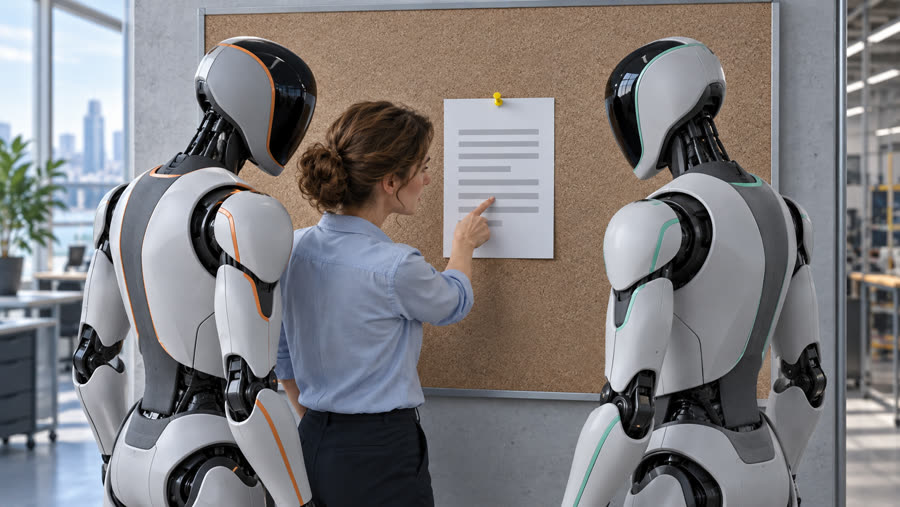
Connect GitHub in Claude and ChatGPT/Codex, then paste the same block into each app’s project instructions: the repository is the source of truth, read before acting, write on main, ask before deleting, and never save passwords.
cat instrucoes/bloco-projeto.md
What automatic memory has learned about you should not stay trapped there. Put rules in contexto/regras.md; process steps in a skill; business facts in the business file.
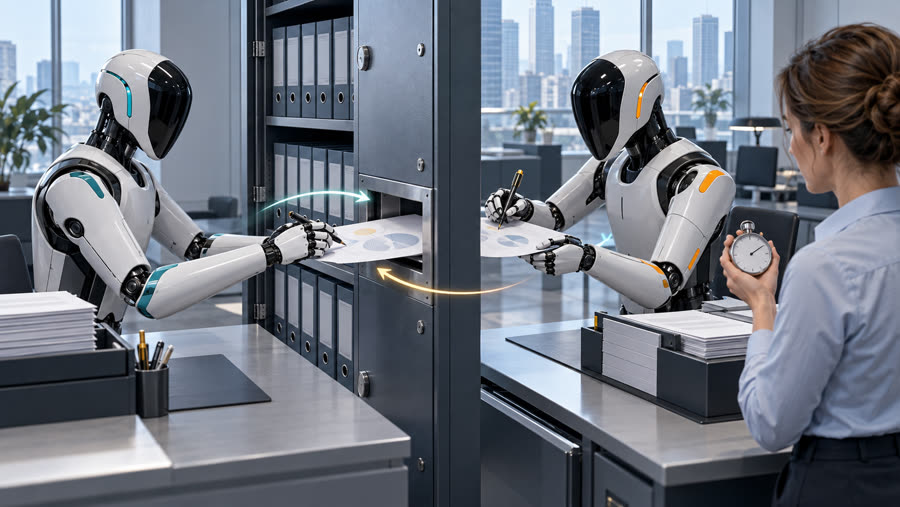
cat prompts/memoria-para-arquivos.mdOne creates, the other edits. If both can do it, the bridge works in both directions.
Ask Codex to create entregas/teste-ponte.md in the repository.
Ask Claude to open the same file and add a line.
Does the file have both lines? Then both agents are working with the same context.
cat prompts/teste-dois-agentes.md
The full explainer with illustrations and animated screens, plus a short reel to share with someone who needs it.
Full video (16:9)
Reel (9:16)
AGENTS.md, CLAUDE.md, and the contexto/ folder with business, voice, audience, rules, decisions, and skills.
The single block to paste into Claude and ChatGPT/Codex projects.
Copy the context, run the two-agent test, and move memory into files.
iniciar.sh creates the structure; checar_contexto.py blocks passwords and databases.