Recording is the easy part. Editing is what eats up the week. This free kit teaches Claude Code (Anthropic's AI that works inside your computer) to edit your videos your way. You show it about 5 videos whose editing you admire, and it writes down your style in numbers. You get a single prompt with all 5 steps: Claude stops after each one and waits for your yes. It also comes with ready-made sound rules, one consistent look for B-roll images and a checklist, and every correction becomes a rule. It's for people who record lessons, for small businesses that post video and for content creators. You need a computer, the paid Claude subscription and two free tools that Claude installs once you say yes.
From raw footage sitting in a folder to a video in your style
😩 Today
Recording is over quickly, and then you spend the night in the editing program: cutting pauses, hunting for images, fixing the volume. Or you pay an editor and explain your style all over again for every video.
The video runs late, or never comes out.
😌 With the kit
You hand over the raw footage. Claude cuts it, builds the graphics and text in your style, adds the B-roll images you approved and fixes the sound. Claude itself does the work; the kit provides a single prompt with all 5 steps, sound rules, one consistent look for B-roll images, a checklist and the cutting and review tools. You watch, comment at the exact second and it fixes it.
What you corrected today becomes a rule. On the next video, it gets it right from the start.
What each person gets
For people who record now and then or every week and don't want to spend the night editing.
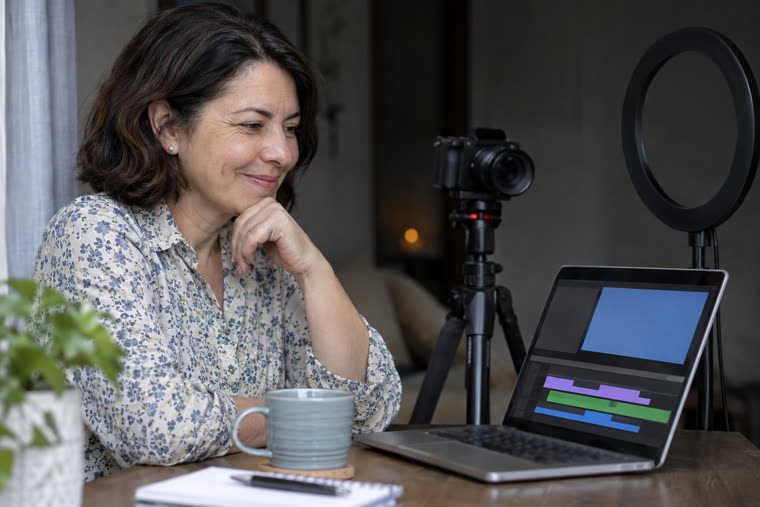
🎓 You record lessons or courses
You get: every lesson with the same look, without editing them one by one. Cuts, on-screen text and volume follow the same rules.
Plus: you record with more peace of mind. If you flub a sentence, say "command, cut that sentence, command" and it comes out in the edit.
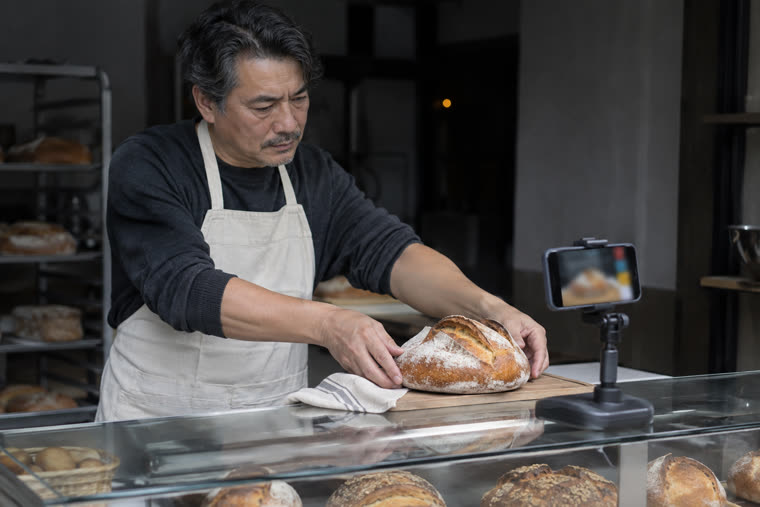
🏪 Small business that posts video
You get: your product video done without hiring an editor and without learning an editing program.
Plus: vertical video for social media follows the same system, with its own rulebook.
🎙️ Content creator
You get: your style written in numbers, independent of anyone's mood or editor: how many seconds between image changes, how many words on screen, when the first graphic comes in.
Plus: every new video starts from the rules you've already written, not from scratch.

🙂 Just curious
You get: your trip or family video edited so it looks like a good video, without opening an editing program.
Plus: you see firsthand how an AI works on your computer, following rules you wrote.
How this changes your recording day
🎤 "I flubbed a sentence mid-recording"
Today: you stop, re-record and later hunt for the right take while editing.
With the kit: you say "command, cut that sentence, it came out badly, command" and keep going. Claude finds the order, follows it and removes those words from the video.
🖼️ "The video is just my face talking"
Today: you lose hours in stock image libraries, or give up.
With the kit: Claude lists where a B-roll image would help and what it would show. You approve the list, and only then is it made in the image generator you already use.
📝 "Somewhere in the middle there's a part…"
Today: you describe the fix from memory and the person can't find the spot.
With the kit: you watch at 2× or 3× speed, press a key where you want a change and type. Each comment is pinned to the exact second.
🔊 "One video is loud, the next is quiet"
Today: viewers adjust the volume on every video.
With the kit: your voice always comes out at the same volume level and the music always stays below it. Effects come from your own sound library.
⏰ A morning with your first video (an example, not a measurement)
- 9:00You pick 5 videos whose editing you admire.
Not the subject: the editing. Claude looks at frames every few seconds and gives you back your style in numbers. - 9:30You hand over the raw footage.
It cuts pauses and repetitions, follows the "command … command" orders and builds only the first minute. - 10:00Two or three rounds on the first minute.
"Smaller text", "graphic earlier". When you like it, it saves what changed into your style. - 10:30You approve the B-roll images and it does the rest of the video.
All in the same style, so they look like a series. - 10:50You watch at 2× and comment at the exact second.
It applies each comment, adds your sounds and fixes the volume. - 11:00Corrections become rules.
On the next video, you hand over the raw footage and just say: "new video, start with the first minute".
Five steps, no jargon
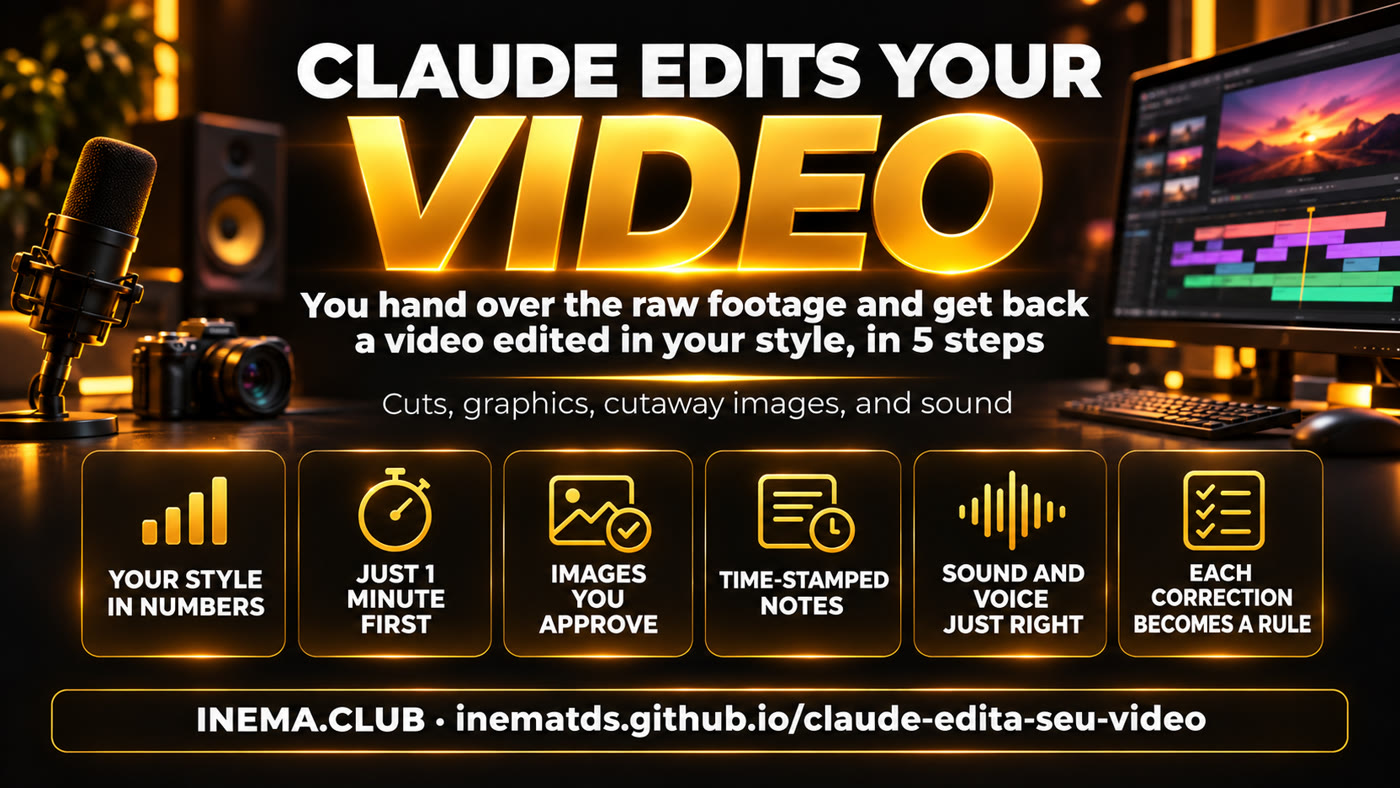
Your style, written in numbers
It's like handing over a written recipe instead of saying "make it the way I like it". You gather about 5 videos whose editing you admire, and Claude measures what they have in common: how many cuts per minute, the size of on-screen text, the 5 main colors, when the first graphic comes in and where each sound lands.
Just the first minute, first
It's like tasting the seasoning before serving the whole pot. It edits the first 60 seconds, you say what isn't quite your way and, in 2 or 3 rounds, the style locks in. Only then does it do the rest. It shows everything it cut (the words before, the ones cut and the ones after) and you say "put it back" for anything you want to keep.
B-roll images you approve first
A B-roll image is the one that appears while you talk: the hand on the coffee, the road, the card on the table. It's like approving the menu before heading to the kitchen: Claude proposes the ideas first, each with its sentence and cost. You approve, it makes a still image, and only the chosen ones get motion, because a clip costs many times more than an image. Whatever image or video generator you already use will work; the kit doesn't depend on any.
Polish: comments, sound and cutout
The kit includes a review page that opens in your browser, no internet needed. You watch at 2× or 3× speed and, wherever you want a change, press the C key and type. It's like sticking a sticky note on the right second of the video. Claude applies the comments one by one.
Every correction becomes a rule
In the next conversation, the AI remembers nothing. That's why the kit has a rulebook that only grows: at the end of each video, Claude turns what you corrected into one short line, and reads that rulebook before editing the next one. That's how the second video gets done faster than the first.
Bonus: Shorts at a creator's pace
Claude studies a creator's 5 best short videos, frame by frame, and cuts your vertical video at the same pace. It copies the rhythm, not the look: the font, the color and the face stay yours.
⚠️ What the kit does NOT promise
- It doesn't edit without you. You approve the style, the first minute and the image list. That's on purpose: generating images costs credits in the generator you use.
- The first video isn't instant. Count on about 2 hours, between style, editing and rules.
- It doesn't make images on its own. It writes the prompt for each image; the generator you already have creates it.
- It doesn't rescue bad audio. If your recording has noise or echo, run it through a voice cleaner first. People forgive a simple picture; bad audio, they don't.
- Background swapping isn't for the whole video. Only for short stretches.
The shortcut: a single prompt
Replace what's in [brackets] and paste it into Claude Code, opened in your video's folder. It goes through the 5 steps and stops after each one, waiting for your yes. Rather take it slow? Use one prompt per step, from the kit's prompts/ folder.
You are my video editor. The camera footage is at [bruto/camera.mp4]. The screen recording is at [bruto/tela.mp4 or "I don't have one"].
The editing references are in inspiracao/. My sound effects are in sons/.
Work in 5 stages. Show me the result of each one and wait for my yes before the next.

ALWAYS
- Never delete or overwrite any of my files. Every new version is a new file.
- Before anything that costs money or credits, ask me and tell me the cost.
- If you're not sure, say "I'm not sure". Don't call a stage done without checking it.
- Read estilo/meu-estilo.md and regras/ before editing.

BEFORE STAGE 1: MY STYLE
If estilo/meu-estilo.md doesn't exist yet, study the references in inspiracao/ and measure typography, spacing,
pacing, graphics, B-roll and sound, with numbers. Save it to estilo/meu-estilo.md.

1. HANDOFF
- Create a new folder for this video.
- Sync the camera and the screen recording by sound.
- Clean the voice first. Then transcribe it with the timing of every word.

2. REFINE
- When I say "command", an order and "command" again, the words in between are for you. Do what I asked and
  cut that speech.
- Cut retakes, repetitions, stumbles, long pauses and filler words. The last take wins.
- Edit only the first 60 seconds, in my style. Wait for my notes. Then do the rest.
- Show every cut: the words before, the ones cut and the ones after.
- Graphics: one graphic, one idea. Few words, large type. Each one comes in on the word it explains.
  Real screens and brands. Never cover my face. Save every new graphic in graficos/.

3. B-ROLL
- Read every sentence. Suggest an image where it explains better than my face: the sentence, the image and the cost.
- Don't generate anything before my yes. Still image first. Motion only for the chosen ones.
- One look for all of them: the finish from ferramentas/acabamento.py. Never change how I look.

4. POLISH
- Sound effects on a separate track, following regras/REGRAS-SOM.md. Don't touch my voice track.
- If I ask, cut out my background or swap the object in my hand using the generator. Short stretches only, near the
  beginning. Check hands, shoulders and microphone.
- Make a 60-second sample first.

5. SYSTEM
- Use the ferramentas/revisao.html page now. Later, build the full version (prompts/05-sistema.md) on my computer: 1x, 1.5x, 2x and 3x player, a timeline with cuts, graphics,
  B-roll and sounds, and a notes box that saves each note with the exact second.
- Every note that applies to future videos becomes a rule in regras/REGRAS.md. Read the rules before every edit.
- Save all of this as a skill called [my-edit]. Next time I'll give you the files and say "edit this one".

Reply in English.
The same text on GitHub: prompts/00-mestre.md (in Portuguese).
Ask Claude to set everything up
Apart from Claude Code, you don't install anything by hand or need to understand the files. Claude reads the kit, sets up your video folder and walks you through step 1, without editing anything before your yes.
1. Open Claude Code in the video folder
Claude Code is Claude's assistant that works inside your computer. It comes with the paid Claude subscription and has versions for Windows and Mac. You can chat with it in English.
How to open it in the folder: put the video in a folder of its own. In the Claude app, go to the Code tab and choose that folder.
2. Paste the request below
It tells Claude to read the kit, copy what's needed into your folder and tell you which references to gather.
3. Say yes to what makes sense
It explains each step before doing it. You gather the references, hand over the raw footage and approve the first minute.
🧰 Don't have Claude Code yet?
It's an assistant you install once on your computer (Windows or Mac) and it comes with the paid Claude subscription. Its page has the download button and step-by-step instructions: Claude Code.
You don't need to understand the text below: it's for the AI. Copy and paste.
Read the "Claude edits your video" kit at https://github.com/inematds/claude-edita-seu-video
(README, CLAUDE.md, prompts/ and ferramentas/).
1. Copy CLAUDE.md, the regras/ folder and the ferramentas/ folder into this folder.
   If any tool is missing on my computer, tell me which one and what it's for before installing it.
2. Explain the kit's 5 steps to me in plain language.
3. Walk me through step 1 (prompts/01-estilo.md): tell me what to put in the inspiracao/ folder
   and where to put my raw video.
Don't edit anything until I tell you to.
Reply in English.
🌐 Just want to use it without installing anything?
There's no online version. The kit works on your computer, with your videos, because that's where the raw footage, the references and your sound library are.
⬇️ Where do I download the program?
There's no installer: the kit is a small folder with the requests for each step, the review page and three small tools (one finds your spoken orders, one cuts the pauses, one applies the finish to B-roll images). The request above already tells Claude to download it. If you want the files:
🔒 What about my videos?
The video stays on your computer. But what Claude reads in order to edit (the speech transcript, the frames it looks at) goes through Claude's service. If your video is confidential, keep that in mind.
🛠️ Technical and prefer doing it by hand?
The commands, tools, prerequisites and tests are in the GitHub README.
One screen, to tick off
Tick each line as you go. Your ticks are saved in this browser.
0 · Prepare
1 · Style
2 · First edit
3 · B-roll
4 · Polish
5 · System
Tested before reaching you
Checked on November 27, 2026, on a Linux computer: the tests pass, the pause cutting ran on a real video and the finish on a photo and a clip. We haven't tested on Windows or Mac yet.
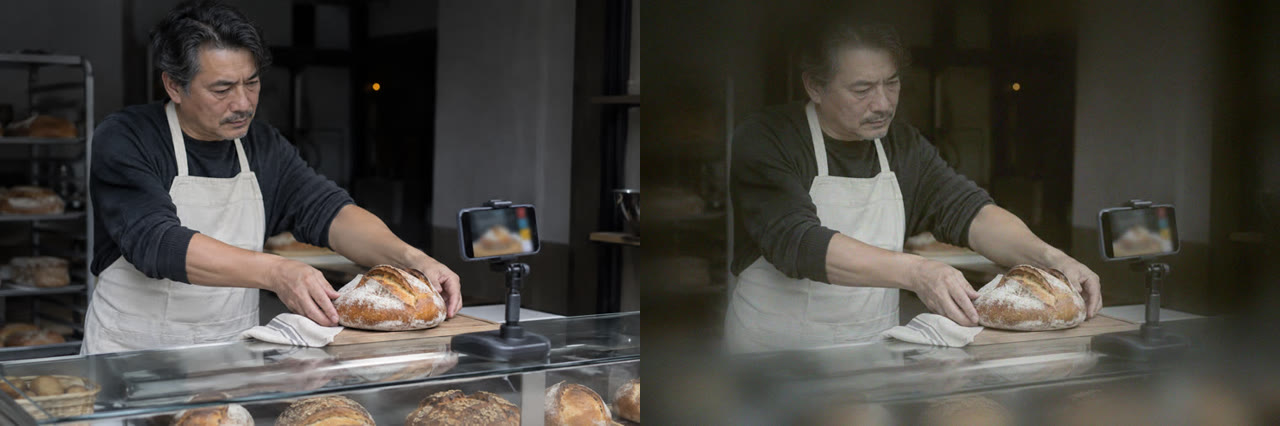
- Why did it cut so little?
The test video was of an avatar, and an avatar's voice has almost no pauses. In a camera recording, with hesitations and breaths, there's much more to cut. - What the proof shows.
That the path speech → segments → cut video works on its own. Style, images and sound depend on your references and your approvals.
The details of the proof are in exemplos/prova-real.md (in Portuguese).
Before you start
Do I need to know how to code?
No. You paste the requests and chat in English. The commands are in the README, for those who prefer doing it by hand.
Do I need an editing program?
No. Besides the kit, there are two free programs that Claude installs once you say yes: one turns your speech into text with the timing of every word, and the other cuts and joins the video. It may take a few minutes the first time. Claude checks whether you already have them and asks for your yes before installing.
How much does it cost?
The kit and this guide are free. Claude Code comes with the paid Claude subscription. If you generate B-roll images, the generator you use may charge credits. To spend less: still image first, motion only for the chosen ones; graphics and finish are made in code, with no credits spent.
Do I need paid sound effects?
No. Any folder of sounds on your computer works, whether free or from a library you already subscribe to.
Does it work with the image generator I already use?
Yes. The kit doesn't depend on any: Claude writes the prompt for each image in your style, and you generate it wherever you prefer, connected to Claude or on the generator's website.
Does it work for vertical social media video?
Yes. It's the same system, with its own rulebook for vertical video, already included in the kit: face at the top or bottom, text in the center, up to 60 seconds.
What if I don't have references?
Pick videos on any subject whose editing you like. What counts is the pacing, the on-screen text and the sound, not the topic.
And you: how many hours of your week does editing eat up today? The kit is free at inema.club, right on the web.