Claude Code · mods kit
Make Claude Code yours
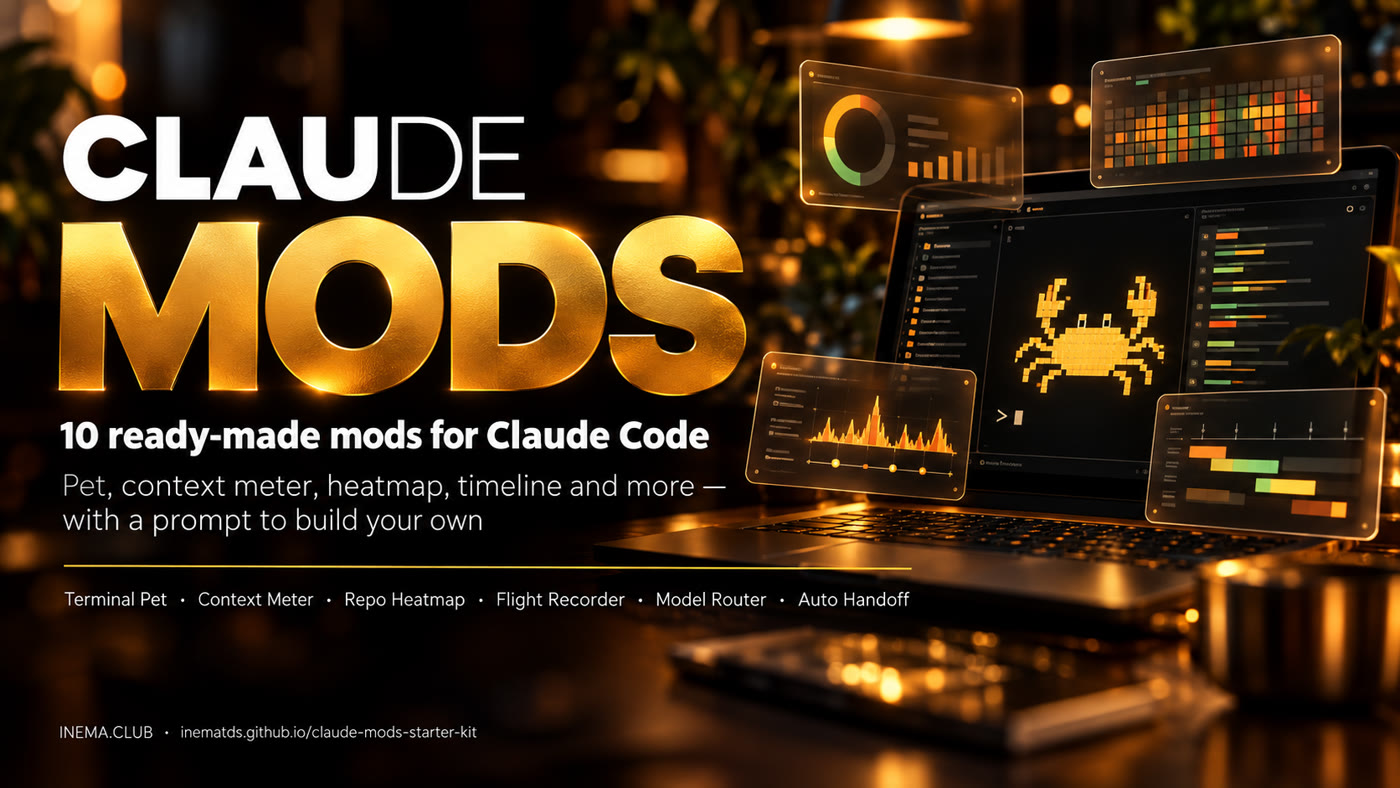
Ten ready-made mods, with source code, tests and a complete prompt so you can build your own. A pet in the terminal, a context meter, a file heatmap, a timeline and more.
Ten ready-made mods, with source code, tests and a complete prompt so you can build your own. A pet in the terminal, a context meter, a file heatmap, a timeline and more.
The Claude Mods Starter Kit is a community project by Prompt Advisers (MIT license), mirrored here at INEMA. It includes ten real plugins, a marketplace to install them, test scripts and a fictional demo project so you can experiment without touching your own work.
Source code, manifests and tests for every plugin. 124 unit tests passing on version 1.0.0 (Claude Code 2.1.287).
In the prompts/ folder, one specification per mod: behavior, controls, failure cases and acceptance criteria. Paste it into Claude Code and it builds the mod.
scripts/try.sh creates a temporary folder with the demo project and opens Claude Code with only the mod you chose. Your settings do not change.
Claude Code signals that something happened (it read a file, finished a tool, measured the context, redrew the screen). The mod's code handles that event and changes what you see or how the work flows. The pet does not need a new AI answer for every frame: it is code reacting to events.
Some mods only draw information. Others write files (Auto Handoff, Bookmarks) or change which model runs (Model Router). Each mod's guide says which is which.
Each mod has its own guide in guides/ with installation, controls, a demo prompt, how to turn it off and its limits. The commands below are typed inside Claude Code, one at a time.
A pixel-art crab above the prompt that reacts when Claude reads, writes, waits, finishes or fails.
/pet on /pet party /pet name Pixel /pet off
A coral, ink and cream theme for messages and tools, with colors by action type (read, edit, command).
/skin on /skin risk /skin off
Shows how full the conversation is, the session cost and the usage limits available, above the prompt.
# automatic, no commandA map of the project's files that lights up as Claude reads, searches and edits.
/heatmap open /heatmap size lines /heatmap reset /heatmap close
A timeline (Gantt) of turns, tool calls and subagents, with tokens and estimated cost per bar.
/timeline open /timeline turns 5 /timeline clear /timeline close
Sends subagent work to Sonnet (or Haiku) while the main conversation stays on its own model.
/router on /router mode subagents /router sonnet /router off
A panel with the files created in the session: copy the path, open, and reveal in Finder (open/reveal on macOS only).
/tray show /tray list /tray copy 1 /tray close
A receipt of what was created, edited and deleted in a turn, separating what worked from the attempts that failed.
/receipt on /receipt last /receipt open /receipt off
Saves a title and a note together with the project and session, so you can find the conversation again and resume it.
/bm save Login walkthrough /bm list /bm find login /bm resume 1
Writes a summary of progress, decisions and next steps to the project (default: at 85% of context) so the next conversation can pick up where this one left off.
/autohandoff now /autohandoff threshold 85 /autohandoff resume /autohandoff off
These are mods for Claude Code (the CLI or the Code area of the desktop app), not for the regular Claude chat or a browser extension. The scripts use Bash and Python 3. On Windows, use WSL.
With plugin support and a compatible plan or API account.
claude --versionRequired to install from the marketplace.
git --versionFor the try.sh, manage.sh and check.sh scripts.
python3 --versionStart with Terminal Pet, which only draws on the screen. Then add whatever makes sense for you. Router and Handoff change behavior, so choose those carefully.
Clone the repository. To read everything without installing anything, open VIEWER-GUIDE.html in your browser or the PDF CLAUDE-MODS-VIEWER-GUIDE.pdf.
git clone https://github.com/inematds/claude-mods-starter-kit
cd claude-mods-starter-kit
The script copies the demo project into a fresh temporary folder and opens Claude Code there, with only the requested mod. Your plugin settings do not change.
bash scripts/try.sh terminal-pet
# inside Claude Code:
/pet party   # the pet celebrates
/pet off     # hides it
/exit        # leaves the temporary session
Add the marketplace (the original from Prompt Advisers, or the mirror inematds/claude-mods-starter-kit) and install the mod. Then open a new Claude Code session.
claude plugin marketplace add promptadvisers/claude-mods-starter-kit --scope user
claude plugin install terminal-pet@claude-mods-kit --scope user
Run it in the project folder. --scope project writes to the project configuration (it can go into your teammates' git); --scope local stays just for you. Pick one scope, not all of them.
claude plugin marketplace add promptadvisers/claude-mods-starter-kit --scope project
claude plugin install terminal-pet@claude-mods-kit --scope project
From the root of the downloaded kit, after adding the marketplace. all installs all ten, including Router and Handoff. Open one side panel at a time.
bash scripts/manage.sh install user all
bash scripts/manage.sh install user repo-heatmap
demo-project/ is a fictional store with a login flow. Open the heatmap and ask for an investigation: the files light up while Claude works.
/heatmap open
Investigate the login flow, from src/ui/LoginForm.tsx to src/auth/login.ts,
session.ts and tokens.ts. Read the files and explain how the user signs in. Do not edit anything.
This disables only this kit's plugins in the given scope. For a single mod, use claude plugin disable. Close old sessions afterwards.
bash scripts/manage.sh disable user all
claude plugin disable terminal-pet@claude-mods-kit --scope user
Tell Claude five things: which event to watch, what result to show, where it appears, how to turn it off and how to test it. "Make it look nice" does not define reliable behavior.
Open a file in prompts/, copy the whole specification and ask Claude Code to build it in a new folder. Adjust colors and style.
templates/starter-mod counts successful reads and shows the number. Rename the manifest, state and command before turning it into another plugin.
Test in a disposable folder with --plugin-dir, ask for a failure test and an off switch. Remove settings, transcripts and personal paths.
Paste this prompt into Claude Code: it asks, one question at a time, how you work, scores each mod (pain, payoff, ease, safety) and returns your top 3 with a first step. It also has 11 ready prompts (Token Weather, Blast Radius, Next Steps, Pulse…) and a prompt that audits your sessions and suggests 5 mods.
Third-party prompt shared as a free guide; source links checked on Oct 5, 2026.
# typical plugin structure
my-plugin/
  .claude-plugin/plugin.json   # name and version
  hooks/hooks.json             # which module to load
  hooks/starter.mjs            # handles the events
  tests/starter.test.ts        # behavior tests

# validates the whole kit
bash scripts/check.sh
Version 1.0.0, checked with Claude Code 2.1.287 on macOS on October 2, 2026. Host APIs and model availability may change.