PTENES
Claude Code · streamlined sessions

See the actual quota and never lose the thread in the /clear

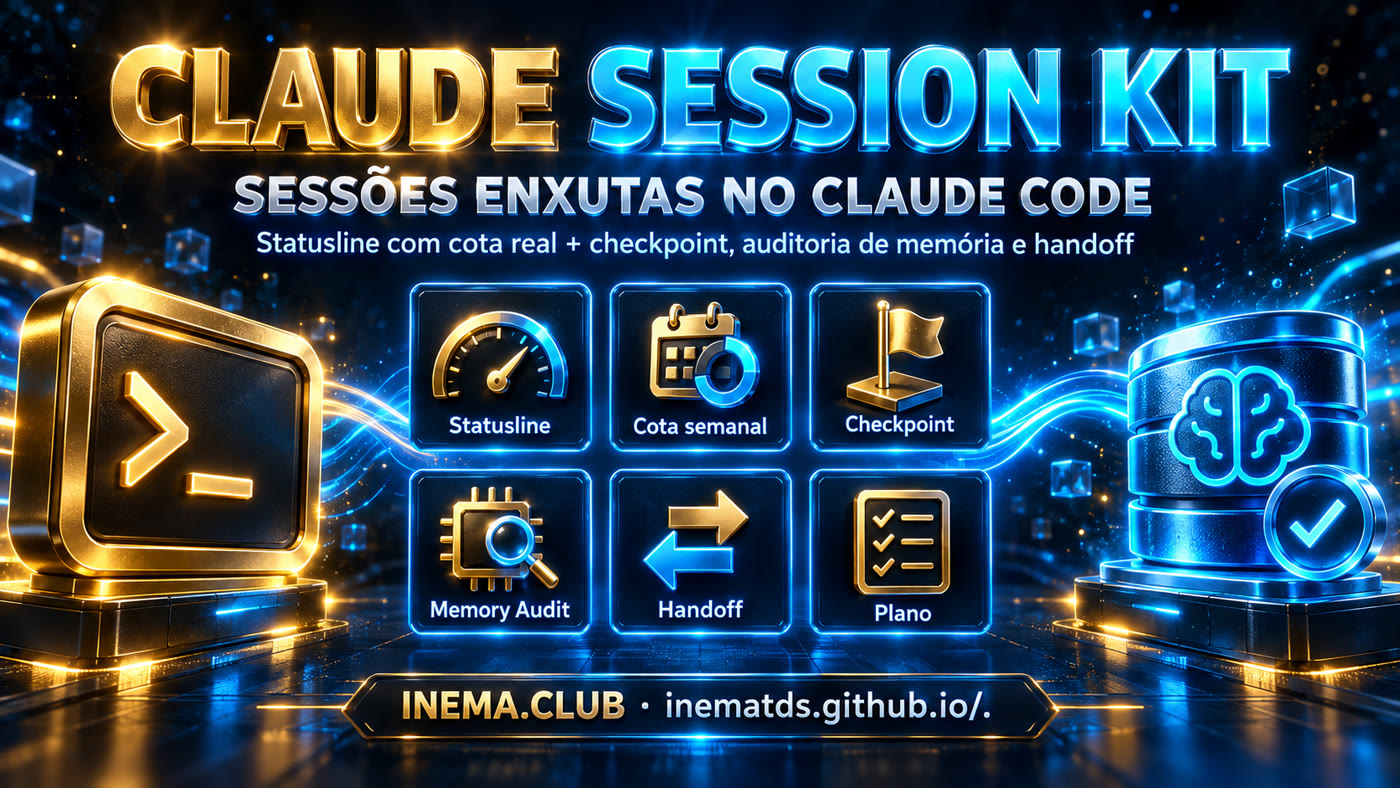
Statusline showing context, 5-hour quota, overall weekly quota, and weekly quota per model. Three skills that complete the cycle: checkpoint, memory audit, and handoff.

Claude Session Kit banner
What it is

Three pieces that work together

The model can’t see its own quota. The bar can. The skills use what the bar shows to decide when to compact, audit, or hand the session off to the next agent.

📊 Statusline with actual quota

Reads the official usage endpoint and displays ctx, 5h, w (overall weekly quota) and F (weekly quota for the model in use, with ! on alert). 300 s cache to avoid hammering the API.

🧩 Session skills

session-statusline (checkpoint), memory-audit (what to keep, compress, delete) and session-handoff (summary for the next agent). Support: maestro-roteador (model and effort) and fable-mindset (playbook from the logs).

🗺️ Optimization plan

Triggers read directly from the bar: context 40/60/80 %, 5-hour quota, per-model quota. Hygiene rules and what to measure to tell whether it’s working.

How it works

A session’s lifecycle

The bar goes up, so you create a checkpoint. Things get noisy, so you audit and compact. Before clearing, hand off the context and paste it into the new session.

work→ ctx increases→ checkpoint→ memory-audit→ /compact→ handoff→ /clear
1

Checkpoint

Quick snapshot: current focus, what was saved × what might become a memory, next steps, and a recommendation (continue, compact, audit, handoff).

2

Memory audit

Inventory of the context and CLAUDE.md. Classifies each item as keep, compress, move, or delete. Only saves changes if you ask.

3

Handoff

Structured summary with absolute paths, background processes, verification commands, and a “pick up here” note. No retrospective.

Prerequisites

What needs to be on the machine

Everything stays local. The script reads the OAuth token from Claude Code itself and only contacts the official usage endpoint.

Claude Code logged in

Login via claude.ai (OAuth). The token is stored in ~/.claude/.credentials.json.

claude # and /login if you aren't logged in yet

jq + curl

The script depends on both to read the payload and call the API.

sudo apt install jq curl

The repo

Clone and paste the prompts, or copy the files manually.

git clone https://github.com/inematds/claude-session-kit.git
User guide · step by step

From clone to a working bar

Each step has the actual command. If you prefer, the repo prompts can do this for you within a Claude Code session.

1

Install the statusline script

Copy the script to the Claude Code folder and make it executable.

cp statusline/statusline-command.sh ~/.claude/statusline-command.sh
chmod +x ~/.claude/statusline-command.sh
2

Point settings.json to the script

Merge the block below into your ~/.claude/settings.json (don't delete the other keys). Or paste statusline/PROMPT.md in a session and let Claude do it.

{
  "statusLine": { "type": "command", "command": "bash ~/.claude/statusline-command.sh" }
}
3

Test the rendering

Run the script with a minimal payload and check the line.

echo '{"cwd":"'$PWD'","model":{"display_name":"Fable 5.1"}}' | bash ~/.claude/statusline-command.sh
# user@host:~/proj Fable 5.1  ctx 41%  5h:2%→19:10  w:69% F:80%!→14/09 21:00  d:40.9M
4

Read the bar

Each field has a meaning and a trigger in the plan.

ctx 41%          # % of context window used in this session
5h:2%→19:10      # 5-hour quota and local reset time
w:69%            # weekly quota for all models (weekly_all)
F:80%!           # weekly quota for the model in use (weekly_scoped) — "!" = alert
→14/09 21:00     # when the weekly quota resets
d:40.9M          # daily tokens, counted from local JSONL files
5

Install the skills

Copy the folders to ~/.claude/skills/, or paste skills/PROMPT-instalar.md in a session.

cp -r skills/session-statusline skills/memory-audit skills/session-handoff ~/.claude/skills/
cp -r skills/maestro-roteador skills/fable-mindset ~/.claude/skills/   # support: model/effort and playbook
ls ~/.claude/skills | grep -E 'session|memory|maestro|fable'
6

Use the cycle

Say these phrases during the session. Each one triggers the right skill.

checkpoint            # or "where are we" → session-statusline
analise a memória     # or "bloated memory" → memory-audit
handoff               # or "I'm going to /clear" → session-handoff, then /clear and paste the summary
qual modelo uso?      # when F: shows "!" → maestro-roteador
analisar minhas sessões # playbook by model from the JSONL files → fable-mindset
Examples

Triggers read from the bar

Do PLANO-OTIMIZACAO.md. The bar is the sensor; the table is the rule.

ctx 40–60 %

checkpoint. Decide whether to compact now or keep going.

ctx > 60 % or repetitive output

memory-audit → apply the trimming plan → /compact.

ctx > 80 %

handoff → /clear → paste the handoff into the new session.

F: with "!"

maestro-roteador decides what goes to the cheaper model (/model or subagent). The rest waits for the reset shown in the bar.

The theory behind the kit is the course Master of Context and Tokens: context rereading, prompt caching, /clear e /compact, handoff and subagents. Plugins compatible with the workflow (not included): context-mode, claude-mem, claudex.
Roadmap

What comes next

Open items noted in the plan.

done
Per-model quota in the barThe API started sending weekly_scoped; the script reads .limits[] and shows F: alongside w:.
next
PreCompact hookRun session-statusline automatically before every /compact.
next
Context colorsGreen, amber, and red at the 40 / 60 / 80 % thresholds.
idea
Single "session-audit" skillChain checkpoint → memory-audit → handoff in a single call.