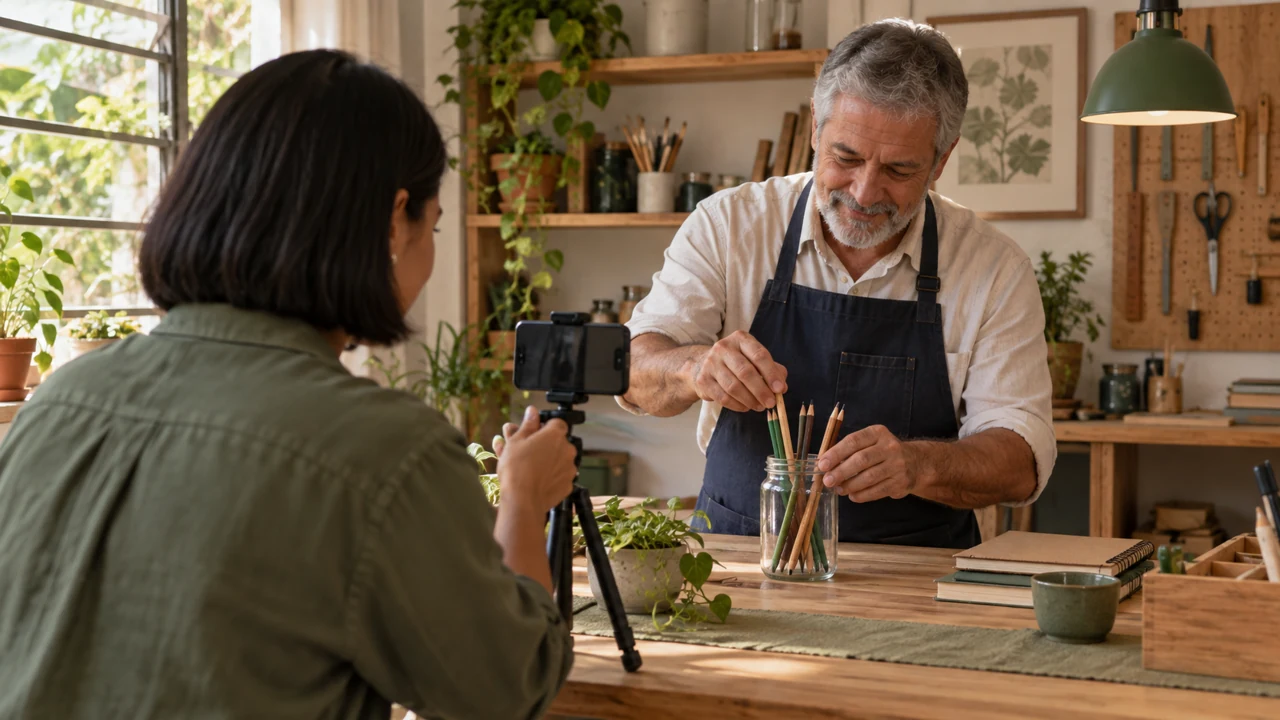
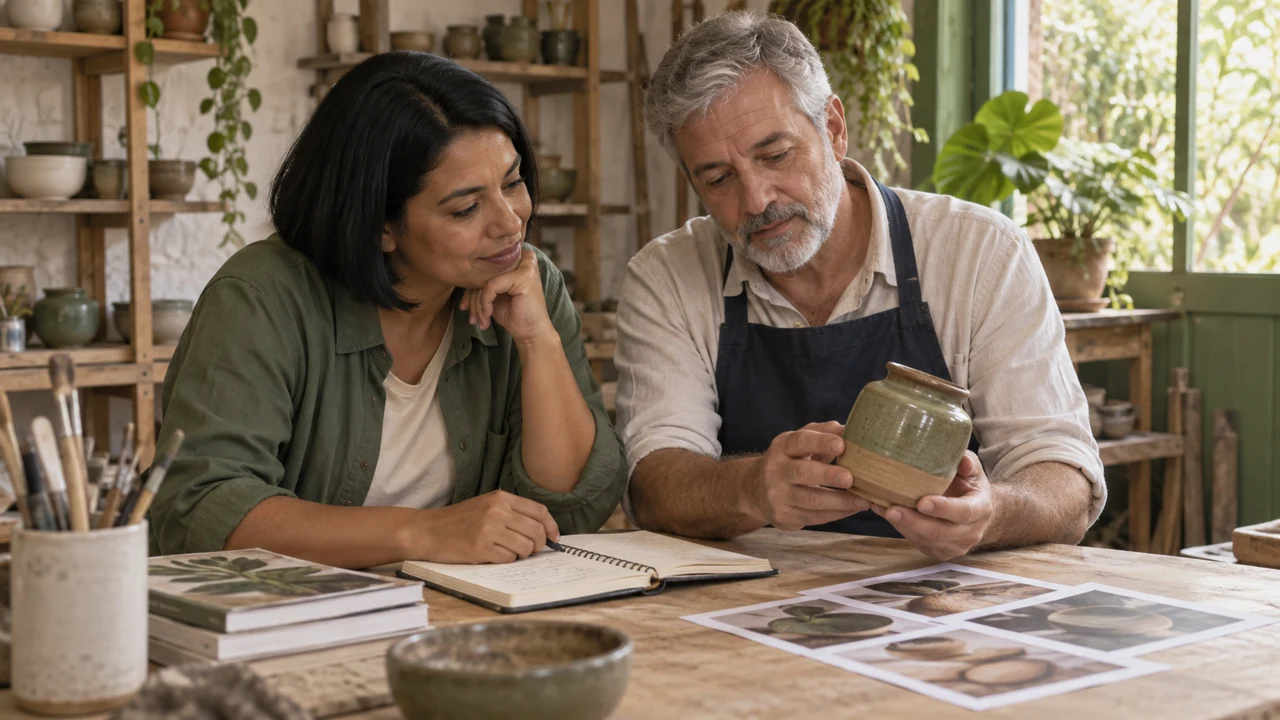
You will leave with three pillars, a seven-day calendar, and one original video published.
A pillar is a recurring content category.
In this example: organize, reuse paper, and show behind the scenes.
The calendar includes production and observation; it does not require seven daily posts.
Set aside 10 to 14 hours to study and create, plus the follow-up week.
Use one main platform and an editor you already know.
The course teaches a testing system.
Going viral depends on factors you cannot control and is not the promised outcome.
Nelson chooses examples he can explain with common materials.
Completed brief · lesson example
1Audience: people with small desks
2Usefulness: organize with available materials
3Limit: simple examples without unverified claims
Use this sheet as a reference. Replace the example with your own project.
3Check the decision against its use
Choose an audience, usefulness, and limits to decide which ideas to make.
Nelson uses the sheet to check the limit: simple examples without unverified claims.
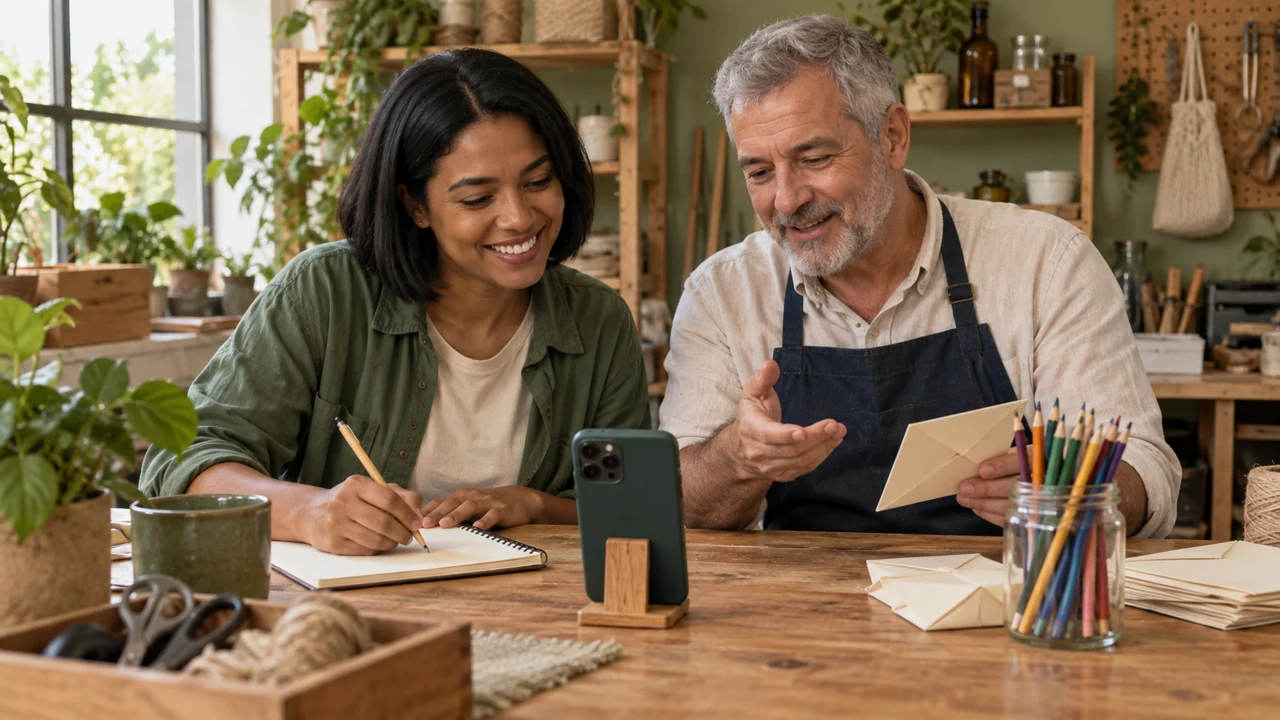
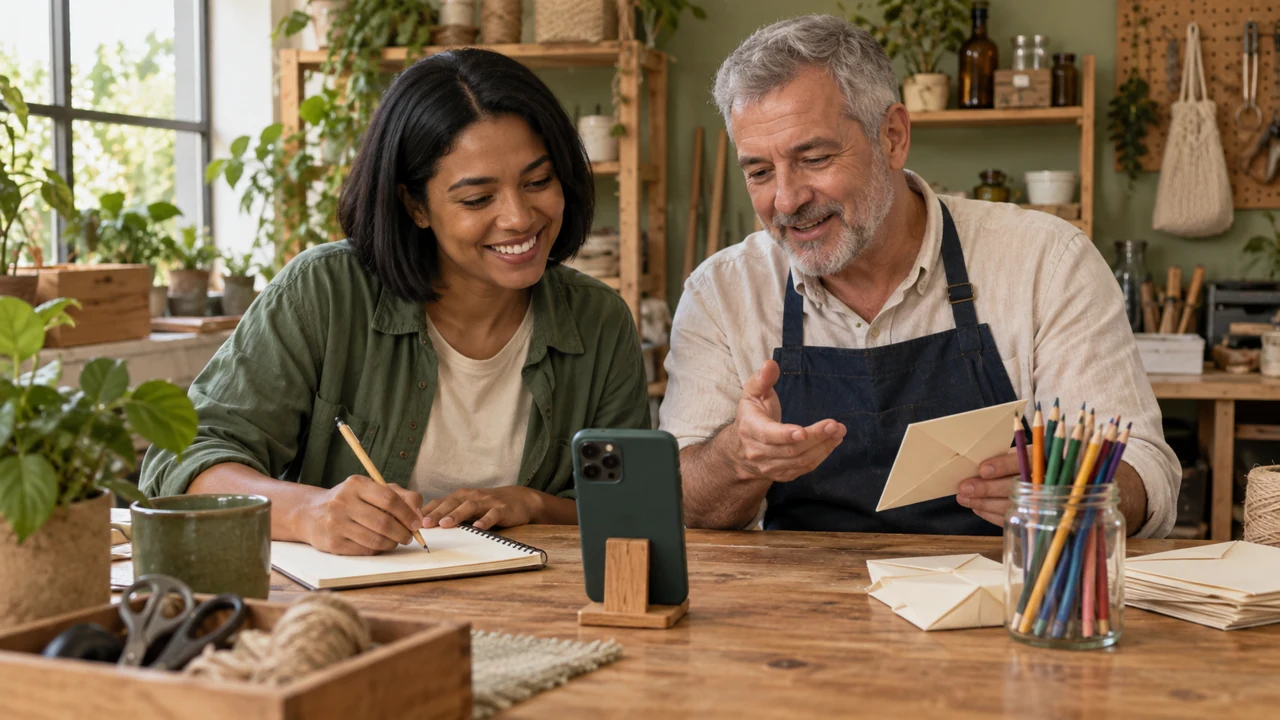
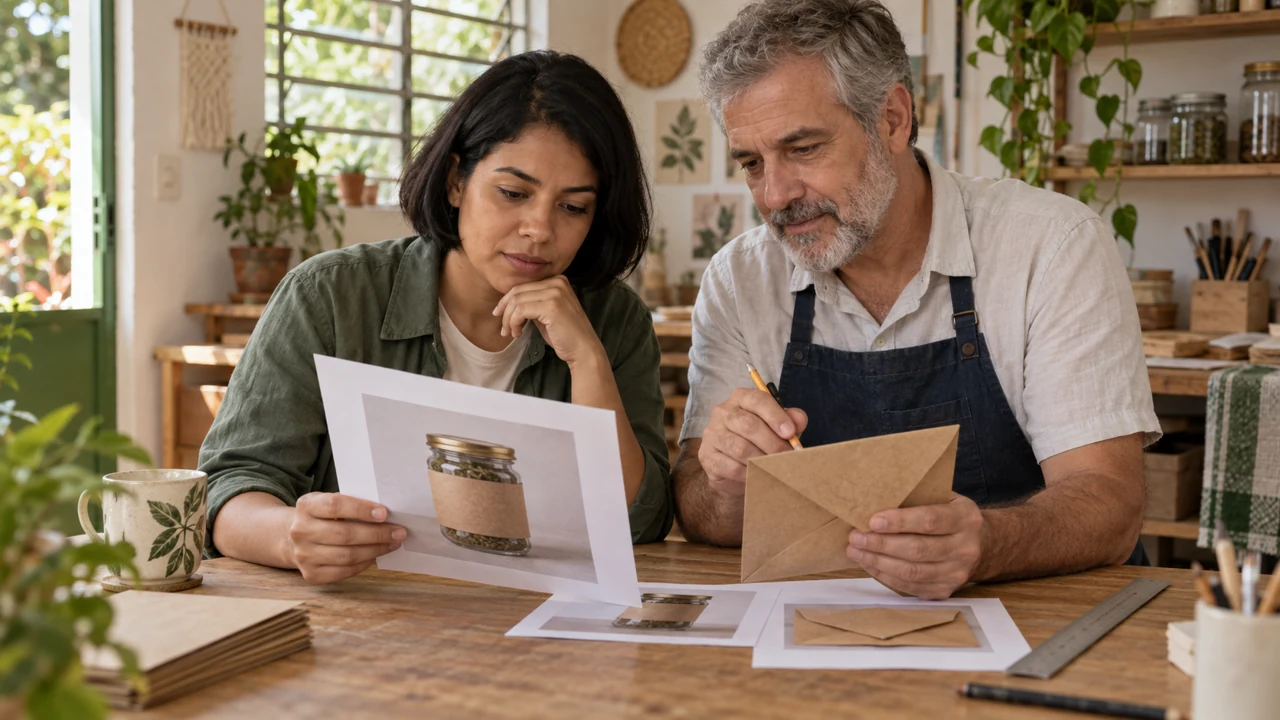
Teaching illustration created in Codex: Bia and Nelson plan beside a jar and envelopes. This is an illustration, not a real active profile.
Test yourself
A popular trend does not help the chosen audience. How should you decide?
If you got stuck here, that’s normalIf the line feels broad, choose a specific situation. Planning to organize a desk is easier than planning to improve someone’s whole life.
Practice now 0/3
Choose a promise you can keep
Set aside 10 minutes for this segment. Later research, production, and observation take extra time. You are done when your note has an audience, usefulness, a limit, and three coherent ideas.
Use your own or authorized references. Label illustrative images and keep the originals. AI features may require an account or plan; check before generating.
Project: Reuso de Bolso or your project
Lesson: Choose a promise you can keep
Audience: people with small desks — <your decision>
Usefulness: organize with available materials — <your decision>
Limit: simple examples without unverified claims — <your decision>
Evidence or file:
Next action:
Pending item:
After these steps, you can define your audience, usefulness, and profile limits.
Lesson cheat sheet
Choose a promise you can keep
Audience: people with small desks
Usefulness: organize with available materials
Limit: simple examples without unverified claims
Your next step
You now have criteria for defining your audience, usefulness, and profile limits.
Save this lesson’s work in the project folder. You will use it in the next step.
Next: Choose a main platform and prepare access
Supplemental material · Module 1Production notes and safeguards for continuing after the short practice.
An editorial promise guides your choices
Experiment at your own pace
Apply the decision to your profile. Keep the previous version and record what changed.
What to observe
The Reuso de Bolso case is fictional. Codex images are illustrations; they do not prove a physical activity or publication result.
The course result fits in one folder
Experiment at your own pace
Review the example and write an alternative you can make with available resources.
What to observe
Features, names, and metrics vary by account, region, and version. Check official documentation before publishing.
On your chosen platform, find create post, drafts, and content analytics.
Names vary.
On TikTok, TikTok Studio brings together creation and analytics tools.
On YouTube, look for YouTube Studio.
On Instagram, metrics depend on account type and enabled features.
Do not change your account type just to copy a tutorial.
Check effects on privacy, features, and allowed music.
For this lesson, record the paths you found.
If you do not have an account yet, create one through official channels and finish recovery before continuing.
No mandatory warm-up ritual is taught here.
Nelson keeps the recovery codes out of the public folder.
Completed brief · lesson example
1Main platform: one choice with a reason
2Access: recovery and security checked
3Where to find: create, drafts, and metrics
Use this sheet as a reference. Replace the example with your own project.
3Check the decision against its use
Choose one platform and check access, recovery, and basic paths.
Nelson uses the sheet to check: where to find create, drafts, and metrics.
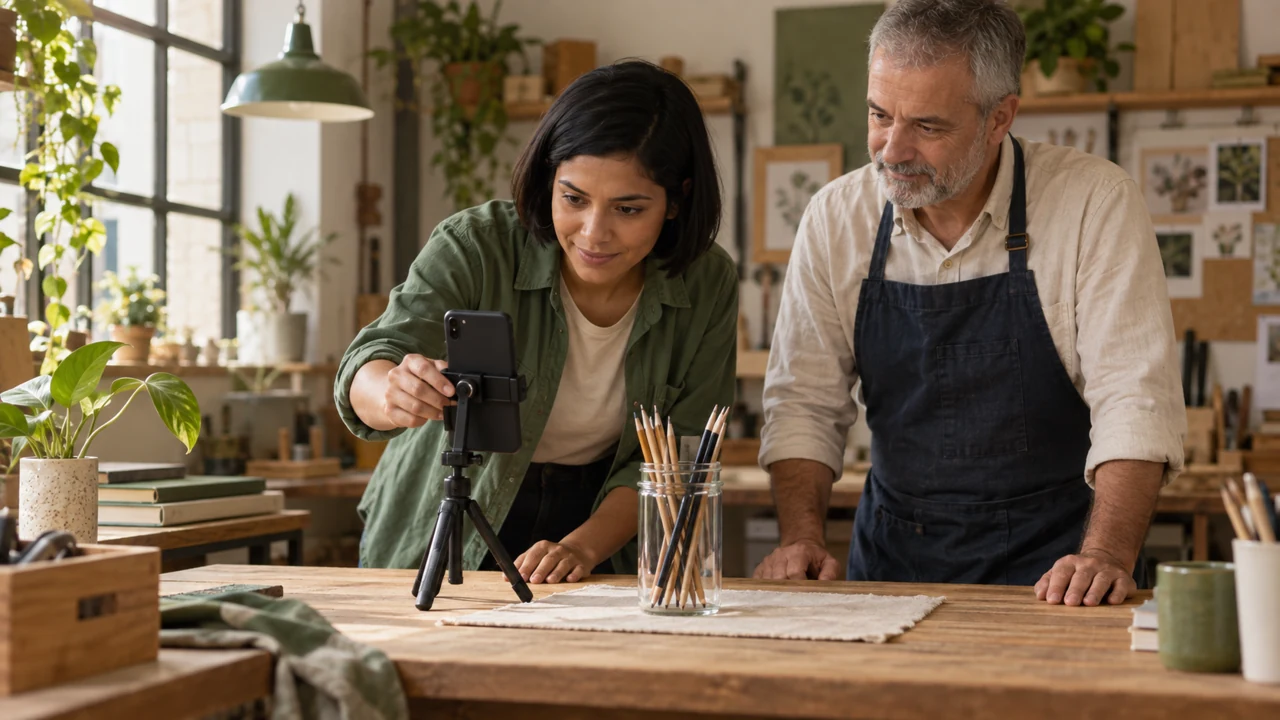
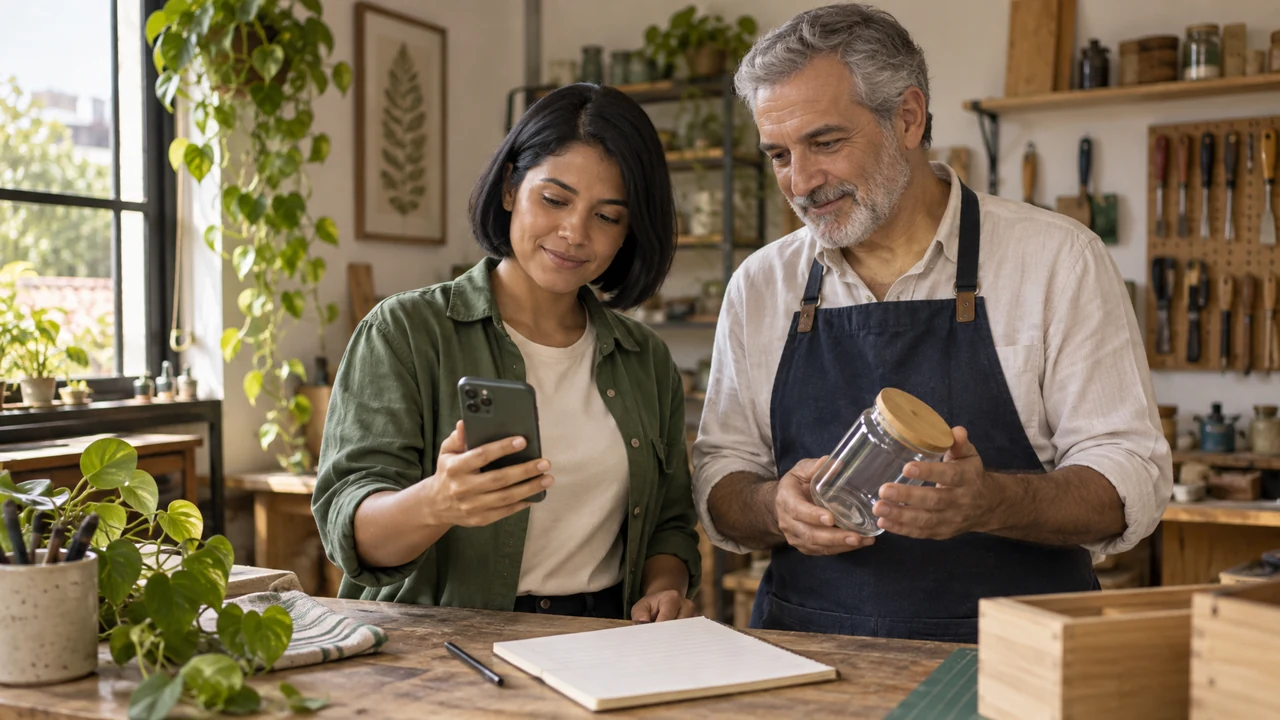
Teaching illustration created in Codex: A phone photographs a jar in a simple composition. The image does not reproduce any network interface.
Test yourself
You cannot find a metric shown in the tutorial. What should you do next?
If you got stuck here, that’s normalIf you cannot recover access, contact official support. Paper planning helps, but it does not replace an accessible account.
Practice now 0/3
Choose a main platform and prepare access
Set aside 10 minutes for this segment. Later research, production, and observation take extra time. You are done when the account is accessible and missing paths and features are recorded.
Use your own or authorized references. Label illustrative images and keep the originals. AI features may require an account or plan; check before generating.
Project: Reuso de Bolso or your project
Lesson: Choose a main platform and prepare access
Main platform: one choice with a reason — <your decision>
Access: recovery and security checked — <your decision>
Where to find: create, drafts, and metrics — <your decision>
Evidence or file:
Next action:
Pending item:
After these steps, you can choose one focus platform and check secure account access.
Lesson cheat sheet
Choose a main platform and prepare access
Main platform: one choice with a reason
Access: recovery and security checked
Where to find: create, drafts, and metrics
Your next step
You now have criteria for choosing a focus platform and checking secure account access.
Save this lesson’s work in the project folder. You will use it in the next step.
Next: Write a profile introduction and three first ideas
Supplemental material · Module 1Production notes and safeguards for continuing after the short practice.
Choose based on audience and format
Experiment at your own pace
Apply the decision to your profile. Keep the previous version and record what changed.
What to observe
The Reuso de Bolso case is fictional. Codex images are illustrations; they do not prove a physical activity or publication result.
Learn the path before making a lot
Experiment at your own pace
Review the example and write an alternative you can make with available resources.
What to observe
Features, names, and metrics vary by account, region, and version. Check official documentation before publishing.
Prepare three drafts: an introduction to the idea, a useful example, and the story behind a decision.
In this case, show the jar, explain the framing, and say what AI illustrated.
Drafts are plans; you do not need to publish them all now.
Study references to learn the style and questions of the audience.
Engage only when you have something real to contribute.
Automated likes, repeated comments, and bought followers are not part of the method.
The first complete post will be created in the final lessons.
Nelson separates a physical demonstration from an illustrative image.
Completed brief · lesson example
1Description: topic, audience, and next step
2Identity: authorized name and image
3Drafts: introduction, usefulness, and behind the scenes
Use this sheet as a reference. Replace the example with your own project.
3Check the decision against its use
Explain the topic and usefulness with a truthful description and matching examples.
Nelson uses the sheet to check the drafts: introduction, usefulness, and behind the scenes.
Teaching illustration created in Codex: The jar photos represent content ideas. They are not published posts or proof of results.
Test yourself
Which introduction helps without inventing authority?
If you got stuck here, that’s normalIf you do not have an authorized profile image yet, use a simple original design. Do not copy someone else’s face or brand.
Practice now 0/3
Write a profile introduction and three first ideas
Set aside 10 minutes for this segment. Later research, production, and observation take extra time. You are done when the introduction is saved and all three drafts have defined goals.
Use your own or authorized references. Label illustrative images and keep the originals. AI features may require an account or plan; check before generating.
Project: Reuso de Bolso or your project
Lesson: Write a profile introduction and three first ideas
Description: topic, audience, and next step — <your decision>
Identity: authorized name and image — <your decision>
Drafts: introduction, usefulness, and behind the scenes — <your decision>
Evidence or file:
Next action:
Pending item:
After these steps, you can prepare a profile description and three coherent drafts.
Lesson cheat sheet
Write a profile introduction and three first ideas
Description: topic, audience, and next step
Identity: authorized name and image
Drafts: introduction, usefulness, and behind the scenes
Your next step
You now have criteria for preparing a profile description and three coherent drafts.
Save this lesson’s work in the project folder. You will use it in the next step.
Next: Test one difference at a time
Supplemental material · Module 1Production notes and safeguards for continuing after the short practice.
The introduction explains the usefulness
Experiment at your own pace
Apply the decision to your profile. Keep the previous version and record what changed.
What to observe
The Reuso de Bolso case is fictional. Codex images are illustrations; they do not prove a physical activity or publication result.
The first posts show what to expect
Experiment at your own pace
Review the example and write an alternative you can make with available resources.
What to observe
Features, names, and metrics vary by account, region, and version. Check official documentation before publishing.
Reach, timing, and context can differ between posts.
A simple test guides your work; it does not prove the opening caused the whole result.
Define what you will observe and when.
Use the same interval after each post.
For this lesson, plan the versions; you do not need to publish twice.
Save one as a future alternative.
When you find a promising signal, repeat the idea in another relevant post.
Do not turn one observation into a rule about the algorithm.
Nelson saves the alternative version so he does not have to recreate everything from memory.
Completed brief · lesson example
1Hypothesis: showing the result first may clarify the idea
2Variable: opening; keep the rest similar
3Review: same interval and tentative conclusion
Use this sheet as a reference. Replace the example with your own project.
3Check the decision against its use
Change the main opening and record the limits of the comparison.
Nelson uses the sheet to check: same interval and tentative conclusion.
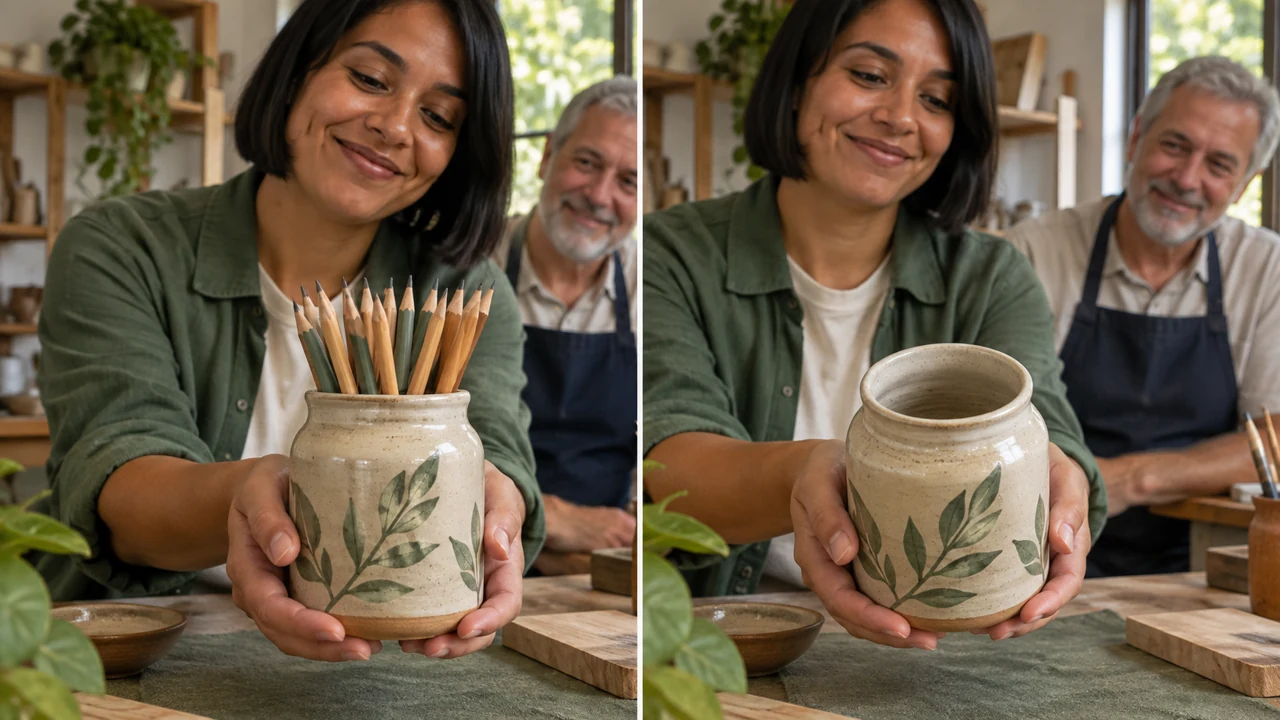
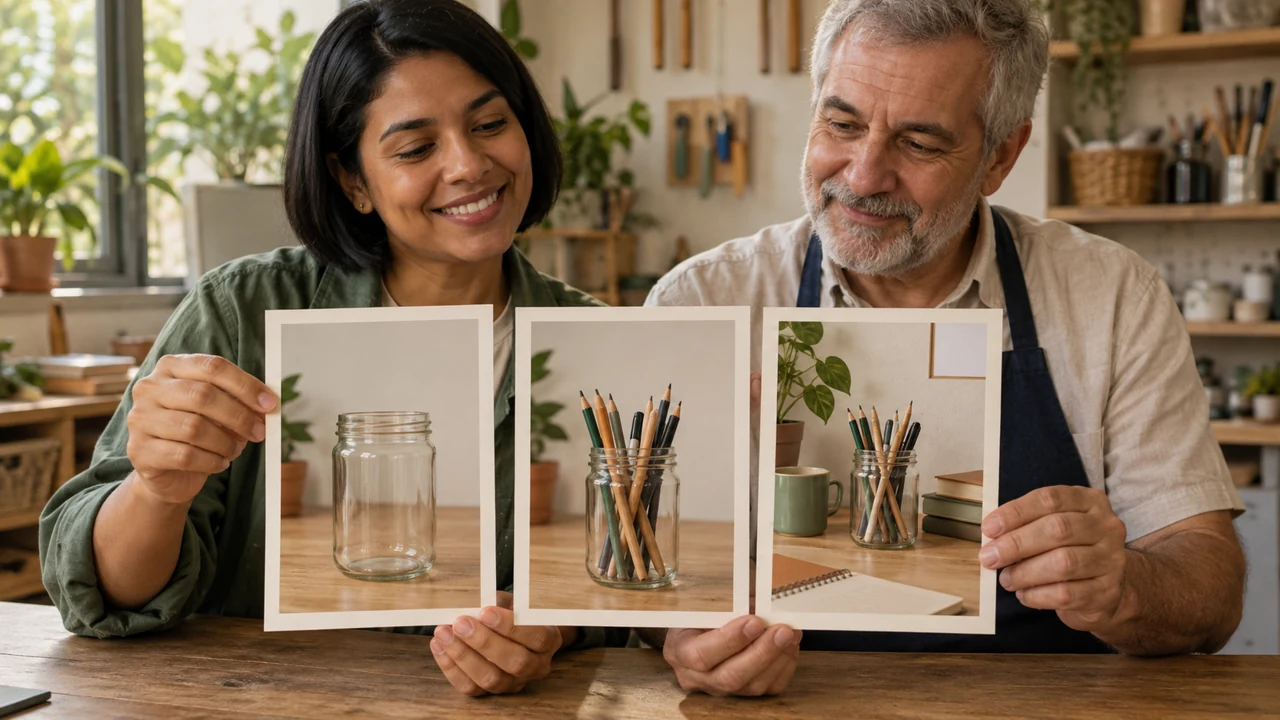
Teaching illustration created in Codex: A ceramic jar appears full and empty to illustrate two openings. This alternative example differs from the project’s glass jar.
Test yourself
The videos changed their opening, duration, music, and audience. What can you conclude?
If you got stuck here, that’s normalIf your hypothesis has three changes, choose one to start with. The others can become later tests.
Practice now 0/3
Test one difference at a time
Set aside 10 minutes for this segment. Later research, production, and observation take extra time. You are done when two openings and a comparison sheet with limits are ready.
Use your own or authorized references. Label illustrative images and keep the originals. AI features may require an account or plan; check before generating.
Project: Reuso de Bolso or your project
Lesson: Test one difference at a time
Hypothesis: showing the result first may clarify the idea — <your decision>
Variable: opening; keep the rest similar — <your decision>
Review: same interval and tentative conclusion — <your decision>
Evidence or file:
Next action:
Pending item:
After these steps, you can plan two openings while keeping the rest comparable.
Lesson cheat sheet
Test one difference at a time
Hypothesis: showing the result first may clarify the idea
Variable: opening; keep the rest similar
Review: same interval and tentative conclusion
Your next step
You now have criteria for planning two openings while keeping the rest comparable.
Save this lesson’s work in the project folder. You will use it in the next step.
Next: Read two signals with comparable bases
Supplemental material · Module 2Production notes and safeguards for continuing after the short practice.
Testing starts with a small hypothesis
Experiment at your own pace
Apply the decision to your profile. Keep the previous version and record what changed.
What to observe
The Reuso de Bolso case is fictional. Codex images are illustrations; they do not prove a physical activity or publication result.
Comparing posts alone does not prove cause
Experiment at your own pace
Review the example and write an alternative you can make with available resources.
What to observe
Features, names, and metrics vary by account, region, and version. Check official documentation before publishing.
Open the workbook’s comparison chart and check the calculation: actions divided by views, times one hundred.
Use values from the same interval.
A zero base makes the rate undefined.
A missing metric should stay unavailable, not become zero.
On Shorts, views and engaged views have different definitions.
Since March 2025, the general view count includes starts and replays with no minimum watch time.
Choose a metric and keep its definition consistent.
For this practice, use the fictional example; add your real data after publishing.
Nelson keeps the value unknown when the dashboard does not provide it.
Fictional data · same metric and interval
A: 20 shares ÷ 1,000 views = 2%
B: 15 shares ÷ 500 views = 3%
B has a higher rate. A has more total actions. This does not prove the cause.
Original chart: counts and denominators are explicit. No real campaign was measured.
3Check the decision against its use
Use compatible metrics, bases, and intervals, and identify the source.
Nelson uses the sheet to check: conclusion: B has a higher rate; A has more total actions.
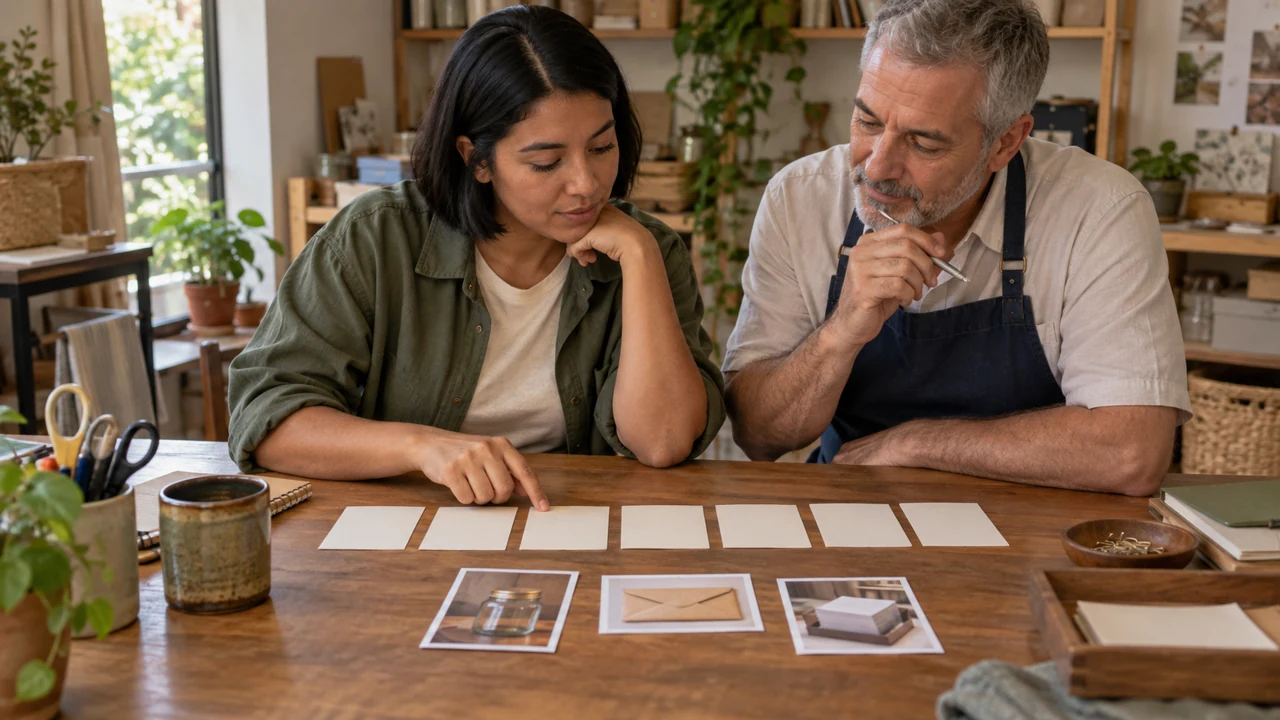
Teaching illustration created in Codex: Bia and Nelson examine references at the table. The teaching numbers appear on the lesson board; they do not imitate an analytics screen.
Test yourself
A has 20 actions per 1,000 views; B has 15 per 500. Which reading is correct?
If you got stuck here, that’s normalYou do not need to master statistics to start. Record what was counted, which base was used, and when you observed it.
Practice now 0/3
Read two signals with the same denominator
Set aside 10 minutes for this segment. Later research, production, and observation take extra time. You are done when both rates are correct and your conclusion identifies the data as fictional.
Use your own or authorized references. Label illustrative images and keep the originals. AI features may require an account or plan; check before generating.
Project: Reuso de Bolso or your project
Lesson: Read two signals with the same denominator
A: 20 ÷ 1,000 × 100 = 2% — <your decision>
B: 15 ÷ 500 × 100 = 3% — <your decision>
Conclusion: B has a higher rate; A has more total actions — <your decision>
Evidence or file:
Next action:
Pending item:
After these steps, you can compare simple rates without confusing reach and usefulness.
Lesson cheat sheet
Read two signals with comparable bases
A: 20 ÷ 1,000 × 100 = 2%
B: 15 ÷ 500 × 100 = 3%
Conclusion: B has a higher rate; A has more total actions
Your next step
You now have criteria for comparing simple rates without confusing reach and usefulness.
Save this lesson’s work in the project folder. You will use it in the next step.
Next: Turn an idea into a readable carousel
Supplemental material · Module 2Production notes and safeguards for continuing after the short practice.
Counts and rates answer different questions
Experiment at your own pace
Apply the decision to your profile. Keep the previous version and record what changed.
What to observe
The Reuso de Bolso case is fictional. Codex images are illustrations; they do not prove a physical activity or publication result.
The interval must match the base
Experiment at your own pace
Review the example and write an alternative you can make with available resources.
What to observe
Features, names, and metrics vary by account, region, and version. Check official documentation before publishing.
Do not hide everything behind an exaggerated promise.
Use consistent text size and margins that preserve readability.
The series’ Figma course teaches you to assemble and export the pages.
Plan the three-page script in this practice.
To publish the carousel later, create the images, review them, and check support on your chosen platform.
The required final project in this course is a video.
The carousel is a planned alternative; you do not need to publish a second item now.
Nelson adds a reminder to check the container’s integrity.
Completed brief · lesson example
1Page 1: visible problem and short title
2Page 2: matching solution
3Page 3: care tip and next step
Use this sheet as a reference. Replace the example with your own project.
3Check the decision against its use
Give each page a useful purpose and deliver on the opening promise.
Nelson uses the sheet to check: page 3: care tip and next step.
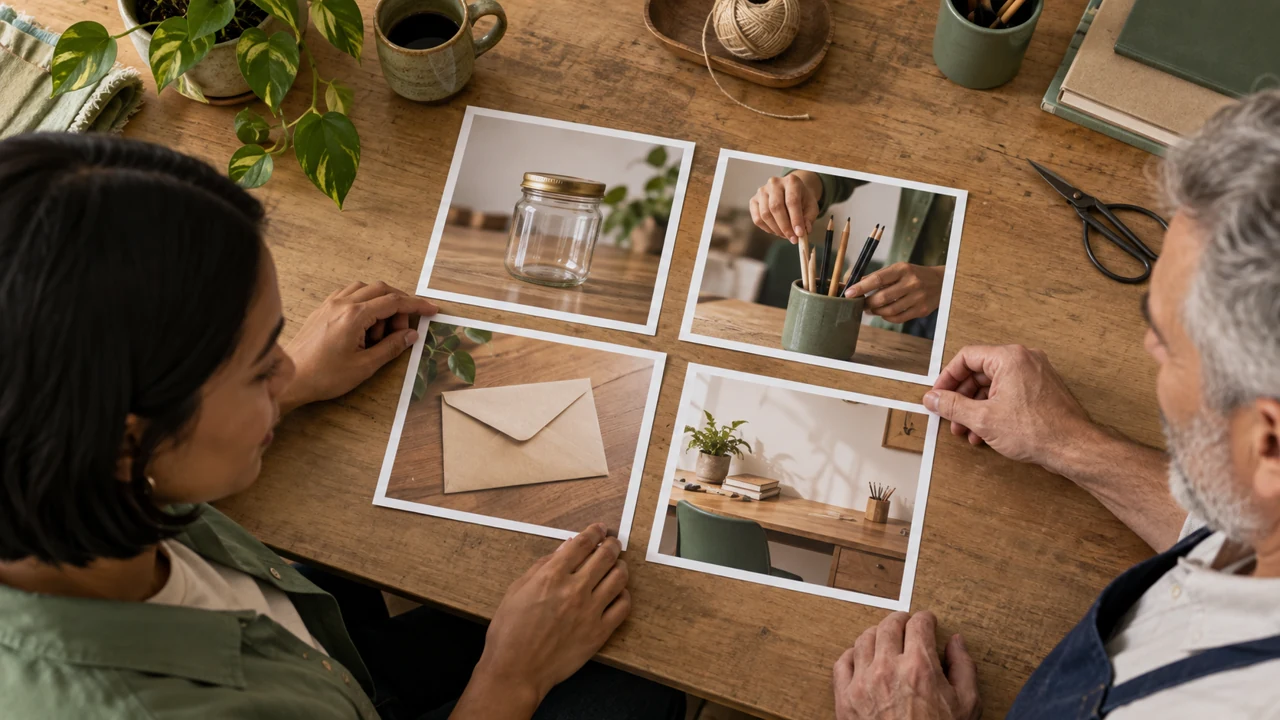
Teaching illustration created in Codex: The three photos suggest steps in a sequence. They are illustrations and do not prove a physical transformation.
Test yourself
The first page promises to organize pencils. Which second page continues the sequence?
If you got stuck here, that’s normalIf you do not have a design tool, plan the pages in a note. You can create the visuals later with the Figma course.
Practice now 0/3
Turn an idea into a readable carousel
Set aside 10 minutes for this segment. Later research, production, and observation take extra time. You are done when the three-page script has titles, planned images, and purposes.
Use your own or authorized references. Label illustrative images and keep the originals. AI features may require an account or plan; check before generating.
Project: Reuso de Bolso or your project
Lesson: Turn an idea into a readable carousel
Page 1: visible problem and short title — <your decision>
Page 2: matching solution — <your decision>
Page 3: care tip and next step — <your decision>
Evidence or file:
Next action:
Pending item:
After these steps, you can plan three pages with a beginning, explanation, and ending.
Lesson cheat sheet
Turn an idea into a readable carousel
Page 1: visible problem and short title
Page 2: matching solution
Page 3: care tip and next step
Your next step
You now have criteria for planning three pages with a beginning, explanation, and ending.
Save this lesson’s work in the project folder. You will use it in the next step.
Next: Research references without copying the work
Supplemental material · Module 2Production notes and safeguards for continuing after the short practice.
A carousel is a sequence that needs continuity
Experiment at your own pace
Apply the decision to your profile. Keep the previous version and record what changed.
What to observe
The Reuso de Bolso case is fictional. Codex images are illustrations; they do not prove a physical activity or publication result.
Continuity works without mystery, too
Experiment at your own pace
Review the example and write an alternative you can make with available resources.
What to observe
Features, names, and metrics vary by account, region, and version. Check official documentation before publishing.
Use one row per video and four analysis fields: opening, promise, demonstration, and final call to action.
If a field is missing, mark it as absent.
Original example: shows scattered pencils; promises to gather them; shows the container; asks viewers to save the idea.
This describes a structure without copying someone else’s words.
Complete ten references before adapting one in Lesson 9.
The short practice starts the library with three; the remaining research takes extra time.
Use only public content or content you have permission to analyze.
Do not include commenters’ personal information in anything you publish.
Nelson describes the purpose of a shot without copying the original wording.
Completed brief · lesson example
1Source: URL, creator, and date
2Analysis: opening, promise, demonstration, and call to action
3Scope: three now; ten before adapting
Use this sheet as a reference. Replace the example with your own project.
3Check the decision against its use
Record the source and purpose, then create your own version.
Nelson uses the sheet to check: scope: three now; ten before adapting.
Teaching illustration created in Codex: Bia looks at her phone and takes notes. The illustration does not show third-party content or a researched collection.
Test yourself
The reference video is public. What does that automatically allow?
It is normal to get stuck hereIf you cannot find ten good examples in one search, vary the topic keywords. Do not fill the list with irrelevant references just to reach the number.
Practice now 0/3
Research references without copying the work
Set aside 10 minutes for this section. Research, production, and later observation take extra time. You are done when three references have been analyzed and you have planned the remaining research.
Use your own or authorized references. Label illustrative images and keep the originals. AI features may require an account or plan; check before generating.
Project: Reuso de Bolso or your project
Lesson: Research references without copying the work
Source: URL, creator, and date — <your decision>
Analysis: opening, promise, demonstration, and invitation — <your decision>
Scope: three now; ten before adapting — <your decision>
Evidence or file:
Next action:
Pending item:
After completing these steps, you can create an initial reference sheet with each source and its purpose.
Lesson cheat sheet
Research references without copying the work
Source: URL, creator, and date
Analysis: opening, promise, demonstration, and call to action
Scope: three now; ten before adapting
Your next step
You now have criteria for creating an initial reference sheet with each source and its purpose.
Save this lesson’s work in the project folder. You will use it in the next step.
Next: Break a video into four layers
Supplementary material · module 3Production notes and care tips for returning after the short practice.
Choose examples for the skill you want to learn
Experiment at your own pace
Apply the decision to your profile. Keep the previous version and record what changed.
What to observe
The Reuso de Bolso case is fictional. Codex images are illustrations; they do not prove a physical activity or publication result.
Your library should help you find the idea again
Experiment at your own pace
Review the example and write an alternative you can make with available resources.
What to observe
Features, names, and metrics vary by account, region, and version. Check official documentation before publishing.
You can say that an image clarifies the object or that a sentence is hard to read.
You cannot claim this caused reach just by looking at the video.
Record observations and hypotheses in separate fields.
Example: the object appears first; hypothesis: this may make it easier to understand.
Choose a technique you can adapt to your project, such as showing the result before the materials.
Create your own shots and wording.
Finish with a four-layer sheet and one hypothesis; do not create the adaptation yet.
Nelson notes the timestamp before describing what he noticed.
Completed brief · lesson example
1Image: what appears and when
2Text and sound: what informs and supports
3Structure: order, purpose, and a limited hypothesis
Use this sheet as a reference. Replace the example with your own project.
3Check the decision against its use
Describe all four layers and separate observation from hypothesis.
Nelson uses the sheet to check: structure: order, purpose, and a limited hypothesis.
Teaching illustration created in Codex: Separate photos represent visual choices. The timestamps and analysis must come from a video you actually watched.
Test yourself
You saw the object in the first second. Which note separates fact from hypothesis?
It is normal to get stuck hereIf the video is long, choose a short clip and note its time range. Do not present that clip as an analysis of the entire video.
Practice now 0/3
Break a video into four layers
Set aside 10 minutes for this section. Research, production, and later observation take extra time. You are done when the sheet records four layers, timestamps, and one labeled hypothesis.
Use your own or authorized references. Label illustrative images and keep the originals. AI features may require an account or plan; check before generating.
Project: Reuso de Bolso or your project
Lesson: Break a video into four layers
Image: what appears and when — <your decision>
Text and sound: what informs and accompanies — <your decision>
Structure: order, purpose, and limited hypothesis — <your decision>
Evidence or file:
Next action:
Pending item:
After completing these steps, you can analyze a reference by separating image, text, sound, and structure.
Lesson cheat sheet
Break a video into four layers
Image: what appears and when
Text and sound: what informs and supports
Structure: order, purpose, and a limited hypothesis
Your next step
You now have criteria for analyzing a reference by separating image, text, sound, and structure.
Save this lesson’s work in the project folder. You will use it in the next step.
Next: Create three adaptations of your own
Supplementary material · module 3Production notes and care tips for returning after the short practice.
Each layer handles one part of the message
Experiment at your own pace
Apply the decision to your profile. Keep the previous version and record what changed.
What to observe
The Reuso de Bolso case is fictional. Codex images are illustrations; they do not prove a physical activity or publication result.
A visual preference does not prove performance
Experiment at your own pace
Review the example and write an alternative you can make with available resources.
What to observe
Features, names, and metrics vary by account, region, and version. Check official documentation before publishing.
You can try a different opening while keeping the same demonstration.
But check that they connect.
A question about pencils cannot end with an envelope unless you explain the change.
The opening promise guides the whole piece.
Choose one of the three ideas based on effort and clarity.
You will produce it for the final project.
Keep the others as drafts.
If your research is still incomplete, keep the choice pending; do not call three references a complete library.
Nelson chooses an idea he can demonstrate clearly.
Completed brief · lesson example
1Research: ten references identified
2Variations: three original responses
3Choice: one idea you can produce
Use this sheet as a reference. Replace the example with your own project.
3Check the decision against its use
Use a general structure to answer with your own examples, shots, and wording.
Nelson uses the sheet to check: choice: one idea you can produce.
Teaching illustration created in Codex: Composition variations show possible choices. They do not reproduce the work of a researched creator.
Test yourself
Which adaptation keeps the work original and coherent?
It is normal to get stuck hereIf the adaptation still depends on the original video to work, rewrite the question and plan your own shots.
Practice now 0/3
Create three adaptations of your own
Set aside 10 minutes for this section. Research, production, and later observation take extra time. You are done when you have ten references and three original ideas, with one selected.
Use your own or authorized references. Label illustrative images and keep the originals. AI features may require an account or plan; check before generating.
Project: Reuso de Bolso or your project
Lesson: Create three adaptations with your own execution
Research: ten identified references — <your decision>
Variations: three original responses — <your decision>
Choice: one idea you can produce — <your decision>
Evidence or file:
Next action:
Pending item:
After completing these steps, you can turn an observed structure into three original ideas.
Lesson cheat sheet
Create three adaptations of your own
Research: ten references identified
Variations: three original responses
Choice: one idea you can produce
Your next step
You now have criteria for turning an observed structure into three original ideas.
Save this lesson’s work in the project folder. You will use it in the next step.
Next: Edit for understanding before speeding up
Supplementary material · module 3Production notes and care tips for returning after the short practice.
Use the structure to support a different answer
Experiment at your own pace
Apply the decision to your profile. Keep the previous version and record what changed.
What to observe
The Reuso de Bolso case is fictional. Codex images are illustrations; they do not prove a physical activity or publication result.
Blocks help when they keep the promise
Experiment at your own pace
Review the example and write an alternative you can make with available resources.
What to observe
Features, names, and metrics vary by account, region, and version. Check official documentation before publishing.
Retention describes how long viewers keep watching, according to the platform’s measurement.
Before publishing, you can test clarity and pacing.
You cannot predict the actual curve from your impression alone.
Write a hypothesis and check the metrics when they are available.
For this practice, mark one adjustment in the chosen script.
Example: leave two seconds to show the finished container before the final call to action.
If you already have a video, find the clip by its timestamp.
If no adjustment is needed, record “keep” and the criteria you checked.
You will assemble the full video in Lesson 17 with the editor you know.
Nelson checks that the explanation matches the detail on screen.
Completed brief · lesson example
1Criteria: focus, result, voice, text, cut, and pause
2Adjustment: one clip with a timestamp or position
3Validation: check on a phone before publishing
Use this sheet as a reference. Replace the example with your own project.
3Check the decision against its use
Adjust each clip to the information people need to understand.
Nelson uses the sheet to check: validation: check on a phone before publishing.
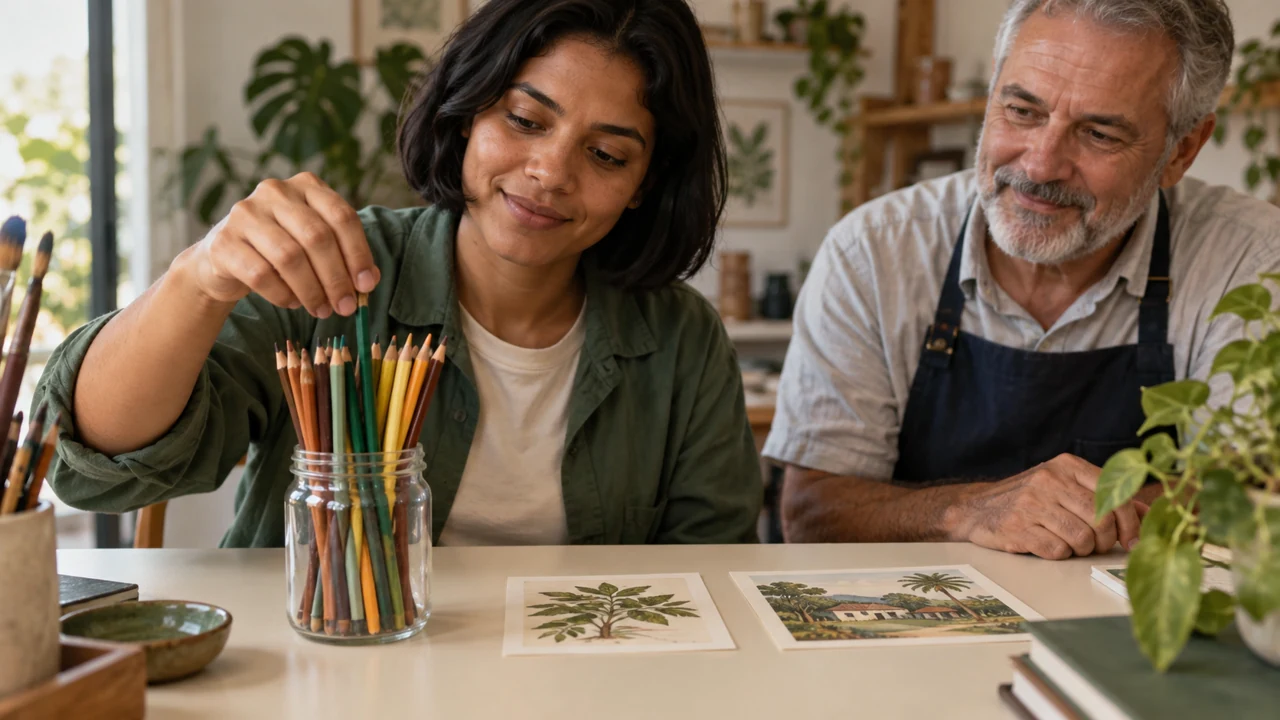
Teaching illustration created in Codex: Bia puts a pencil in the container while Nelson watches. The still scene illustrates the action; it does not show a video’s pacing or retention.
Test yourself
The text disappears before you finish reading. Which adjustment addresses the problem?
It is normal to get stuck hereIf you are unsure, keep a simple cut. An effect helps only when it preserves the information people need.
Practice now 0/3
Edit for understanding before speeding up
Set aside 10 minutes for this section. Research, production, and later observation take extra time. You are done when one clip has a justified adjustment or a “keep” decision with checked criteria.
Use your own or authorized references. Label illustrative images and keep the originals. AI features may require an account or plan; check before generating.
Project: Reuso de Bolso or your project
Lesson: Edit to understand before speeding up
Criteria: focus, result, voice, text, cut, and pause — <your decision>
Adjustment: one segment with timing or position — <your decision>
Validation: check on a phone before publishing — <your decision>
Evidence or file:
Next action:
Pending item:
After completing these steps, you can record a pacing decision in your own script or video.
Lesson cheat sheet
Edit for understanding before speeding up
Criteria: focus, result, voice, text, cut, and pause
Adjustment: one clip with a timestamp or position
Validation: check on a phone before publishing
Your next step
You now have criteria for recording a pacing decision in your own script or video.
Save this lesson’s work in the project folder. You will use it in the next step.
Next: Review privately before publishing
Supplementary material · module 4Production notes and care tips for returning after the short practice.
Six decisions support understanding
Experiment at your own pace
Apply the decision to your profile. Keep the previous version and record what changed.
What to observe
The Reuso de Bolso case is fictional. Codex images are illustrations; they do not prove a physical activity or publication result.
Retention is something to observe later
Experiment at your own pace
Review the example and write an alternative you can make with available resources.
What to observe
Features, names, and metrics vary by account, region, and version. Check official documentation before publishing.
Instagram offers Trial Reels to eligible accounts.
They are initially shown to non-followers and are not the same as a private file.
Check the option and its terms in your account.
For this course, the feature is optional; you do not need it to finish the project.
For the short practice, prepare five questions: did I understand the topic, read the text, hear the speech, see the object, and recognize the AI label?
Mark it pending until you watch the file.
Do not mark it approved just because you wrote the script.
The final check happens before publication.
Nelson leaves pending any item he has not been able to check.
Completed brief · lesson example
1Review: five questions you can check
2Privacy: local file or checked option
3Limit: clarity does not predict distribution
Use this sheet as a reference. Replace the example with your own project.
3Check the decision against its use
Use a private review for clarity and separate it from public distribution.
Nelson uses the sheet to check: limit: clarity does not predict distribution.
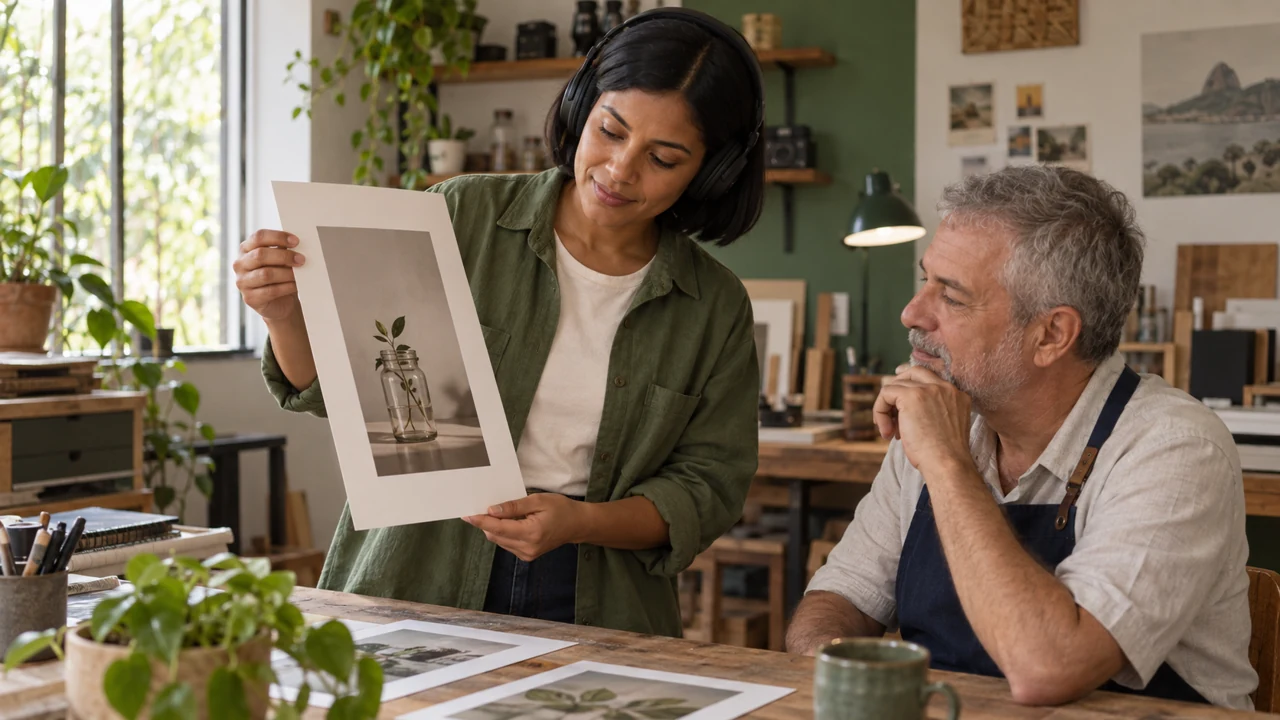
Teaching illustration created in Codex: Headphones and a vertical print illustrate review. The scene does not show a social network or audience metrics.
Test yourself
A Trial Reel will initially be shown to non-followers. Is it private?
It is normal to get stuck hereIf no one can review it, make two separate passes: one for sound and one for image. Record that this was an individual review.
Practice now 0/3
Review privately before publishing
Set aside 10 minutes for this section. Research, production, and later observation take extra time. You are done when the review sheet and review setting are prepared, without inventing approval.
Use your own or authorized references. Label illustrative images and keep the originals. AI features may require an account or plan; check before generating.
Project: Reuso de Bolso or your project
Lesson: Review privately before publishing
Review: five verifiable questions — <your decision>
Privacy: local file or checked setting — <your decision>
Limit: clarity does not predict distribution — <your decision>
Evidence or file:
Next action:
Pending item:
After completing these steps, you can prepare a review sheet for image, audio, and understanding.
Lesson cheat sheet
Review privately before publishing
Review: five questions you can check
Privacy: local file or checked option
Limit: clarity does not predict distribution
Your next step
You now have criteria for preparing a review sheet for image, audio, and understanding.
Save this lesson’s work in the project folder. You will use it in the next step.
Next: Publish with a short checklist
Supplementary material · module 4Production notes and care tips for returning after the short practice.
A private test has a limited purpose
Experiment at your own pace
Apply the decision to your profile. Keep the previous version and record what changed.
What to observe
The Reuso de Bolso case is fictional. Codex images are illustrations; they do not prove a physical activity or publication result.
A distribution test is a different situation
Experiment at your own pace
Review the example and write an alternative you can make with available resources.
What to observe
Features, names, and metrics vary by account, region, and version. Check official documentation before publishing.
Use this order: final file, rights and credits, caption, AI disclosure, cover, visibility, and publication.
Writing “AI” in the caption is not enough if the platform also requires its own control.
Music allowed on one platform may not have the same license elsewhere.
For this lesson, prepare the caption and leave the checklist pending.
Publication comes after you produce and review the video.
When you publish, check the full preview and confirm visibility.
Save the URL and date only after confirming that the post exists.
Nelson does not use an illustration as proof of a real transformation.
Completed brief · lesson example
1Caption: accurate topic and next step
2Rights: image, voice, music, and credits
3Publishing: disclosure, cover, and visibility to check
Use this sheet as a reference. Replace the example with your own project.
3Check the decision against its use
Review the file and fields before confirming publication.
Nelson uses the sheet to check: publishing: disclosure, cover, and visibility to check.
Teaching illustration created in Codex: Bia and Nelson review a checklist beside the container. The image represents preparation, not a confirmed publication.
Test yourself
The platform requires its own synthetic-content disclosure. What should you do?
It is normal to get stuck hereIf you are unsure whether you have permission to use a track, choose one with clear permission or record your own voice without music.
Practice now 0/3
Publish with a short checklist
Set aside 10 minutes for this section. Research, production, and later observation take extra time. You are done when the caption and checklist are ready and usage terms are identified.
Use your own or authorized references. Label illustrative images and keep the originals. AI features may require an account or plan; check before generating.
Project: Reuso de Bolso or your project
Lesson: Publish with a short checklist
Caption: truthful topic and next step — <your decision>
Rights: image, voice, music, and credits — <your decision>
Publication: check label, cover, and visibility — <your decision>
Evidence or file:
Next action:
Pending item:
After completing these steps, you can prepare a caption, disclosure, and publishing checklist.
Lesson cheat sheet
Publish with a short checklist
Caption: accurate topic and next step
Rights: image, voice, music, and credits
Publishing: disclosure, cover, and visibility to check
Your next step
You now have criteria for preparing a caption, disclosure, and publishing checklist.
Save this lesson’s work in the project folder. You will use it in the next step.
Next: Write an opening that matches what you deliver
Supplementary material · module 4Production notes and care tips for returning after the short practice.
The caption adds context to what the video shows
Experiment at your own pace
Apply the decision to your profile. Keep the previous version and record what changed.
What to observe
The Reuso de Bolso case is fictional. Codex images are illustrations; they do not prove a physical activity or publication result.
A checklist prevents repeated omissions
Experiment at your own pace
Review the example and write an alternative you can make with available resources.
What to observe
Features, names, and metrics vary by account, region, and version. Check official documentation before publishing.
2The problem, value, and call to action need to fit together
One possible structure has an opening, problem, value, and call to action.
Describe the problem without putting the person down.
Show a useful response.
Ask for a relevant action, such as saving the idea.
You do not need to exaggerate the problem or invent urgency for this structure.
Read the line and demonstration in sequence.
Cross out promises the video does not fulfill.
Instead of “organize your life in seconds,” try “an idea for gathering your pencils.”
Finish with one chosen opening and a clear description of what it delivers.
Nelson uses a problem he recognizes from everyday life.
Completed brief · lesson example
1Opening: a question or recognizable result
2Delivery: matching demonstration
3Call to action: relevant and without fake urgency
Use this sheet as a reference. Replace the example with your own project.
3Check the decision against its use
State the specific use that the video will demonstrate.
Nelson uses the sheet to check: call to action: relevant and without fake urgency.
Teaching illustration created in Codex: A container of pencils stands out against scattered supplies. It illustrates organization and does not prove a physical result.
Test yourself
Which opening fits a simple demonstration of organizing?
It is normal to get stuck hereIf no opening sounds natural, explain the idea as you would in a conversation. Then remove words until it is clear.
Practice now 0/3
Write an opening that matches what you deliver
Set aside 10 minutes for this section. Research, production, and later observation take extra time. You are done when you have chosen an opening and a clip that delivers on its promise.
Use your own or authorized references. Label illustrative images and keep the originals. AI features may require an account or plan; check before generating.
Project: Reuso de Bolso or your project
Lesson: Write an opening tied to the payoff
Opening: question or recognizable result — <your decision>
Payoff: matching demonstration — <your decision>
Invitation: relevant action, no false urgency — <your decision>
Evidence or file:
Next action:
Pending item:
After completing these steps, you can choose an opening the video can actually deliver on.
Lesson cheat sheet
Write an opening that matches what you deliver
Opening: a question or recognizable result
Delivery: matching demonstration
Call to action: relevant and without fake urgency
Your next step
You now have criteria for choosing an opening the video can actually deliver on.
Save this lesson’s work in the project folder. You will use it in the next step.
Next: Open a curiosity and answer it
Extra material · module 5Production and care steps to resume after the short exercise.
The opening makes the question clear
Experiment at your own pace
Apply the decision to your profile. Keep the previous version and record what changed.
What to observe
The Reuso de Bolso case is fictional. Codex images are illustrations; they do not prove a physical activity or publication result.
The problem, value, and call to action need to fit together
Experiment at your own pace
Review the example and write an alternative you can make with available resources.
What to observe
Features, names, and metrics vary by account, region, and version. Check official documentation before publishing.
If the images were generated separately, say they are two illustrations of the idea.
Do not present them as proof of a real transformation.
If you filmed the process, keep the relevant conditions and do not omit a necessary step.
Choose a curiosity line and mark where the answer appears.
Check whether the ending leaves any promise unfulfilled.
This practice reviews a script; it does not depend on reach data.
A question can be interesting and still need a test with an audience.
Nelson avoids promising what an object can do without checking the actual object.
Completed brief · lesson example
1Curiosity: a specific question
2Answer: a clear and complete clip
3Honesty: identify the conditions and image sources
Use this sheet as a reference. Replace the example with your own project.
3Check the decision against its use
Ask a relevant question and identify the clip that answers it.
Nelson uses the sheet to check: honesty: identify the conditions and image sources.
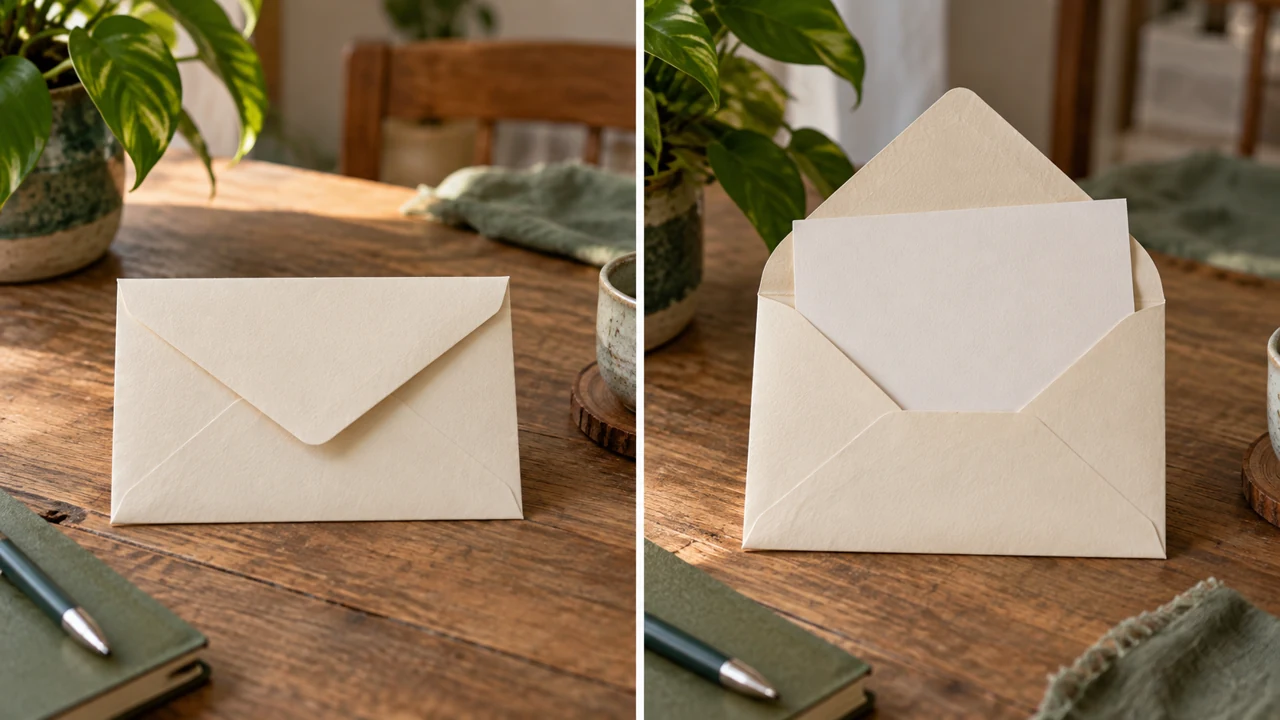
Teaching illustration created in Codex: A closed and open envelope illustrates a reveal. The generated image does not prove the measurements or capacity of a physical object.
Test yourself
Two generated images show a before and after. How should you present them?
It is normal to get stuck hereIf the answer needs a much longer video, make the question smaller. You can cover another part in a future post.
Practice now 0/3
Open a curiosity and answer it
Set aside 10 minutes for this section. Research, production, and later observation take extra time. You are done when the question has a findable answer and does not suggest proof that does not exist.
Use your own or authorized references. Label illustrative images and keep the originals. AI features may require an account or plan; check before generating.
Project: Reuso de Bolso or your project
Lesson: Open a curiosity and answer it
Curiosity: concrete question — <your decision>
Answer: visible and sufficient segment — <your decision>
Honesty: identify conditions and image sources — <your decision>
Evidence or file:
Next action:
Pending item:
After completing these steps, you can review a curiosity promise without hiding essential information.
Lesson cheat sheet
Open a curiosity and answer it
Curiosity: a specific question
Answer: a clear and complete clip
Honesty: identify the conditions and image sources
Your next step
You now have criteria for reviewing a curiosity promise without hiding essential information.
Save this lesson’s work in the project folder. You will use it in the next step.
Next: Use AI to organize, then check the script
Extra material · module 5Production and care steps to resume after the short exercise.
The question needs a visible answer
Experiment at your own pace
Apply the decision to your profile. Keep the previous version and record what changed.
What to observe
The Reuso de Bolso case is fictional. Codex images are illustrations; they do not prove a physical activity or publication result.
A comparison must keep the conditions honest
Experiment at your own pace
Review the example and write an alternative you can make with available resources.
What to observe
Features, names, and metrics vary by account, region, and version. Check official documentation before publishing.
Check that the scenes can be made, the line fits, and the care note appears.
Remove unsupported claims.
Do not accept a list of ten materials when the script calls for only one container.
AI can help draft; you remain responsible for the version you publish.
Save the first response and the revised version.
Record one change you made and why.
If everything is already suitable, test a different opening and compare.
If you prefer to write without an assistant, create two versions with the same sheet.
The practice requires a real, revised script, not just a prepared prompt.
Nelson reads the line aloud before deciding its length.
Completed brief · lesson example
1Prompt: audience, length, scenes, and limits
2Review: wording, feasibility, and claims
3Record: first version, changes, and approved version
Use this sheet as a reference. Replace the example with your own project.
3Check the decision against its use
Review the script for feasible scenes and claims you can support.
Nelson uses the sheet to check: record: first version, changes, and approved version.
Teaching illustration created in Codex: Bia writes while Nelson follows along. The scene illustrates human review; it does not simulate a tool response.
Test yourself
The assistant included an unsourced money-saving claim. What should you do?
It is normal to get stuck hereIf the tool is unavailable, use the same sheet to write. The goal is a revised script, not dependence on a brand.
Practice now 0/3
Use AI to organize, then check the script
Set aside 10 minutes for this section. Research, production, and later observation take extra time. You are done when two script versions are saved and the change is justified.
Use your own or authorized references. Label illustrative images and keep the originals. AI features may require an account or plan; check before generating.
Project: Reuso de Bolso or your project
Lesson: Use AI to organize, then check the script
Prompt: audience, duration, scenes, and limits — <your decision>
Review: speech, feasibility, and claims — <your decision>
Record: first draft, change, and approved version — <your decision>
Evidence or file:
Next action:
Pending item:
After completing these steps, you can review a short script with its audience, scenes, and limits defined.
Lesson cheat sheet
Use AI to organize, then check the script
Prompt: audience, length, scenes, and limits
Review: wording, feasibility, and claims
Record: first version, changes, and approved version
Your next step
You now have criteria for reviewing a short script with its audience, scenes, and limits defined.
Save this lesson’s work in the project folder. You will use it in the next step.
Next: Plan a week that fits your routine
Extra material · module 5Production and care steps to resume after the short exercise.
Start the prompt with decisions you have already made
Experiment at your own pace
Apply the decision to your profile. Keep the previous version and record what changed.
What to observe
The Reuso de Bolso case is fictional. Codex images are illustrations; they do not prove a physical activity or publication result.
You approve each claim and each scene
Experiment at your own pace
Review the example and write an alternative you can make with available resources.
What to observe
Features, names, and metrics vary by account, region, and version. Check official documentation before publishing.
2A planned status does not mean the work is delivered
Use planned, in production, published, or complete according to the task.
For a post, record the URL only after it exists.
A review can be complete even if nothing has been published.
Do not mark the whole week done just because you filled in the calendar.
Metrics may take time to appear.
Set one initial check, such as 48 hours after publishing, and another after seven days.
These are chosen work intervals, not magic times.
If the publishing date changes, update the check-in.
Nelson chooses dates he can meet without promising daily posts.
Completed brief · lesson example
1Pillars: three categories and two ideas per category
2Week: tasks with dates and accurate status
3Copy: exported calendar and scheduled check-ins
Use this sheet as a reference. Replace the example with your own project.
3Check the decision against its use
Spread production, publishing, and observation across a workable week.
Nelson uses the sheet to check: copy: exported calendar and scheduled check-ins.
Teaching illustration created in Codex: Planning cards illustrate how to organize a week. The editable calendar contains the seven checkable entries.
Test yourself
You filled in the calendar but have not made the video yet. Which status should you use?
It is normal to get stuck hereIf the week is full, reduce the number of posts. The deliverable is one reviewed post, not seven daily videos.
Practice now 0/3
Plan a week that fits your routine
Set aside 10 minutes for this section. Research, production, and later observation take extra time. You are done when the pillars and calendar are set, with a copy and accurate statuses.
Use your own or authorized references. Label illustrative images and keep the originals. AI features may require an account or plan; check before generating.
Project: Reuso de Bolso or your project
Lesson: Plan a week that fits your routine
Pillars: three categories and two ideas per category — <your decision>
Week: tasks with dates and accurate status — <your decision>
Copy: exported calendar and scheduled check-ins — <your decision>
Evidence or file:
Next action:
Pending item:
After completing these steps, you can fill in a seven-day calendar with three pillars.
Lesson cheat sheet
Plan a week that fits your routine
Pillars: three categories and two ideas per category
Week: tasks with dates and accurate status
Copy: exported calendar and scheduled check-ins
Your next step
You now have criteria for filling in a seven-day calendar with three pillars.
Save this lesson’s work in the project folder. You will use it in the next step.
Next: Produce and publish your first reviewed video
Extra material · module 6Production and care steps to resume after the short exercise.
Pillars organize ideas without empty repetition
Experiment at your own pace
Apply the decision to your profile. Keep the previous version and record what changed.
What to observe
The Reuso de Bolso case is fictional. Codex images are illustrations; they do not prove a physical activity or publication result.
A planned status does not mean the work is delivered
Experiment at your own pace
Review the example and write an alternative you can make with available resources.
What to observe
Features, names, and metrics vary by account, region, and version. Check official documentation before publishing.
Export a vertical MP4 and open it outside the editor.
Complete the Lesson 11 review and fix any problems.
Use the Lesson 12 checklist to check the caption, credits, AI disclosure, and visibility.
Publish manually from your account, then open the post to check image, sound, and text.
Save the MP4, script, sources, caption, URL, and date.
The ten minutes for this practice are for the final check, after production.
Generating, recording, and editing take extra time.
If the file, review, or publication is missing, leave that step pending.
Do not use a draft URL as a published post.
Nelson keeps the script and sources with the final MP4.
20-second illustrated script
0–3s · opening: scattered pencils.
3–15s · explanation: container and organization.
15–20s · care and invitation to save the idea.
Original timing plan. Read the voice-over and adjust the edit; this is not an already-produced video.
3Check the decision against its use
Check the MP4 and accessible post before recording it as delivered.
Nelson uses the sheet to check: record: URL, date, and sources saved.
Teaching illustration created in Codex: A phone records the container being organized. The illustration does not replace the file and post required by the activity.
Test yourself
The piece is saved in the editor but has not been exported. How should you record its status?
It is normal to get stuck hereIf you cannot publish now, leave this step pending and return later. Reviewing the file is still real progress.
Practice now 0/3
Produce and publish your first reviewed video
Set aside 10 minutes for this section. Research, production, and later observation take extra time. You are done when the MP4 and post exist, have been checked, and are recorded.
Use your own or authorized references. Label illustrative images and keep the originals. AI features may require an account or plan; check before generating.
Project: Reuso de Bolso or your project
Lesson: Make and publish the first reviewed video
File: vertical MP4 reviewed outside the editor — <your decision>
Publication: caption, rights, AI label, and visibility checked — <your decision>
Record: URL, date, and sources saved — <your decision>
Evidence or file:
Next action:
Pending item:
After completing these steps, you can review and publish an original video with the right disclosure.
Lesson cheat sheet
Produce and publish your first reviewed video
File: vertical MP4 reviewed outside the editor
Publication: caption, rights, AI, and visibility checked
Record: URL, date, and sources saved
Your next step
You now have criteria for reviewing and publishing an original video with the right disclosure.
Save this lesson’s work in the project folder. You will use it in the next step.
Next: Observe and choose the next test
Extra material · module 6Production and care steps to resume after the short exercise.
Produce the version your script supports
Experiment at your own pace
Apply the decision to your profile. Keep the previous version and record what changed.
What to observe
The Reuso de Bolso case is fictional. Codex images are illustrations; they do not prove a physical activity or publication result.
Publishing requires the prepared review
Experiment at your own pace
Review the example and write an alternative you can make with available resources.
What to observe
Features, names, and metrics vary by account, region, and version. Check official documentation before publishing.
Write three lines: I observed; I still do not know; I will test.
Fictional example: I received a question about size; I do not know whether others have the same question; I will make a short explanation.
A real question can guide content without proving that the whole audience thinks the same way.
The final set includes the promise, three pillars, ten references, 33 openings reviewed, calendar, script, MP4, and post.
Add the initial observation and schedule the seven-day check-in.
The course can end after the initial observation; weekly follow-up stays pending until it happens.
Keep a copy of the records.
Nelson schedules the next check-in without inventing numbers.
Completed brief · lesson example
1Observation: date, interval, and available metrics
2Limit: missing data and hypotheses identified
3Next action: one change and a new check-in date
Use this sheet as a reference. Replace the example with your own project.
3Check the decision against its use
Record the evidence, uncertainty, and one relevant next test.
Nelson uses the sheet to check: next action: one change and a new check-in date.
Teaching illustration created in Codex: Bia and Nelson revisit their notes. The scene represents reflection and does not suggest reach or income results.
Test yourself
The dashboard does not show the metric you planned to track. Which record is accurate?
It is normal to get stuck hereIf the result is disappointing, revisit the promise and clarity of the video. Choose one small change you can observe.
Practice now 0/3
Observe and choose the next test
Set aside 10 minutes for this section. Research, production, and later observation take extra time. You are done when the first check-in is complete and the folder contains the deliverable, limits, and next step.
Use your own or authorized references. Label illustrative images and keep the originals. AI features may require an account or plan; check before generating.
Project: Reuso de Bolso or your project
Lesson: Observe and choose the next test
Observation: date, interval, and available metrics — <your decision>
Limit: absence and hypothesis identified — <your decision>
Next action: one change and a new check-in date — <your decision>
Evidence or file:
Next action:
Pending item:
After these steps, you can record the first real observation and one limited next action.
Lesson cheat sheet
Observe and choose the next test
Observation: date, interval, and available metrics
Limit: absence and hypothesis identified
Next action: one change and a new check-in date
Your next step
You now have criteria for recording the first real observation and one limited next action.
Save this lesson’s work in the project folder. You will use it in the next step.
Next: Apply the system to a new piece and compare it with the documented rules.
Extra material · module 6Production and care steps to resume after the short exercise.
The data needs a date and a definition
Experiment at your own pace
Apply the decision to your profile. Keep the previous version and record what changed.
What to observe
The Reuso de Bolso case is fictional. Codex images are illustrations; they do not prove a physical activity or publication result.
A next action should respond to what you observed
Experiment at your own pace
Review the example and write an alternative you can make with available resources.
What to observe
Features, names, and metrics vary by account, region, and version. Check official documentation before publishing.