New · OpenAI Decisions API (public beta, Oct 6, 2026)

OpenAI has entered decision AI. Compare it with Jev.

Same question, two engines. See what changes in question types, image input, refusal, price and latency — and convert your requests from one format to the other without rewriting anything.

Decisions × Jev: OpenAI's decisions API and Jev side by side
In short

OpenAI launched the Decisions API: you send a text or a photo with closed questions and get back only the answer — yes/no, one option from your list or a score — with its probability, no running text. It is the same idea as Jev, the decision model INEMA already studies. This project explains the differences with the source of each piece of information and ships a Python bridge that converts questions from one format to the other and compares the answers. To study, just read and run the offline demo; to call the real APIs, you need your own keys.

What it is

Decision, not conversation

A decision model does not write: it chooses. Your system asks the question, defines the valid options and gets an answer ready to use in code — plus a probability so you know when to call a person.

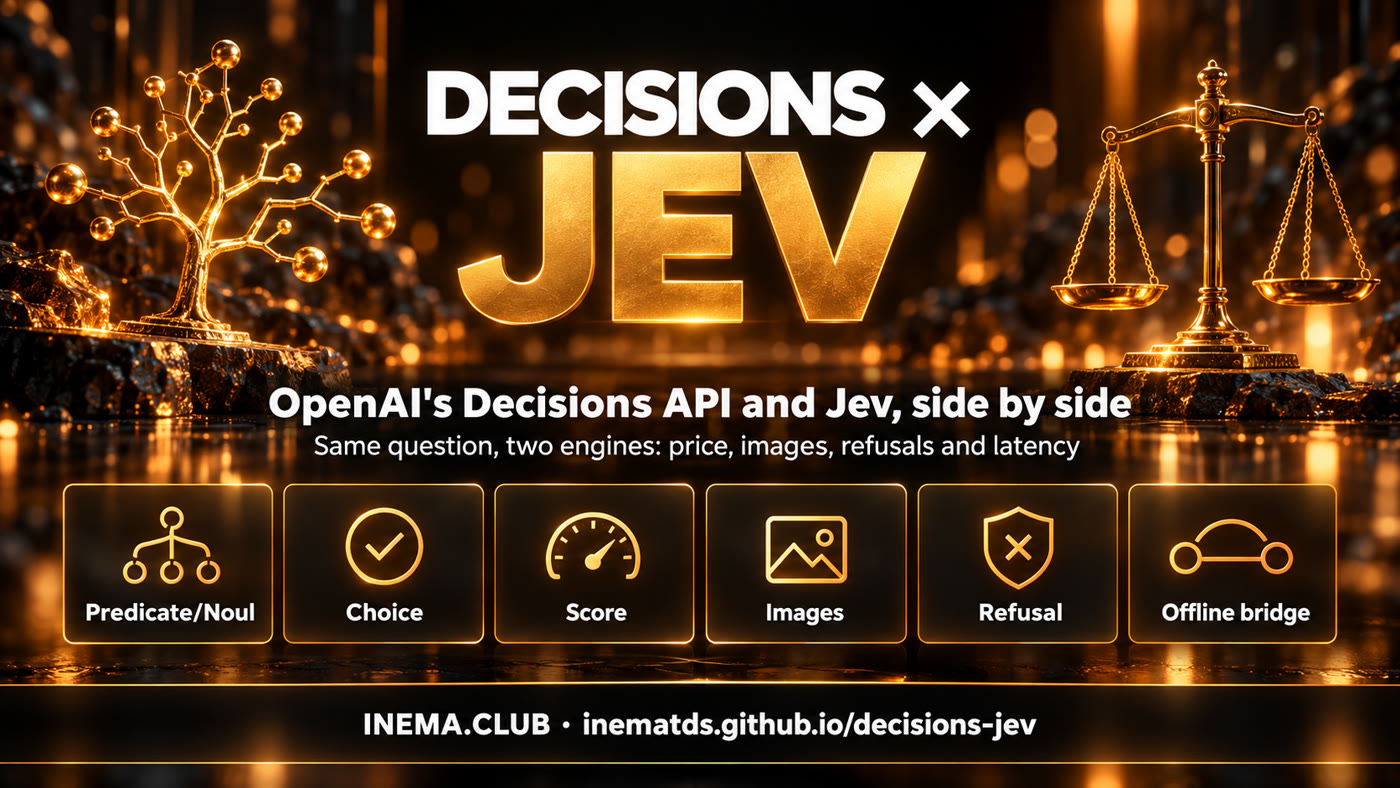
The six points of the comparison: predicate/noul, choice, score, image, refusal and offline bridge

📚 Comparison with sources

Every line says where it came from: OpenAI's official documentation, the Jev project code, or what the authors of two videos measured. Nothing is presented as our own measurement.

🔁 Jev ↔ OpenAI bridge

Converts the request from one format to the other (noul ↔ predicate, criteria ↔ choices/levels) and normalizes both answers into a single format.

🧪 Offline demo and tests

Three fictional cases with simulated answers run with no key and no cost; 12 tests guarantee the conversion. Live mode only runs when you authorize it.

Comparison

What is the same and what changes

Both answer the same three ways of asking. The differences are in the input, in refusal and in price.

OpenAI Decisions APIJev (TypeSafe)
Yes or nopredicate → probability from 0 to 1noul → probability from 0 to 1
One option from a listchoice + choices, com confidencechoice + criteria, com confidence
Score on a scalescore + levels (0-based index)score + criteria as a list
InputText and image (base64 only)Text only
RefusalMay answer refusalAlways picks among the options
Modelgpt-6-luna (only one)~typesafe/jev-latest
Price (input)US$ 0.10 per 1M tokens, no output chargeUS$ 0.042 per 1M tokens
StatusPublic beta since Oct 6, 2026Available, no waitlist

Sources: OpenAI's official guide (developers.openai.com/api/docs/guides/decisions) and the inematds/jev project. Details in docs/comparacao.md (in Portuguese).

What the videos measured

Two creators tested the APIs right at launch. The numbers below are theirs, with few and easy questions — they are an indication, not a benchmark.

💰 Price

Jev came out about 58% cheaper per input token; in the incidents test, the total cost was about half.

⏱️ Latency

Average of 146 ms (OpenAI) versus 155 ms (Jev); the median was slightly better on Jev. In an integration test, one call took ~300 ms, double the advertised figure.

🎯 Accuracy

A tie: both got everything right in the authors' tests. With photos, OpenAI told apart a damaged product, an intact one and a sealed box.

Sources: the video "OpenAI's Decisions API just dropped. Here's how it compares to Jev" and a second video, in Spanish, that integrated the API into a veterinary clinic triage (received only as a transcript).
How it works

Write it once, run it on both

The bridge translates the questions, calls each provider in its own format and returns the answers side by side, with a review alert when confidence is low or there was a refusal.

Question in Jev format→ bridge converts→ OpenAI (+ photo) and Jev→ normalized answers→ do they agree? review?
Prerequisites

Very little

The bridge uses only the Python standard library. Keys are only needed in live mode.

Python 3.10+ and Git

No dependencies to install.

git clone https://github.com/inematds/decisions-jev.git
cd decisions-jev

OpenAI key

Only for live mode. Created on the OpenAI platform; billed separately from any subscription.

export OPENAI_API_KEY=...

OpenRouter key

Only for live mode, to call Jev through OpenRouter.

export OPENROUTER_API_KEY=...
User guide · step by step

From the example to your own comparison

Start offline. Only call the APIs once the question is well formulated.

1

Run the offline demo

Three fictional cases — pet on-call, a checkout incident and a refusal — with simulated answers. It shows the comparison format, with no key and no cost.

python3 -m ponte demo
2

See the same question in OpenAI's format

The bridge turns noul into predicate, criteria into choices or levels, and each question's name into name.

python3 -m ponte converter jev-openai exemplos/plantao-pet.jev.json
3

Attach a photo (only OpenAI uses it)

The image becomes a base64 data URL inside the message. In the opposite direction, the bridge warns that Jev will receive only the text.

python3 -m ponte converter jev-openai exemplos/plantao-pet.jev.json --imagem foto.jpg
python3 -m ponte converter openai-jev exemplos/devolucao-foto.openai.json  # warns: 1 image discarded
4

Compare live (paid call)

Calls both providers with the same question and shows answers, latency and cost. It requires PERMITIR_API=1 so you do not spend by mistake. INEMA has not run this mode yet.

PERMITIR_API=1 python3 -m ponte ao-vivo exemplos/plantao-pet.jev.json
5

Ask your agent to integrate

The ready-made prompt tells the agent to read the official Markdown documentation before coding, ask the questions in a single call, flag confidence below 0.6 as "review" and handle refusal without breaking.

# copy the text block from
docs/prompt-integracao.md
6

Check with the tests

12 tests cover conversion in both directions, round trip, image, refusal, review and the live-mode block.

python3 -m unittest discover -s testes
Which to use

Choose by your case, not by the headline

For a person waiting, a few milliseconds make no difference. What matters is the input, the volume and what to do with doubt.

📷 Have an image?

Decisions API. A product photo, a wound photo or a screenshot goes in the same call. Jev still reads only text.

📈 High volume, text only?

Jev. The input price is less than half; across millions of records, the difference shows up on the bill.

🛑 Sensitive topic?

OpenAI may refuse with refusal. With Jev, include an "insufficient" option. In both, a refusal or low confidence goes to a person.

Roadmap

Next steps

What already exists and what is left to measure.

v1.0
Bridge, comparison and demoConversion in both directions, normalization, review policy, 3 simulated cases, 12 tests, guide in PT/EN/ES.
Next
Comparison measured by INEMARun live mode on our own Portuguese-language set, with a human reference, measuring accuracy, calibration, cost and latency — depends on authorization to use both APIs.
Later
Bridge in Jev Decision LabBring the OpenAI provider to the lab and packages of the jev project, alongside OpenRouter and TypeSafe.