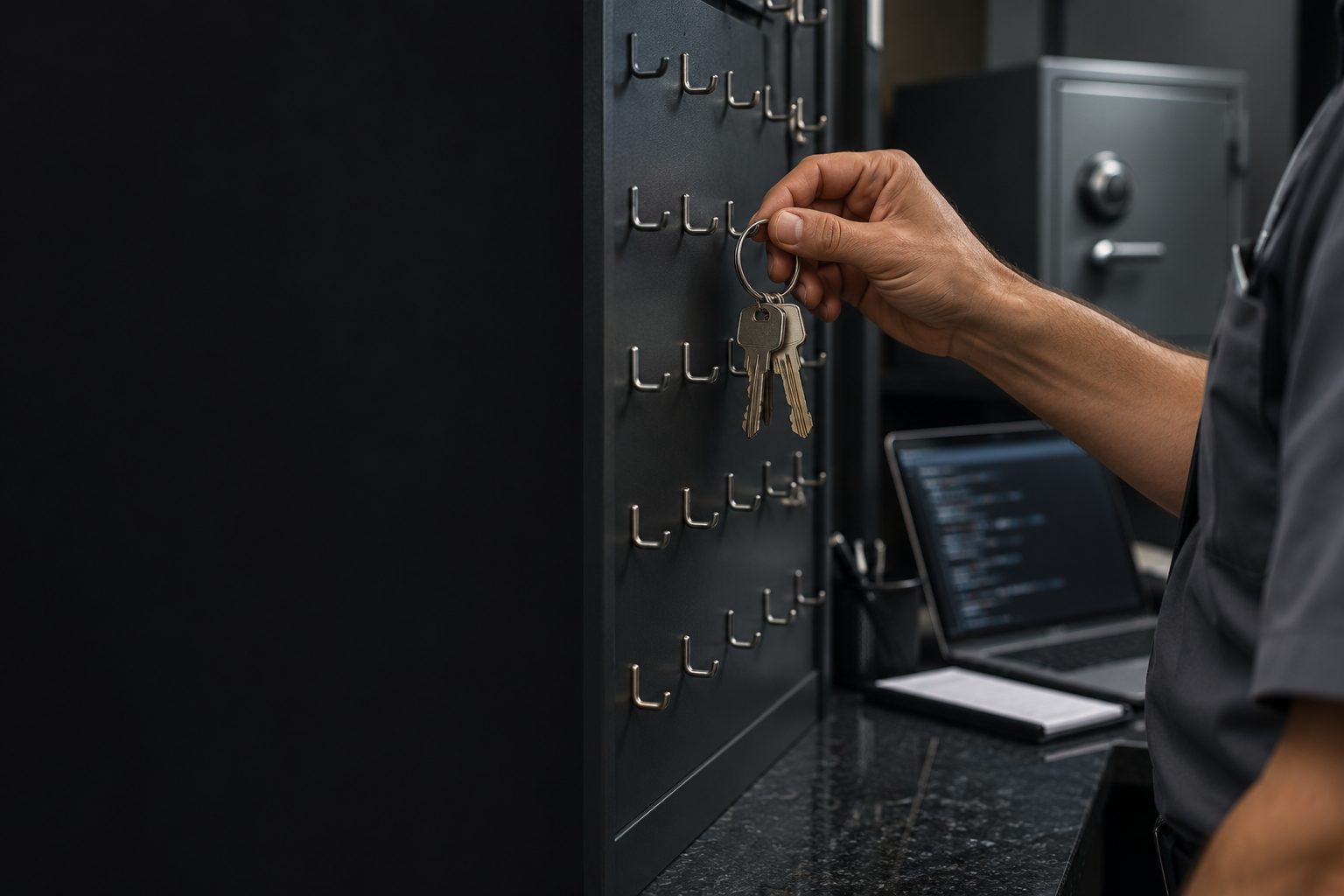
A key pasted into a document, a screenshot, or a request gives access to anyone who reads it, and it stays valid after the conversation ends. Separating the secret from everything else before saving the first version lets you share the folder without worry.
1.env stores the key; .env.example shows only the names
2.gitignore written before the first version
3Leaked? Replace the key at its source first
4The AI needs the variable name, not the value
Objective: create .env, .env.example, and .gitignore before the first commit, and know what to do if a key leaks.
01 · The concierge’s key board
The room list can be visible; the key cannot.
Lesson 501 · The concierge’s key boardThe room list can be visible; the key cannot.
1/5
.env
Stores variables: a name, an equal sign, and a value. It is not a safe: it is not encrypted, and anyone who opens the file can read it. So keep it only on your machine and never put it in Git.
Scroll down: each step below lights up its part of the diagram.
1/5
.env
Stores variables: a name, an equal sign, and a value. It is not a safe: it is not encrypted, and anyone who opens the file can read it. So keep it only on your machine and never put it in Git.
2/5
.env.example
The same names, with fake values. Anyone who gets the project can see what they need to fill in, but they do not get access to anything. Remember: anything ending in example is the example.
3/5
.gitignore
Each line is a pattern. .env matches the file; .env.* matches variants like .env.local; the line with ! makes an exception and puts .env.example back on the list of files to save.
4/5
History
.gitignore only applies to files Git has not saved yet. If .env is already in a commit, adding the line later does not remove it from the history. That is why the list comes before the first version.
5/5
Ignore before the first commit
The .env with the real value stays at home, .env.example can be shared, and .gitignore decides this before Git saves any version. Once the mailbag has left, crossing the paper off the list will not bring it back.
The AGENTS.md rule says: "Never write keys or passwords in a text file; keep them in .env."
02 · Four rules about secrets
Click each one.
1. A credential is the key to the room
A password, API key, and bot token let whoever has them act on behalf of your account, and you pay the bill.
Before sending a screenshot, check the corners of the screen: a visible password belongs to everyone who receives it.
Screenshot with password coveredThe same screen, with the password covered before sending.
2. AI needs the name
To help, AI almost always only needs to know that the variable exists, like TELEGRAM_BOT_TOKEN.
A real value does not belong in a request, course example, or file sent to AI unless needed.
The right requestThe bot token is in the TELEGRAM_BOT_TOKEN variable in .env.
3. The list before the version
Create .gitignore before the first git commit. It does not remove anything that is already in the history.
In the next lesson, git status is the proof: .env must not appear.
Checkgit status does not show .env.
4. Was it leaked?
If a key was published or pasted by mistake, the first fix is to revoke it on the site that created it and generate another. Deleting the message or line does not invalidate a copy someone has already seen.
Only then take care of the file and the history.
Order1. Revoke and replace it. 2. Clear the file.
03 · The three files
In the meu-primeiro-agente folder. The key is fake, for practice.
cmd · create the practice .env and .gitignore
cd %USERPROFILE%\projetos\meu-primeiro-agente
echo MINHA_CHAVE=teste123> .env
echo MINHA_CHAVE=preencha_localmente> .env.example
echo .env> .gitignore
echo .env.*>> .gitignore
echo !.env.example>> .gitignore
type .gitignore
.gitignore (what should be inside)
.env
.env.*
!.env.example
AGENTS.md · new rule
- Never write keys or passwords in a text file; keep them in .env.
- If you need a key, mention the variable name, never its value.
Simulation: illustrative example
C:\Users\ana\projetos\meu-primeiro-agente> type .gitignore
.env
.env.*
!.env.example
One > creates the file (or replaces its contents); two >> add a line at the end.
Space before >: echo .env > .gitignore writes ".env " with a trailing space. Type it without a space: echo .env> .gitignore.
Key in AGENTS.md “so the agent knows how to use it”: anything in text can end up on GitHub.
.gitignore after the commit: .env stays in the old version.
04 · Rehearse: keep the secret out of text
Create the files and check the list.
Missions
1Create .env with the fake key MINHA_CHAVE=teste123.
2Create .gitignore with the line .env (with no space before >).
3Add the line .env.*.
4Add the exception !.env.example.
5Show .gitignore.
Command Prompt · simulation
Simulation: the commands are the same in your cmd.
05 · Practice
Before any git commit.
E9 · Keep secrets out of text
10 min
Create .env with the fake key, .env.example with the pretend value, and .gitignore with the three lines. Add the rule to AGENTS.md.
Done when:type .gitignore shows .env, .env.* and !.env.example, and no file other than .env has the value teste123.
E10 · Rehearse a leak
5 min
For each credential you use (subscription, token, key), write down on the project sheet where you can replace it.
Done when: For each credential, you know which page lets you revoke it and create another, without having to search in a panic.
06 · Test what you learned
The explanation appears after your answer.
Question 1 of 3
Where does an API key go in a project?competency
Correct
Keep the key only in .env, and put .env in .gitignore. .env.example should have only the name with a fake value.
Not this one
Keep the key only in .env, and put .env in .gitignore. .env.example should have only the name with a fake value.Review: The concierge’s key board
Question 2 of 3
A colleague added .env to .gitignore a week after the first version. Was .env removed from the history?
Correct
.gitignore applies from that point on, and only to files that haven’t been saved yet. That’s why it comes before the first commit.
Not this one
.gitignore applies from that point on, and only to files that haven’t been saved yet. That’s why it comes before the first commit.Review: The concierge’s key board
Question 3 of 3
You accidentally pasted a real key into a group. What’s the first step?
Correct
Deleting the message doesn’t invalidate a copy someone has already seen. Revoking the key at its source closes access; then you clean up the rest.
Not this one
Deleting the message doesn’t invalidate a copy someone has already seen. Revoking the key at its source closes access; then you clean up the rest.Review: Four rules about secrets
Test complete
You got {a} out of {n} right. Get them all right to mark the lesson complete.
Choose an option. The explanation appears after your attempt.