Cinema with AI program · course 4 of 6 · 8 lessons
The video factory with agents: INEMA's open engines, from topic to published video
Explainer with avatar, app demo, documentary, short with a quality gate, reel editor, and publishing. You run each INEMA engine on your machine, at a pinned commit, up to the point where it would spend credit, and stop there with the output checked.
- 8lessons
- 8engines at a pinned commit
- 22tested blocks in the kit
- 0credits spent
The lessons
From the map to YouTube: explainer, demo, documentary, short, editing, avatar, and publishing.
 Lesson 1 · 12 minThe factory map: from what you have to the right engineINEMA has one video engine for each case: explainer, demo, documentary, short, publishing. Picking the wrong engine costs hours. In this lesson you turn the table in the Videos area into a command that tells you which one to use, and you get your machine ready for the next seven lessons.
 Lesson 2 · 18 minExplainer with avatar and voice: explicavideos under the hoodexplicavideos turns a script into an explainer video with avatar, voice, animated scenes and captions. Only one part is expensive: the avatar studio. In this lesson you run the engine's tests and build scenes, blocks and templates from a script of your own, stopping before the studio.
 Lesson 3 · 20 minApp demo, click by clickTo show an app, the real screen is more convincing than any animation. video-demonstrativo drives a browser through your app, takes a photo at each step with the position of the clicked element, narrates with a local voice, and assembles the video with cursor and zoom. In this lesson you do all of it, with a sample app, at no credit cost.
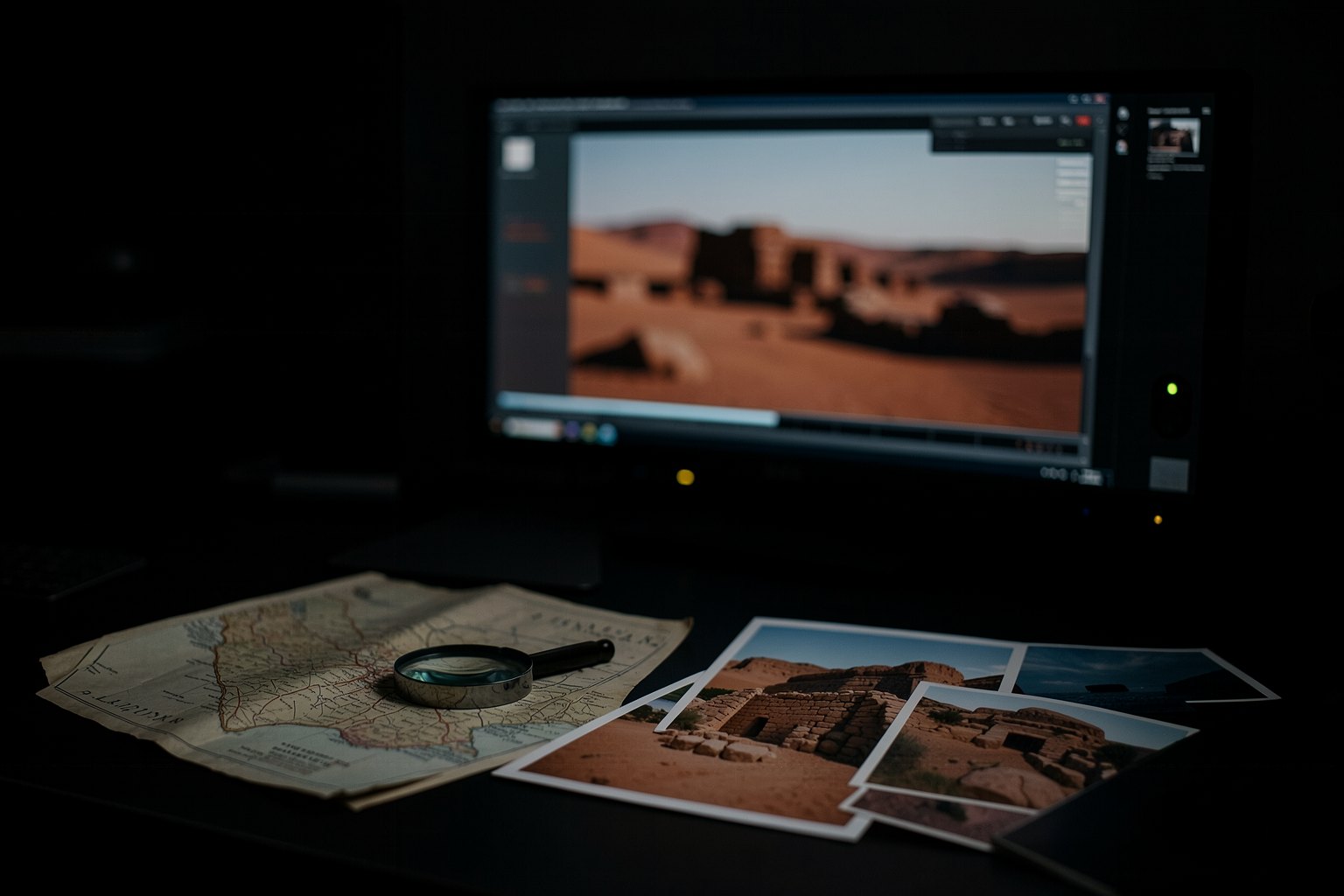 Lesson 4 · 16 minA narrated documentary and your own version of a reference videoTwo engines start from different places. docflow starts from a topic and delivers a short narrated documentary. refazvideo starts from a reference video and delivers your version in Portuguese, with your own thesis and script. In both, the file the agent writes is checked before any generation.
 Lesson 5 · 18 minShorts with a quality gate: hook, 9:16 cut and QAA short that loses its first three seconds doesn't get a second chance. MakeShorts puts two gates in the way: one on the script, which measures the hook before you record, and one on the video, which measures format, sound and frozen screen before you publish. In this lesson you fail and pass both, using dry-run files.
 Lesson 6 · 15 minEditing by agent: your reel editorforja-reel doesn't edit video: it interviews you and generates a skill of your own that edits, with your identity and a tested cut-and-pacing engine inside. In this lesson you open the published package, see what the child skill receives, and use the local pacing lint to fail a gap in the timeline before the render.
 Lesson 7 · 14 minTalking avatar: studio, voice and consentA talking avatar is the most expensive step in the factory and the most sensitive: it's a person's face and voice. In this lesson you'll see how the studio fits into the pipeline and write two pieces of your own: the avatar's consent form and a gate that doesn't let any generation start without a valid consent form.
 Lesson 8 · 18 minPublishing a video: caption, thumb, three languages and YouTubeThe factory's last engine takes the finished video to YouTube with title, description, tags, cover and captions. yt-pubx has a dry-run mode that builds everything and stops before sending. In this lesson you do a dry run with no model and no account, see the most common error and close the course with the plan for your first video.
Who it's for
- 1People who already use Claude Code or Codex in the terminal and want to produce video in series, not one at a time.
- 2People who make video for a course, a company, or a channel and need to know which engine to use for each case.
- 3People who want to understand an agent video pipeline from the inside: input, gates, and checked output.
What you'll be able to do
- 1Pick the right engine for what you have and what you want, with one command.
- 2Assemble scenes and blocks of an explainer and capture an app demo click by click.
- 3Reject an off-standard short and a pacing gap before rendering.
- 4Put a consent gate before the avatar and rehearse publishing without sending anything.
Before you start
- 1Linux or macOS with git, Python 3 (with PyYAML and Pillow: pip install pyyaml pillow), Node 22 or newer, and FFmpeg. On Windows, use WSL.
- 2Free space (estimate: about 2 GB): the render browser and the local voice download on first use. Lesson 3 uses agent-browser.
- 3Recommended: course 3 (Motion by code), which teaches the HyperFrames these engines use.