The kit adds two protections to Claude Code: a safety lock that blocks actions you can’t undo (deleting a folder, reading a password, forcing a git push) in every mode, and a test that keeps Claude working until the task passes. Then you can turn off permission prompts and step away. We didn’t make any of this up: each part follows the official Claude Code documentation and advice published by Anthropic’s engineers, the people who build Claude (see the sources).
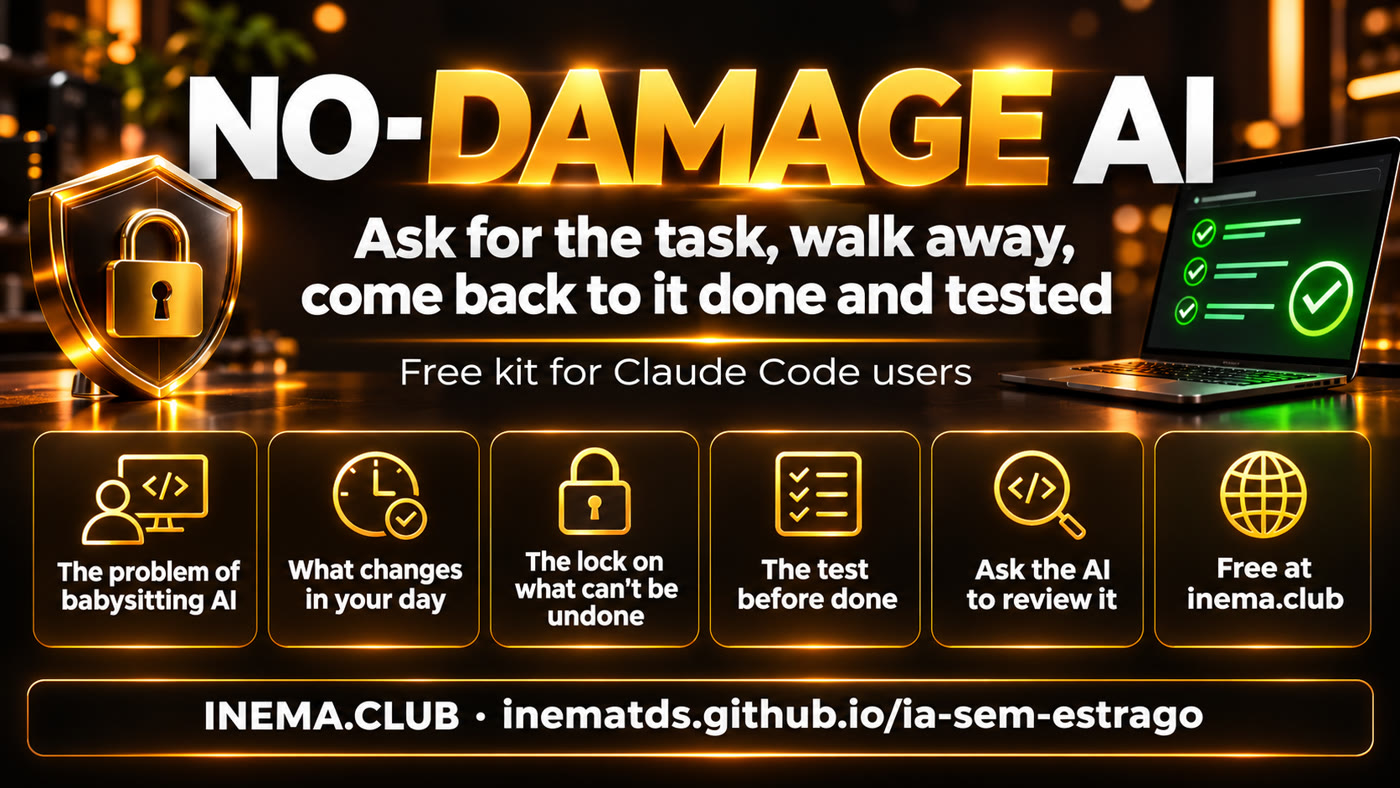
Before and after the kit
😩 Without the kit
You stay in front of the screen, clicking “allow” for every command. After so many clicks, you stop reading. In a study shared by the Claude Code team, people who approved commands one by one caught only 14% of dangerous commands.
Claude says “done,” and the mistake only shows up later, when you test it or a client complains.
😌 With the kit
You don’t click anything. You go do something else. Actions you can’t undo are always blocked, in every mode, even if the AI tries.
Claude only stops when the test passes. If it fails, Claude goes back and fixes it.
⏱️ Get your time back
You stop babysitting the AI. The task keeps moving while you do something else.
🔒 No damage you can’t undo
You can undo a code mistake with git. You can’t undo a deleted folder, a leaked password, or overwritten git history. Those actions stay blocked.
✅ Work that’s been tested
“Done” means done. You don’t discover the mistake at the end.
👤 Who it’s for
People who use Claude Code every day, for code or writing. You need Claude Code and Python 3 to install it.
🧪 Tested for real
We hid a mistake in some code and asked Claude to “just say done.” The test stopped it. Claude found and fixed the mistake, then stopped (see the proof).
🎁 Free
The kit is on GitHub, this guide is available in Portuguese, English, and Spanish, and everything is based on what Anthropic publishes and recommends (sources).
See the kit explained in just a few minutes
Two short videos, using the same kit: choose your starting point. (videos in Portuguese, with subtitles)
🎬 For beginners
🎬 For those who already use Claude Code
We didn’t make this up: it’s what Anthropic recommends
Anthropic is the company behind Claude. This kit brings together, in one place and ready to use, advice its engineers have published and guidance from the official Claude Code documentation.
🎤 Claude Code engineers
In a talk, Lydia Hallie, from the team that builds Claude Code, showed how they work: they stop watching every step, block actions they can’t undo, and use tests to decide when work is done. This helped them go from 2,500 to more than 30,000 code changes a day.
📊 What Anthropic published
People who approve every action by hand end up accepting 93% of requests. Approval fatigue makes people stop reading. Anthropic’s internal records also include real cases of AI deleting project branches, sending an access key outside the company, and changing a production database.
📦 The sandbox
Anthropic also showed that the Claude Code sandbox cut permission requests by 84% while improving safety. The kit turns it on for you.
📚 Every part of the kit is in the official documentation
The safety lock uses Claude Code’s deny rules (Permissions). The sandbox is Claude Code’s sandbox feature (Sandboxing). The test before “done” is a hook that runs when the AI tries to finish (Hooks). And the way to give instructions follows the Claude Code best practices. All checked on 11/17/2026.
The 14% and 89% figures in the talk (people who approve one by one versus auto mode) were shared by the speaker and are not published on Anthropic’s website. The 93% and 84% figures above are in official articles.
How this changes your day
You don’t need to code to see the difference. Here are four common situations for people who use AI at work.
🗂️ “Organize the project files”
Today: You watch, afraid the AI will delete the wrong folder.
With the kit: It can move, rename, and organize files. Deleting a whole folder at once is blocked, so the worst can’t happen.
🌐 “Fix the website form”
Today: The AI says “done,” you check, and the form is still broken. You ask again, and again.
With the kit: Before stopping, a test fills out the form. If it fails, the AI goes back and fixes it. You get work that’s been tested.
🔑 “Connect the system to the new API”
Today: The API password is in a project file, and you hope the AI won’t read it or send it outside.
With the kit: Password files and access keys stay out of reach. The AI does the work without seeing the password.
📊 “Prepare this month’s report”
Today: AI writes beautifully, but changes a number and makes up a source. You only notice during the meeting.
With the kit: before delivery, another AI checks the text against your spreadsheet. We tested it: the report said 100, but the spreadsheet said 120. It caught the error, corrected it to 120, and added the source link.
- 9:00 a.m. · you give the task
and say what “done” means: “the form sends and the email arrives.” - 9:05 a.m. · you go do something else
a meeting, lunch, another task. No “allow” button is waiting for you. - 10:00 a.m. · you come back
the task is done, the test passed, and nothing you can’t undo was touched.
Two protections, plain and simple
The kit doesn’t make the AI smarter. It sets two limits around it, so you can step away.
🔒 1. The safety lock
It works like a locked door: the AI can move around the house but can’t go into that room. To decide what stays locked, the kit asks one question: “If the AI gets this wrong once, can I undo it?”
Yes, you can undo it (edit text, change code that git tracks): it stays allowed.
No, you can’t (delete a whole folder, read passwords, erase the project’s git history): it stays locked in every mode, even if the AI tries.
✅ 2. The test before “done”
It works like an inspector at the end of a production line. You say once what “done” means, and a test checks it every time the AI tries to finish.
Pass: it delivers the work.
Fail: it gets the reason, goes back, and fixes it. To keep it from going in circles, it stops and calls you after 3 tries.
🤝 What about everything else?
Anything you can undo runs on its own, without asking permission at every step. Claude Code’s auto mode decides. If the AI makes a mistake, you can undo it. The kit doesn’t promise an AI that never makes mistakes. It promises that mistakes you can’t fix won’t happen, and that “done” means done.
What the kit does and doesn’t do
Everything at a glance. If you read only one part of this guide, read this one.
🔒 Always locked
- Deleting an entire folder at once
- Reading the project’s password files (
.env,.env.local, thesecretsfolder) - Reading your computer’s access keys
- Deleting or overwriting the project history
✋ Asks for your confirmation
- Sending an email or message through a connector
- Deleting or moving a file to the trash in Drive or another service
- Publishing something outside the project
- This also applies when you open Claude without restrictions
✅ Checked before “done”
- Code: the project’s tests pass
- Text: every claim has a source, and every number matches the spreadsheet
- The AI shows the actual check results, not a summary
- After 3 failed attempts, it stops and calls you
🟢 Keeps going on its own
- Creating, editing, moving, and renaming files
- Installing what the project already requires
- Anything that can be undone
⚠️ What the kit doesn’t do
- It doesn’t prevent mistakes that can be undone: you can undo those.
- It doesn’t protect what you do outside Claude Code.
- It doesn’t guess what “done” means: you tell it once, and it checks every time.
Ask your AI to review the kit
You don’t need to install anything by hand or understand the files. The AI reads the kit, looks at your project, and tells you what makes sense for you.
1. Open your AI in the project
Open Claude Code or Codex in the project folder you work in.
2. Paste the request below
It asks the AI to read the kit, look at your project, and explain it in plain English without changing anything yet.
3. Say yes to what makes sense
The AI shows you a plan. Approve what you want, and it installs only that.
Read the “No-Damage AI” kit at https://github.com/inematds/ia-sem-estrago (the README explains everything, including installation).
Then look at this project and answer in plain English:
1. What could not be undone if you made a mistake here (deleting files, passwords, sending something outside)?
2. What test or check proves that a task is done in this project?
3. Which parts of the kit would help me, and which would not?
Don’t change anything yet. Show me the plan and wait for me to say yes.
The kit is built for Claude Code: the safety lock and test are its settings. Codex can also read the kit and tell you if it fits your project.
🛠️ Prefer to install it yourself?
The step-by-step technical installation, with commands, files, and tests, is in the GitHub README.
We tested it for real: the AI said “done” too soon, and the kit stopped it
We deliberately hid a mistake in a small project: an addition problem that subtracted instead. Then we asked Claude to do just one thing: “reply only: done.”
- Claude said “done” and tried to stop.
Without the kit, the conversation would have ended there, with the mistake hidden. - The test ran, caught the wrong answer, and told Claude to go back.
It also explained what went wrong. - Claude found the mistake, fixed it, and checked again.
It only stopped when the test passed.
“The test failed because the addition was subtracting instead of adding. I changed it and ran the check again: the test passes.”
Claude’s final answer, using Claude Code with a subscription, on 11/17/2026. Full record: PROVA.md.
Before you start
Do I need to know how to code?
No. Paste the request, read the plan the AI shows you, and say yes or no. The AI installs it.
Is it only for code?
No. It works for any task the AI does in your files: writing, spreadsheets, reports, websites. For a report, “done” could mean “every number matches the spreadsheet.”
Does the AI lose control?
There are fewer clicks, not less control. Actions you can’t undo stay locked, and you decide what “done” means.
What if I already have my own settings?
The kit doesn’t delete anything. The request tells the AI to show you a plan first, then it adds what you approve to your existing settings.
How much does it cost?
Nothing. The kit and this guide are free. You only need the AI you already use.
What if I open Claude “without restrictions”?
You’re still protected if you open it with --dangerously-skip-permissions: we tested it, and the lock and the “done” check still worked. What goes away is the auto mode gatekeeper that checked everything else. That’s why we recommend auto mode, with the kit in the project.
What about the browser and connectors?
When Claude opens the browser or uses Gmail and Drive, the closed box (sandbox) doesn’t cover those actions. The kit includes a rule that makes the AI ask for your confirmation before sending, deleting, or publishing.
Does it work on any computer?
It works wherever Claude Code runs: Windows, Mac, and Linux. The AI checks this when it reviews your project.
And you: what does AI do in your work today that you couldn’t undo if it went wrong? Free at inema.club, right here online.