Website animation with AI · open and free
Website animations that come out ready from a prompt
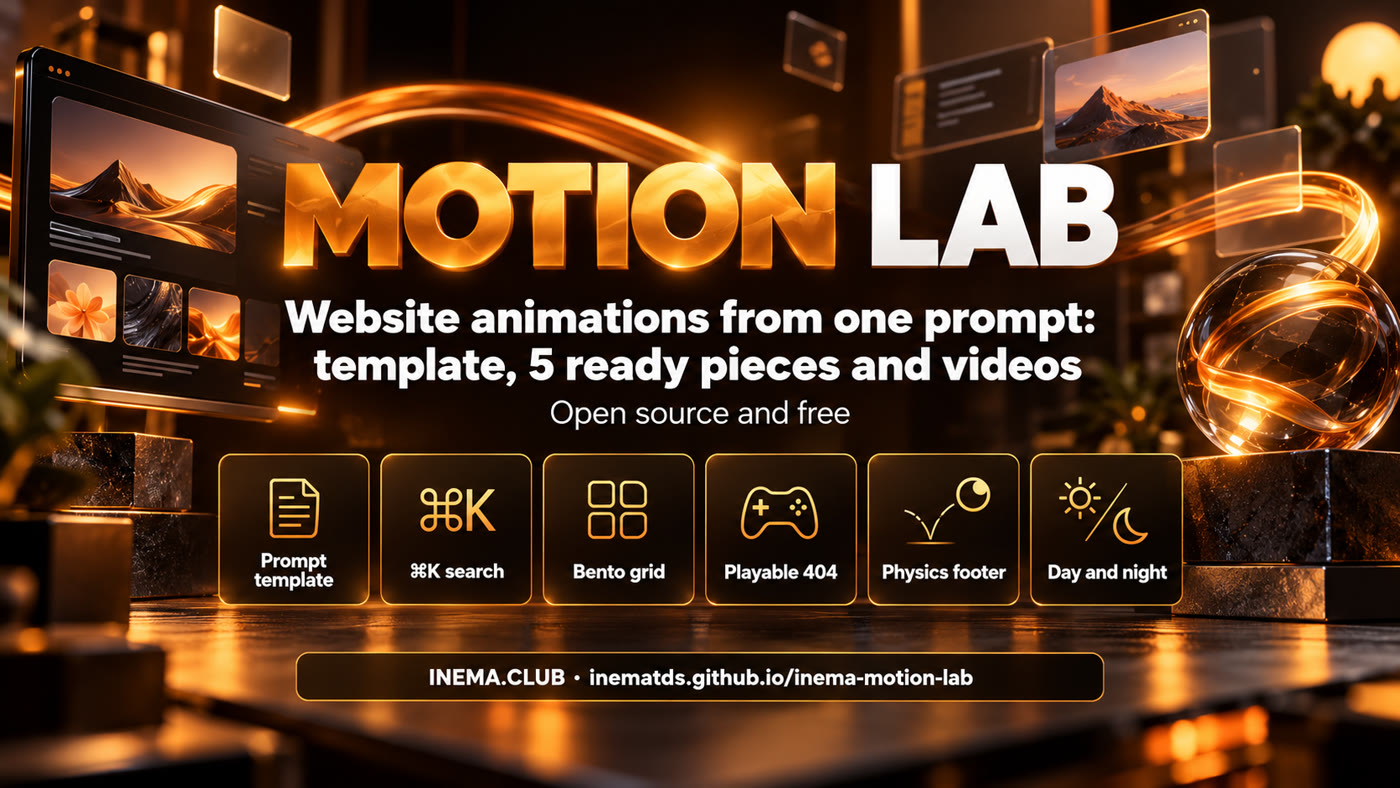
One prompt template, five interactive pieces in the INEMA style and a short video of each one. Copy, adapt and use.

One prompt template, five interactive pieces in the INEMA style and a short video of each one. Copy, adapt and use.
INEMA Motion Lab teaches you how to ask an AI (Claude, Codex or another one) for website animations and get something with a professional finish, not a generic effect. It brings a three-part prompt template (appearance, motion and rules) and five real examples made with it: a ⌘K search, a features grid, a playable 404 page, a footer with falling letters and a day/night theme button. Each piece is a single HTML file that you open in the browser and paste into your site, and it comes with the prompt that generated it and a short video. It is for anyone who builds pages, guides or courses and wants motion without relying on a heavy library.
The template is the most valuable part: it is what makes the next animation come out well. The pieces and the videos are the proof that it works.
Appearance with exact values, motion in numbered steps with timing in milliseconds, and technical rules that prevent the most common mistakes.
One HTML file each, no build step, in INEMA colors and fonts. They work on mobile, with the keyboard and with reduced motion.
Each piece has a demo mode with a ghost cursor, recorded in WebM and MP4, ready to use as supporting footage in videos and posts.
All five pieces went through this same path. The test and the recording are scripts in this repository.
The video shows the automatic demo. Click "Open live" to play with the piece right here.
The search pill grows and turns into a command palette. Typing filters courses, guides and events, the arrow keys move a sliding highlight and Enter opens the item.
loading…
"What INEMA.CLUB has" in blocks of different sizes. An amber frame slides to the block under the mouse and the block wakes up with its own mini-animation.
loading…
"This page ran away." A capybara runs and jumps over bugs while the visitor decides whether to go back to INEMA.CLUB. It starts on autopilot; the first tap hands over control.
loading…
The letters I N E M A fall one by one and pile up on the footer floor. You can grab and throw them; "Tidy letters" puts everything back.
loading…
The theme button is a scene: the sun goes down, the moon comes up, the school windows light up and the capybara falls asleep. The colors of the whole page change along with it.
loading…
Copy it, replace what is between < > and paste it into Claude, Codex or any AI that writes code.
Build <WHAT IT IS, in one sentence: the piece + what the person does with it>.

Appearance:
- Background, colors and typography with exact values (hex, font, weight, relative size).
- Layout: where each block goes and how much of the area it takes (%).
- Details that give it personality (outline, shadow, texture, icons).

Motion:
1. <What happens when it enters the screen> — duration in ms, order, delay between items.
2. <What happens when the person interacts> — hover, click, drag, type.
3. <The physical response> — spring, bounce, inertia, the "weight" of things.
4. <The final / resting state>.
5. Demo mode: until someone touches it, a ghost cursor demonstrates the interaction on its own.

Rules:
- Plain JavaScript and CSS, no library (or: "<library> only for <function>").
- A single requestAnimationFrame loop, paused when the piece leaves the screen (IntersectionObserver).
- Animate only transform and opacity; cap devicePixelRatio at 2 on canvas.
- Never hijack page scrolling; keyboard shortcuts only when the piece is focused or under the mouse.
- Accessible: real elements (button, a, input) with visible focus; the keyboard does the same as the mouse.
- prefers-reduced-motion: show the final state, still (describe what it is).
- A single self-contained HTML file.
| Part | Without it | With it |
|---|---|---|
| Appearance with exact values | "default AI" colors and fonts | the piece comes out looking like the brand |
| Numbered motion with timings | vague animation, too fast or too slow | intentional rhythm, easy to adjust ("step 2 slower") |
| Demo mode | nobody finds out it is interactive | the piece explains itself and becomes a video effortlessly |
| Pause off screen | heavy page, drained battery | zero cost when nobody is watching |
| Don't hijack scrolling | the page "freezes" when the mouse passes over it | the piece lives alongside the rest of the site |
| Reduced motion | people who get motion sick suffer | everyone sees the content |
Testing and re-recording the videos requires Node, Playwright and ffmpeg. To just use them, none of that is needed.
Open the piece's index.html in the browser or copy the file into your site.
# no command needed
open pecas/dia-noite/index.htmlTo test it like on a real site (and for the scripts), serve the folder over HTTP.
python3 -m http.server 8850 \
--directory . --bind 127.0.0.1Node 18+, the playwright package and ffmpeg on the system.
npm i playwright
npx playwright install chromium
Steps 1 to 3 use what is already done. Steps 4 and 5 are for creating a new piece with the template.
Everything is static: pieces, prompts, videos and the two scripts.
git clone https://github.com/inematds/inema-motion-lab
cd inema-motion-lab
Each piece starts in demo mode. The first tap, click or key press hands control over to you. Add ?demo=1 to the URL so the demo never stops.
python3 -m http.server 8850 --directory . --bind 127.0.0.1
# open http://127.0.0.1:8850/pecas/busca-cmdk/
# or   http://127.0.0.1:8850/pecas/busca-cmdk/?demo=1
Each piece fills the whole screen of its own file. The simplest way is to embed it in an <iframe>; for a real integration, copy the piece's HTML, CSS and JS into your page and change the texts and links.
<iframe src="pecas/bento-glide/index.html" title="What INEMA.CLUB has"
        style="width:100%;aspect-ratio:16/9;border:0" loading="lazy"></iframe>
Fill in the template (molde/MOLDE-PROMPT-ANIMACAO.md), save it as pecas/<name>/PROMPT.md and ask the AI to write the index.html from it. Use the five PROMPT.md files as examples of the level of detail. To adjust, ask by step number: "in step 1, 80 ms instead of 120".
# example with Claude Code, in the repository folder
claude "Read pecas/minha-peca/PROMPT.md and write pecas/minha-peca/index.html following the prompt."
The test checks, across all pieces: no JavaScript errors, no horizontal scrolling at 1280 and 360 px, the reduced-motion version, and whether the piece locks page scrolling. The recording produces, for each piece, 8 s in WebM and MP4 plus a cover image in videos/.
python3 -m http.server 8850 --directory . --bind 127.0.0.1 &
node tools/testar-pecas.cjs 8850     # 5/5 pieces OK
node tools/gravar-videos.cjs 8850    # OK busca-cmdk: webm 285 KB, mp4 349 KB …
node tools/gravar-videos.cjs 8850 dia-noite   # just one piece
The lab is ready to use. These are the possible next stages, not done yet.