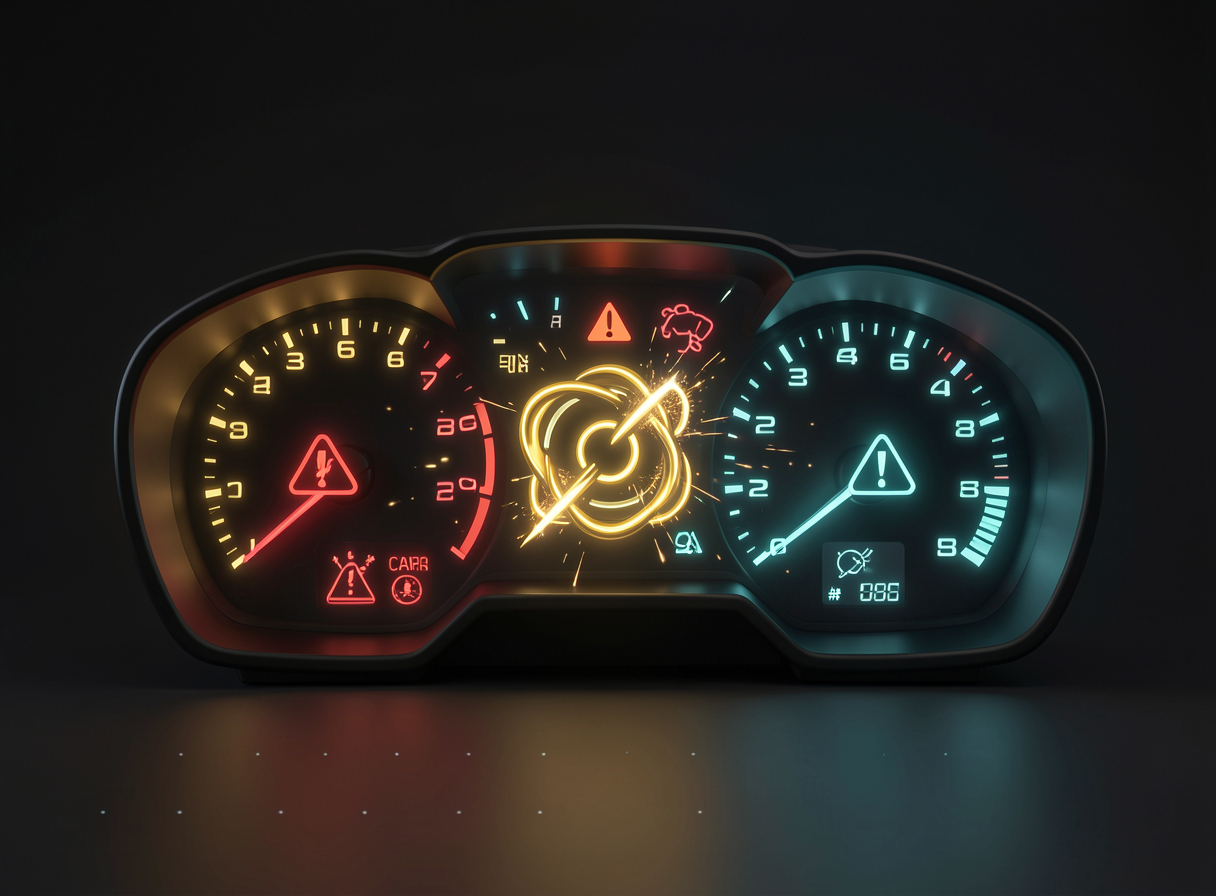
What to look at: the warning signs of a poorly assembled loop. Each red light here is one of the eight mistakes below—and each has a simple fix. Read this module as a checklist of "what not to do."
❌ No verification step
By far the number one mistake: the agent acts and never checks. It edits, declares "done," and moves on — delivering broken work with all the confidence in the world. Anthropic calls "check your work" the step most underestimated of everyone.
✗ The error
The loop makes the change and moves straight on to the next one. It doesn’t run the tests or reread the goal. The result: polished, confident, and wrong.
✓ The fix
Put a checker explicit on every turn: "after each change, run the tests and read the output before continuing." Without verification, there’s no loop—just a repeated guess.
💡 Why this is the root error
Nearly all the other seven errors get worse when verification is missing. A vague objective hurts less if you check; a loop without a stop condition is less dangerous if it can tell when it’s finished. Verification is the sense observe of the loop—remove it and the agent goes blind.
🌫️ Vague goal
“Improve the code.” “Make it good.” A vague goal gives the loop no done-state — no checkable finish line. Without knowing when it stopped, the loop wanders: changes things, undoes them, changes them again, without ever converging.
✗ The error
- ✗“Improve the code.”
- ✗“Make this cleaner.”
- ✗“Solve the problems.”
✓ The fix
- ✓"Every test in /tests passes when you run npm test."
- ✓“The build compiles without warnings.”
- ✓“Under 50 words and mentions the price.”
♾️ No stopping condition
The beginner assumes that the model stops on its own. It doesn’t stop. Many popular loops — like the Ralph — they don’t even have a model-side stop: they run until someone presses the button. Without a hard stop, you get strange behavior or an absurd token bill.
Read the diagram: on the left, with no stopping point, the loop spins forever — burning tokens. On the right, the hard stop (“stop when the tests pass or after 10 attempts”) guarantees an exit. Always set a limit and watch the first run live.
Who is responsible for stopping the loop?
🐘 Doing too much per iteration
“Fix everything at once.” It’s tempting—and it makes the loop debate. Anthropic was explicit: working in one feature at a time was critical for long-running agents to converge. One change per turn gives the checker something small and clear to evaluate.
✗ The error
“Fix all 12 tests and refactor the module.” The loop changes ten things at once, a new test breaks another, and it can’t isolate what went wrong. It turns into a tug-of-war with itself.
✓ The fix
“Fix the test for first failure. Verify. Only then move on." One change → one verification → repeat. Small and verifiable work converges; large and ambiguous work drifts.
🧠 Why “one at a time” converges
When each iteration changes only one thing, verification isolates the exact effect of that change. The loop gets a clear signal: did it improve or get worse? With ten simultaneous changes, the signal becomes noise—and the loop loses its bearings.
⚠️ Dangerous tools too soon
Keep the first letting the loop merge, deploy, or delete is a recipe for irreversible chaos. At the beginning, the loop still makes mistakes—and a mistake with production access is costly. Scope the permissions: the agent opens a PR, and you merge it.
✗ The error
Give the beginner loop the power to git push --force, production deployment or rm. One wrong step and the damage can’t be undone.
✓ The fix
On the first run, allow only editing files and running tests. Irreversible actions stay behind a human gate: the loop opens the PR, and you approve it.
💾 Don’t save state
A loop that runs beyond one context window and didn’t write anything to disk forgets what it has already tried — and repeats the same dead ends. The fix is simple: a progress file (PROGRESS.md) and frequent commits.
✗ The error
The loop tries an approach, it fails, the context window fills up, the record of that attempt disappears — and the loop tries exactly the same thing again. It goes in circles without realizing it.
✓ The fix
“At each significant change, add 1 line to PROGRESS.md and commit.” The loop rereads this file at the start of each cycle and picks up where it left off—external memory that survives the session.
🔀 Confusing the two meanings of "loop"
The word "loop" has two directions that keep getting swapped. One is the agent loop (the reason→act→observe cognition). The other is human-in-the-loop (HITL): gates where a human approves before the agent continues. They're different things — and copying an HITL guide thinking it's a build pattern will leave you lost.
🔁 Agent loop
A cognition of the agent: think → act → observe, repeating until "done." It’s what you design when you build the loop. It’s about how the agent reasons.
🙋 Human-in-the-loop
One approval gate: a human confirms before a sensitive action. It's supervision, not the agent’s mind. Useful—but it is not a loop-building pattern.
⚠️ The trap in practice
You search for "how to build an agent loop," land on an HITL tutorial full of the word "loop," and come away with an approval workflow — not the cognition you wanted. Always check: does the guide describe how the agent thinks (build) or when the human approves (oversight)?
🛋️ Cognitive surrender
The last mistake is the subtlest. Addy Osmani calls it cognitive surrender: hand total control over to the loop and stop reading the output. The loop is good — but you’re still the reviewer, especially at first. Blind trust is how a bug gets into production with a smile.
✗ The error
You start the loop, go grab a coffee, come back, and merge without reading. It works the first few times — until the time it "fixes" things by deleting half the tests and you don’t notice.
✓ The fix
Watch the first runs live. Read the diff before approving. Loosen the reins only when the loop proves it deserves them—and even then, sample the output from time to time.
💡 You in command, not on the sidelines
A well-built loop increases your reach—it doesn’t replace your judgment. The goal is to delegate repetitive execution while keeping you as the reviewer who defines "done" and takes a look at the result. Loop engineering is exactly that: designing the system, not giving it up.
🧾 Module Summary
Next:
Track 4 — Loop Engineering: stop prompting, design loops.