Multi-agent and Orchestration|INEMA.CLUB-PRO

Lesson 5 · 20 min

Isolation: worktrees and sandboxes

Two agents in the same checkout don't throw an error: one silently erases the other's work. A worktree gives each one its own copy and turns the silent loss into a visible conflict at merge time. A sandbox does the same with permissions: the reviewer reads, but doesn't write. In this lesson you prove both without spending quota.

Start the lesson
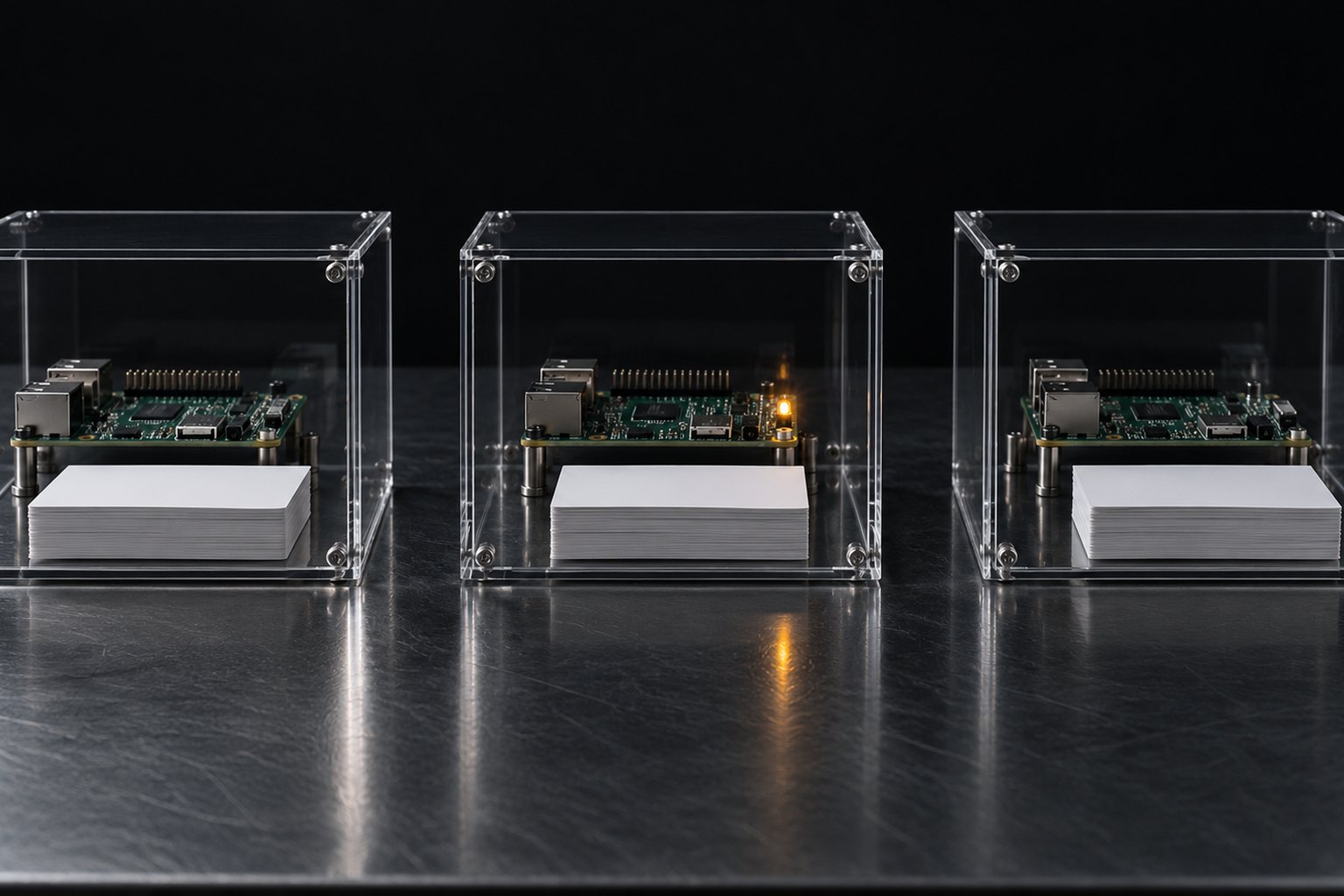
Three separate acrylic boxes on a dark table, each with its own label and its own stack of chips.

In this lesson you will

  1. 1The lost write: two agents, one file, no error
  2. 2Worktree by hand, in claude --worktree, in a subagent, and in Codex
  3. 3Codex read-only and workspace-write sandboxes, tested
  4. 4The merge conflict as a good sign

Goal: give each agent that writes its own worktree and each reviewer a read-only sandbox, and prove the difference.

01Three ways to put two agents in the same repository

Click each one. The rehearsal right below proves the first two.

Click each block in the diagram to see what it does.

A worktree isolates files, not processes: two worktrees still share ports, the local database, and quota.

02Rehearsal: the lost write and the worktree

A throwaway repository and two fake agents that read, think (A 2 s, B 1 s), and write the whole file.

Terminal · no-quota rehearsal
E=${TMPDIR:-/tmp}/ensaio-multi/wt; rm -rf $E && mkdir -p $E && cd $E
git init -q repo && cd repo && git config user.name ensaio && git config user.email ensaio@local
printf 'versao = 1\nnome = treino\ncor = azul\n' > config.txt && git add -A && git commit -qm base
# an "agent" reads the file, thinks for $4 s and writes the whole file (like the Write tool); A thinks longer than B
agente() { c=$(cat "$1/config.txt"); sleep "$4"; printf '%s\n' "$c" | sed "$2" > "$1/config.txt"; echo "$3 gravou"; }

echo "## A) dois agentes no MESMO checkout"
agente . 's/azul/verde/' A 2 & agente . 's/versao = 1/versao = 2/' B 1 & wait
cat config.txt
git checkout -q config.txt

echo "## B) um worktree para cada agente"
git worktree add -q ../wt-a -b agente-a && git worktree add -q ../wt-b -b agente-b
agente ../wt-a 's/azul/verde/' A 2 & agente ../wt-b 's/versao = 1/versao = 2/' B 1 & wait
git -C ../wt-a commit -qam "A: cor" && git -C ../wt-b commit -qam "B: versão"
git merge -q agente-a && git merge -q --no-edit agente-b && cat config.txt
git worktree list | wc -l
Example from the repository
## A) dois agentes no MESMO checkout
B gravou
A gravou
versao = 1
nome = treino
cor = verde
## B) um worktree para cada agente
B gravou
A gravou
Auto-merging config.txt
versao = 2
nome = treino
cor = verde
3

In A, both said "gravou", but only one of the two changes survived: A read the file before B wrote and, since it thinks longer, wrote over it, and version 2 disappeared. In B, both changes made it in.

The different waits (A 2 s, B 1 s) fix the order so the rehearsal always gives the same result (18 of 18 rounds identical on 10/19/2026). With equal waits, whoever writes last changes from round to round, but you never end up with both changes.

03Worktree in the tools

Claude Code 2.1.303 and Codex CLI 0.163.0, per the docs read on 10/19/2026.

1. claude --worktree

claude --worktree [name] creates the worktree in .claude/worktrees/[name] and opens the session there. It needs at least one commit and, in interactive mode, the folder marked as trusted (run claude once in it).

Files ignored by git, like .env, don't go to the worktree; list them in a .worktreeinclude at the root to copy them.

GotchaHooks using ${CLAUDE_PROJECT_DIR} keep running in the main checkout; it's the hook's cwd field that follows the worktree.

04Sandbox per role, tested without a model

codex sandbox runs any command under the same rules Codex uses for its own. It doesn't call a model.

Terminal · no-quota rehearsal
E=${TMPDIR:-/tmp}/ensaio-multi/sbx; rm -rf $E && mkdir -p $E && cd $E
codex sandbox -c sandbox_mode=read-only -- bash -c 'echo x > a.txt 2>/dev/null && echo "read-only: gravou" || echo "read-only: bloqueado na pasta"'
codex sandbox -c sandbox_mode=workspace-write -- bash -c 'echo x > b.txt && echo "workspace-write: gravou na pasta"; echo x > ~/fora-sbx.txt 2>/dev/null && echo "gravou fora" || echo "workspace-write: bloqueado fora da pasta"'
ls; ls ~/fora-sbx.txt 2>&1 | tail -1
Terminal · a real worktree in the practice project
# terminal 1: opens the session already inside the worktree (no need to ask for anything)
cd ~/treino-multi && claude --worktree treino-a

# terminal 2, with the session open:
cd ~/treino-multi && git worktree list | grep -c ".claude/worktrees/treino-a"
git branch --list worktree-treino-a

# terminal 1: /exit (worktree with no changes: choose remove, if it asks). Then:
git worktree list | wc -l
Example from the repository
bash: line 1: a.txt: Read-only file system
read-only: bloqueado na pasta
workspace-write: gravou na pasta
bash: line 1: ~/fora-sbx.txt: Read-only file system
workspace-write: bloqueado fora da pasta
b.txt
ls: cannot access '~/fora-sbx.txt': No such file or directory

Edited on purpose: your home folder path shows up as ~. The read-only run didn't write even inside the folder; workspace-write wrote b.txt and was blocked outside.

05Practice

Two rehearsals and one real worktree.

E9 · The lost write

10 min

Run the two-agent rehearsal.

Done when: in A, only one of the two changes survives: cat config.txt shows versao = 1 and cor = verde (B's change disappeared); in B, it shows versao = 2 and cor = verde; the last line is 3.

E10 · Sandbox per role

5 min

Run the codex sandbox rehearsal.

Done when: you see read-only: bloqueado na pasta, workspace-write: gravou na pasta and workspace-write: bloqueado fora da pasta, and ls shows only b.txt.

E11 · A Claude Code worktree

10 min

In the practice project, open claude --worktree treino-a in one terminal and check from another. When you exit, a clean worktree is removed (in a named session, Claude asks first).

Done when: with the session open, git worktree list | grep -c ".claude/worktrees/treino-a" → 1 and the branch worktree-treino-a exists; after you exit, git worktree list | wc -l → 1 (if it stayed, git worktree remove .claude/worktrees/treino-a).

06Lesson quiz

Question 1 of 4

Two agents edited the same file in the same checkout and both said "gravou". What could have happened?skill

07In three sentences

A single checkout losesTwo agents writing the same file: the last one wins and nobody is told.
One worktree per writerEach agent that writes gets its own copy and branch; the merge joins them or shows the conflict.
Sandbox per roleReviewer in read-only, executor in workspace-write; full access only in a dedicated VM.

Going further

Previous lessonNext lesson