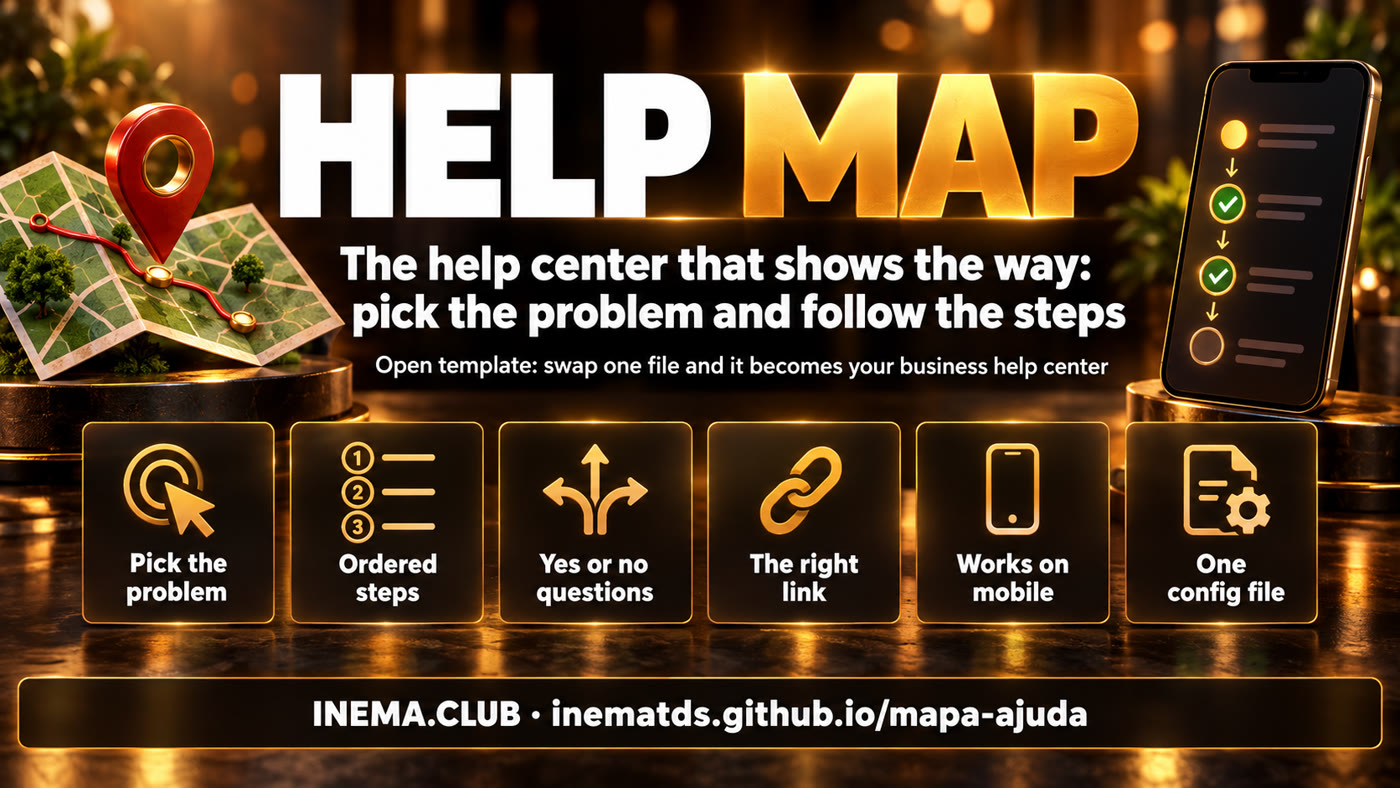
Open template · MIT · no build
Turn your help center into a map
Instead of an FAQ, people pick the problem they have right now and get a path in order, with yes-or-no questions and the right link at each step.

Instead of an FAQ, people pick the problem they have right now and get a path in order, with yes-or-no questions and the right link at each step.
mapa-ajuda is a ready-made help center template for websites, courses, communities and products. Instead of a list of frequently asked questions, the visitor clicks the problem they have right now and sees a path in steps, with the right link at each one. It suits anyone who keeps getting the same questions or has content scattered across many places. It is a single HTML page: to use it, just edit a text file with your own paths and publish it on any hosting.
Three ideas make the map work better than an FAQ.
The cards are written the way a person would ask for help ("I can't find a piece of content"). One click opens the steps in order, on the same page.
At the point where most people get stuck, a yes-or-no question sends back whoever hasn't done the prerequisite yet. Fewer repeated questions to support.
Look and logic live in index.html. Texts, links and illustrations live in config.js. Swap the file, swap the map.
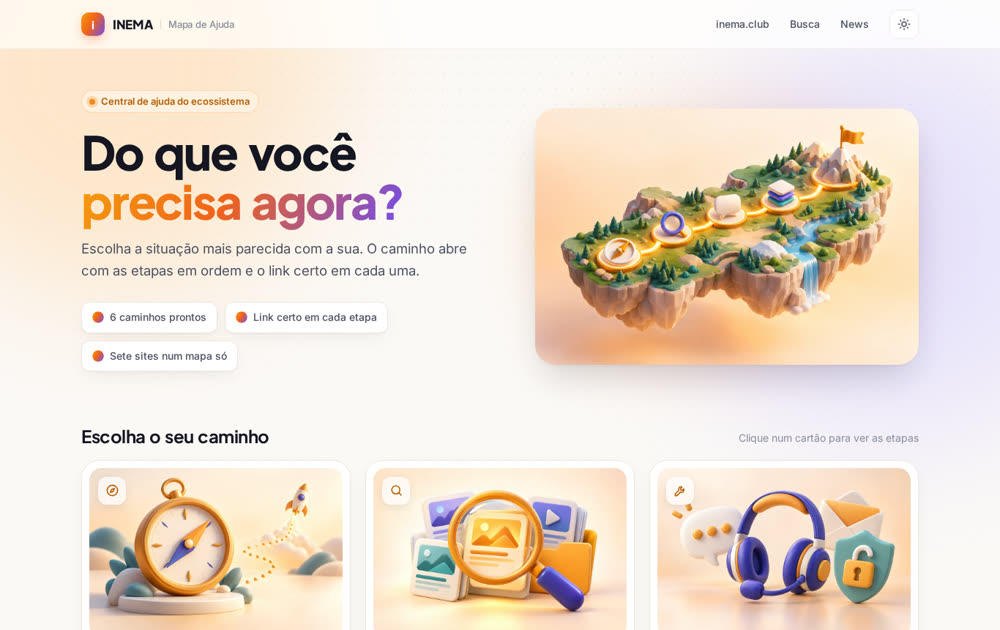
The template comes already set up with 6 paths covering inema.club, inema.pro, inema.vip, events, news, search and the adventure archive. Click a card and follow the steps. There is also a generic example, for a fictional company, to use as a starting point.
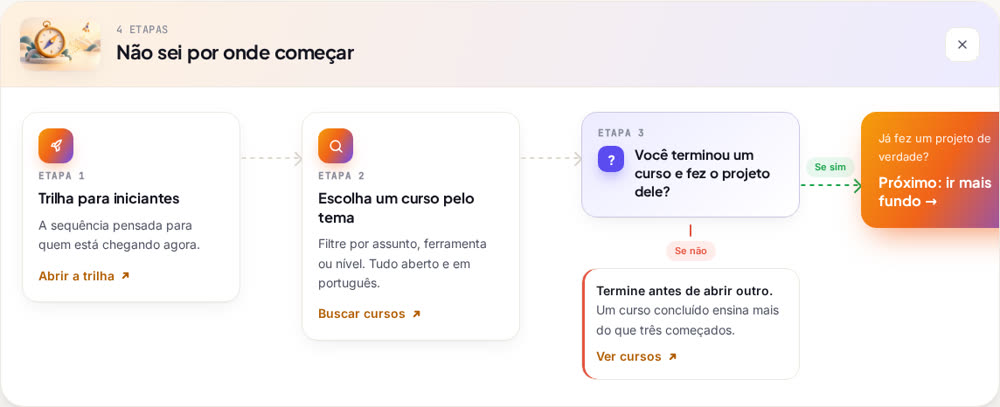
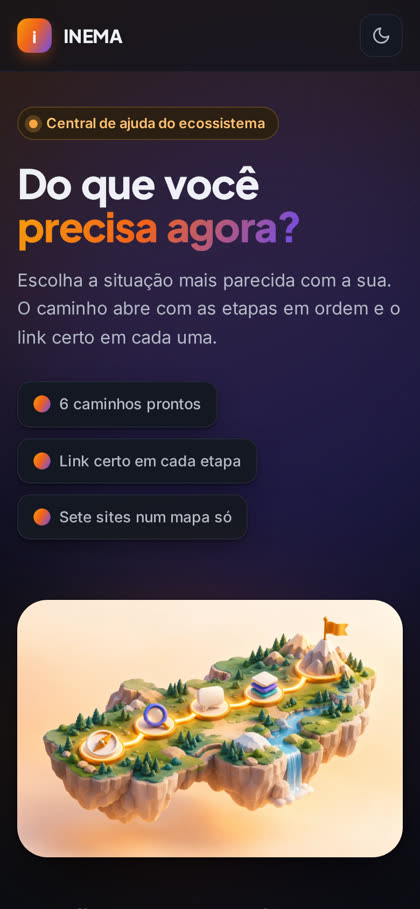
Each path is a sequence of pieces. The engine lays the trail out horizontally on a computer and in a column on a phone.
One action with a link. passo
What leads to the next piece: "Didn't find it?", "If yes". seta
Yes or no, with a detour for whoever isn't ready. pergunta
Several options on the same level, numbered. lista
Leads to another card and connects the paths. saida
No framework to install. A text editor and a place to publish.
Any one will do (VS Code, Notepad++, the one that comes with your system). You only edit config.js.
# open the folder in VS Code
code mapa-ajuda
To copy the template and publish on GitHub Pages. Without Git, download the ZIP from GitHub.
# check that it is installed
git --version
GitHub Pages, Vercel, Netlify or your own website's server. It also opens straight in the browser.
# test on your computer
python3 -m http.server 8000
Six steps, from download to a live page.
Clone the repository (or use "Use this template" on GitHub, or download the ZIP).
git clone https://github.com/inematds/mapa-ajuda.git meu-mapa
cd meu-mapa
The config.js that comes in the repo is the INEMA one. Replace it with the blank example, which already has comments on every field.
cp exemplos/config.vazio.js config.js
Each problem is a card. The fluxo is the list of pieces, in the order they appear. Text accepts **bold**.
{
  id: 'suporte',
  titulo: 'Something went wrong',
  resumo: 'Error, access or billing.',
  icone: 'escudo',
  imagem: 'assets/suporte.webp',  // optional
  fluxo: [
    { tipo: 'passo', rotulo: 'Fastest', tempo: 'Right away', titulo: 'Search the help base',
      link: { texto: 'Search', url: 'https://exemplo.com/ajuda' } },
    { tipo: 'seta', rotulo: 'Didn\'t find it?' },
    { tipo: 'pergunta', pergunta: 'Do you already have an account?',
      ramo: { rotulo: 'If not', tipo: 'nao', titulo: 'Create one first.', abrir: 'primeiros-passos' } },
    { tipo: 'seta', rotulo: 'If yes', cor: 'sim' },
    { tipo: 'saida', pergunta: 'Still stuck?', texto: 'Talk to a person', destino: 'contato' }
  ]
}
Save one image per card in assets/ (WebP, 3:2, up to ~100 KB) and point to it in the imagem field. The page cover goes in capa. With no image, the card shows the icon. Use the same visual style in all of them: same palette, light and background, no text inside the image.
# convert an image to lightweight WebP
ffmpeg -i arte.png -vf scale=960:-1 -q:v 80 assets/suporte.webp
Start the local server and click every card. Each path has its own address: #suporte opens the support path directly.
python3 -m http.server 8000 # open http://localhost:8000/#suporte
Push to GitHub and turn on Pages (or drag the folder to Vercel or Netlify). There is no build.
git add -A && git commit -m "my help map" && git push
gh api -X POST repos/<usuario>/<repo>/pages -f 'source[branch]=main' -f 'source[path]=/'
"I need help with access", not "Support". The person has to recognize themselves in the card.
More than that, split it into two paths and connect them with an Exit.
At the point where most people get stuck. Whoever hasn't done the previous step goes back a square.
And a verb on the button: "Open", "Search", "Write".
In support: what answers right away first, people next, email last.
Every path ends in another path or a human channel.
All of this comes from the same config.js, without touching the engine.
Anything marked as an idea has not been built yet.
config.js per language and a selector on the page.