3D video by code · no AI video
Create animated video with code
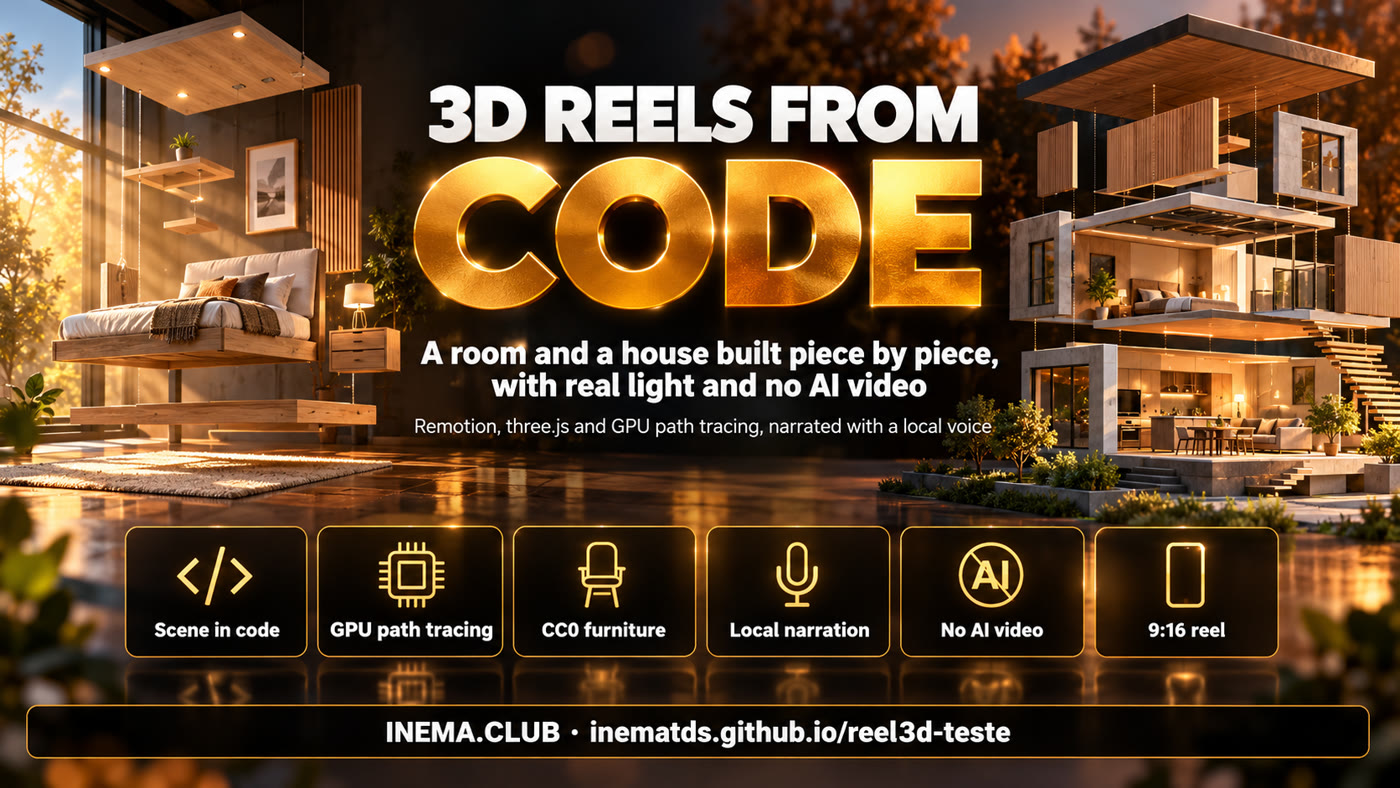
A bedroom and a house built piece by piece, with real light computed on the graphics card and narration in a local voice.

A bedroom and a house built piece by piece, with real light computed on the graphics card and narration in a local voice.
reel3d is a project that makes short 3D videos (9:16 format, for phones) by writing the scene in code, without using an artificial intelligence video generator. Each piece of furniture is a part with real-world dimensions that animates into place; the light is computed by path tracing (a simulation of how light hits and bounces off surfaces) on the graphics card. It is for anyone who wants to show spaces, products or ideas with full control of camera and timing. To run it, you need Node.js, a graphics card and patience: each frame takes a few seconds.
Instead of asking an AI for a video and hoping for the best, you describe the space in TypeScript. Everything is repeatable: same code, same video.
Walls, bed, wardrobes and counters are boxes with dimensions in meters; ready-made models (sofa, plants, lamp) come from Poly Haven, free to use (CC0).
three-gpu-pathtracer accumulates 64 samples per frame with 4 light bounces, and a denoise filter cleans up the grain at the end.
The voice is generated locally (chatterbox, through inemavox); the timing of each sentence drives the camera shots and the captions.
Remotion opens the scene in a headless browser, three.js builds the 3D, and the path tracer computes the light frame by frame.
The shared engine: PBR materials, boxes, model loading, camera shots, per-frame path tracing and word-by-word captions.
Each video is a composition: it builds the scene and says when each piece comes in and where the camera goes.
Full render, denoise filter, narration merge and a light copy (up to 44 MB) to send on Telegram.
Tested on an NVIDIA GB10 (DGX Spark) with Linux ARM64. Any GPU with Vulkan should work; only the time changes.
For Remotion and three.js.
node -vThe render uses --gl=angle (real GPU). --gl=swangle falls back to the CPU and is very slow.
vulkaninfo --summaryDenoise filter, voice merge and final compression.
ffmpeg -versionThe commands below are the same ones used to generate the two videos on this page.
The textures and models (217 MB, CC0) are not in the repository: the script downloads everything from the Poly Haven CDN into public/ph.
git clone https://github.com/inematds/reel3d-teste
cd reel3d-teste && npm install
node baixa-assets.mjs public/ph   # 132 files
A single frame with few samples shows whether the scene, light and camera are right. With debug, the time of each stage is written on the image.
npx remotion still src/index.ts Quarto60 out/teste.jpg --frame=300 --gl=angle --props='{"spp":16,"debug":true}'
bash stills.sh Quarto60 16   # one frame per shot + contact sheet
One line of narr/quarto.txt per sentence. gera.sh uses inemavox's local TTS; swap in your own reference voice. monta_audio.py joins the sentences and writes the timings to narr/tempos.json; after transcribing each WAV with Whisper (word by word), the second stage writes the caption words.
bash narr/gera.sh
python3 narr/monta_audio.py             # sentences → quarto.wav, casa.wav
python3 narr/monta_audio.py --palavras  # caption words
A single tab (one GPU), a 24 GB memory cap and a 6 h limit. It ends with the denoise filter and the narration in the MP4.
bash produz.sh Quarto60 "quarto 60 s"
bash produz.sh Casa90 "casa 90 s"
grep -a "Rendered" out/render.log | tail -1   # progress
The last step of produz.sh sends the video to a local Telegram bot; without it, the final MP4 stays in out/<nome>-v1-final.mp4.
More samples = less grain and more time. Measured on the GB10 at 1080×1920:
| Setting | Time per frame | Use |
|---|---|---|
spp 64 · bounces 4 | ~5 s | final video (with denoise filter) |
spp 256 · bounces 6 | ~27 s | cover frame, grain-free |
Both videos were rendered in full on this machine, with no AI-generated frames.
What has been done and what comes next.