Method + tools ยท explicavideos + HeyGen

A reference video becomes your explainer

You give the subject and a video link. The agent rewrites the script in Portuguese, uses the real screens from the reference, records it with your avatar and your voice, and delivers it ready for Telegram or YouTube.
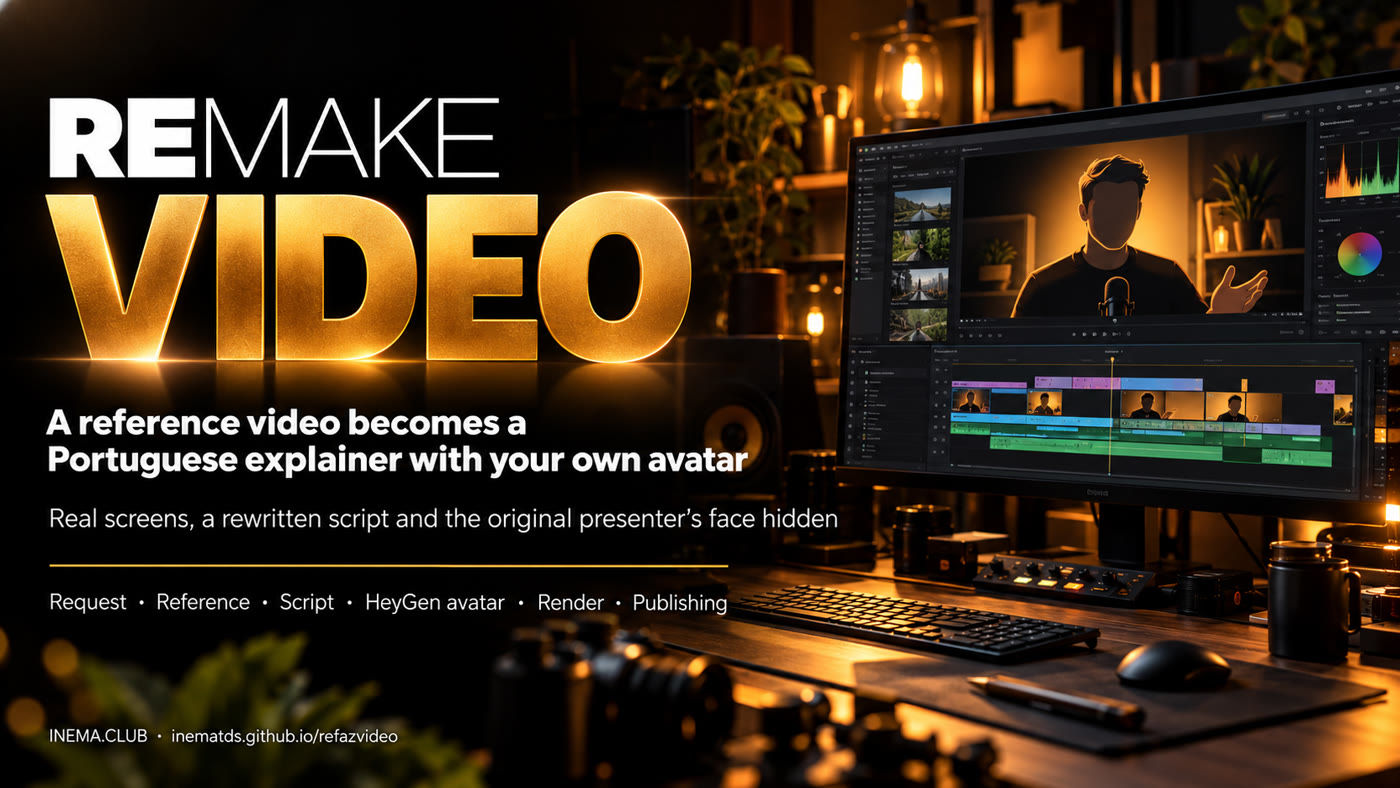
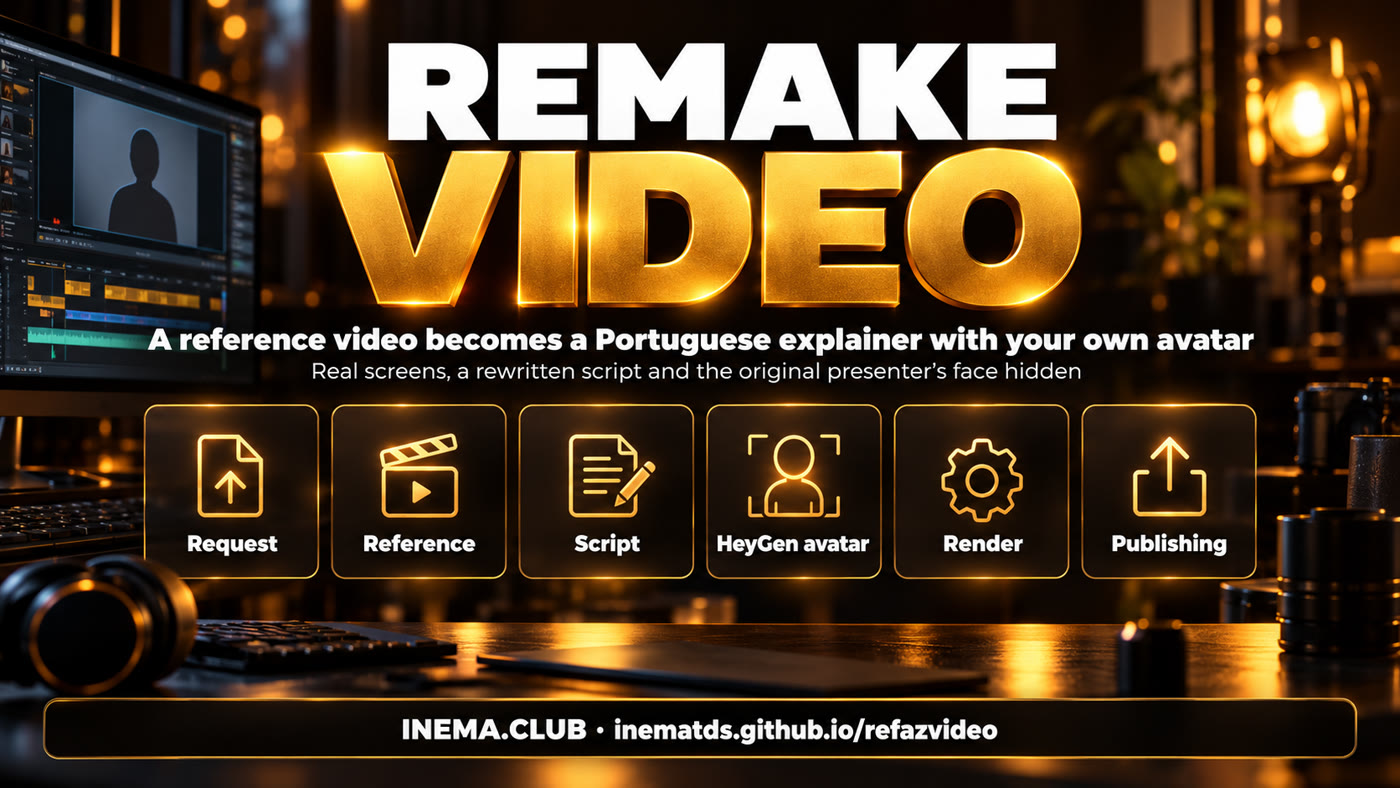
refazvideo banner: a reference video becomes an explainer with an avatar
In short

refazvideo is a step-by-step method, with ready-made tools, for an AI agent (Claude Code or Codex) to remake a video you liked as your own explainer video in Portuguese. It is for content creators who want to explain a new subject without filming themselves. You hand over the subject and the link; the agent downloads, transcribes, writes a new script, shows a preview, and only generates the avatar after your "go ahead". To use it you need the explicavideos engine, a HeyGen account with your avatar, and a machine with a GPU.

What it is

Your own explanation, without copying the video

The new video has a rewritten script and your face. From the reference, only the screens that help understanding are kept.

The refazvideo stages: request, reference, script, avatar, render and publishing

๐ŸŽ™๏ธ Your voice, your avatar

The speech is generated in HeyGen with your avatar, through the studio (no API), and only after your approval, because it costs credits.

๐Ÿ–ฅ๏ธ Real screens from the reference

Slides, demos and tables become screenshots with highlights synced to the speech. Technical terms stay in English.

๐Ÿ™ˆ Original author off screen

The speech does not mention who made the reference, and their webcam is erased from every screenshot. If you want, a written credit appears at the end.

How it works

From link to published video

Twelve steps described in AGENTS.md (in Portuguese). The agent stops twice for your approval: at the storyboard and before HeyGen.

Requestโ†’ Download + transcribeโ†’ Screenshotsโ†’ Scriptโ†’ Storyboard โœ‹โ†’ HeyGen โœ‹โ†’ Render v1โ†’ Visual v2โ†’ Check framesโ†’ Delivery
Prerequisites

What needs to be on the machine

The paths in the examples are from the INEMA machine (/home/nmaldaner/...); replace them with yours.

explicavideos

The engine that syncs avatar and speech (v1) and builds the visuals with HyperFrames (v2).

git clone https://github.com/inematds/explicavideos

inemavox

Downloads the reference and transcribes it with local Whisper large-v3.

python3 baixar_v1.py --url "<URL>" --outdir src

HeyGen through the studio

An account with your own avatar, logged in to a browser profile. heygen-studio.mjs uses the studio, not the API.

# Xvfb :99 for the browser
Xvfb :99 -screen 0 1920x1080x24

ffmpeg, Python 3, Node 20+

Python with Pillow to prepare the screenshots; Node for the HeyGen studio and sending through the bot.

pip install pillow

GPU

The v1 render's Whisper runs on the GPU. If it runs out of memory, just reset the block and try again.

nvidia-smi

Optional: delivery

Telegram bot (openpcbotv3) to send the video and yt-pubx to publish on YouTube.

./yt-pubx canais
User guide ยท step by step

Requesting a new video

You only need step 1 and the two approvals. The agent does the rest following AGENTS.md; the commands below are the ones it runs.

1

Open the agent in the folder and make the request

You can type it straight into the chat or fill in modelos/pedido.md (in Portuguese: subject, reference, who not to mention, credit, length, delivery).

cd refazvideo && claude
"Make a new video. Subject: <topic>. Reference: <URL>. Do not mention: <author>. Delivery: bot v3."
2

Download, transcribe and watch the video

The reference goes to ~/projetos/output/explica-<id>/. The contact sheets show one numbered frame every 6 s, so you can pick the useful screens.

python3 ~/projetos/inemavox/baixar_v1.py --url "<URL>" --outdir $OUT/src --quality 1080p
python3 ~/projetos/inemavox/transcrever_v1.py --in $OUT/src/video.mp4 --outdir $OUT/src --whisper-model large-v3
ferramentas/extrair_frames.sh $OUT   # โ†’ frames/sheet*.jpg
3

Prepare the screenshots (and erase the webcam)

The webcam moves around during the video: each screenshot gets its own box. The linha mode extends the screen background instead of leaving a smudge.

ffmpeg -ss 453 -i $OUT/src/video.mp4 -frames:v 1 $OUT/media/raw-453.png
ferramentas/preparar_print.py raw-453.png s-453.png --cobrir 1516,52,377,362   # webcam in the top corner
ferramentas/preparar_print.py raw-33.png p-33.png --crop 0,0,1250,1080 --pad   # narrow slide โ†’ 2052ร—1080
4

Script and storyboard: first approval

The script (roteiro/pt.json) is rewritten, not translated sentence by sentence, at ~150 words per minute, and ends with "inema ponto club" (the spoken call to action). The storyboard shows scene, speech and screenshots for you to approve.

ferramentas/montar_storyboard.py $OUT mapa.json   # โ†’ preview/storyboard.html
5

HeyGen through the studio: second approval

Only after your "go ahead", recorded in v1/APROVADO_HEYGEN. One submission per block; HeyGen may sit at 0% for a long while and then finish in minutes.

DISPLAY=:99 node engine/heygen-studio.mjs --titulo EXPLICA-<ID>-PT-B01-v1 \
  --fala-arquivo $OUT/v1/blocos/pt-b01.txt --template TEMPLATE-AVATAR16
~/projetos/refazvideo/ferramentas/baixa_blocos.sh $OUT   # waits up to 2 h per block
6

v1 render and v2 visuals

v1 syncs avatar and speech. v2 places the screenshots, highlights and animations at the exact moment of the speech; the validator blocks the errors that have broken videos before.

ferramentas/validar_visual.py $OUT/roteiro/pt.json $OUT/visual/pt-b*.json   # โ†’ OK
python3 engine/v2/build_block.py 1 --strict
engine/v2/run_lane.sh 1 2 && python3 engine/assemble_languages.py   # โ†’ v2/final/<id>-pt.mp4
7

Check and deliver

Before delivering, a sheet of frames spread across the video: someone else's face, cut-off text, overlaps. Then Telegram (720p copy, up to 49 MB) and/or YouTube.

node ferramentas/enviar_bot_v3.mjs $OUT/v2/final/<id>-pt-720p.mp4 "caption"
~/projetos/yt-pubx/yt-pubx publicar $OUT/v2/final/<id>-pt.mp4 --canal lives1 --dry-run
Examples

Real case: Decisions API ร— Jev

A 9m38s reference in English โ†’ a 5m42s explainer in Portuguese, 11 scenes, 2 avatar blocks. Everything that was run is in exemplos/decisions-jev/.

Thumbnail of the Decisions API ร— Jev video in Portuguese
The video published on the INEMA TDS channel. Watch on YouTube ยท player with chapters
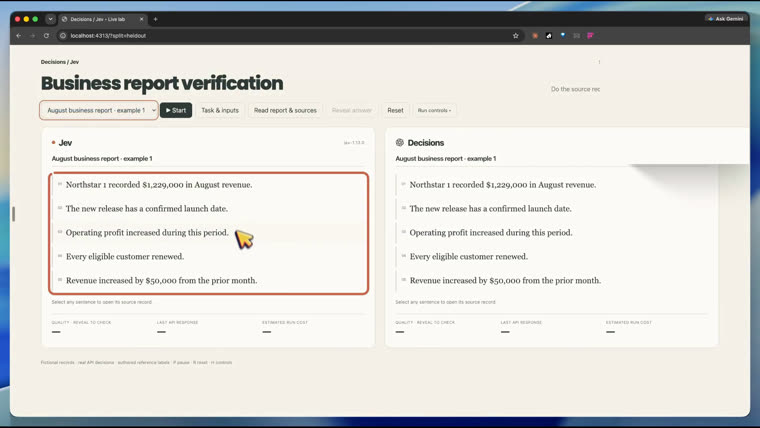
Demo screenshot with the original author's webcam erased
A prepared demo screenshot: the original author's webcam was in the top right corner, erased with line fill.
Roadmap

Versions

What already exists and what comes next.

1.0.0
Playbook and toolsAGENTS.md with the 12 steps, request and config templates, tools for screenshots, validation, storyboard, block download and sending through the bot.
1.1.0
Per-screenshot webcam and written creditWebcam box checked on each screenshot, line fill instead of blur, written source credit in the last scene.
Next
Other languagesThe same video in English and Spanish through the studio workflow that explicavideos already uses in other projects.