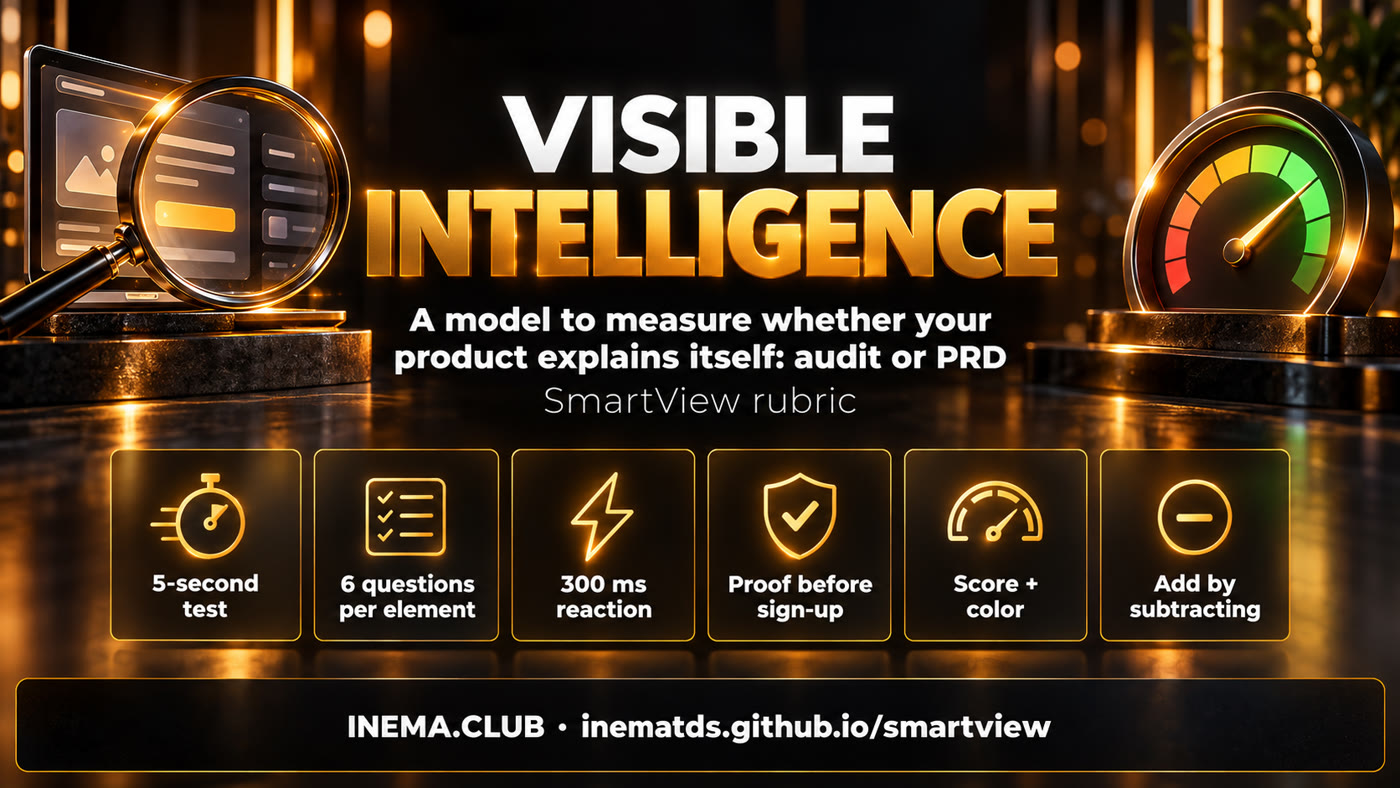
A rubric to measure whether a stranger understands your product in 5 seconds and reaches its value in 2 minutes. Use it to audit what is already live and to write the plan for what you are about to build.

SmartView is a ready-to-copy text model that measures whether a digital product explains itself. It is for people who build systems, apps or websites, with or without AI agents. You can use it in two ways: as an audit of a system that already exists, or as a PRD section (the requirements document) for a system that is yet to be born. In the end you get a score with a number, a letter and a color, plus a short list of what to fix and what to remove. Nothing to install: just read and fill it in, or ask Claude Code or Codex to run the skill.
A flood of products is coming, and very few of them are well thought out. Care for what people see is what sets yours apart.
For a finished system: the 5-second test, a timed path to first value, an inventory of elements and a fix plan of at most 7 items.
For a system in development: 10 gates that tell you whether it is worth building and testable experience requirements, with a done criterion for version 1.
A skill that Claude Code or Codex follows to open the system, simulate personas, measure the timings and return the audit filled in.
The 6 questions look at every button, field and screen. The 10 tests look at the whole product. Both roll up into a single score.
| # | Question | Counts as "yes" when |
|---|---|---|
| E1 | Can a stranger say what this is called? | They describe the element in their own words, with no tutorial. |
| E2 | Do they know what happens when they press it? | The label states action and result ("Check this site"), not "Submit". |
| E3 | Is the default right for most people? | The preset value works for 8 out of 10 people. |
| E4 | Does it react visibly within a beat? | Something changes on screen within ~300 ms. |
| E5 | Does it land where it promised? | After the action, the person is where the label said they would be. |
| E6 | Would anyone miss it if it vanished? | If you remove it and nobody complains, nobody needed it. Add by subtracting. |
A stranger sees the first screen for 5 s and says what the product does. If they get it wrong, the score is capped at D.
Pasted a repository link? The button becomes "Check this repository". The screen shows it can handle what you gave it.
If the person waits for the button to change, you have already ruined the joke.
Named checks ticking ✓ one by one, like an antivirus. The wait stops being elevator music.
A few seconds of activity and a partial result that sparks curiosity. Only then ask for the e-mail.
A not-very-technical person, alone, proves the value to themselves with the fewest clicks.
A result you can read at a glance and share as a screenshot.
Someone who is already a user goes to their own space, never back to the sales page.
Every sign-in path brings OAuth, password reset, terms and cookies that have to work forever.
Components from references that already work in the niche, not the model's average pattern or an invention from scratch.

To use it on paper, nothing. For the agent to run on its own, the skill and a browser.
A text editor. The models are Markdown files in the modelo/ folder (in Portuguese).
git clone https://github.com/inematds/smartview
Copy the skill into the user's skills folder.
cp -r smartview/skill/smartview ~/.claude/skills/Codex reads skills from the user's agents folder.
cp -r smartview/skill/smartview ~/.agents/skills/Steps 1 to 4 are for a finished system. If the system is still a plan, go straight to step 5.
If it doesn't fit on one line, the rest of the rubric will hurt. "Antivirus for apps built with AI" is better than "the Uber of X".
# at the top of modelo/diagnostico.md One-line promise: "________________"
Show the first screen for 5 s to 3 outsiders and ask "what does this do?". With nobody at hand, ask the agent for 3 personas: a 55-year-old who is not very technical, an impatient young person who tried 100 products this week and a specialist in the niche.
# in Claude Code or Codex, with the skill installed smartview audit of https://meusistema.com: start with the 5-second test using 3 personas
Walk the path as a new user. Note each step, the time until the screen reacts and when the system asks for an e-mail, a login or a card. Target: reaction under 300 ms and value proven in under 2 minutes.
# in the browser console: time between the click and the first change on screen const t0=performance.now(); new MutationObserver((m,o)=>{console.log(Math.round(performance.now()-t0)+' ms');o.disconnect()}).observe(document.body,{subtree:true,childList:true,characterData:true,attributes:true}) # run the line above and click the button right after
Fill in the elements table (2 / 1 / 0 per question) and the 10 tests (10 / 5 / 0). Anything that scores 0 on "would anyone miss it?" goes on the remove list, not the improve list.
SmartView = 0.6 × average of the system tests + 0.4 × average of the elements
# S1 = 0 caps the final score at D
Copy modelo/prd-secao.md into your plan. Part A (10 gates) tells you whether it is worth building; part B becomes testable requirements; part C is the done criterion for version 1.
cat smartview/modelo/prd-secao.md >> docs/PRD.md # or ask the agent: add the smartview section to docs/PRD.md; whatever the plan doesn't answer, mark as an open question
Keep a short brand guide (colors, font, tone, 3 references from the niche) in AGENTS.md or CLAUDE.md, generate the screen as an image and approve it before building. Before launch, repeat tests S1 and S6 with the personas.
# done criterion for version 1
SmartView ≥ 75 (B · light green), with S1 = 10 and S6 = 10
Check the 10 system tests. The score here counts only that layer; in the full audit it is worth 60% and the elements 40%.
Check the tests on the left.
Version 1 is text and a skill. The rest comes in as usage shows what is needed.