Free kit · Linux, Mac and VPS
Your team of bots, through your subscription
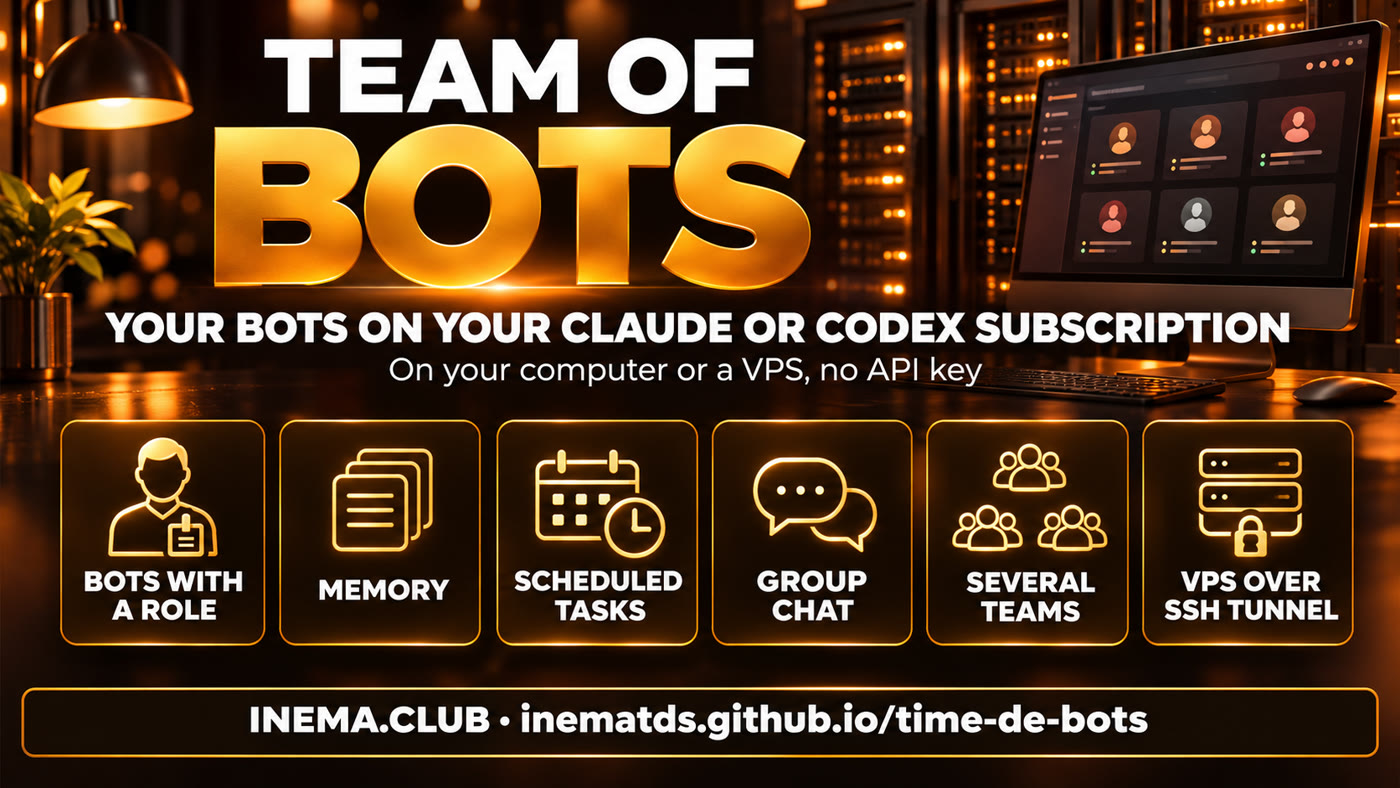
A dashboard with bots that have a role, memory and scheduled tasks. The replies come from your Claude or Codex login, with no API key.

A dashboard with bots that have a role, memory and scheduled tasks. The replies come from your Claude or Codex login, with no API key.
Time de Bots ("Team of Bots" in Portuguese) is a free INEMA kit that installs a bot dashboard on your Linux or Mac computer, or on a VPS (a server you rent on the internet). Each bot has a name, avatar, role, memory and scheduled tasks, and you chat with one at a time or with several in a group. The replies come from your Claude or Codex subscription, through the normal login of the official program, with no API key and no pay-per-use billing. You need Node.js 22 or newer and a Claude account or a ChatGPT account with Codex.
Your team of bots on the subscription you already pay for: what each bot does, the 3 ways to use it, the tests from Nov 9, 2026 and the step by step. Audio in Portuguese.
The bot app is a desktop program (built with Electron, MIT license). The INEMA kit gets that app running the right way: it installs it, runs the tests, opens several teams and sets up server mode.
The app only accepts the Claude Code claude.ai login or the Codex login. kit/iniciar.sh removes the API keys from the environment before opening.
Each bot has a name, avatar, instructions, memory and scheduled tasks. Chat with one or call several together in a group.
Each instance is a separate team, with its own bots, chats and memory. E.g.: a personal one and a work one on the same machine.
You log in to your account once, in the terminal. The app uses that login to reply. The bots live in the dashboard, chat on their own or in a group and run tasks at the scheduled time.
The app opens in a window, like any program. Each team's data lives in ~/.local/share/time-de-bots/<instance>.
The server creates a virtual screen and shows the app in the browser (noVNC), all bound to 127.0.0.1. You open an SSH tunnel from your computer and go to http://localhost:6081/vnc.html. No port is left open to the internet.
You can start on your computer and move to the VPS later. All three use the same kit.
Linux or Mac, for those who want the bots at hand. Tested on Linux; the Mac has not been tested yet.
kit/iniciar.shTo separate personal and work, or one team per client.
kit/iniciar.sh --instancia trabalhoBots and scheduled tasks running 24/7, reachable from anywhere.
kit/vps/nova-instancia.sh principal 1kit/instalar.sh checks all of this and tells you what is missing.
Download it from nodejs.org. Check the version:
node --version # v22 or newer
A Claude account (subscription) or a ChatGPT account with Codex, and the official program installed. Claude Code: installation guide.
npm i -g @openai/codex # if you will use Codex
To download the kit and update it later. On the VPS: Ubuntu 24.04 or newer and a regular user with sudo (not root).
git --versionReal kit commands. Run them in the terminal, in the kit folder. Would you rather have the assistant do it for you? Skip to the ready-made prompts.
Downloads the repository and enters the folder.
git clone https://github.com/inematds/time-de-bots.git && cd time-de-bots
Checks Node and npm, installs the dependencies, downloads the app files (verified by checksum) and runs the 193 tests. It doesn't log in to any account.
kit/instalar.sh # at the end: "[ok] 193 testes passaram"
You do the login yourself in the terminal. The claude command opens Claude Code: the first time, it asks you to sign in to your account; once signed in, leave with /exit. Don't have Claude Code yet? See the installation guide. Use one of the two:
claude         # log in with your Claude account
codex login    # or log in with your Codex account
Uses the same code as the app and the Claude Code login to ask for a real reply (haiku model, the lightest one). Saves the result in kit/verificacao/ultima-resposta.json. This test is for Claude only.
node kit/scripts/conferir-resposta.mjs # "Login do Claude: OK (assinatura claude.ai)"
Opens the "principal" instance. On Linux, if you see the sandbox-disabled warning, the app works anyway; see how to enable it in COMO-LIGAR-SANDBOX.md (in Portuguese).
kit/iniciar.sh
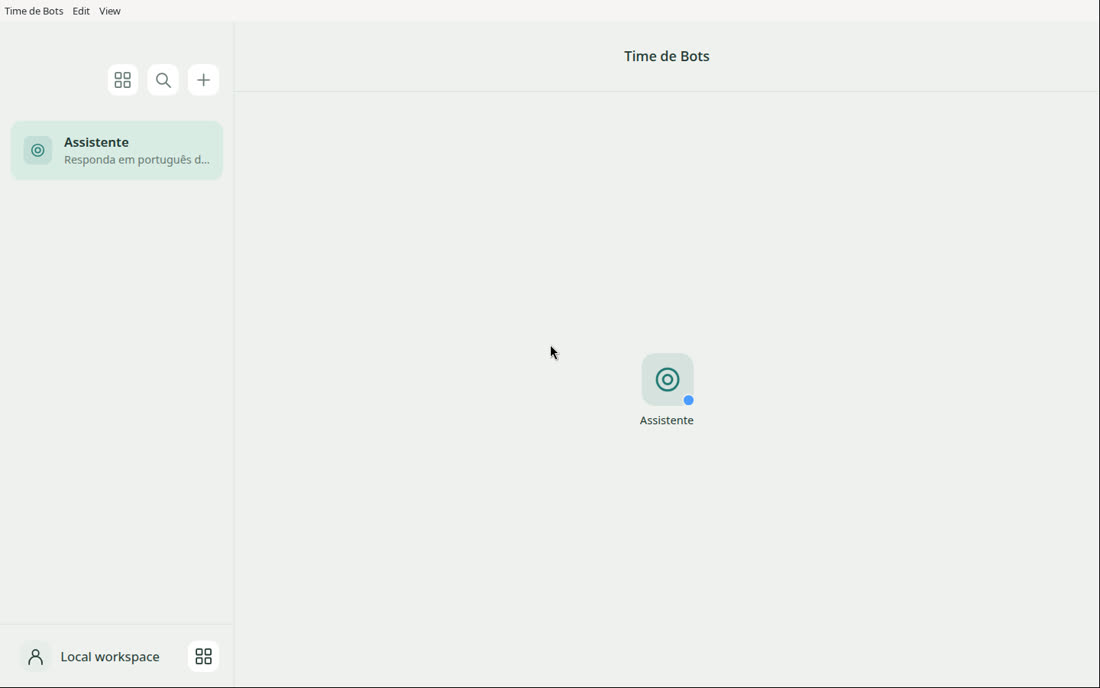
In the app, go to Settings → AI subscription, choose Claude or Codex and create your first bot with the + button. The app already comes with the "Assistente" (Assistant) bot, which replies in Portuguese.
An instance is a separate copy of the app, with its own bots, chats and memory. The name accepts letters, numbers, - and _.
kit/iniciar.sh --instancia trabalho # data in ~/.local/share/time-de-bots/trabalho
~/time-de-botsLog in to the server over SSH with a regular user that has sudo (not root). The service expects the kit in exactly this folder.
git clone https://github.com/inematds/time-de-bots.git ~/time-de-bots && cd ~/time-de-bots
Installs the virtual screen, VNC and noVNC (programs that show that screen in your browser) and the app libraries (with sudo), installs Node 22 if missing, keeps the services running after you leave SSH and runs kit/instalar.sh. It doesn't open any port in the firewall. On the VPS, the sandbox is also enabled separately, with the commands in Cautions.
kit/vps/instalar-vps.sh
instalar-vps.sh does not install Claude Code or Codex: install on the server the one you'll use (Claude Code via the installation guide; Codex with sudo npm i -g @openai/codex). There's no browser on the server; for Codex, use the device-code login.
claude                       # Claude account
codex login --device-auth    # or Codex account
Creates the time-de-bots@principal service, which starts on its own and restarts if it crashes (up to 2 GB of memory per instance). At the end, it prints the tunnel command.
kit/vps/nova-instancia.sh principal 1 # screen :21, VNC 5921, browser 6081
The SSH tunnel brings a server port to your computer through the SSH connection, without opening anything to the internet. On your computer, copy the command that nova-instancia.sh printed (or replace usuario@servidor with your user and the VPS IP) and leave the terminal open. Then, in the browser, go to the address and click Connect.
ssh -N -L 6081:127.0.0.1:6081 usuario@servidor
# in the browser:
http://localhost:6081/vnc.html
The number (1 to 50) sets the screen and the ports: with 2, the browser is on port 6082.
kit/vps/nova-instancia.sh trabalho 2                # tunnel and browser on port 6082
systemctl --user disable --now time-de-bots@principal   # shuts down an instance
Paste them into Claude Code or Codex. The same texts are in kit/prompts/ (in Portuguese). The login is still yours: the assistant stops and waits for you to log in.
Installs, runs the tests, checks the real reply and opens a throwaway instance.
Run it on the server, already connected over SSH. Prepares everything, starts the instance and checks that the ports are closed.
With the app already open: the assistant asks about your work and proposes 3 ready-to-copy bots.
Only what actually ran. Anything not listed here was not checked.
| Test | Result |
|---|---|
App tests (npm test) on Linux ARM64 | 193 of 193 |
| App tests on an Ubuntu 24.04 x86_64 VPS (4 vCPU, 15 GB) | 193 of 193 |
| Real reply through the Claude subscription (haiku model) | received in 3.8 s, claude.ai login |
| Two instances at the same time on the computer | open, separate data |
| Two instances as a service on the VPS | active, ports only on 127.0.0.1 |
| Real reply on the VPS, Codex, voice, cloud browser, Composio | not tested |
The tests above were run on Linux. The kit supports the Mac, but the Mac has not been tested yet.
Composio is an optional service that connects the bots to your other apps (email, calendar, spreadsheets), each one authorized by you, with a Composio account and key. Cloud browser is a separate computer, hosted by you, where the bot browses the web while you watch and can take over. Both come turned off.
Experimental software, no warranty. Test first with a throwaway instance.
The app only accepts the Claude Code claude.ai login or the Codex login. kit/iniciar.sh removes ANTHROPIC_API_KEY, OPENAI_API_KEY and CODEX_API_KEY from the environment, so nothing gets billed through the API without you noticing.
The subscription has usage limits and the provider's terms. The dashboard doesn't raise them: several bots share the same quota.
Never paste a token or password into the assistant's chat. You do the login yourself, in the terminal.
VNC and the browser listen only on 127.0.0.1. You get in through an SSH tunnel; nothing is left open to the internet.
The Electron sandbox is a protection that separates the app's screens from the rest of the system; without it the app opens the same, just with less protection. To enable it (once, after each npm ci), with sudo:
cd app/node_modules/electron/dist
sudo chown root:root chrome-sandbox
sudo chmod 4755 chrome-sandbox
Before updating, copy the data folder ~/.local/share/time-de-bots/. That's where each team's bots, chats and memory live.
The essentials in a few lines.
No. The app replies through your Claude or Codex subscription, with the login of the official program. API keys are removed from the environment before opening.
No. They only run with the app open. To keep them running 24/7, use VPS mode.
Yes. Each --instancia (on the computer) or each nova-instancia.sh (on the VPS) is a separate team, with its own data.
In a group chat, call them by name with @name, or all of them with @everyone.
Codex is one of the options in Settings → AI subscription, but the real reply through Codex hasn't been tested yet (see the table). The kit's reply test only checks Claude.
On Linux, the sandbox needs a tweak with sudo. Without it the app opens the same way, with less isolation. The commands are in Cautions.
Add the port and the key to the same command: ssh -i ~/.ssh/minha-chave -p 2222 -N -L 6081:127.0.0.1:6081 usuario@servidor. For the second team, another port: -L 6082:127.0.0.1:6082. If port 6081 is already in use on your computer, change only the first number (e.g. -L 7081:127.0.0.1:6081) and open http://localhost:7081/vnc.html.
conferir-resposta.mjs says "Login do Claude: NÃO". What now?Run claude as the same user that opens the app and sign in with your Claude account (not an API key). Check with claude auth status: it must show you signed in through claude.ai. If Claude Code is not installed, install it from the official site. On the VPS, after signing in, restart the team: systemctl --user restart time-de-bots@principal.