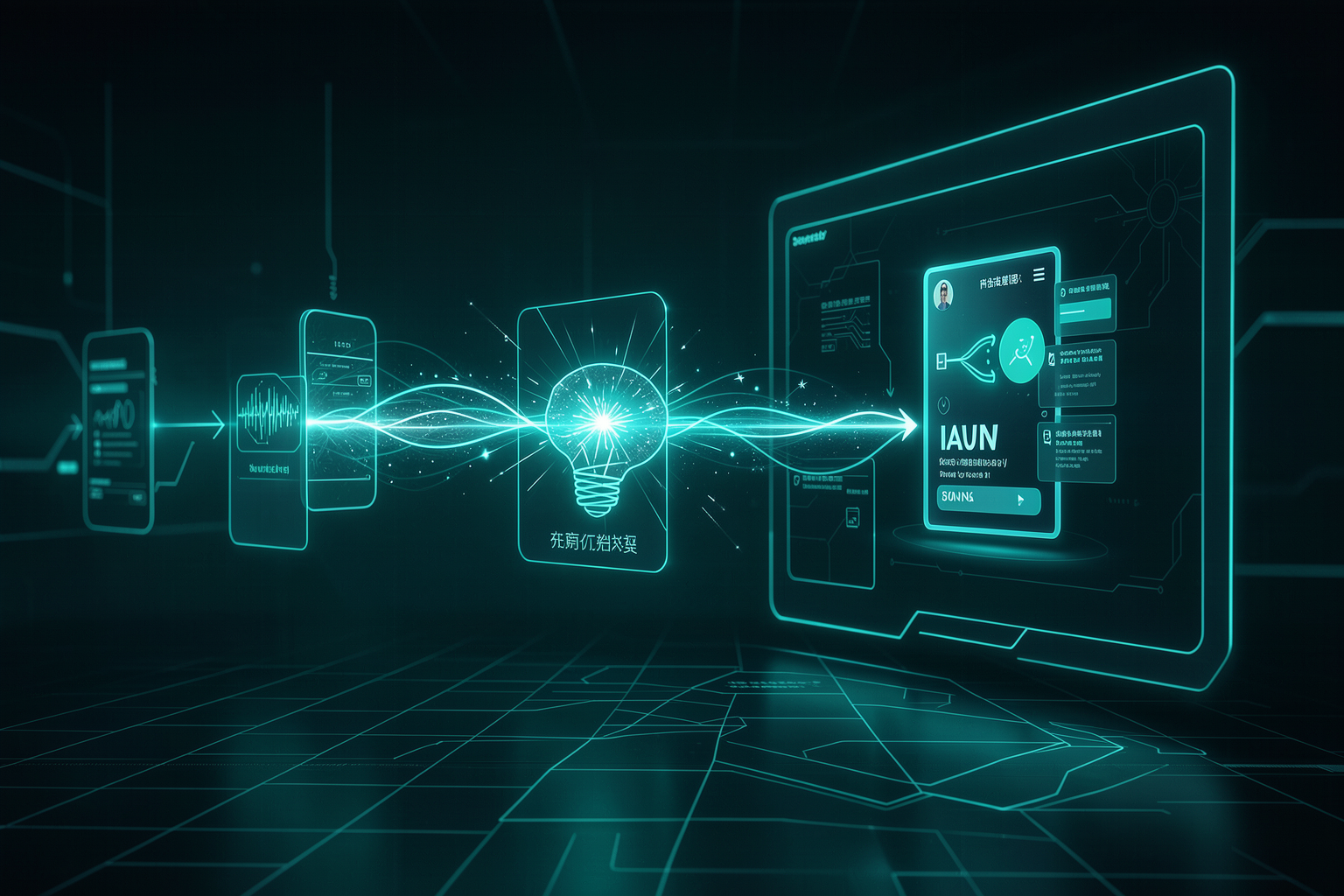
The path of track 5: from an agent that runs on your machine to agents that live in the cloud, all the way to a complete product that other people use and pay for.
Learning path map
Detailed content
📧 Project: Email Support Agent with RAG
An agent that reads company policies (PDFs) into a knowledge base, classifies each incoming email, and drafts a response supported by the documents — refusing to make things up when the topic is out of scope. You build two workflows (indexer + agent), connect credentials, test real cases, and apply the 6 enhancements.
An agent that turns policy documents (returns, warranties, timelines) into a knowledge base and uses it to answer support emails with evidence.
It’s the “hello world” of useful agents: it combines RAG, classification, and text generation in a real business case.
Clear scope; draft (no automatic sending); human in the loop for approval.
Separate who "learns" (the indexer, which reads PDFs and populates the vector store) from who "answers" (the agent, triggered by a new email).
Separating indexing from querying makes each part simple to test and inexpensive to run.
Indexer (manual) vs. agent (trigger); shared vector store; embeddings.
A single prompt in Plan Mode that describes the complete outcome (trigger, knowledge base, classification, draft, fallback) and lets the AI propose the plan.
A good opening prompt saves hours — the AI asks what’s missing before building.
Plan Mode first; describe the result; answer the clarifying questions.
AI builds the indexer (document loader → text splitter → embeddings → vector store) and the agent (Gmail trigger → classifier → retrieval → draft).
Watching the nodes get created teaches you the anatomy of a real RAG pipeline.
Run the indexer once; the agent reads from the vector store; test step by step.
Connect the email account (OAuth) and the AI key—something YOU do yourself, because the AI doesn't have (and shouldn't have) access to your secrets.
It's the clear boundary between the AI's work and yours; secrets never go in the chat.
OAuth = authorize without giving your password; API key; the credential stays in the tool.
Send test emails for each scenario: one about a return, one about a warranty, and one out of scope (which the agent should refuse, not make up).
Green ≠ correct: only testing with real cases reveals whether the RAG is grounding the answers.
Edge cases; refuse to make things up; check numbers against the policy.
Six incremental improvements in natural language: confidence fallback, time filter, ignore automated emails, adjust the tone, sign with your name, and use a confidence score.
Shows layered iteration in practice — one improvement at a time, testing each one.
Iterate; request changes in PT; one layer at a time; confidence score.
An objective checklist: does it index? classify correctly? cite the document? refuse out-of-scope requests? sign? honor the time filter?
Defining "done" prevents the infinite loop of "one more improvement."
Definition of done; backup (JSON export); human approves the draft.

⏰ Project: Hosted Agents (Scheduled + Webhook)
Move the agent off your machine and into the cloud, where it runs on its own. You build two: one scheduled (cron → web search with Firecrawl → synthesis → Google Sheets) and a event-based (webhook receives a payload → generates a .docx → saves it to Drive). Along the way: OAuth refresh token, a bug that only shows up in production, Bearer auth, a no-code form, and automatic deploy via GitHub.
An agent that wakes up on a schedule (cron), fetches web content (Firecrawl), summarizes it, and writes each row to a spreadsheet — without you present.
It’s the first agent that “lives on its own”—it closes the agentic gap between local and production.
Cron (5 fields); scraping; synthesis; structured output in Sheets.
In the cloud, there’s no login window: the agent uses a refresh token to renew access on its own — and when the interface fails, you retrieve it through the terminal.
It’s the classic hosting friction; knowing the fallback gets your deploy unstuck.
Access vs. refresh token; automatic renewal; terminal fallback.
Errors that don't happen locally (timeout, missing env var, date format) and how to find them by reading the trace and returning the error with context to the AI.
Production has its own reality; the human debug loop is the core skill.
Trace = step by step; return the error; redeploy; meaningful logs.
The second agent: receives a payload via webhook, creates a formatted .docx document and saves it to Google Drive, then returns the link.
Teaches event-based triggering—the agent responds to an external request, not a clock.
Payload = request data; generate a file; save it and return a link.
A webhook is a URL that starts the agent when it’s “touched.” Since it’s public, you protect it with a Bearer token in the header.
Without auth, anyone can ring the doorbell; Bearer is the basic lock.
Trigger URL; Authorization: Bearer header; reject requests without a token.
A simple form (no-code) that, when submitted, sends the request to the webhook with the payload — giving the agent a human-facing interface.
Connects a real person to the agent without you having to write a frontend yet.
Form → POST; map the fields in the payload; pass the token.
Connect the GitHub repository to the hosting platform so every push deploys automatically.
Remove manual deployment from the process; the code in the repo is the source of truth.
commit/push; deploy on push; .gitignore protects .env.
Read the dashboard: each run, its trace (step by step), the active schedule, and the separation between dev and prod.
When you're not there, the dashboard is how you know the agent is healthy.
Runs; traces; schedules; dev vs. prod; failure alerts.
🚀 Project: Full-Stack App (Lead Qualifier) + Frontend for n8n
The most ambitious project: an app that other people use. A backend that qualifies leads (Trigger.dev) + a frontend (Vercel), connected by env vars. Then you add authentication (Supabase + RLS), run a security audit, charge with Stripe (freemium), and even build a frontend for an n8n workflow (form → webhook). All through incremental iteration: design → auth → payment.
The two-endpoint model: the frontend (what the user sees, on Vercel) calls the backend (the agent’s logic, on Trigger.dev), which does the heavy lifting.
Understanding the front/back-end split is what unlocks building products, not just automations.
Frontend vs. backend; request/response; two separate deploys.
An app that receives lead data, scores/qualifies it with AI, and returns the classification — built from a comprehensive opening prompt.
Repeats the “describe the complete result” pattern, now in a full-stack context.
Fixed inputs; structured output; qualification logic.
The frontend discovers where the backend is (and the access key) through environment variables — never through a value written in the code.
It's the seam that lets both ends communicate securely.
Env var; backend URL; key at runtime, not in the code.
Add login (Supabase) and Row Level Security (RLS), which ensures in the database itself that each user sees only their own data.
Without RLS, a valid login can still read someone else’s data; RLS is defense at the data level.
Auth; RLS; migration; each row belongs to a user.
Ask the AI to scan for unprotected routes, exposed keys, env vars leaking to the client, and missing RLS.
An open app = risk: someone could spend your tokens or read someone else's data.
Attack surface; key on the server; no secrets in the client.
Add Stripe Checkout and a freemium model: free use up to a limit, then a paid plan unlocked by webhook.
Turns an app into a product — real revenue with a testable flow.
Checkout; price ID; webhook secret; freemium; usage limit.
Give an n8n workflow a friendly interface: a page with a form that sends data to the flow's webhook and displays the result.
Brings together both sides of the course—n8n automation with an app interface.
Form → POST webhook; CORS; display the response; webhook URL in env var.
The sequence that works: first, an ugly but functional app; then design; then auth; then payment—one layer at a time.
Iterating in layers keeps each step testable and reversible.
MVP first; one layer at a time; back up before changing anything; test at every step.