PTENES
Story β†’ shot breakdown β†’ film

The story becomes shot breakdown, and the shot breakdown becomes a film.

Narrated vertical pipeline, with image and video providers selectable by parameter β€” and a YAML contract you can review before spending anything.

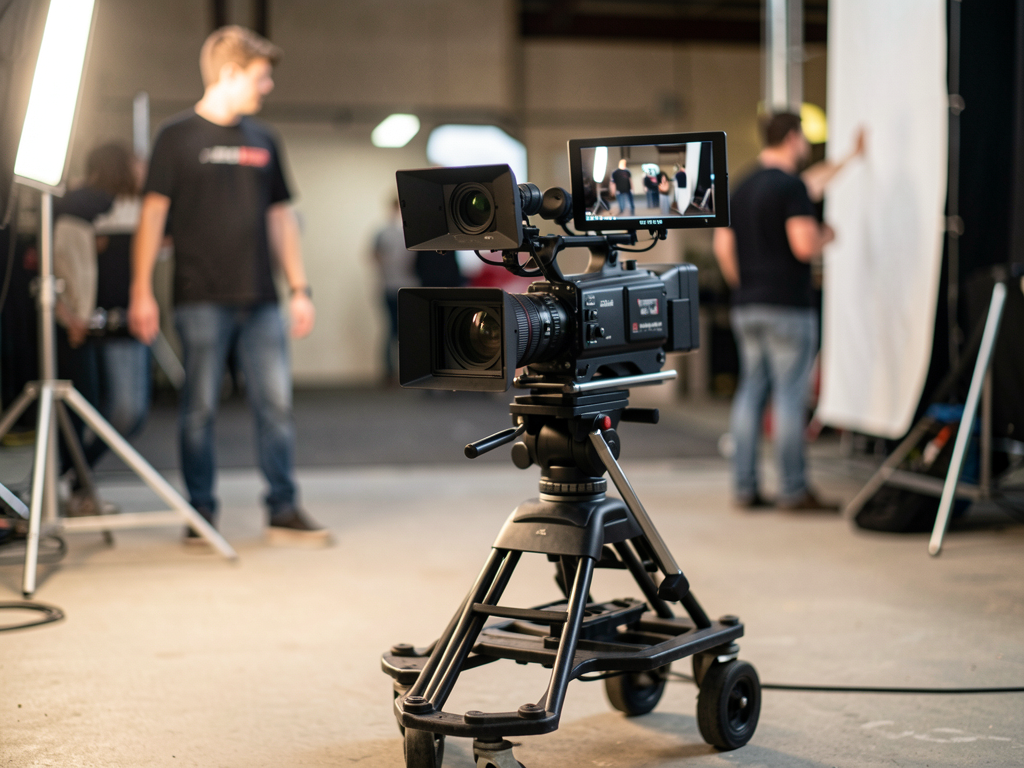
Cinema camera on a dolly, videoanima cover illustration.
What it is

A directing pipeline, not a generator of standalone clips

The difference between a film and a slideshow is in the shot breakdown: each shot knows its framing, movement, and where the gesture ends. That's what videoanima writes before generating any images.

🎞️ Directing grammar

Framing, angle, movement, speed, look, and pacing become prompt fragments β€” vocabulary distilled from a style analysis, not improvised adjectives.

πŸ”€ Swappable providers

Image in agnes, inemaimg or kie; video at agnes, kling, klingai or kie. Each measured pitfall lives in its adapter.

🎯 Motion gate

Each clip is measured after generation; anything that comes out still is redone. There's a negative prompt against still frame and A/B keyframes so the generator has something to animate.

⚠️ Under adjustment β€” not a stable version.

The pipeline runs end to end, but it is in an open correction cycle based on the films it produced. The first cut came out poorly (static scenes, inconsistent character, choppy narration) β€” what was measured and what changed as a result is in the post-mortem doc/pos-mortem-montanha-leao.md. Still open: the narration stretches shots beyond the planned pacing, SFX are added without prior listening, and linked references between shots (shot N using Nβˆ’1) haven't been implemented.

How it works

Six steps, idempotent, each skipping what already exists on disk

Everything lives in output: a standalone ID resolves to ~/projetos/output/videoanima/<id>/decupagem.yaml. O historias/<id>/ from the repo is just a seed β€” on the first run, the shot breakdown is copied to the output, and the copy there becomes the active one.

YAML shot breakdown→ Pacing check→ Character anchors→ Keyframes A and B→ Clips→ Soundtrack and SFX→ Narration→ Editing
1

Before spending

The pacing check runs first, and the cost preview appears before the first paid API call. --so-decupagem validates without generating anything.

2

Character consistency

One anchor goes through text2img, and the others derive from it through img2img β€” generating in parallel would produce different individuals because none of these generators has an identity seed.

3

What the generator doesn’t do

Slow motion and speed ramps, handheld, zoom punches, a ducked soundtrack, SFX, and loudnorm are added during editing with ffmpeg.

Prerequisites

What needs to be running

Python 3 and ffmpeg are required. Local services and keys depend on the providers you choose.

ffmpeg + Python 3

The entire edit is done with ffmpeg. Without it, the film can't be completed.

# check
ffmpeg -version
python3 --version

inemavox (narration)

Local TTS in localhost:8010, chatterbox engine. The voice comes from the shot breakdown (voz:).

# needs to respond
curl localhost:8010/health

inemaimg (optional)

Local image server in localhost:8000. Required for --img inemaimg β€” the path for a child character, which gets caught by the Agnes filter.

# only if using --img inemaimg
curl localhost:8000/health

Ollama (optional)

Local LLM in localhost:11434, used by the automatic shot breakdown (decupagem_llm.py).

# only for LLM-based shot breakdown
curl localhost:11434/api/tags

Provider keys

Read at runtime from .env from the ecosystem β€” nothing is copied into the repo.

# AGNES_API_KEY, KIE_API_KEY, FAL_KEY
# in ~/projetos/openpcbotv2/.env
# or ~/projetos/wifi/.env

Combinations that require a public URL

klingai e kie need the keyframe at a public URL β€” pair it with --img agnes or --img kie.

# valid combination
--img kie --video klingai
User Guide Β· step by step

From example to assembled film

Run all commands from the repo root. The order matters: validate pacing and cost before making any paid calls.

1

Validate the shot breakdown without spending anything

Checks pacing and shows the cost preview. Does not generate images, clips, or audio.

python3 rodar.py exemplo --so-decupagem  # validates pacing + cost, doesn't spend anything
2

Edit the live shot breakdown

The first run copies the seed from the repo to the output. From then on, edit the one in the output β€” that's the one that counts.

# seed in the repo (first time only)
historias/exemplo/

# the live one, which you edit
~/projetos/output/videoanima/exemplo/decupagem.yaml
3

Stop at the keyframes and review the contact sheet

Generates the character anchors and A/B keyframes, assembles the contact sheet, and stops. This is where you catch inconsistent characters before paying for the clips.

python3 rodar.py exemplo --so-imagens
4

Run the full pipeline

Choose the image and video providers. The default for both is agnes (US$ 0 cost, batch submission).

python3 rodar.py exemplo --img agnes --video agnes

# Kling via fal.ai, with a keyframe at a public URL
python3 rodar.py exemplo --img kie --video klingai
5

Child character? Switch image providers

Measured on 2026-08-01: Agnes consistently returns HTTP 400 for "boy"/"child" β€” the same prompt works with an adult.

python3 rodar.py minha-historia --img inemaimg --video agnes
6

Without confirmation and with a minimal prompt

--sim doesn't ask before spending. --prompt-minimo sends only the motion instructions to the video generator β€” useful when the long prompt is getting in the way of the animation.

python3 rodar.py exemplo --sim --prompt-minimo
7

Resume where you left off

Each step skips anything already on disk. Delete the artifact you want to redo and run it again β€” only that artifact is regenerated.

# redo only the clip for shot 07
rm ~/projetos/output/videoanima/exemplo/clipes/p07*.mp4
python3 rodar.py exemplo
Examples

Films produced by the pipeline

Frames from the vertical films produced during the correction cycle β€” the same ones that informed the post-mortem.

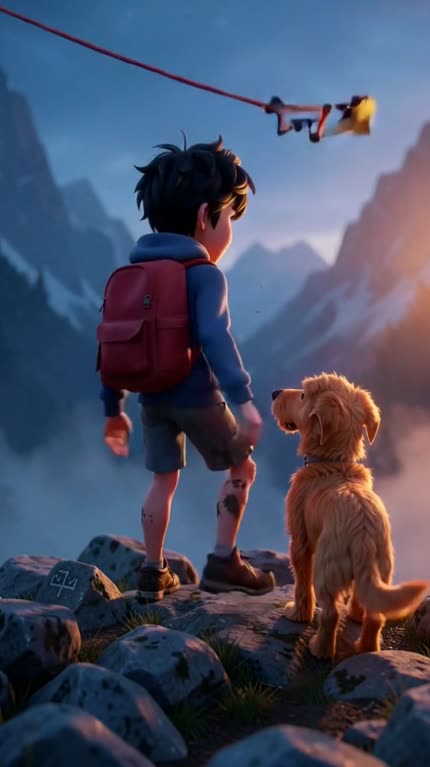
Frame from the montanha-leao-v2 film: boy with a backpack and a dog atop a mountain at dusk.
montanha-leao-v2 β€” the version reworked after the postmortem, with a look per block so the lighting doesn’t come out as midday when the scene arrives at night.
Frame from the neve-resgate film: boy in a red coat walking through the snow between lit lanterns.
neve-resgate β€” v3, with tipo_plano and the environment bible; the state plan is not sent to any generator.
Roadmap

What has changed and what is still open

The roadmap is driven by defects measured in the films themselves β€” each item came from a cut that went wrong.

Done
Measured motion, not promisedKeyframes A and B per shot, negative prompt against still frame and a gate that measures the clip’s motion and redoes anything that comes out static.
Done
v3: shot type and look per blocktipo_plano: tableau is not sent to a video generator β€” the camera moves over the still image. blocos applies the right look to the shot range, instead of all 50 shots inheriting a global "daylight" setting.
Done
Separate audio layersVoice and bed audio stopped competing for the same track β€” the film stopped coming out silent.
Open
Narration vs. pacingThe narration still stretches shots beyond the pacing planned in the shot breakdown.
Open
SFX without prior listeningThe effects are added to the film without being listened to for review.
Open
Chained referencePlan N using Nβˆ’1 as a reference has not yet been implemented β€” this is the path to continuity between shots.