AI project · Portuguese · VPS
A good cut starts with a good conversation.
A style consultation that starts with a conversation and continues on the next visit. Technology measures; the barber advises.
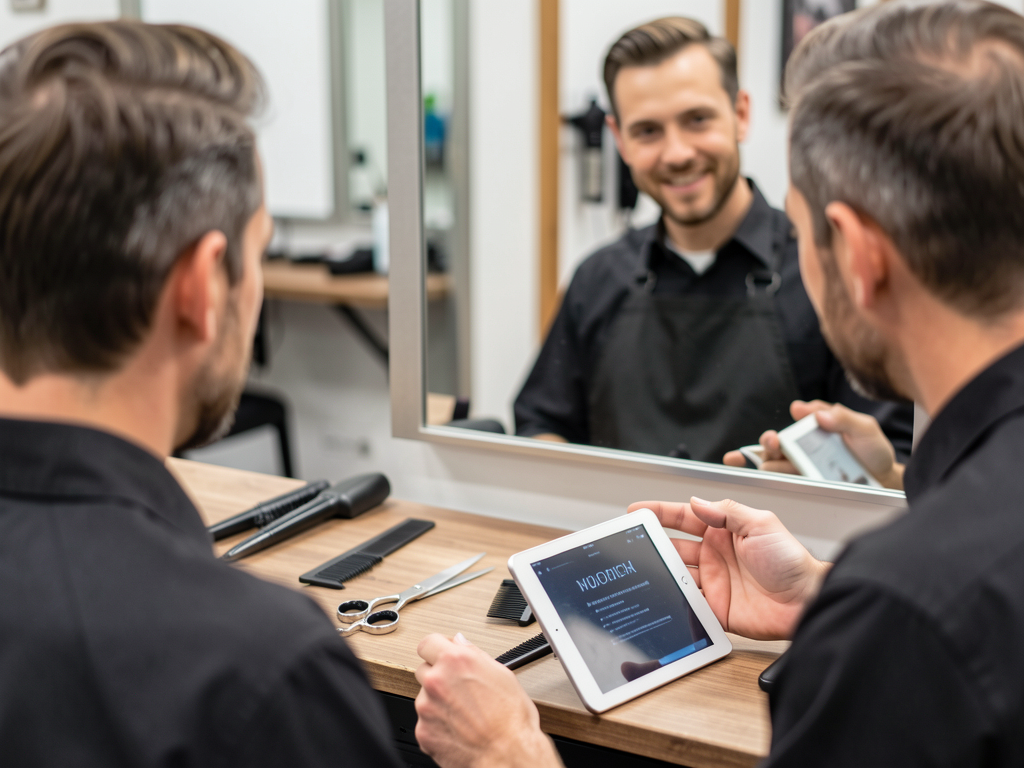
A style consultation that starts with a conversation and continues on the next visit. Technology measures; the barber advises.
An assisted service system with the barbershop's identity and recommendations reviewed before delivery.
MediaPipe calculates proportions from a front-view photo. Approximate measurements help guide a conversation about style choices.
The barber considers the client’s preference, records adjustments, approves the report, and arranges the follow-up.
Application, worker, persistent data, and HTTPS in Docker Compose. Consultations work even without generating images.
The client starts on the barbershop’s public page and sends the photo after payment. The professional can also start the appointment from the dashboard.
Suggested starting point: Linux, 2 vCPUs, 4 GB RAM, 20 GB SSD. Adjust based on workload. No GPU needed when using an external image provider.
Domain pointing to the VPS, ports 80 and 443 available, and Docker Compose v2 installed.
# command
docker --version
docker compose versionThe commands below run on the VPS. There is no default password; you create the professional’s access.
Clone the repository on the VPS.
git clone https://github.com/inematds/visagismo-b.git
cd visagismo-b
Set DOMAIN and PUBLIC_URL to the same domain. DNS must point to the VPS. Optional keys should be kept only in the protected environment.
cp .env.example .env
chmod 600 .env
nano .env
Caddy handles HTTPS. If there is already a proxy on the VPS, follow the adaptation described in VPS.md.
docker compose config --quiet
docker compose up -d --build
The password is requested without appearing in the terminal. Replace the sample data with your own.
docker compose exec app python -m app.manage create-user \
  --email voce@barbearia.com.br \
  --barbearia "Sua Barbearia" --profissional "Seu nome"
Open your domain and sign in to the dashboard. Under Settings, copy the public page for your clients. Record the final guidance before releasing the report. To monitor services:
docker compose ps
docker compose logs --tail=50 worker
Back up to a private directory and test restoration as described in VPS.md. Photos expire after 24 hours and reports after 90 days by default.
bash scripts/backup.sh /diretorio-protegido/visagismo-backups
Illustrative usage scenarios, with no claim of sales or revenue growth.
Discuss the routine, send an authorized front-view photo, and use the suggestions as a starting point. The barber’s review turns the draft into guidance.
Record how to finish the style at home and the follow-up date. Share the report through a revocable 7-day link without exposing the photo.
The front-view simulation with flux2-klein is optional. Images rejected by the geometric filter are not displayed; passing the filter does not guarantee identity preservation.
Use the pilot to measure usefulness, service time, and cost per consultation.
Read the complete instructions for installation, privacy, backup, and VPS operations.