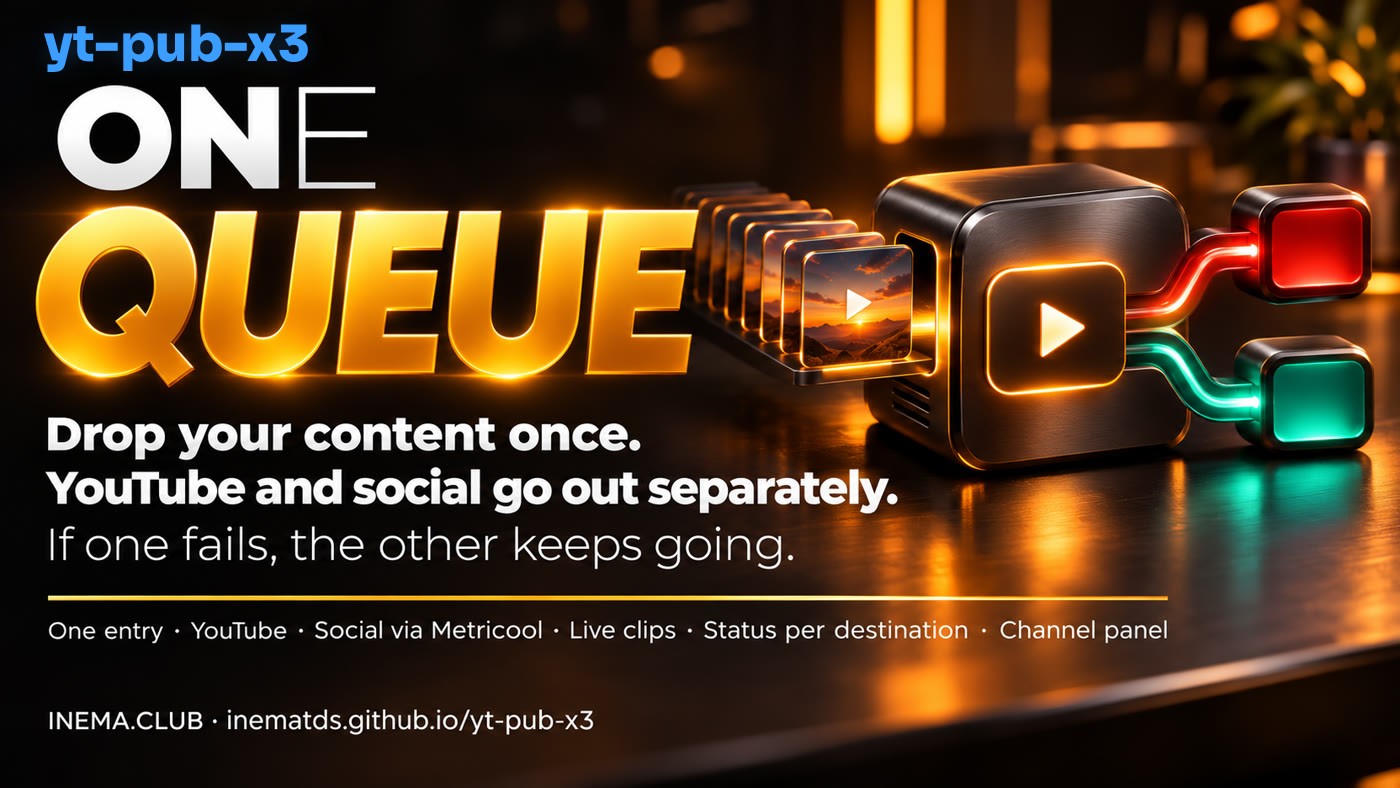
yt-pub-x3 is a publishing queue for people who already automate multiple channels. Your automation sends in a video, photo, or carousel, and the system publishes to YouTube and schedules posts on social media through Metricool, a scheduling tool, at each channel's scheduled times. It also cuts livestreams into clips for YouTube. Vertical videos up to 3 minutes go to both; horizontal videos go only to YouTube. It was built for INEMA's operations: outside that setup, the social media part needs its own connector. It runs on a computer that's always on and requires a technical person or a coding AI.
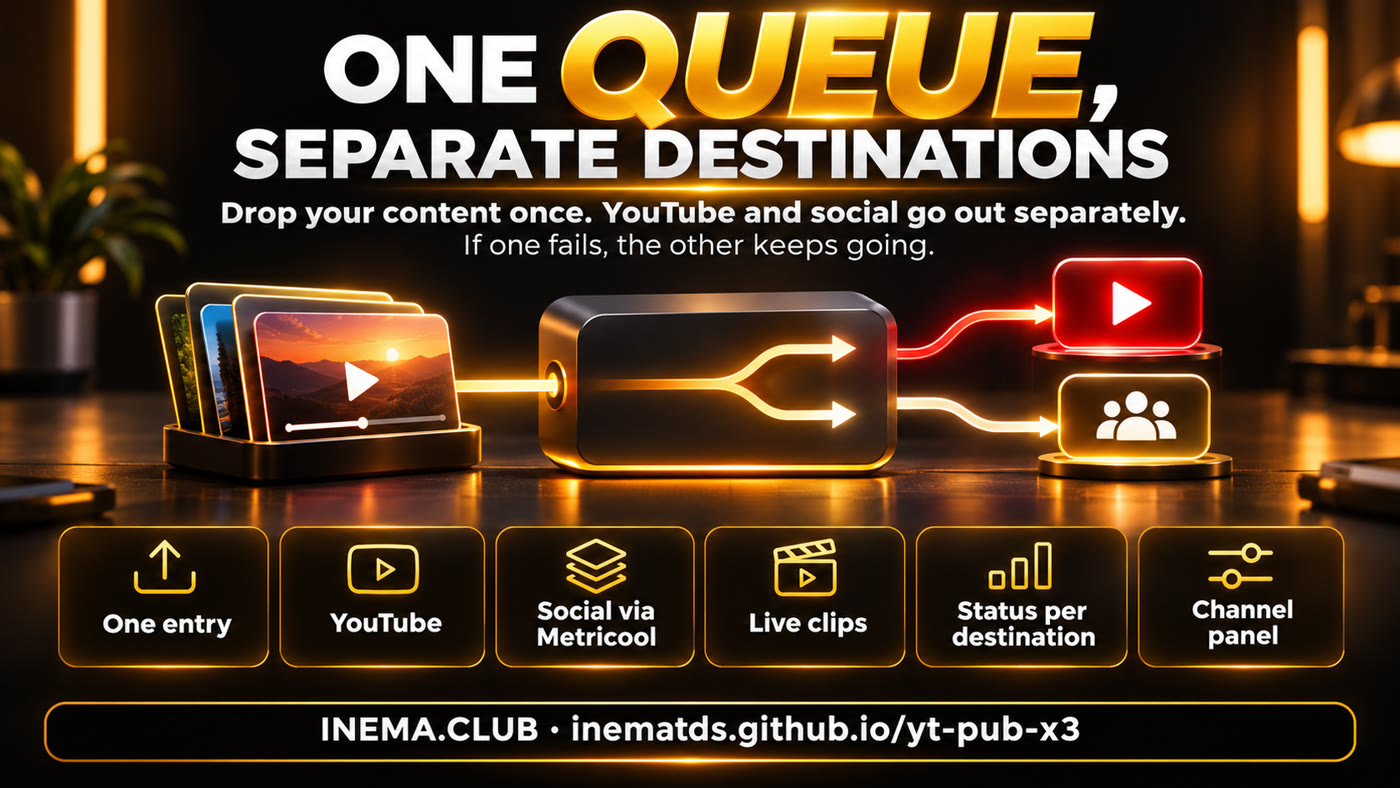
Before and after the single queue
😩 Without the single queue
Each system publishes differently. A video scheduled on YouTube doesn't notify social media, and you only realize days later that Instagram has been inactive.
If the YouTube login expires, everything stops, and no one knows what went out.
😌 With the single queue
Everything comes in through the same place. YouTube and social channels have separate statuses, and posting times come from each channel's settings.
If YouTube stops, social channels keep going, and the video stays queued. When YouTube comes back, the queue moves at a pace of one item per time slot.
🚦 One problem doesn't take everything down
An expired login or YouTube limit pauses only YouTube for that channel.
👀 See everything in one place
One card per channel, with its queue, errors, chart, and links. The dashboard opens on the computer running the system.
🎛️ Control each video
Pause, skip, or resend each destination without changing the others.
How this changes your routine
Three situations for people who already have bots or scripts publishing every day.
🎬 The video is ready
Today: each automation publishes differently, and some videos never make it to social media.
With the queue: the automation drops the file and a brief with the title and copy in the channel folder. The schedule takes care of the rest. The system does not adapt the video's format.
🔑 The YouTube login expired
Today: uploads fail one after another.
With the queue: YouTube for that channel pauses, the dashboard shows why, and the videos stay queued.
🖼️ The post is a carousel
Today: it goes through a separate workflow, away from the videos.
With the queue: it goes to social media through the same input and doesn't take up a YouTube time slot.
- 9:00 AM · the automation sends in the video
with a title, description, and social media copy. - 10:00 AM · the channel's time slot arrives
YouTube gets the next item in the queue, and the social media post is scheduled in Metricool. At INEMA, posts from the same brand are spaced 1 hour apart. - 10:05 AM · you open the dashboard
and see each destination marked as done, waiting, skipped, or failed. For social media, "done" means scheduled.
Think of it as a shipping hub
Content comes in through one door, and each delivery leaves in its own truck.
📥 The intake
Each post is a folder with the file and a brief. If the brief is wrong or the file is a duplicate, the post is rejected with a reason.
🚚 One truck per destination
YouTube and social media go out separately. One stalled truck doesn't hold up the other.
🕘 Each channel's schedule
Each channel has its own posting times and publishes one item at a time.
✂️ The clip workshop
For the channels you enable, AI selects segments from livestreams. The AI is instructed to choose clips from 2 to 15 minutes long, and the clips keep the livestream's format, so horizontal clips go only to YouTube.
🖼️ The thumbnail
For INEMA's operation, regular videos get an AI-generated thumbnail. Shorts, the short vertical videos, don't get a thumbnail. In another installation, you provide your own.
🧾 The checker
If the power goes out during an upload, it won't blindly send the video again. It asks you to check so it doesn't create a duplicate.
✅ It's worth it if
You have multiple channels, publish through automation, and have had one destination bring down another.
🚫 You don't need it if
You schedule your posts manually in Metricool, the social media scheduling tool. In that case, each post is already independent.
What it doesn't promise: It doesn't guarantee views, create videos from scratch, change a video's format, or bypass each platform's limits. A connector is the piece that links the system to a publishing tool. This project calls a Metricool connector, but the one we use is part of INEMA's operation and isn't included in this package. Outside that setup, social media only works after someone builds a connector for you. There are no connectors for other tools yet, such as Blotato.
First, find out if it's right for you
Ask for an assessment before installing. You'll need a coding AI, such as Claude Code or Codex, that can read and edit files on your computer.
1. Open the AI
Ask whoever maintains your scripts to open it in the folder with your publishing automations.
2. Paste the prompt
It compares your publishing setup with the project and won't change anything.
3. Decide
If it seems worthwhile, the first test is a simulation, where nothing gets published.
Read the yt-pub-x3 project at https://github.com/inematds/yt-pub-x3 (the README explains everything, including installation).
Then look at how I publish today and answer in plain English:
1. Which channels and social platforms do I have, and where would one failure currently take down more than one destination?
2. What would yt-pub-x3 solve for me, what wouldn't it solve, and would it be worthwhile in my case?
3. What's missing (a computer that's always on, YouTube login, Metricool, adaptations), and which channel would be the best test?
For this step, only read and analyze: don't install anything, change anything, or publish anything. End with a plan and wait for my response.
🧰 What you'll need
A Linux computer that's always on, the operating system commonly used on servers; Google authorization for each channel, set up by the technical team; Metricool and GitHub accounts, where code projects are hosted; and a technical person or coding AI. The social media connector isn't ready-made: you'll need to create your own.
🛠️ Want the details?
The installation instructions and details about what depends on our machine are on GitHub.
It started with a real failure and is still in testing
One day, 26 scheduled videos went out on YouTube but never reached social media because the old system only notified social media about immediate posts.
- We simulated the failures that hurt most.
Expired login, YouTube limit, social platform failure, interruption during an upload, and duplicate file. - The videos stayed queued and social media kept going.
No interrupted upload was retried automatically. - An independent review looked for defects.
The issues found were fixed and covered by tests.
Status as of 11/18/2026: automated tests are passing with simulated uploads; nothing is being published. The dashboard already reads our 19 channels for viewing only. No channels have been connected, and this system has not published anything.
Before you decide
Do I need to know how to code?
You'll need a technical person or coding AI to install and adapt it. After that, the dashboard is enough to monitor things, but it only opens on the computer running the system. Access from a phone or another computer requires separate setup.
How does a video get into the queue?
Through your automation, which creates a folder with the file and the brief. The dashboard doesn't accept uploads.
How much does it cost?
The project is free. Costs include a Metricool plan, a coding AI subscription, the computer that stays on, and the technical work to create the social media connector.
Does it publish as soon as I install it?
No. Channels start turned off, and everything runs in simulation until you turn them on.
What if the video is horizontal?
It goes only to YouTube. On a channel with Instagram, vertical videos over 3 minutes also stay off all social platforms. The dashboard shows why.
Will my video be public before it's time?
Yes. For Metricool to download it, a copy of the video, photo, or carousel is hosted at a public GitHub address, and the system doesn't delete it afterward. Keep this in mind if the content is unpublished.
What about you: when one destination fails, what else stops in your operation? Free AI courses and guides, online at inema.club.