🔄 Project 6: Switch between Vault, Connected, and Cloud
You already know how to run everything in Vault (3.2) and keep agents running 24/7 for $0 (3.5). Now for the trick: route each task to the right mode based on how sensitive the data is. In this project, you’ll set up a simple decision rule—private, balanced, or quality—and learn to ask for a switch in the middle of a conversation. The result is a hybrid workflow that’s private when it needs to be and powerful when it can be.
🎯 Goal: route by sensitivity
The goal of this project is simple to describe and powerful in practice: to each task you send to the agent, consciously choose where it runs — Vault, Connected, or Cloud — using data sensitivity as your criterion. By the end, you'll have a rule of thumb and the fluency to switch modes mid-conversation without friction.
🧭 What you’ll deliver
- •A decision rule writing: "if the data is X, I use mode Y".
- •3 real tasks classified—one for each mode—to train your eye.
- •The ready-to-use phrase to request a switch mid-chat (“send this one privately”).
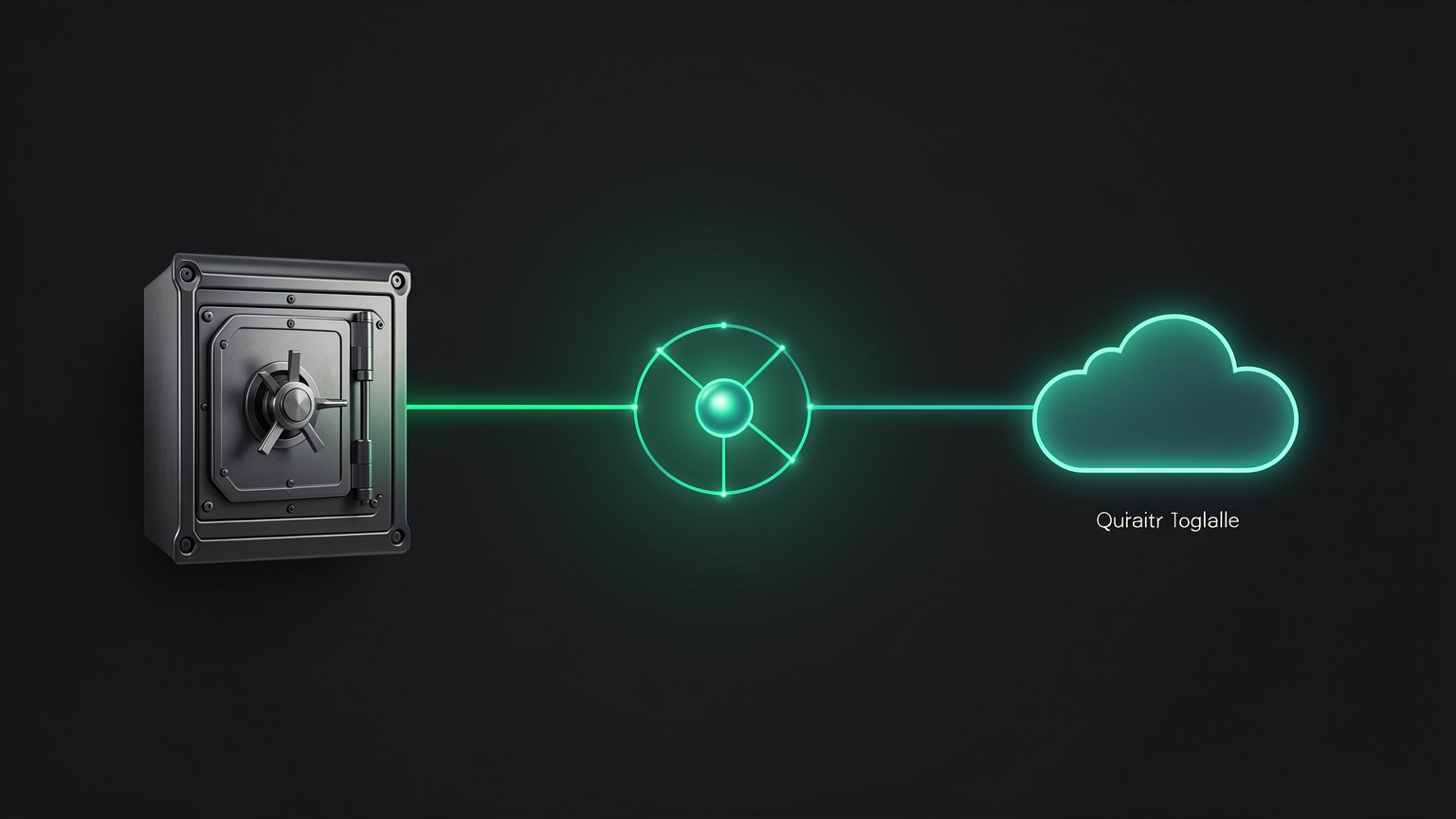
Modes reminder (from 1.6): Vault = everything local, internet cable "disconnected" (airgapped). Connected = local model + a "private pipe" to search the web when needed. Cloud = connects to the cloud and uses a frontier model when the quality is worth the privacy trade-off.
Key concepts
Send each task to the right mode instead of using a fixed mode.
The criterion: how much data can leak determines the mode.
Private when needed, powerful when possible — in the same agent.
A quick decision, so you don’t have to think from scratch every time.
🗄️ Vault for sensitive data
The first rule is the most important: when in doubt, Vault. If a data leak could cause you legal, contractual, or reputational trouble, it stays on the machine — period. In Hermes, that means turning on Vault mode (airgapped) with your local model selected (the qwen3-coder-64k that you created in 2.4).
✓ Send it to Vault when
- ✓Customer data, financial data, or contracts.
- ✓Health notes or any regulated information.
- ✓Proprietary code / trade secrets.
- ✓You’re offline (on a plane, off-grid) and need to work.
✓ How to turn on Vault (UI action)
- 1Select the local model in the bottom-right corner.
- 2Turn on mode Vault (airgapped) in the agent.
- 3Confirm that web search is not enabled.
- 4Now the task runs 100% on your machine.
⚠️ The costly mistake
Send sensitive data to the Cloud "out of laziness" or because the answer looks nicer. This could violate a contract (NDA), a law (GDPR), or simply burn a client's trust. The cost of a slightly worse answer in the Vault is almost always lower than the cost of a leak.
Key concepts
Without a bridge to the internet, the data has nowhere to go.
The safe default when the classification isn't obvious.
Health, finances, personal data — sending it outside can be illegal.
Almost always greater than the benefit of a better response.
🔗 Connected for balance
The mode Connected and the elegant middle ground: the reasoning stays on your local model, but the agent opens a "private pipe" to search the web when the task needs fresh information. You get up-to-date results without handing all the intelligence over to the cloud—the thinking stays at home; only the query goes out.
📊 When Connected shines
- •Current research: "what’s the latest version of lib X?" — you need to check the web.
- •Non-sensitive data: the question doesn’t expose anything confidential.
- •Want speed + reach: a quick local response, complemented by search.
New here? "Private pipe" is the controlled channel the agent uses to look things up on the web without dumping your entire conversation out there. Think of it as a narrow window: the query goes through, the result comes back, and the rest of the conversation never passes through.
Key concepts
Narrow search pipe; the thinking stays local.
When the model needs something recent it doesn't "know."
High privacy + web access, without going all-in on the cloud.
The query doesn’t reveal anything that needs to stay locked away.
☁️ Cloud for quality
Sometimes you simply want the best possible answer and the data isn’t sensitive—a thorny architecture problem, a text that needs to shine, a long line of reasoning. That’s what the mode is for Cloud: turn on the cloud and use a frontier model. Remember the trade-off from Track 1 — local models are ~1 year behind the frontier, so Cloud still wins on difficult tasks.
Read from top to bottom: sensitive? → Vault (and the end of the line, with no loopholes). If not, need the web? → Connected. If even that isn’t what you want and you want the best answer, Cloud. The "sensitive" branch NEVER goes to the Cloud — that’s the rule that protects you.
💡 Practical tip
Before sending a task to Cloud, ask yourself: “Would I care if this text appeared in a public screenshot?” If the answer is yes, go back to Vault. If no, Cloud is fair game.
Key concepts
The state of the art in the cloud; excels at difficult tasks.
The local model is ~1 year behind; that's why Cloud is the "top" choice.
If you’d be uncomfortable with it leaking, don’t send it to the Cloud.
The only situation where Cloud is the right choice.
🗣️ Asking to switch in the middle of a conversation
The smoothest part of Hermes: you don’t have to open menus to switch modes. You can ask for the switch in natural language, in the middle of the chat. Started a general question in Cloud, then realized you're about to paste a confidential excerpt? Just say "send the next one to private" and carry on.
Start wherever it makes sense
General question? You can start with Connected or Cloud. Check the active mode in the lower-right corner.
Flag it before pasting sensitive information
Ask to switch BEFORE pasting confidential data—not afterward. The order matters.
Check the indicator
Look at the lower-right corner: the active model/mode should show the Vault before you send the data.
Ready-to-use phrases for requesting the switch
manda <essa proxima tarefa> pro privado (Vault), vou colar dado de cliente

agora pode voltar pro modo conectado pra buscar <a versao da lib> na web

esse problema e dificil e nao tem nada sensivel — usa a nuvem (Cloud) pra essa
Replace what’s in <...> for your use case. Verify: after the request, the mode indicator (bottom-right corner) changes to the requested mode before you send the content.
Honesty: the exact wording is up to you—the agent understands your intent. What’s fixed is the UI: the active mode/model appears in the bottom-right corner and there are the Vault / Connected / Cloud modes. Always check this indicator before sending anything sensitive; don't rely on the wording alone.
Key concepts
Request the mode in chat, without opening a menu.
Switch BEFORE pasting the data, never after.
The bottom-right corner shows the active mode/model.
Check the indicator, not just the typed phrase.
✅ Result: the hybrid workflow
By the end of this project, you’ll have a hybrid workflow working: the same agent handles client data in Vault, current research in Connected, and the tricky problem in Cloud—and you move between them without losing momentum. Privacy is no longer "all or nothing"; it's a choice you make for each task.
✓ How to check that it worked
- ✓You classify 3 real tasks without hesitation (one per mode).
- ✓You can request the switch in chat and see the indicator change.
- ✓No sensitive data went through the Cloud in any test.
- ✓When offline, Vault continues responding normally.
✗ Signs that it failed
- ✗You use one fixed mode "so you don’t have to think."
- ✗You pasted the data and only then remembered to switch modes.
- ✗You don’t check the indicator before sending sensitive information.
- ✗Sends everything to the Cloud because "the answer is better".
🧩 The rule in one sentence
"Sensitive → Vault. Need web access and it isn’t sensitive → Connected. Want the best and it isn’t sensitive → Cloud."Memorize this and you’ll never make a decision in the dark again.
Optional self-check: You’re going to ask the agent to review a client’s contract (NDA signed). Which mode?
🎯 Project summary
Next module:
3.7 — Project 7: Hermes on your phone from anywhere (and course wrap-up)