AI video · v6.2 · free course
Make every cut count
Turn four clips into a vertical invitation. Organize the project, choose cuts, adjust motion and sound, review captions, and check the final file.
start now →6 modules · 18 lessons · ~15 min guided reading · set aside 8–12 h for production, plus queues

What you will be able to do
How to study
Read in short sessions and do the practice in the suggested time. Progress stays in this browser. Make copies using the journey’s export option.
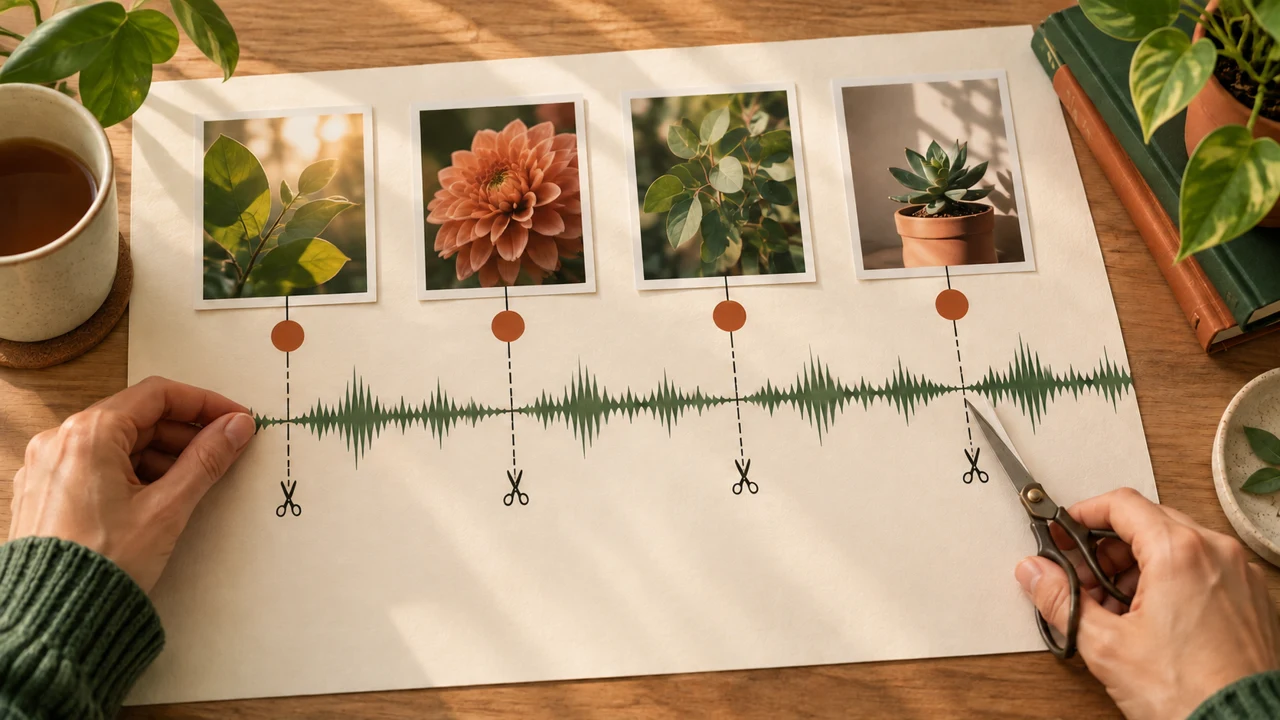
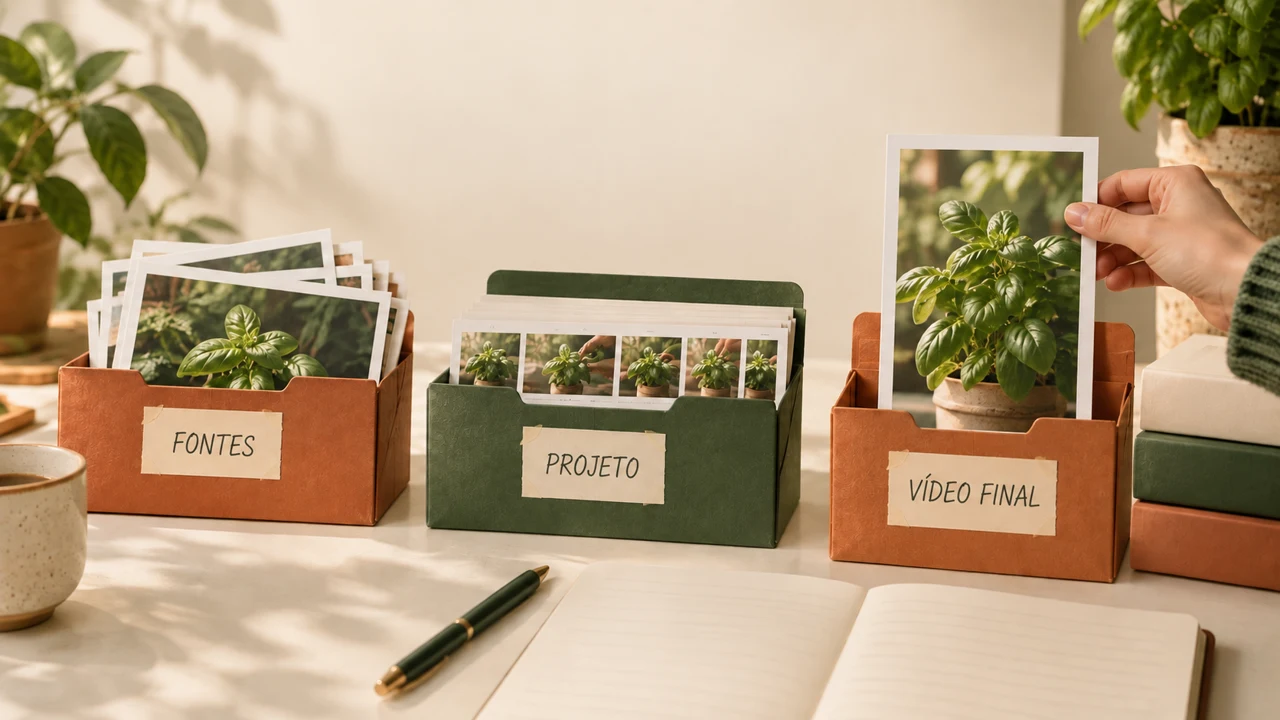
The lesson images are illustrations created in Codex, not video results. To finish production, you need CapCut desktop and the kit files or your own clips. Check credits and features before you begin.
The Verde Perto case
Nanda, an editor, and Jorge, a teacher, make an invitation to a gardening workshop. The course includes four silent clips and their images for practicing cuts, scale, and rhythm.
Download the kit · File sources. These are animated Codex images, not a real planting demonstration. Record the voice yourself and choose authorized music.
Prerequisite: know how to save files and have access to an editor. Instructions use the desktop app; mobile and browser versions may differ. Subscription features are identified, with manual alternatives. This material contains no CapCut screen recording.
Set aside about 15 minutes per lesson and 8–12 hours for study, exercises, and finishing the full project. Processing and corrections may take longer. Completion requires a real file that is saved and checked.
Who it is for
It is for you if you
- You have made a simple video and want more control over tests.
- You have your own references and are willing to review results and costs.
- Prefer to learn by doing.
It is not for you if you
- Already know the subject well and want technical material.
- Want a traditional video lesson.