AI video · v6.2 · free course
Kling AI: from idea to sequence
From input to movement, with camera, references, and connected shots. Build a test lab and review a short product sequence.
start now →5 modules · 15 lessons of ~15 min guided reading · allow 6–10 h for production, plus queues
What you will be able to do
How to study
Read in short sessions and do the practice in the suggested time. Progress stays in this browser. Make copies using the journey’s export option.
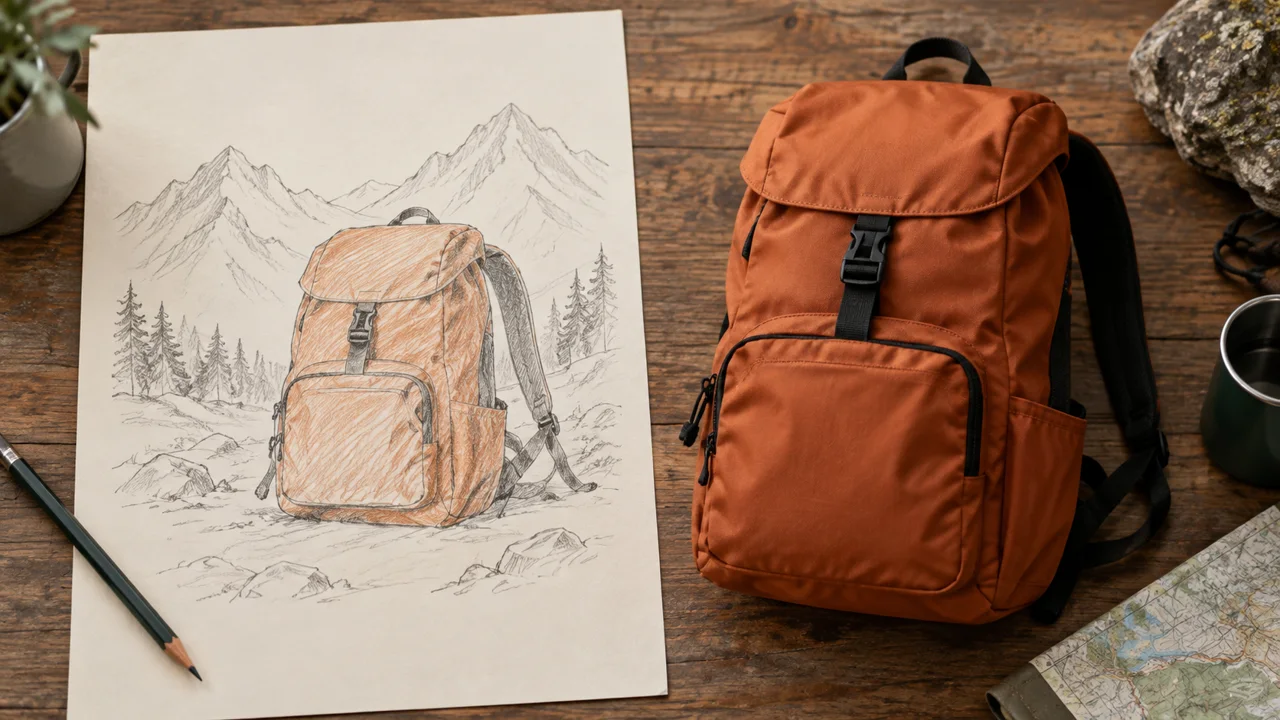
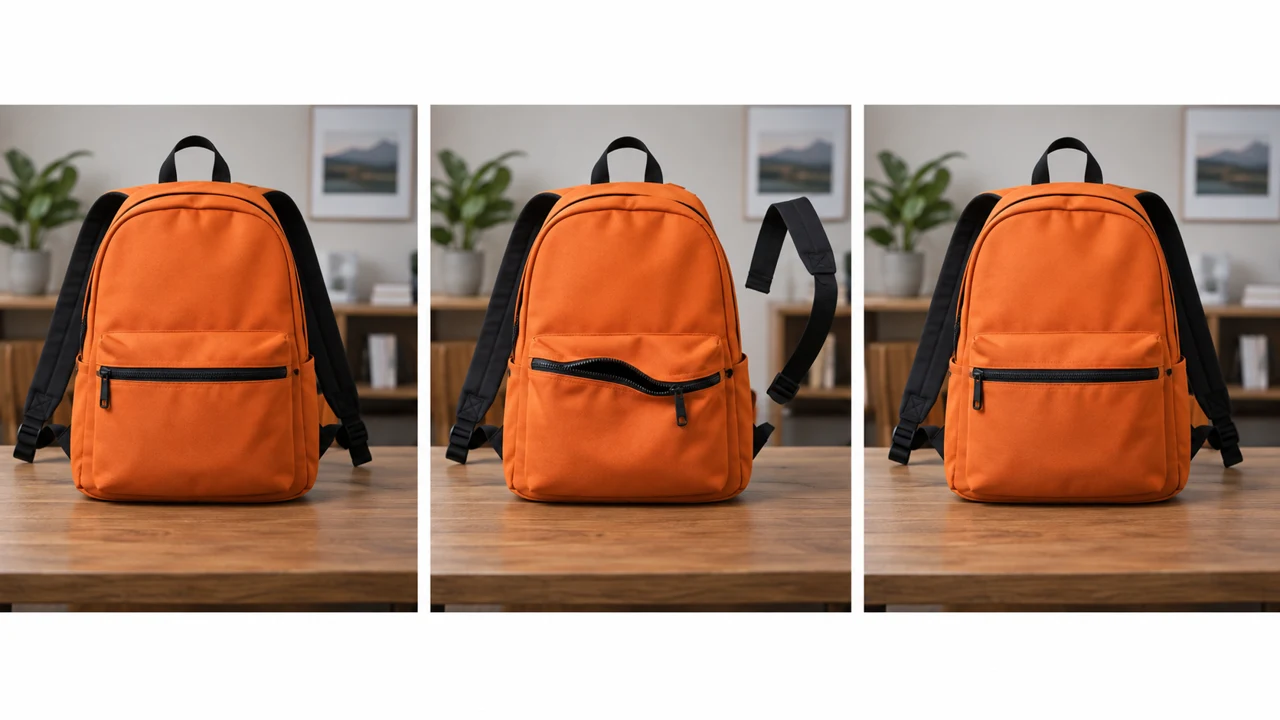
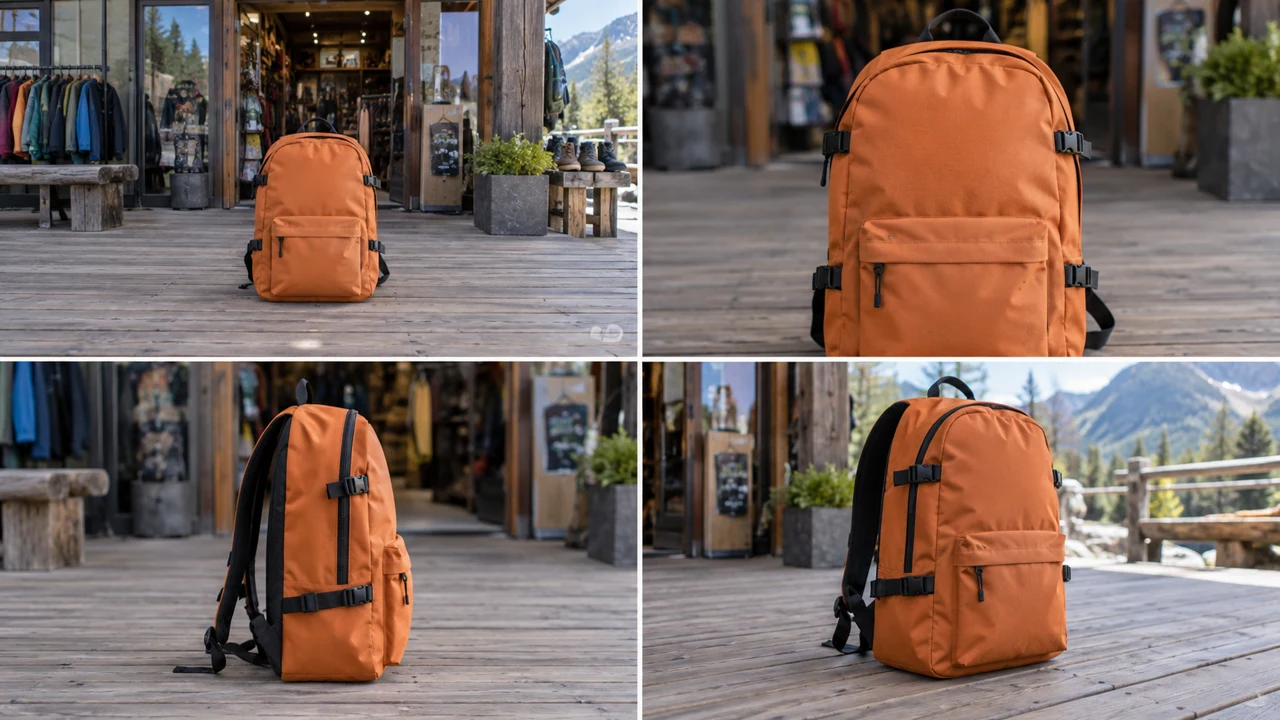
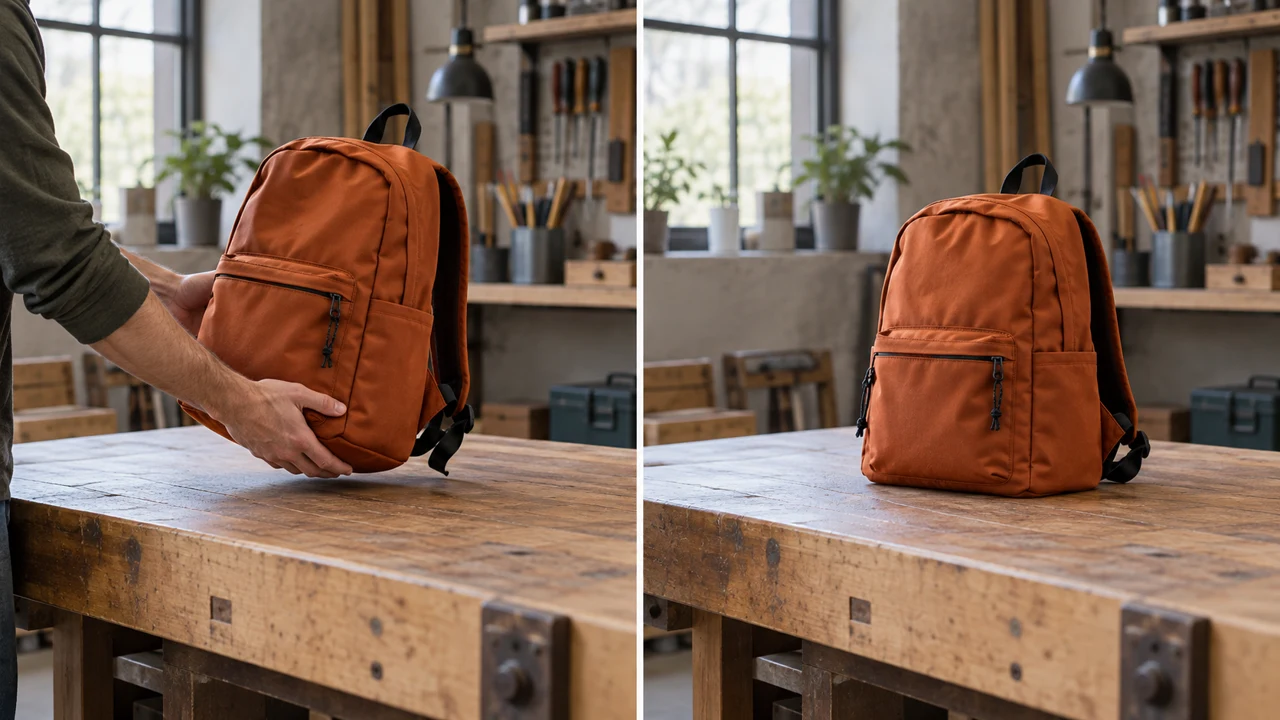
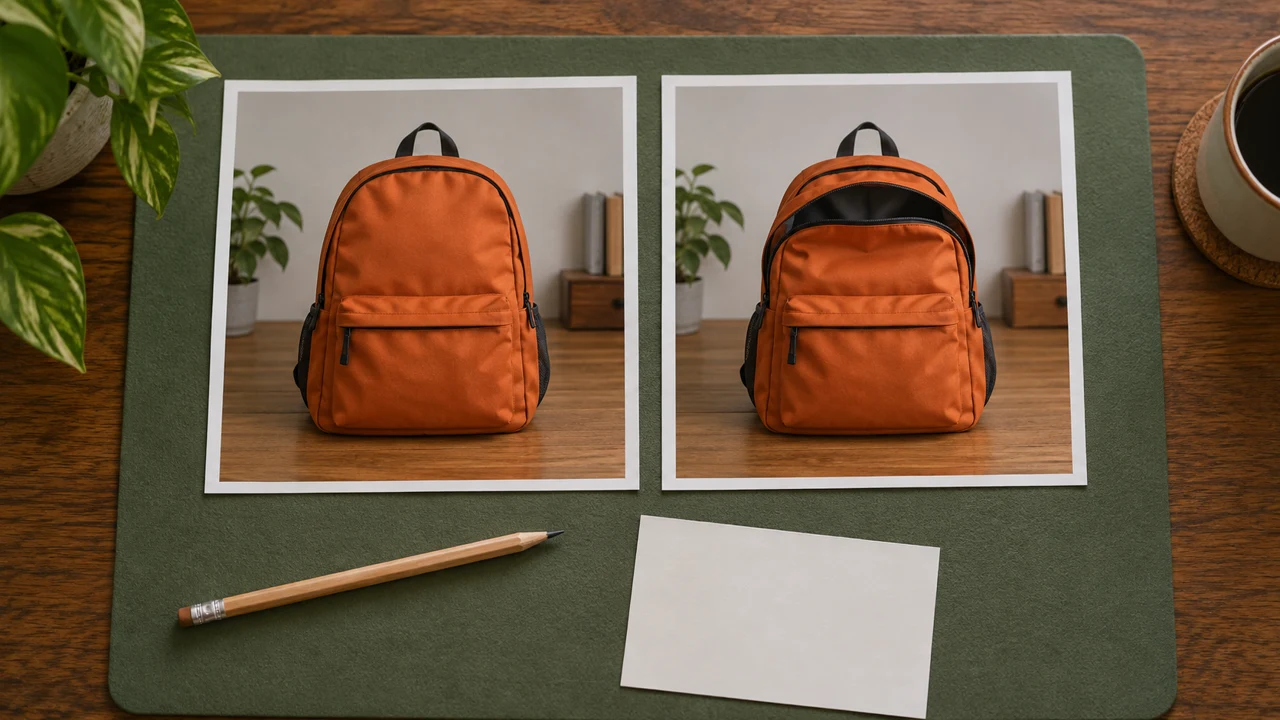
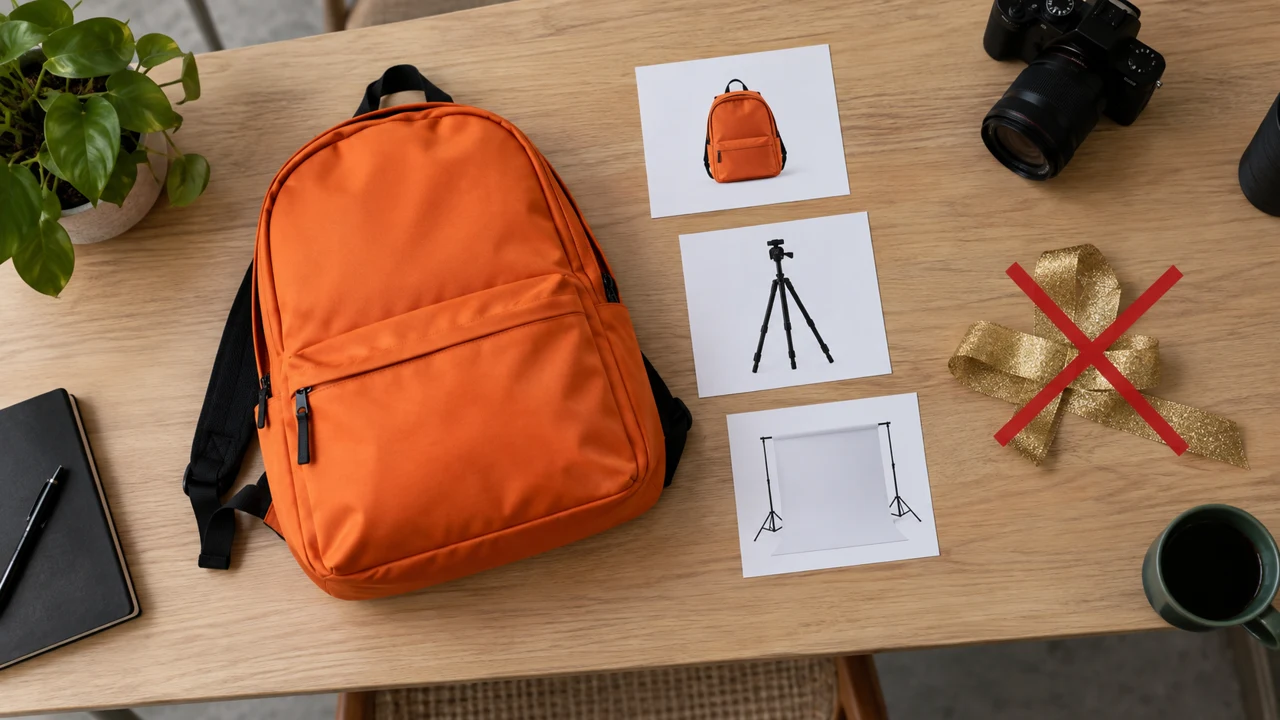
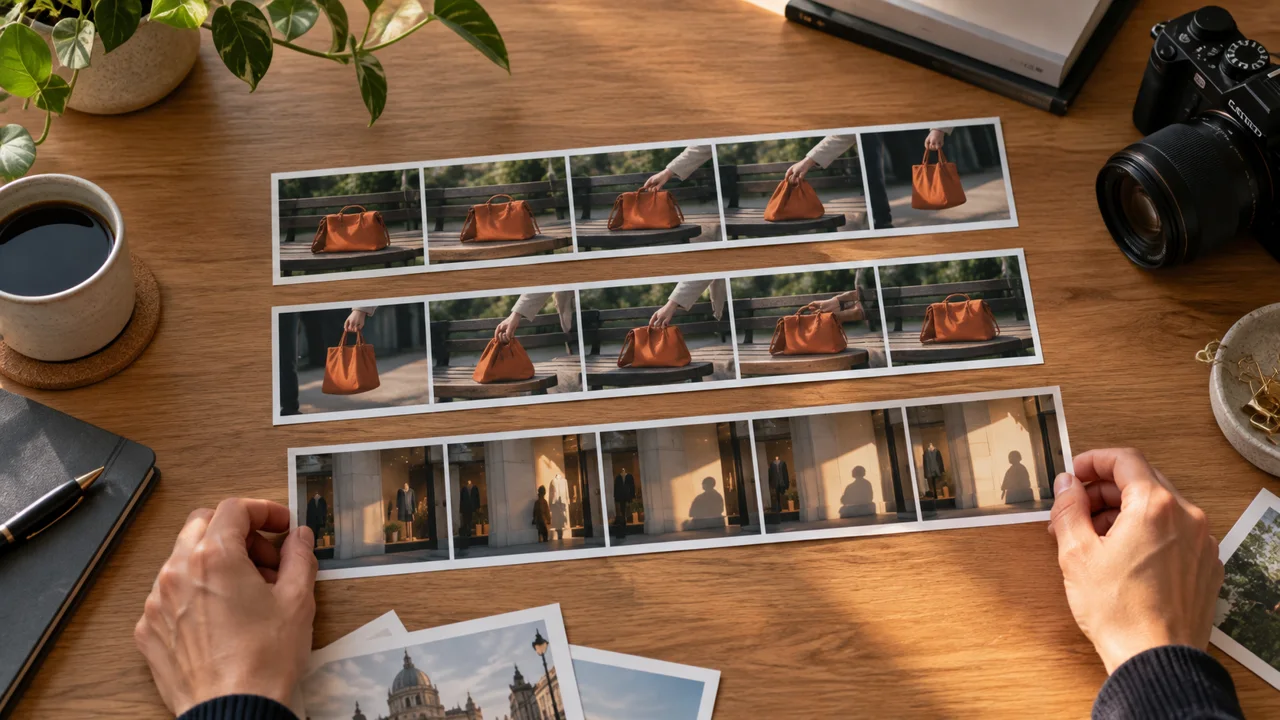
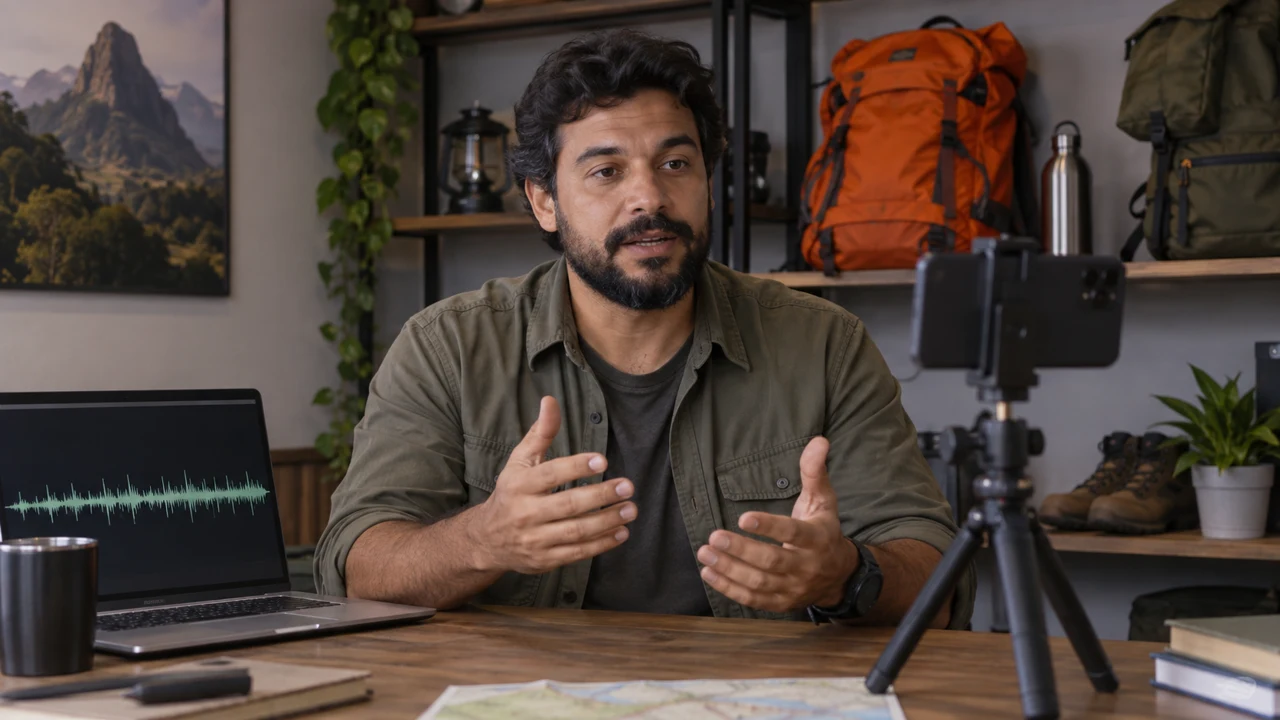
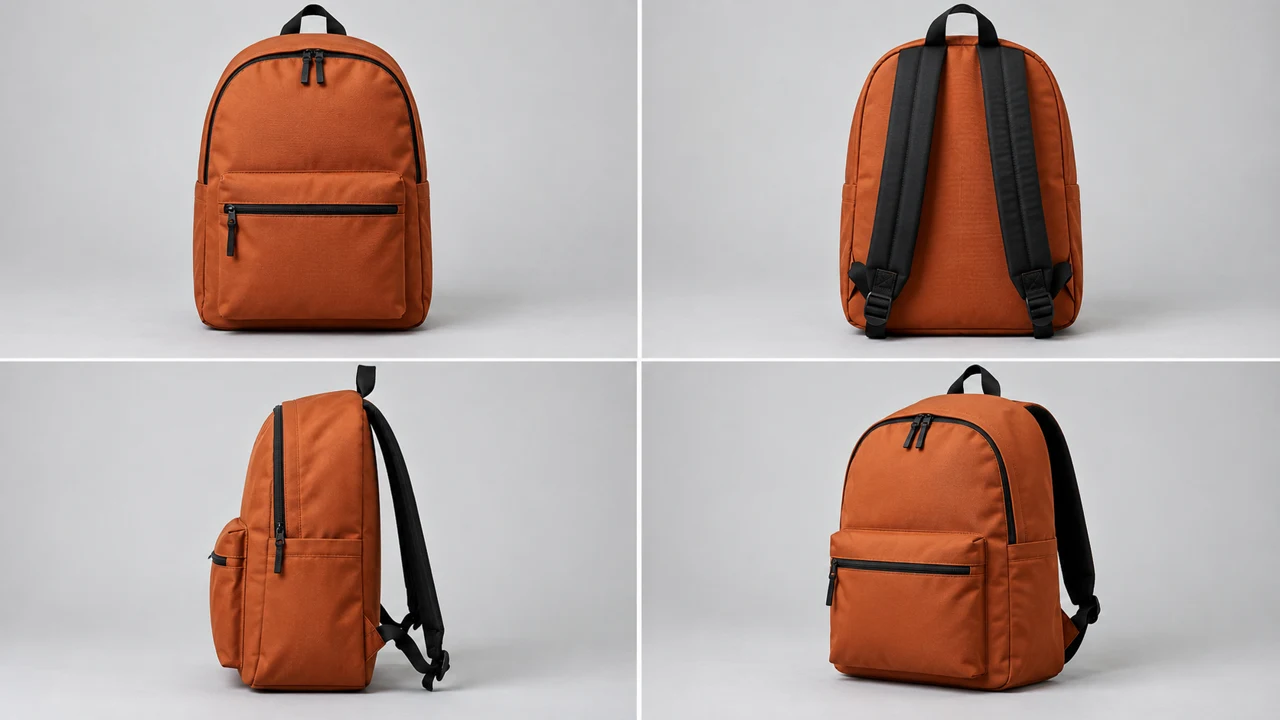
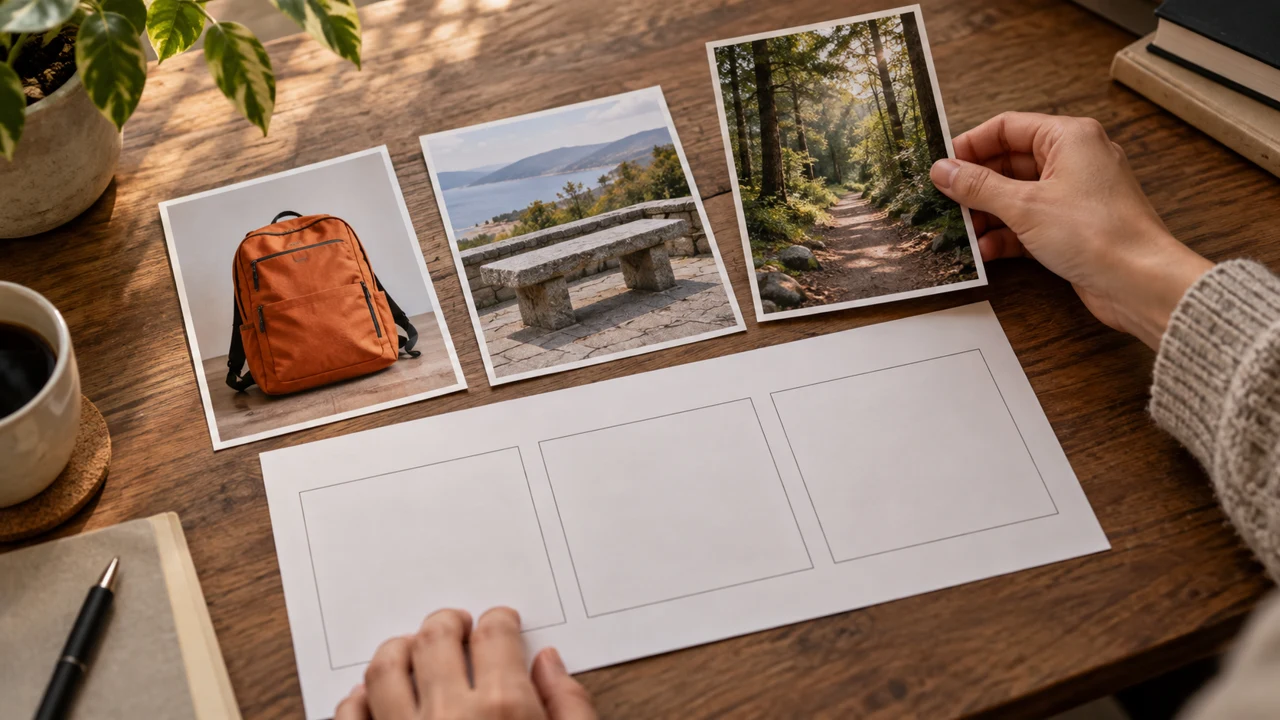
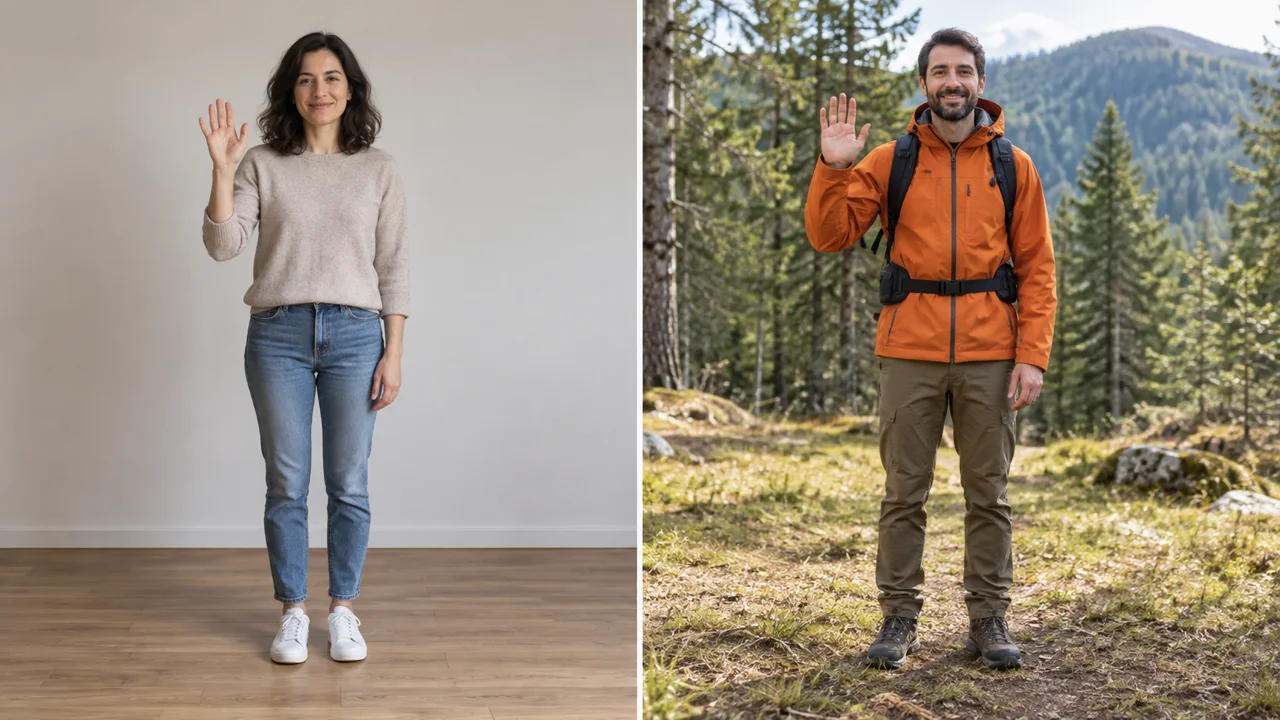
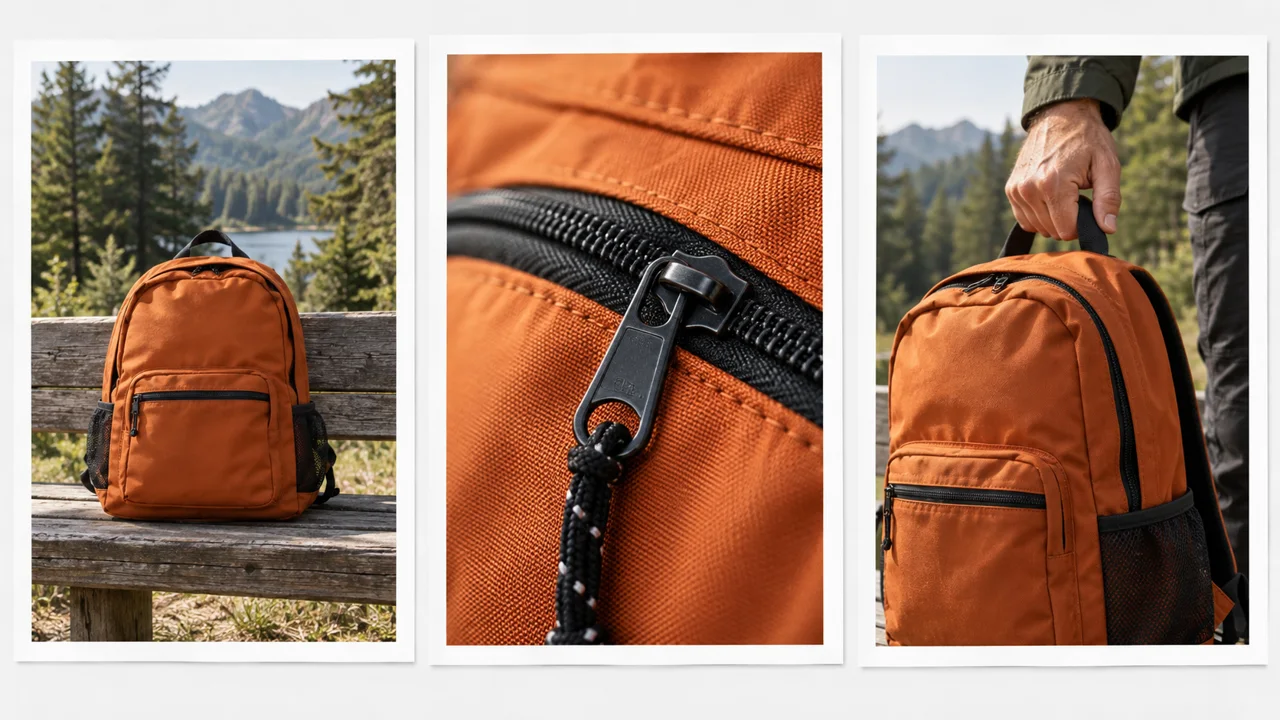
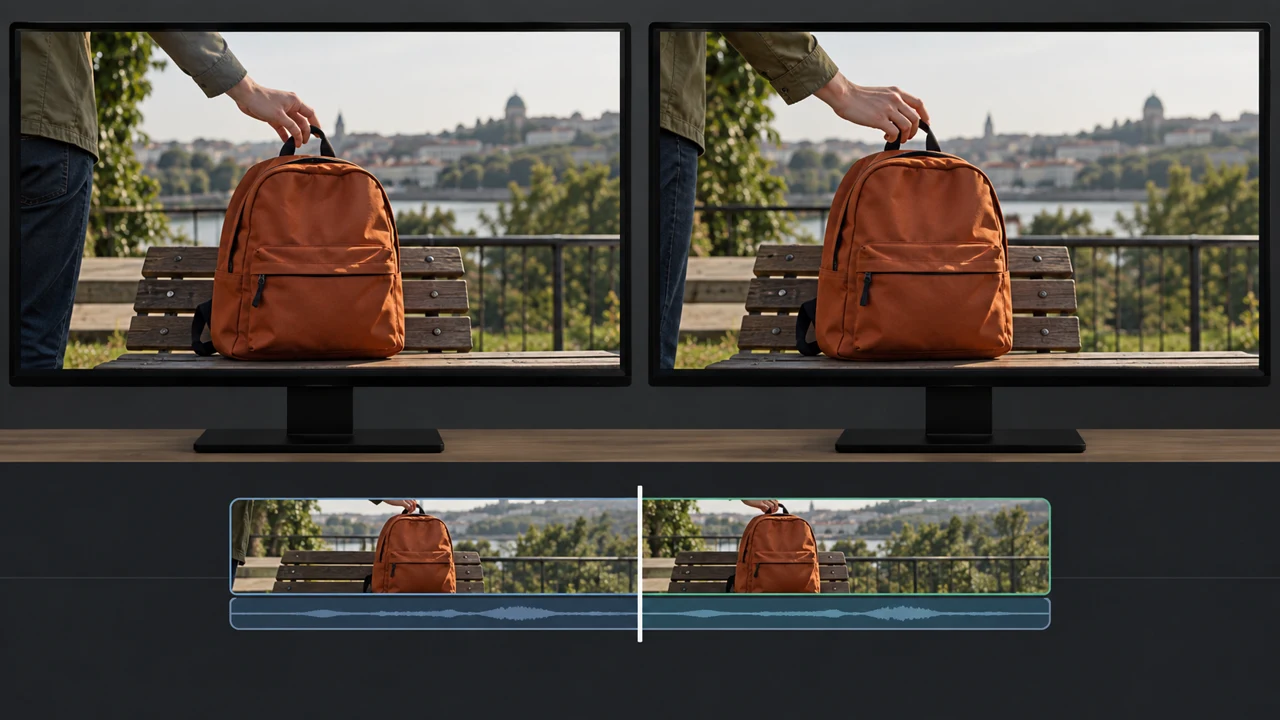
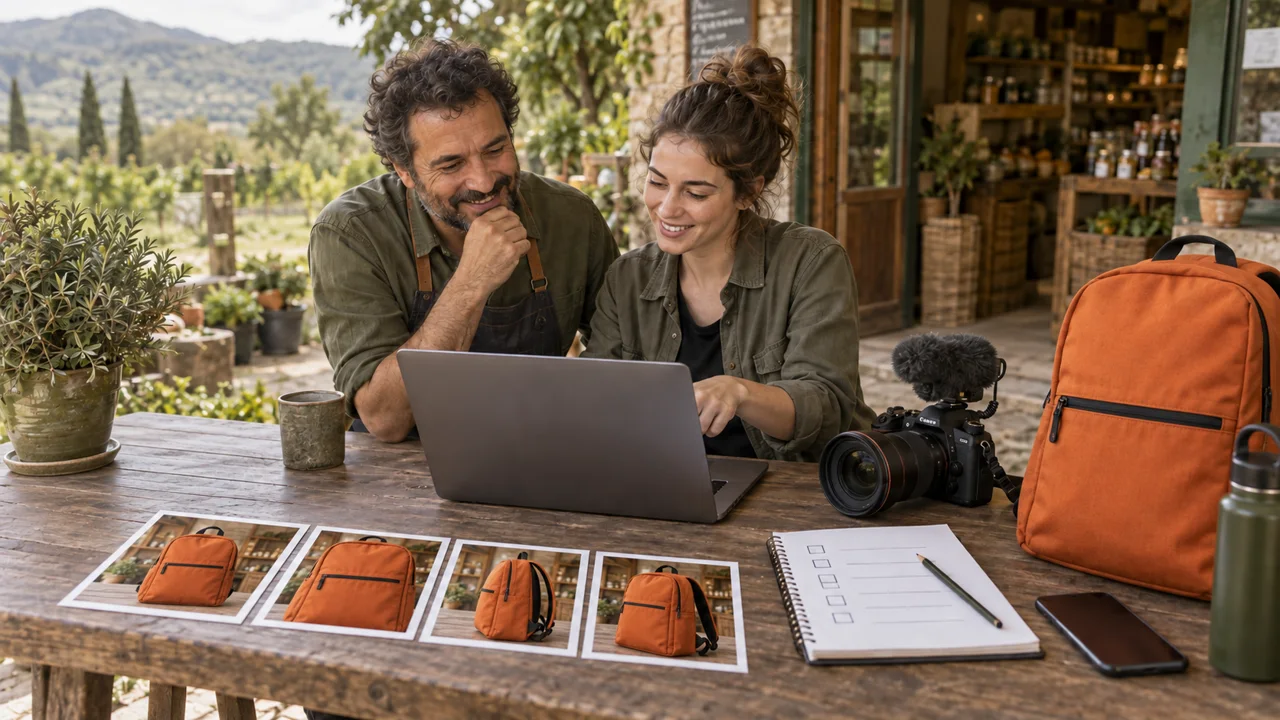
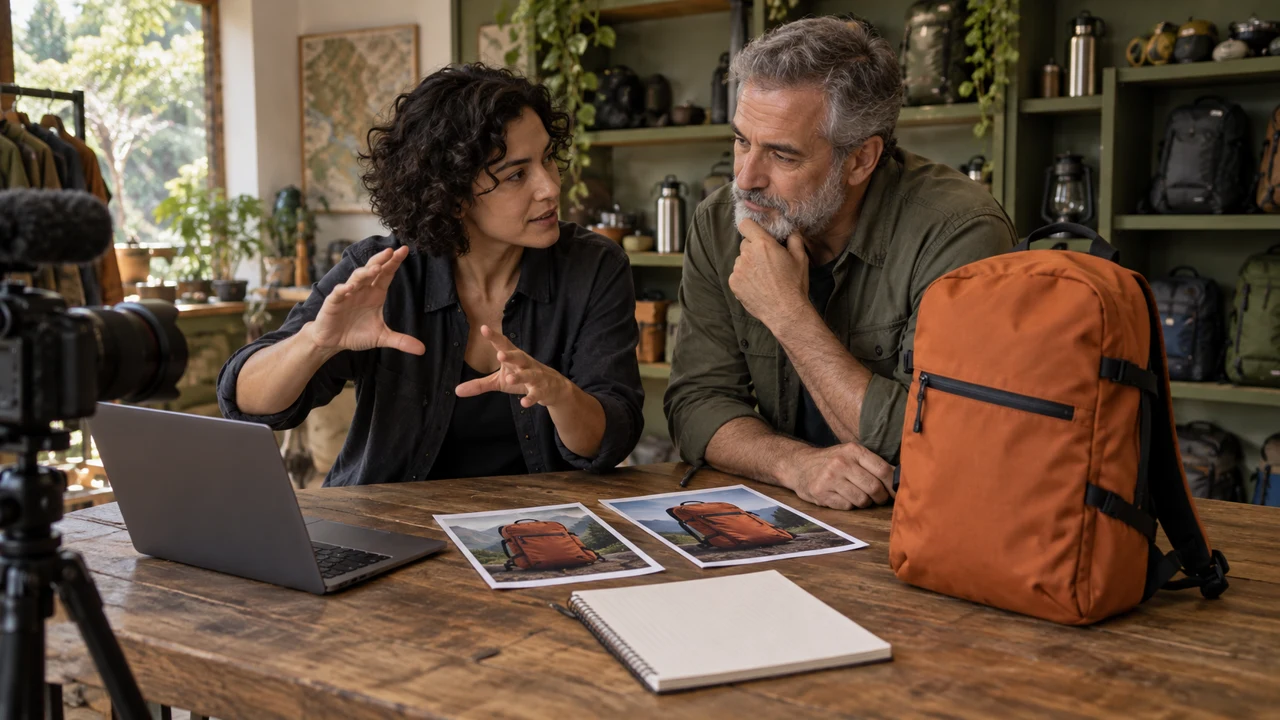
Lesson images are illustrations generated in Codex, not video results. To complete production, you need access to Kling features and an editor to review the sequence. Check credits and features first.
Rota’s test lab
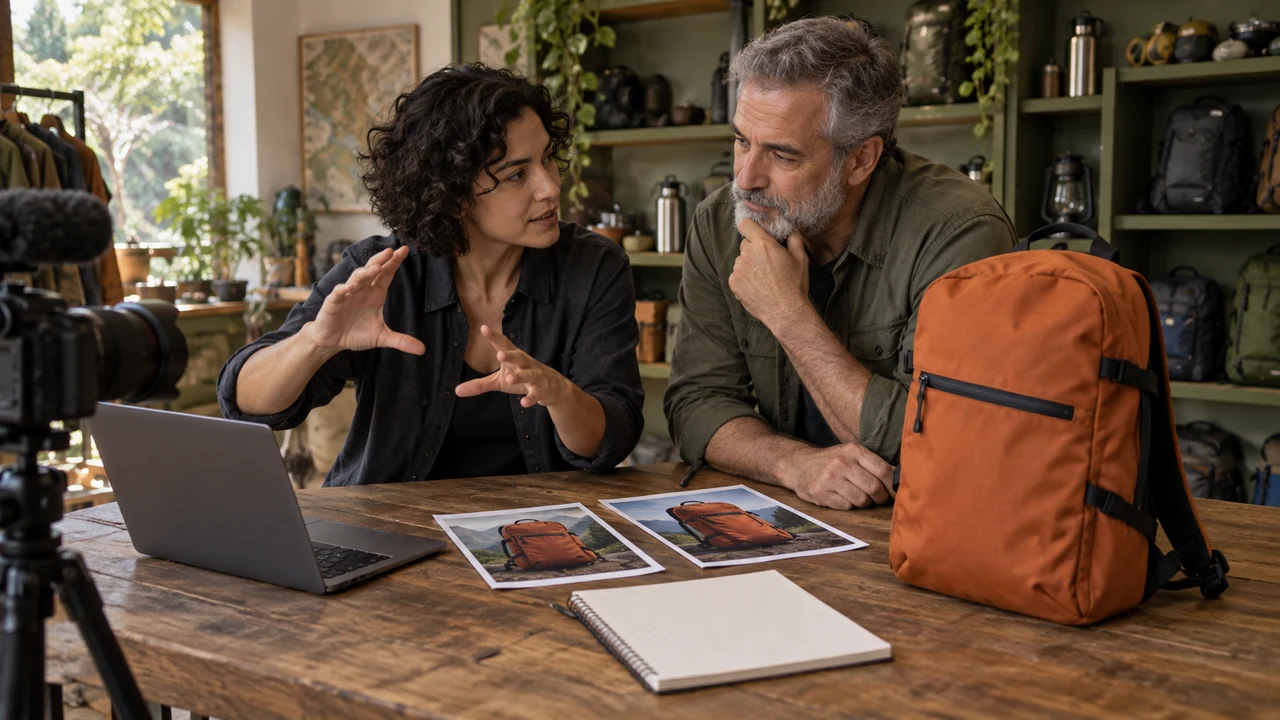
Luiza, a videographer, and Davi, a shop owner, plan a sequence for a fictional backpack. Apply the process to an object of your own. Start with the Your First AI Video course if you have not made and edited a clip yet.
Short practices include preparation and review. Full production requires running the listed tests and saving files. If a feature is unavailable, leave it pending; illustrations do not simulate video results.
Who it is for
It is for you if you
- You have made a simple video and want more control over tests.
- You have your own references and are willing to review results and costs.
- Prefer to learn by doing.
It is not for you if you
- Already know the subject well and want technical material.
- Want a traditional video lesson.