INEMA.CLUBPROImage Prompting v6.2 enter the course

AI images · v6.2 · free course

Give your images intention

From the first request to delivery: learn to direct product images, compare versions, and explain your choices. Read and practice at your own pace.

start now →

7 modules · 21 lessons of ~15 minutes · read on your phone or computer
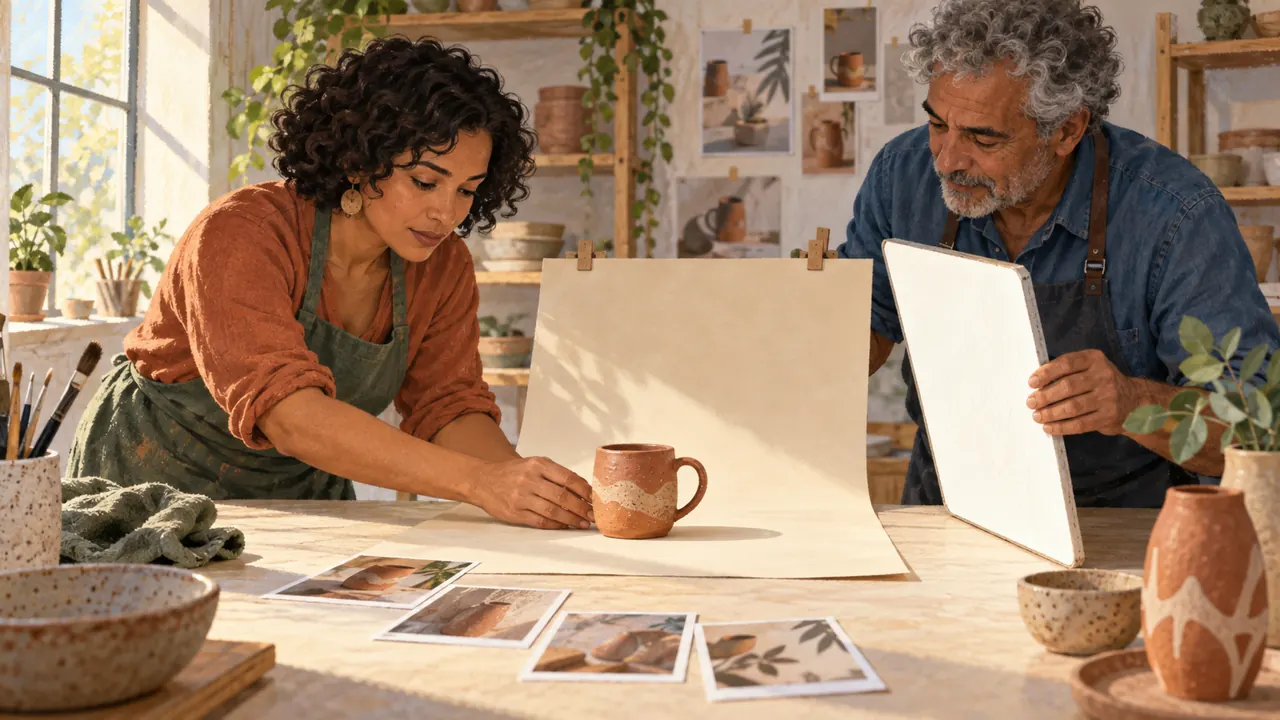
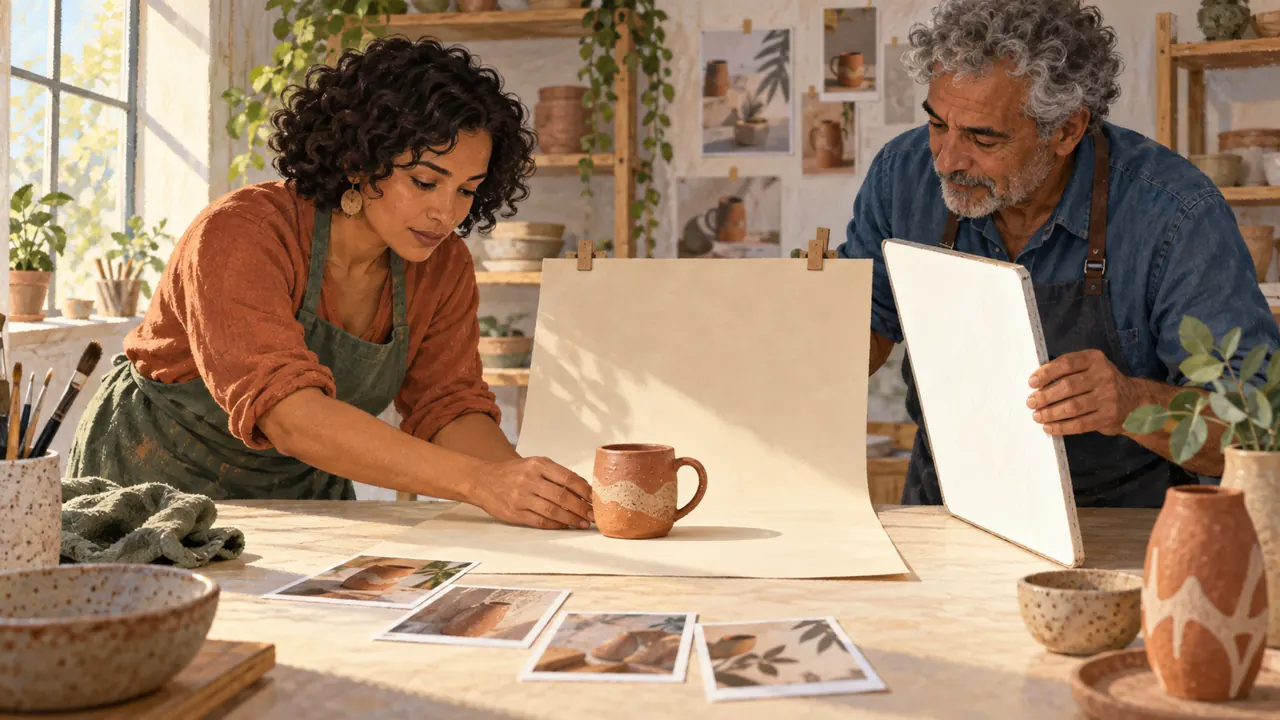
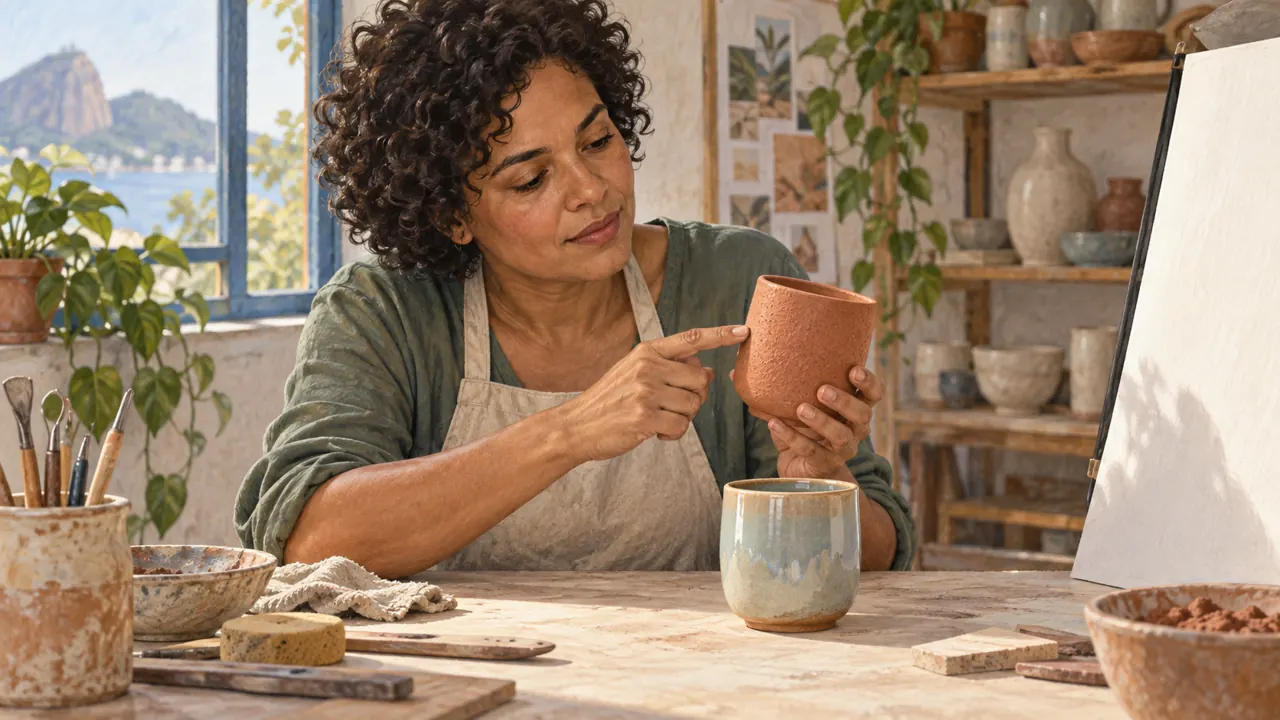
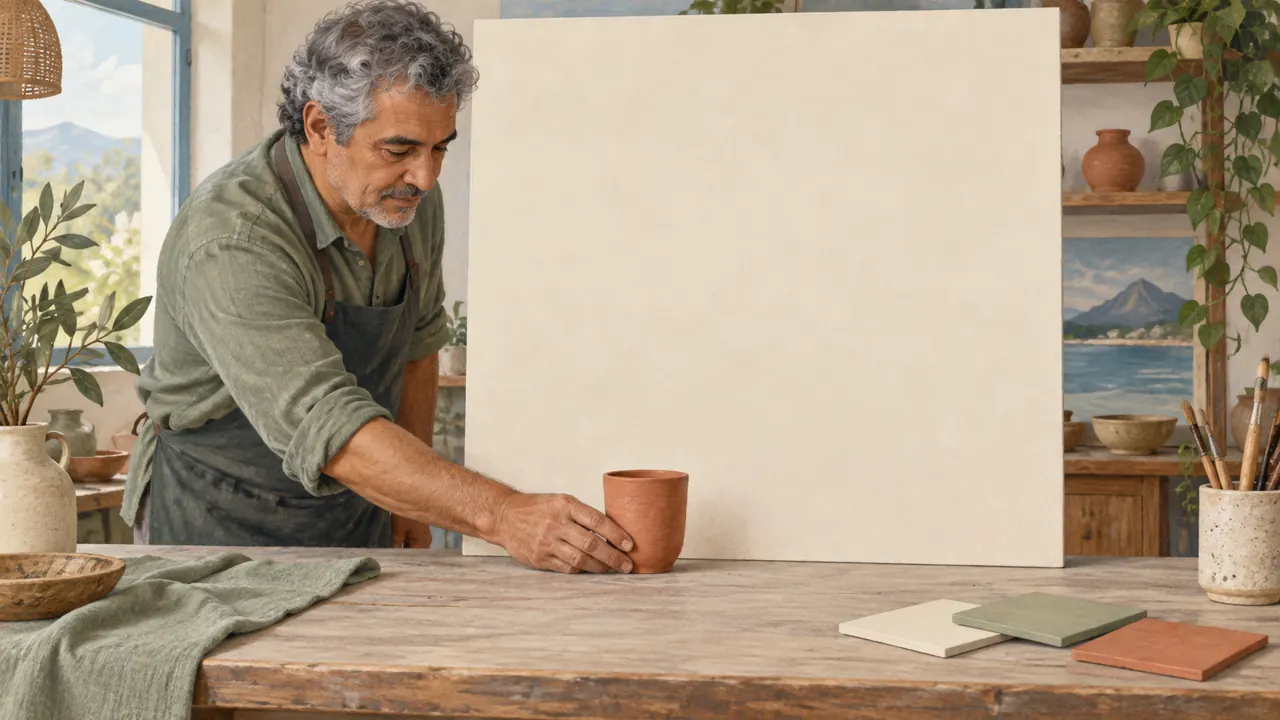
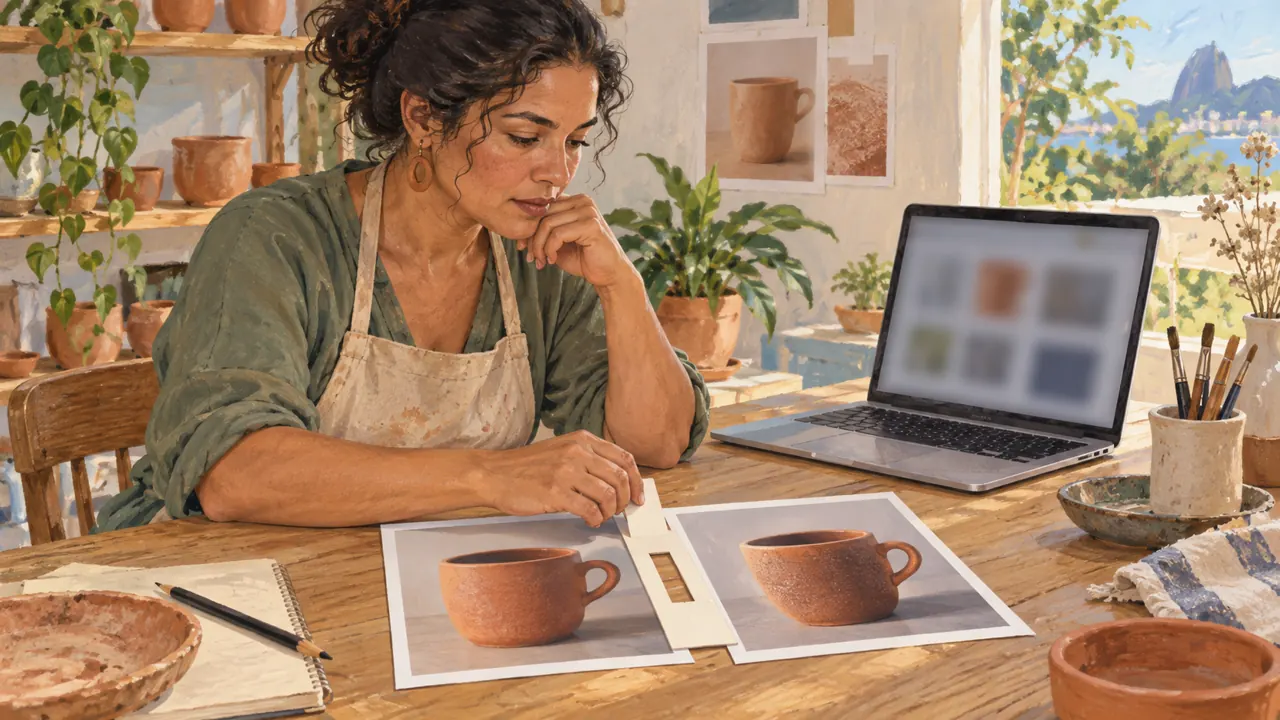
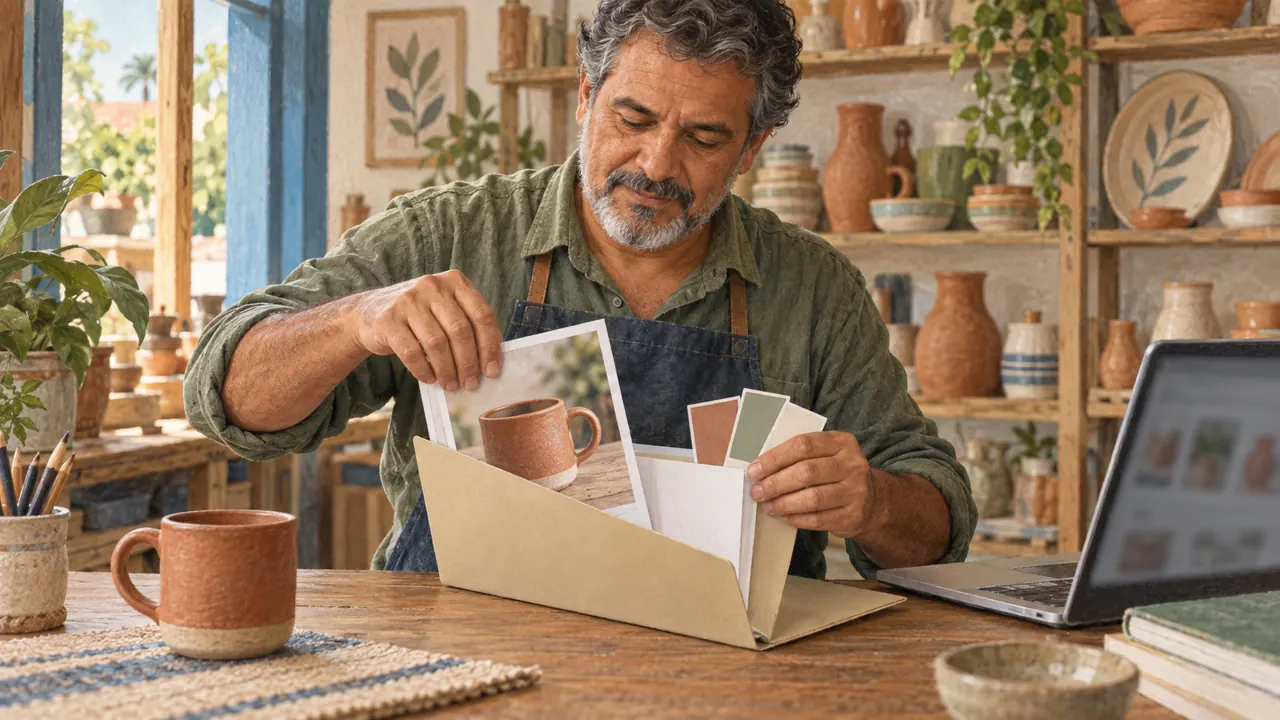
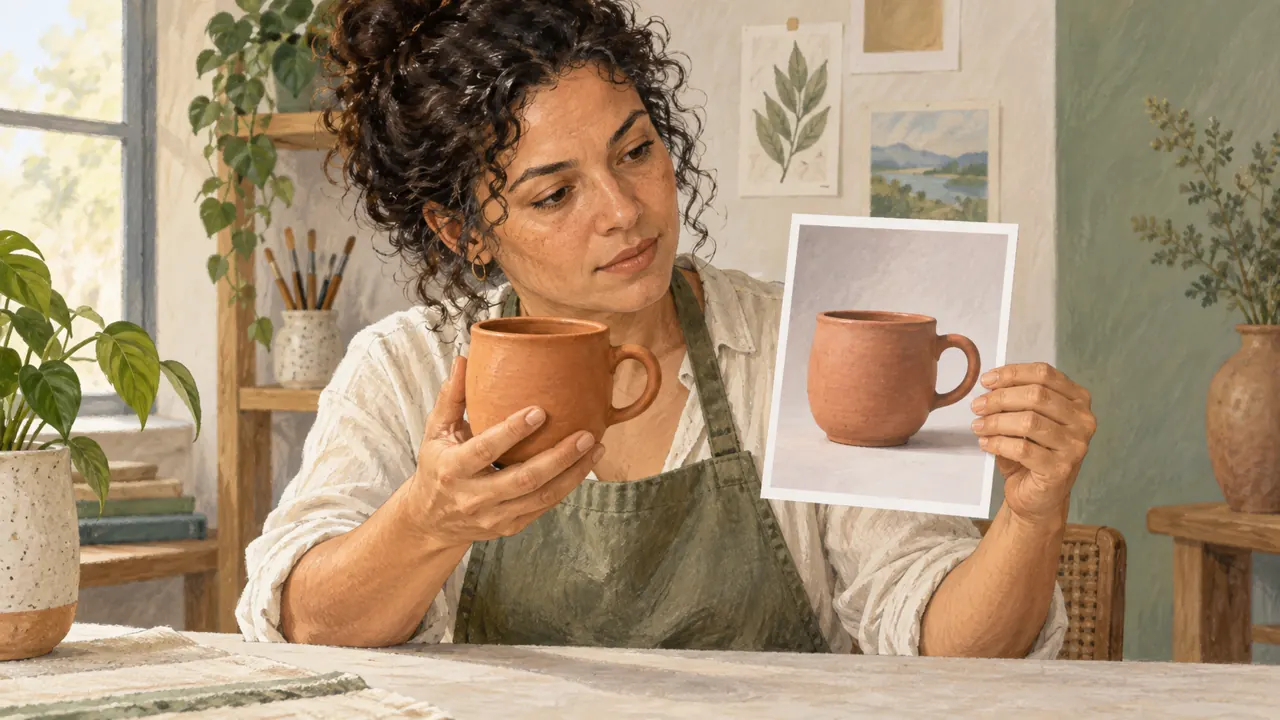
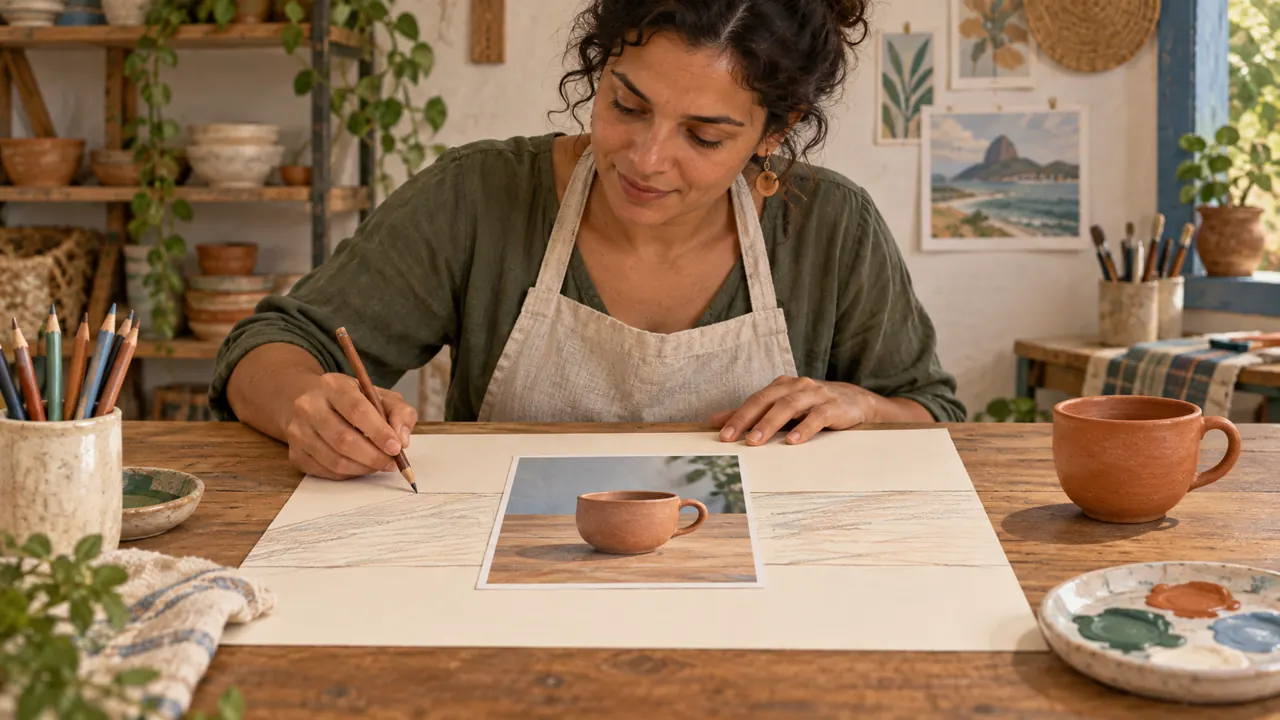
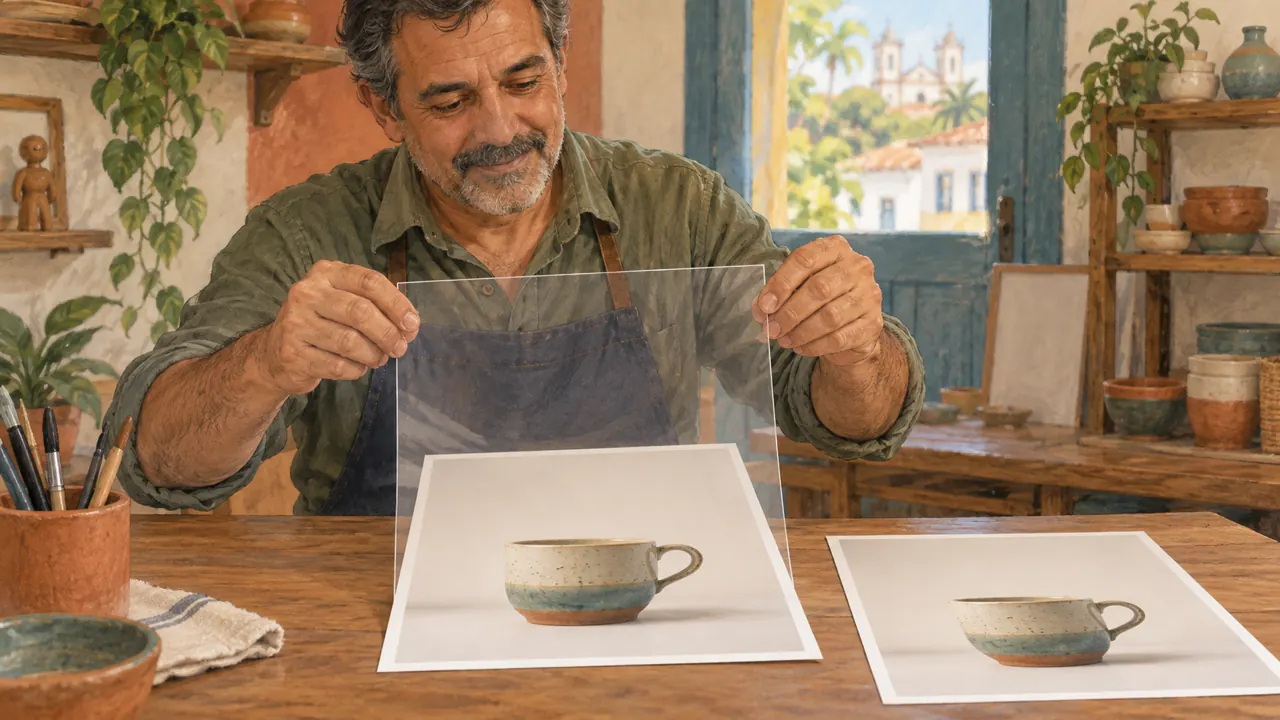
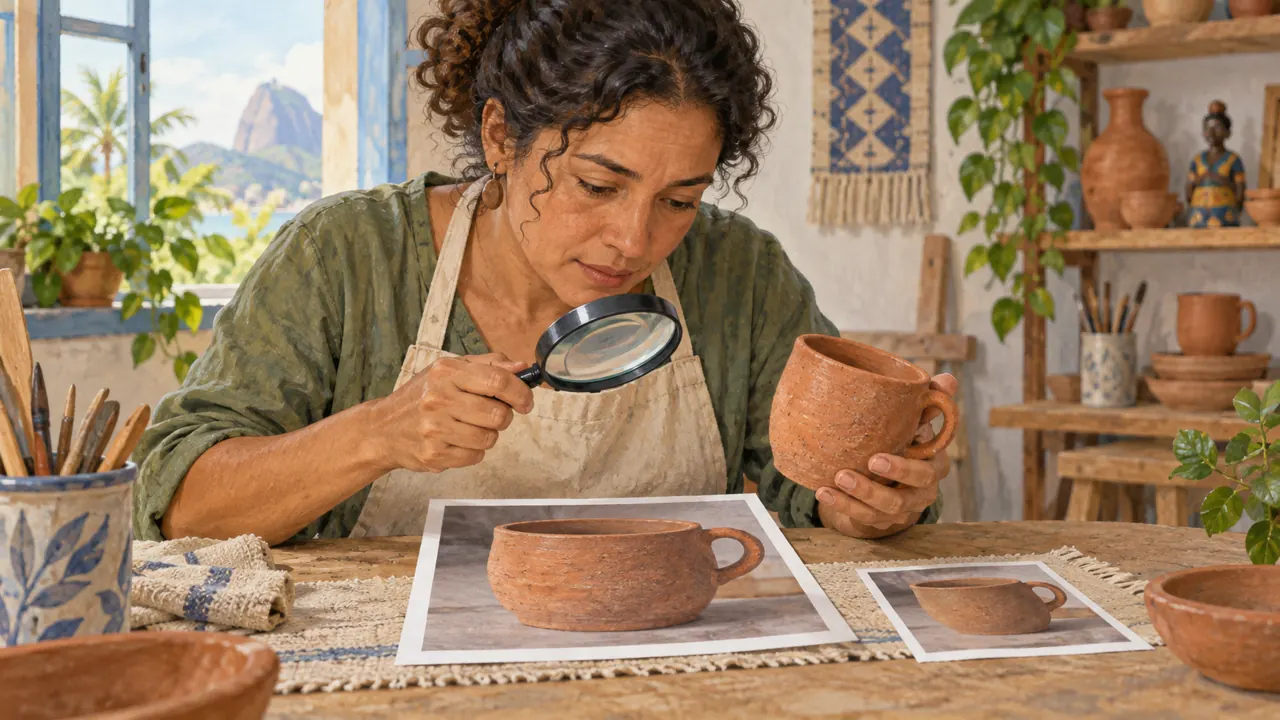
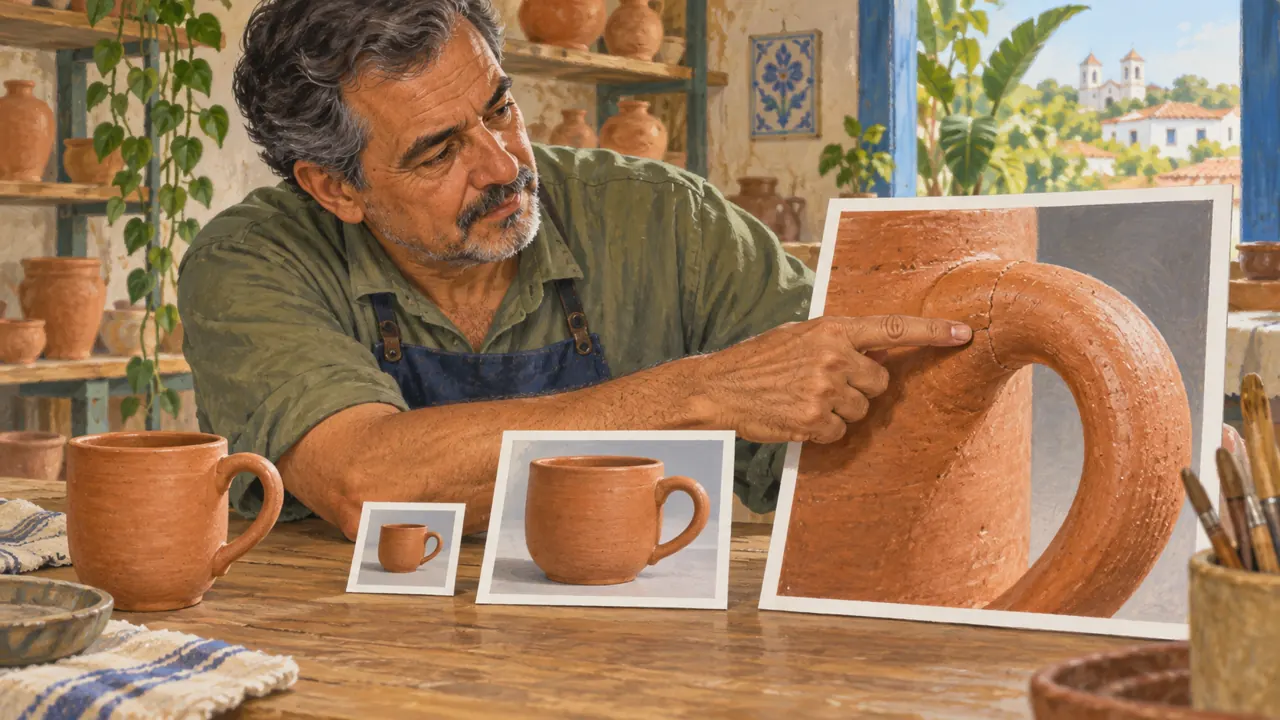
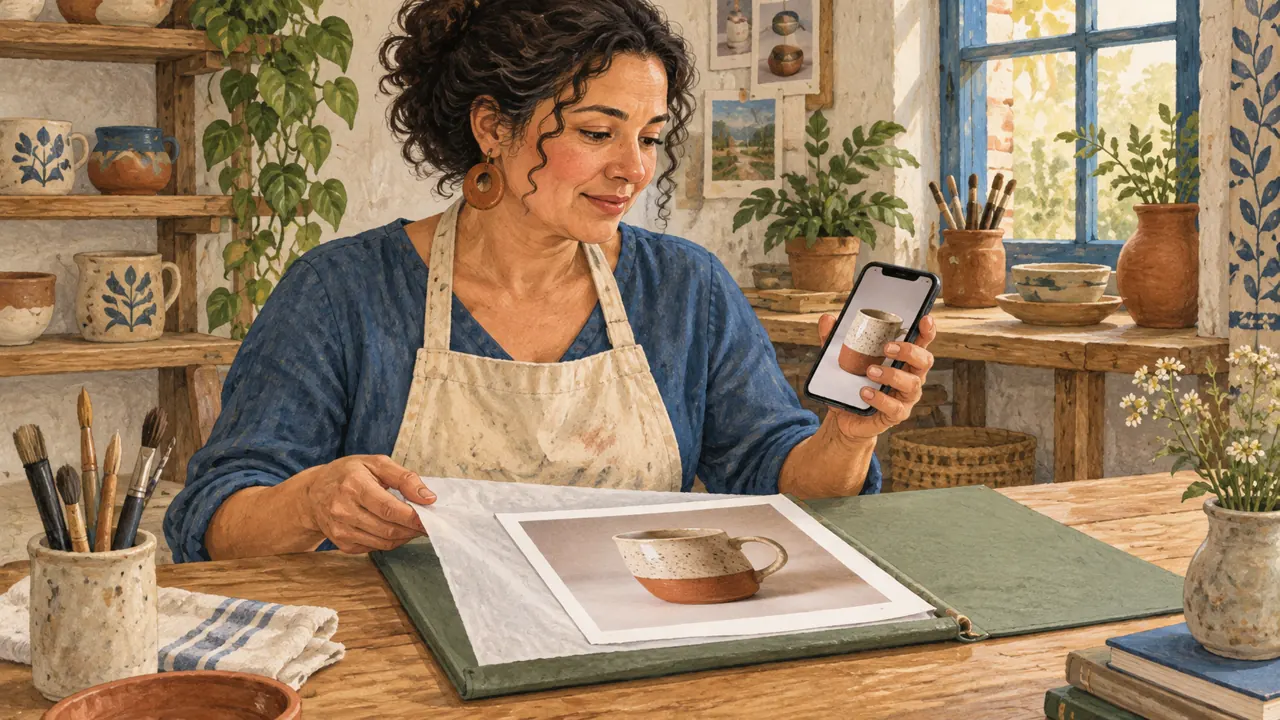
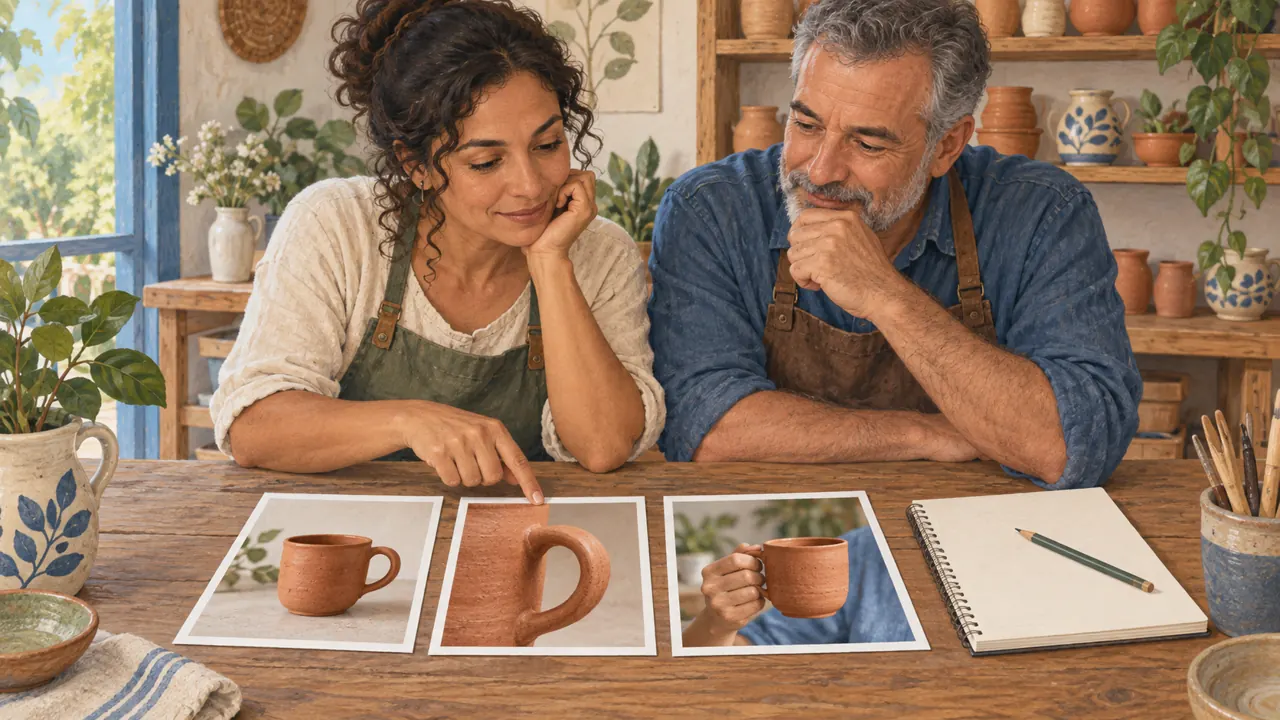
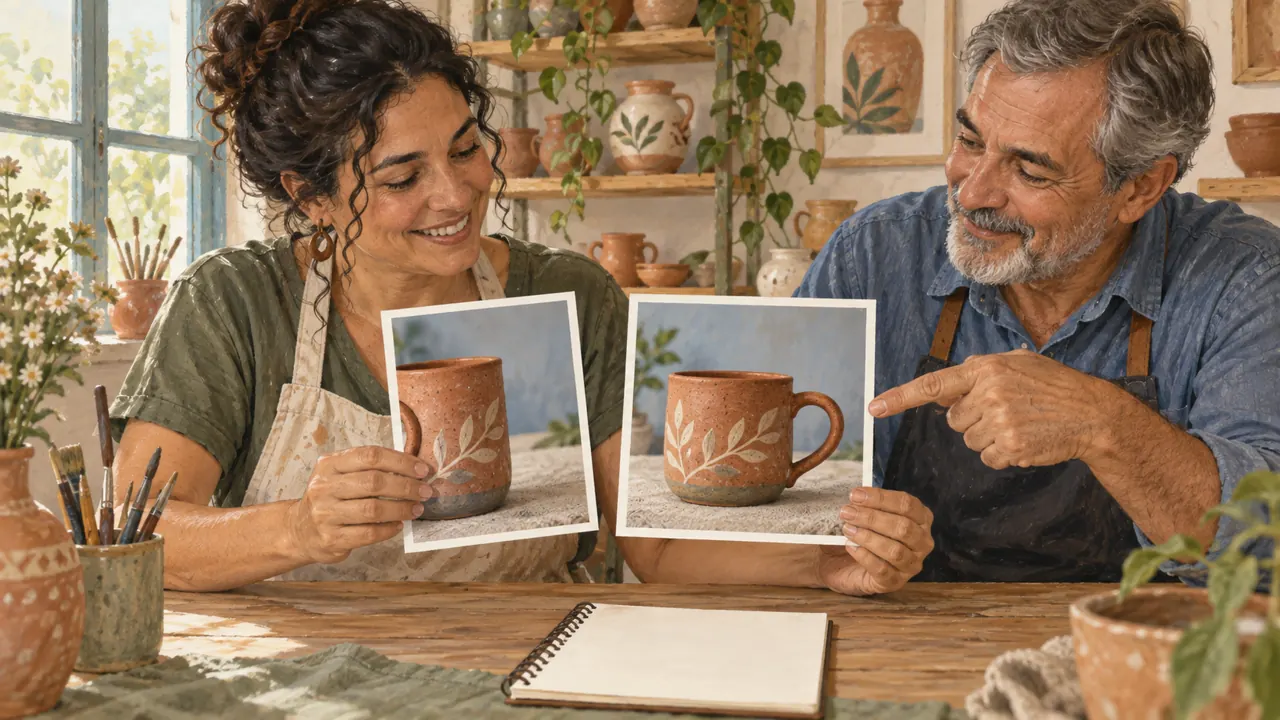
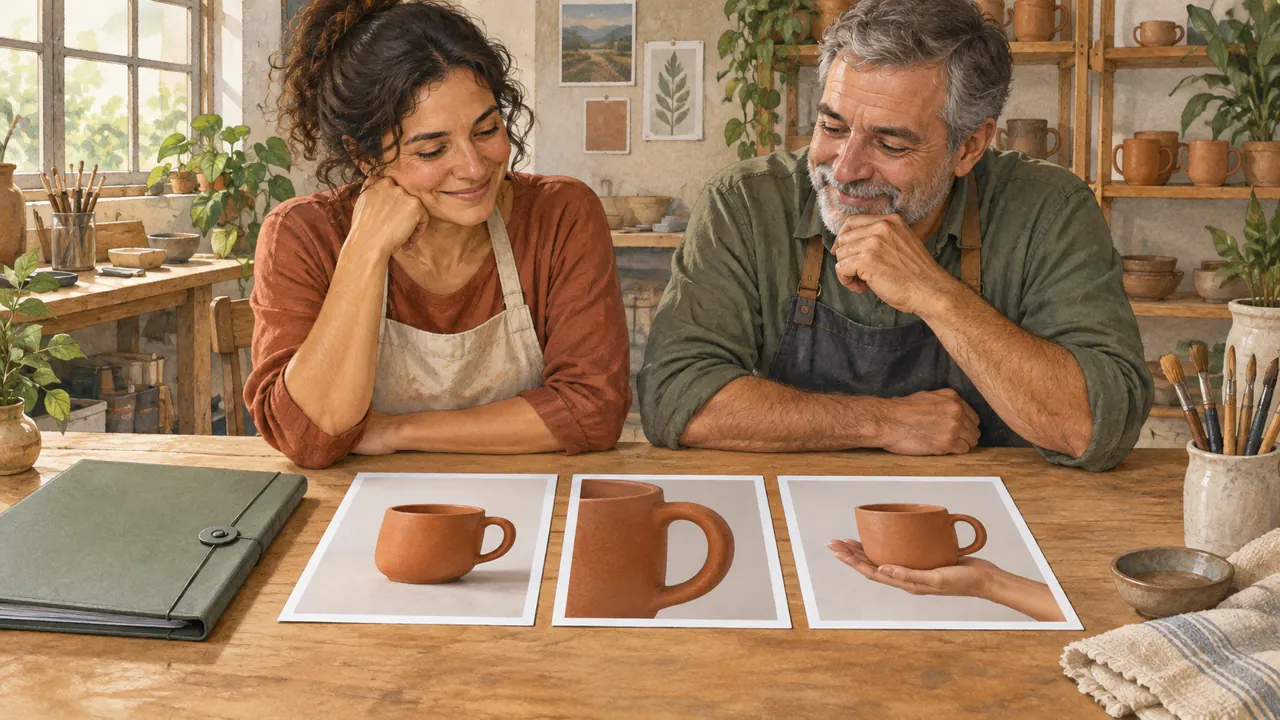
A craftswoman and shop owner prepare a mug, the background, and the light for a product image.

What you will be able to do

Write clear promptsTurn your intent into decisions about light, shape, and composition.
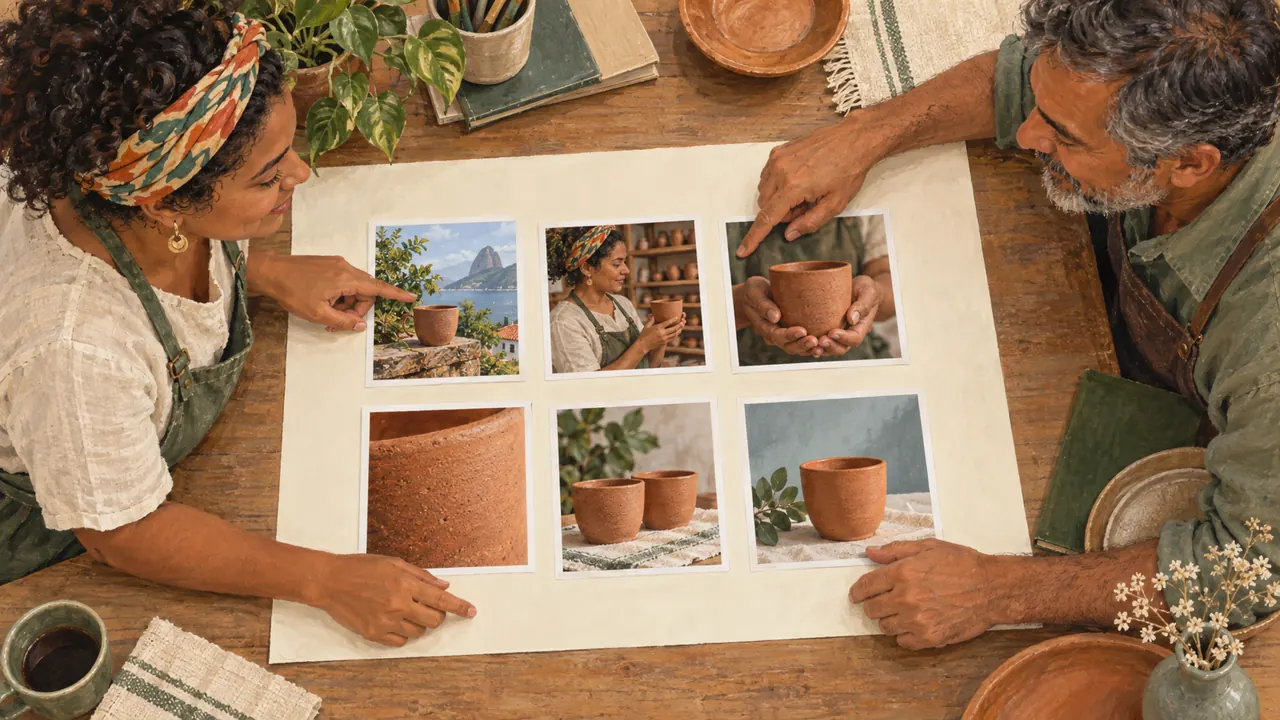
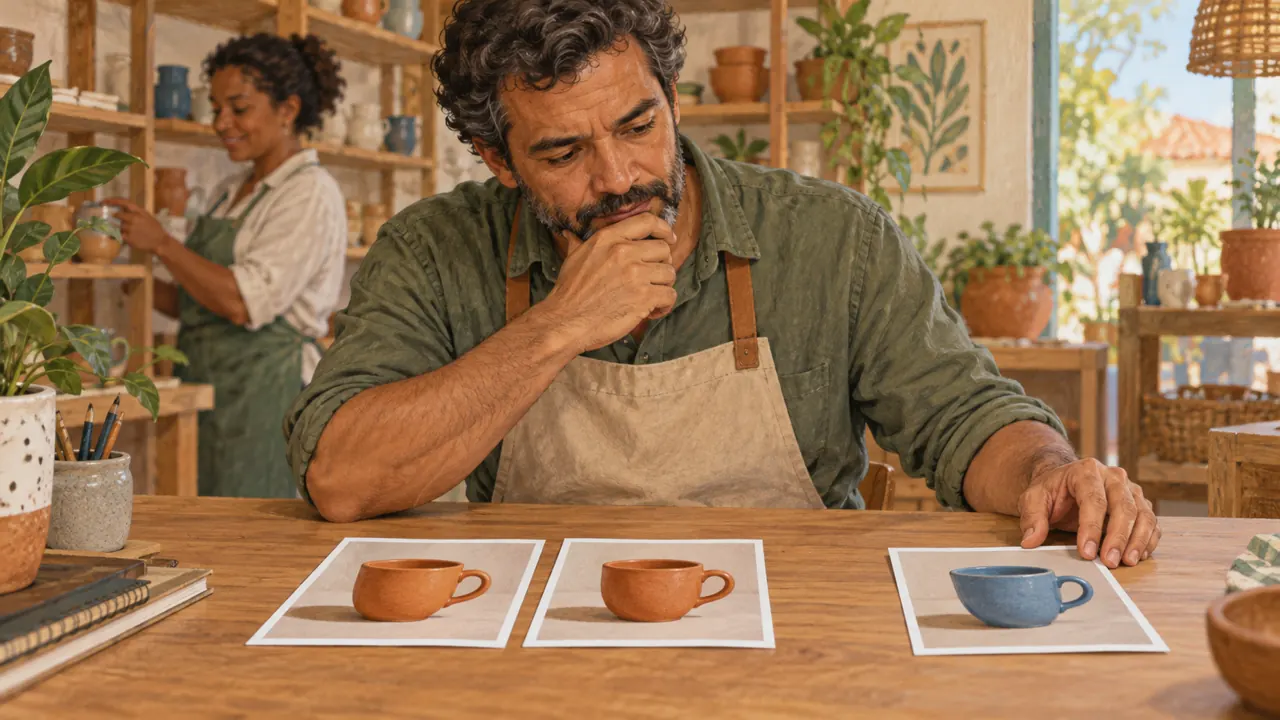
Revise without starting overCompare attempts and use visible criteria.
Deliver a setPrepare three pieces with references and a record.

How to study

Read a lesson and set aside ten minutes for the activity. Your progress stays in this browser. Export your journey to make a copy.

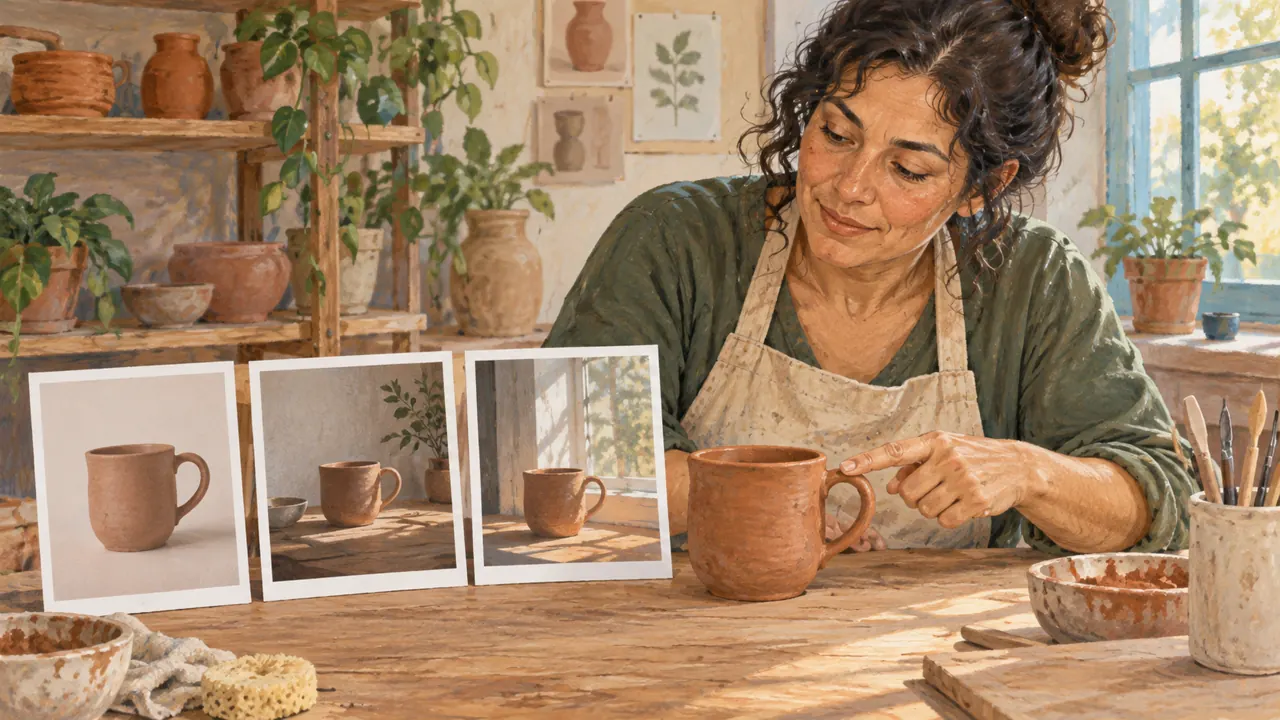
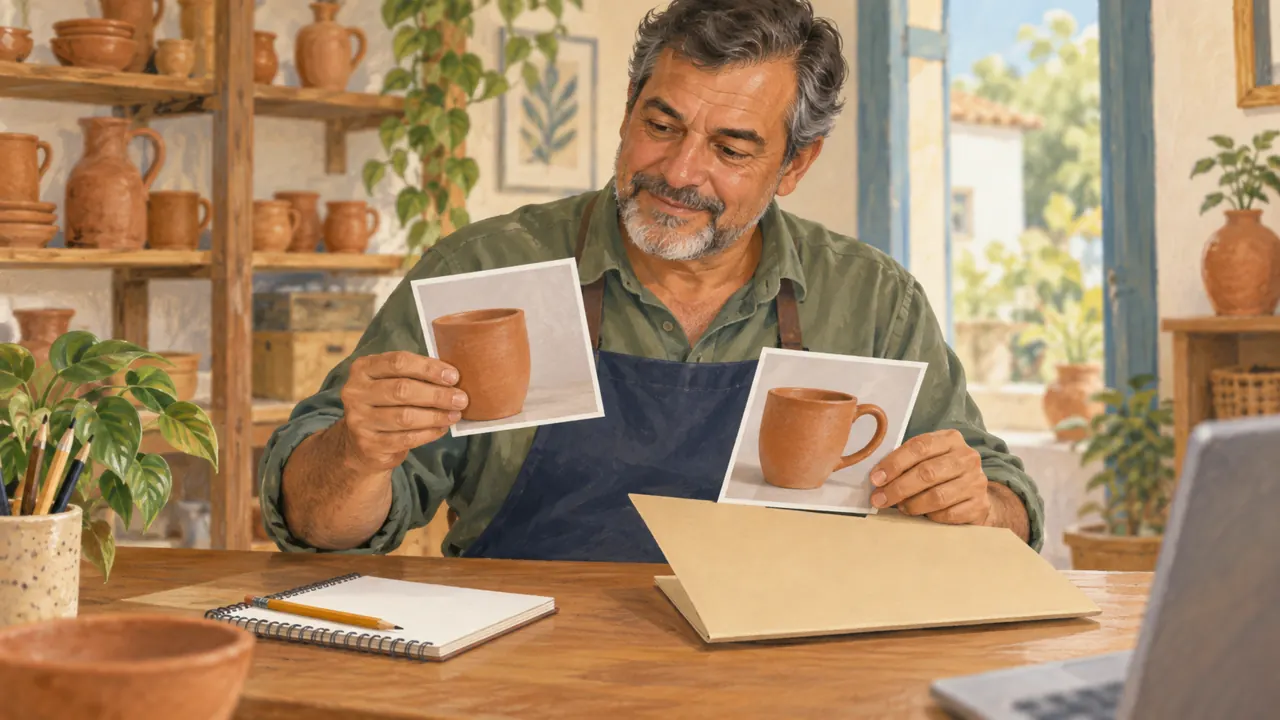
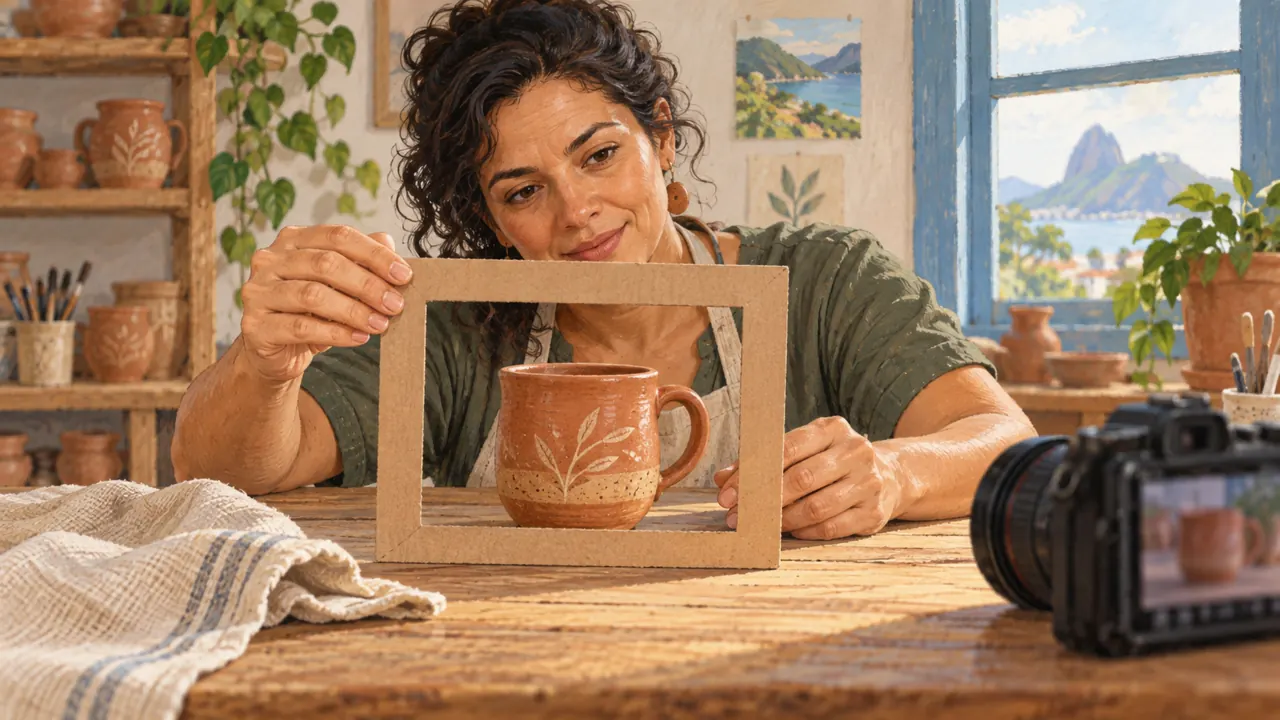
The images are illustrations generated in Codex. You create your own pieces in the tool you choose; it may require an account or credits.

Who it is for

It is for you if you

  • Create images for a store or craft business and want to show products clearly.
  • Have little time and no technical background.
  • Prefer to learn by doing.

It is not for you if you

  • Already know the subject well and want technical material.
  • Want a traditional video lesson.
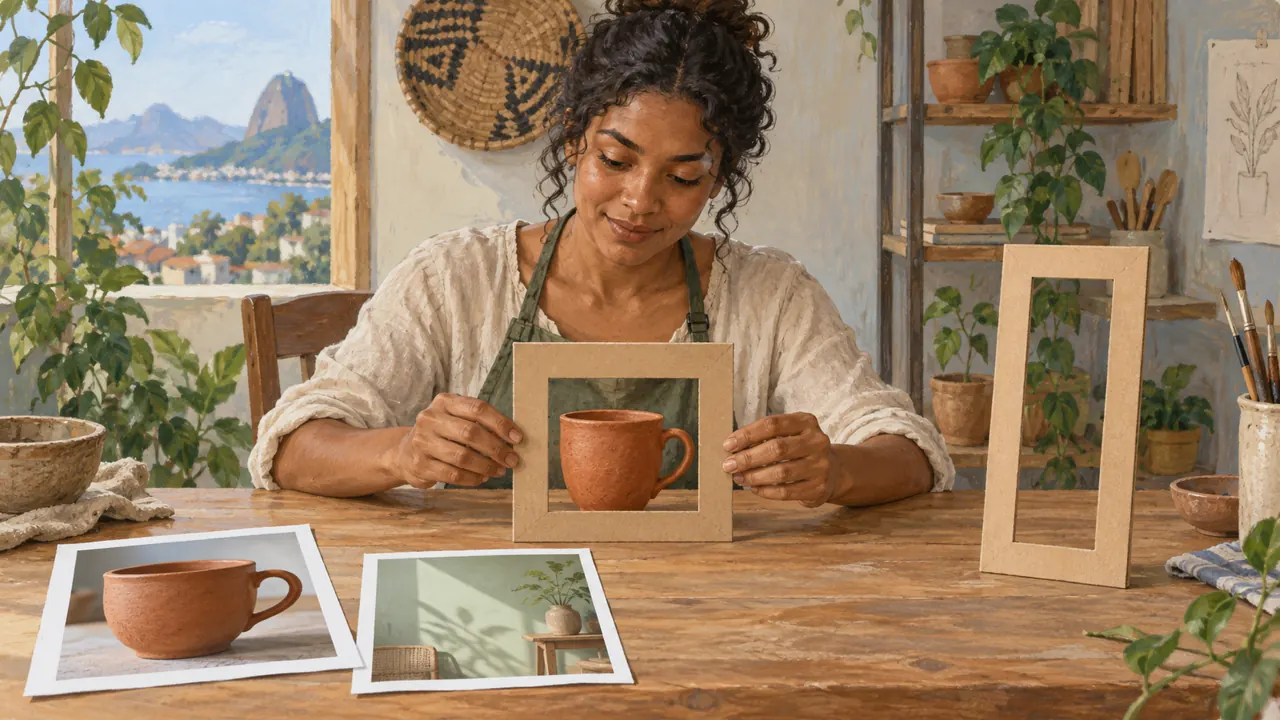
The seven modules

Module 1 · Choose your tool and prepare the project

By the end, you will have a brief, a reference folder, and a comparable test across tools.
3 lessons · 45 min

Module 2 · The prompt formula

You will write a layered prompt and connect each part to a visible difference.
3 lessons · 45 min

Module 3 · Controls and tests in your tools

You will separate format, reference, and variation, recording a test without confusing the causes.
3 lessons · 45 min

Module 4 · Consistent character and campaign

You will define what stays constant and build a sequence of six scenes without relying on luck.
3 lessons · 45 min

Module 5 · Edit without losing what already works

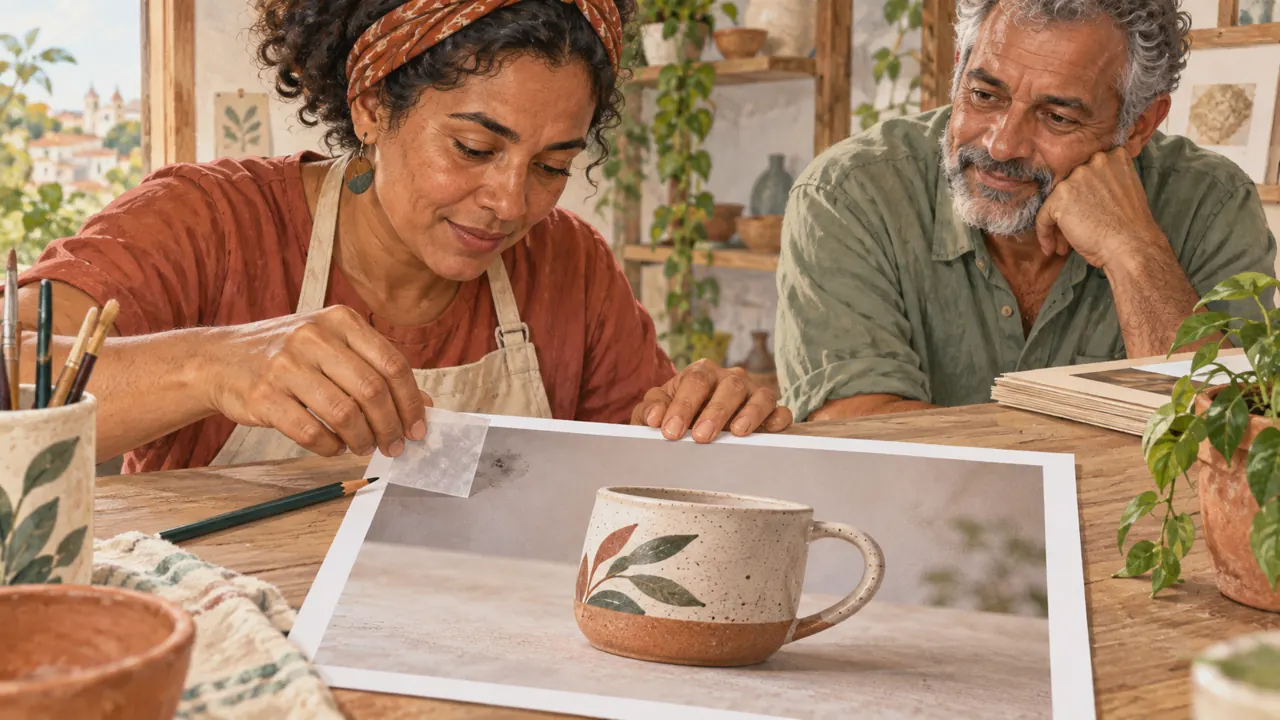
You will choose between a global adjustment, local editing, expansion, and final assembly.
3 lessons · 45 min

Module 6 · Upscaling, restoration, and delivery

You will decide when to enlarge and distinguish apparent sharpness from reliable information.
3 lessons · 45 min

Module 7 · Final project: from intention to portfolio

You will deliver three cohesive images, one documented edit, and a reusable recipe.
3 lessons · 45 min

start with lesson 1 →