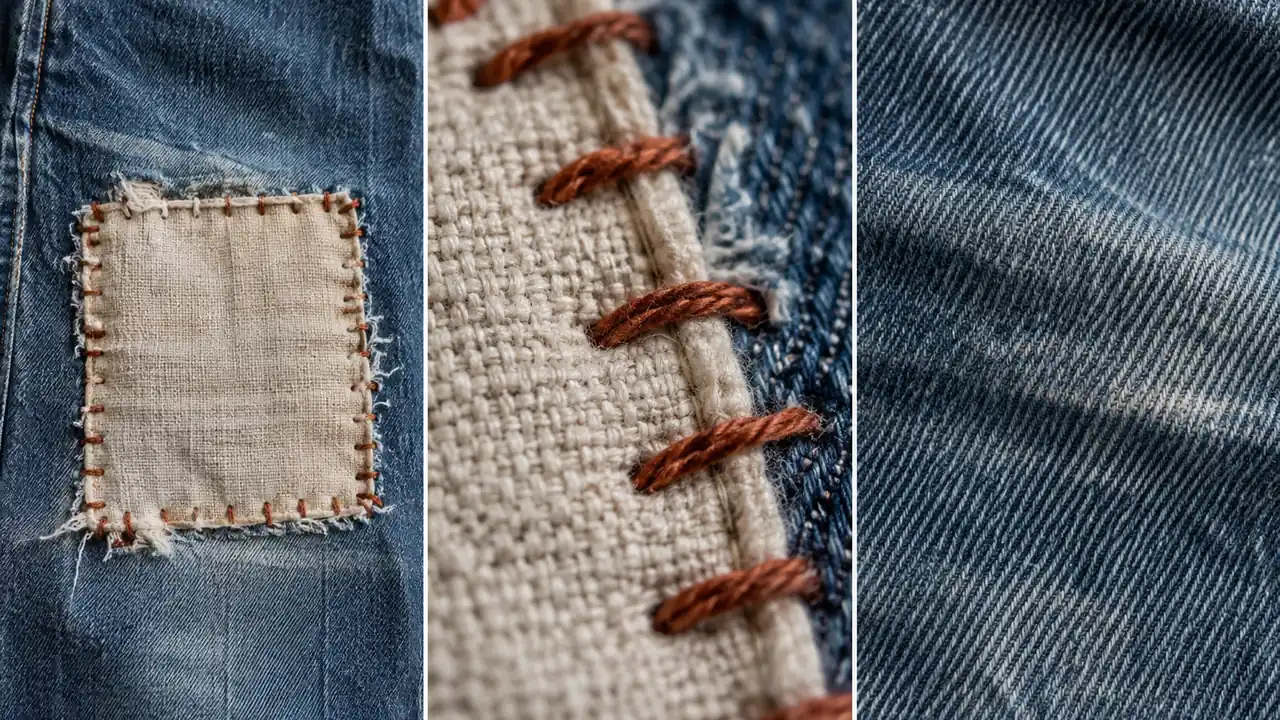
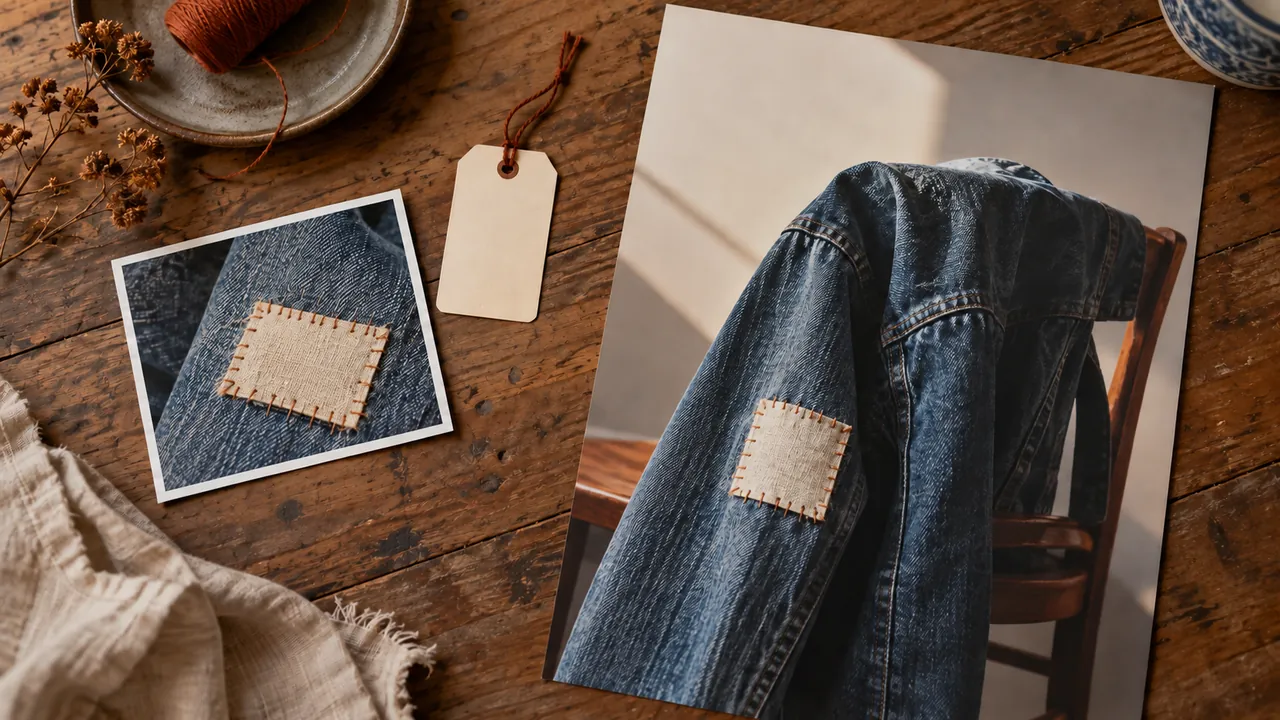
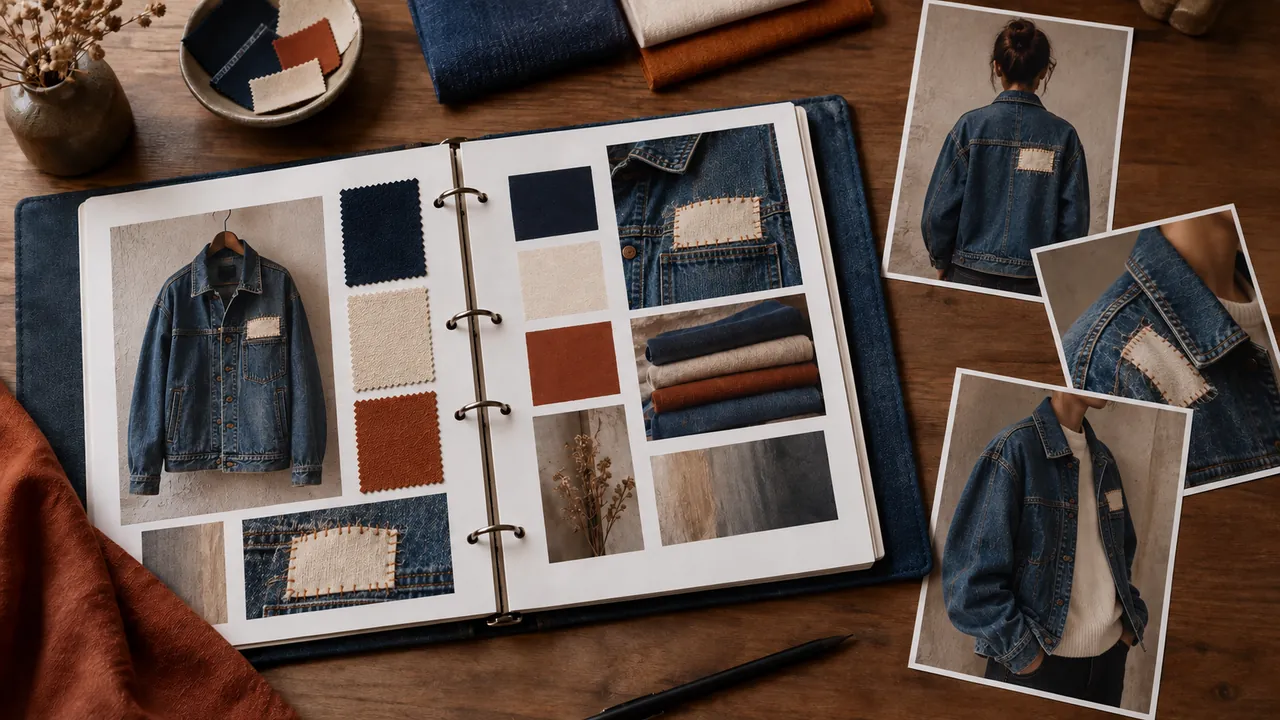
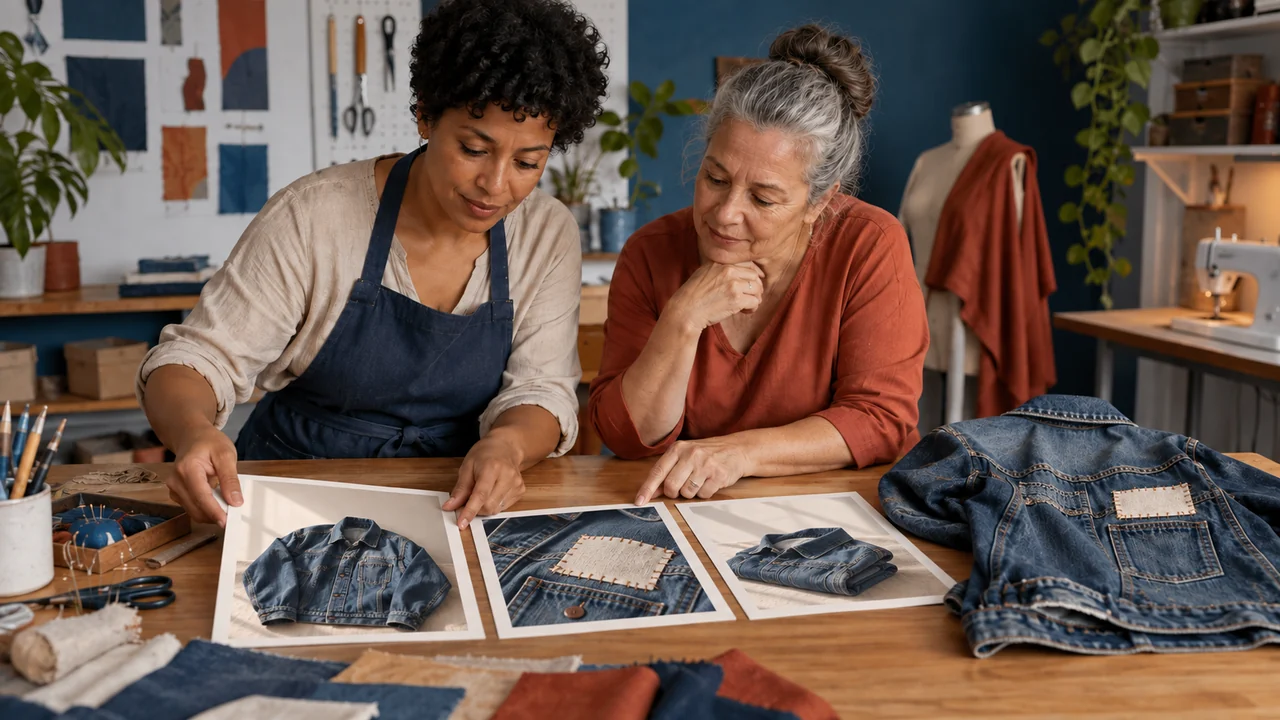
Write three lines in a notes app: message, feeling, and evidence.
Then choose a simple action, such as asking someone to assess the garment.
The feeling is the creator’s intention. Only feedback from people shows how they received the image.
Call this set of repeatable rules Visual DNA, or a visual identity system.
It guides color, type, composition, and photography.
It is not a scientific test of brand personality.
It also does not guarantee trust or sales.
Célia can tell the illustrative image from a photo of work actually delivered.
Completed brief · lesson example
1Message: preserve a cherished garment
2Intended feeling: care
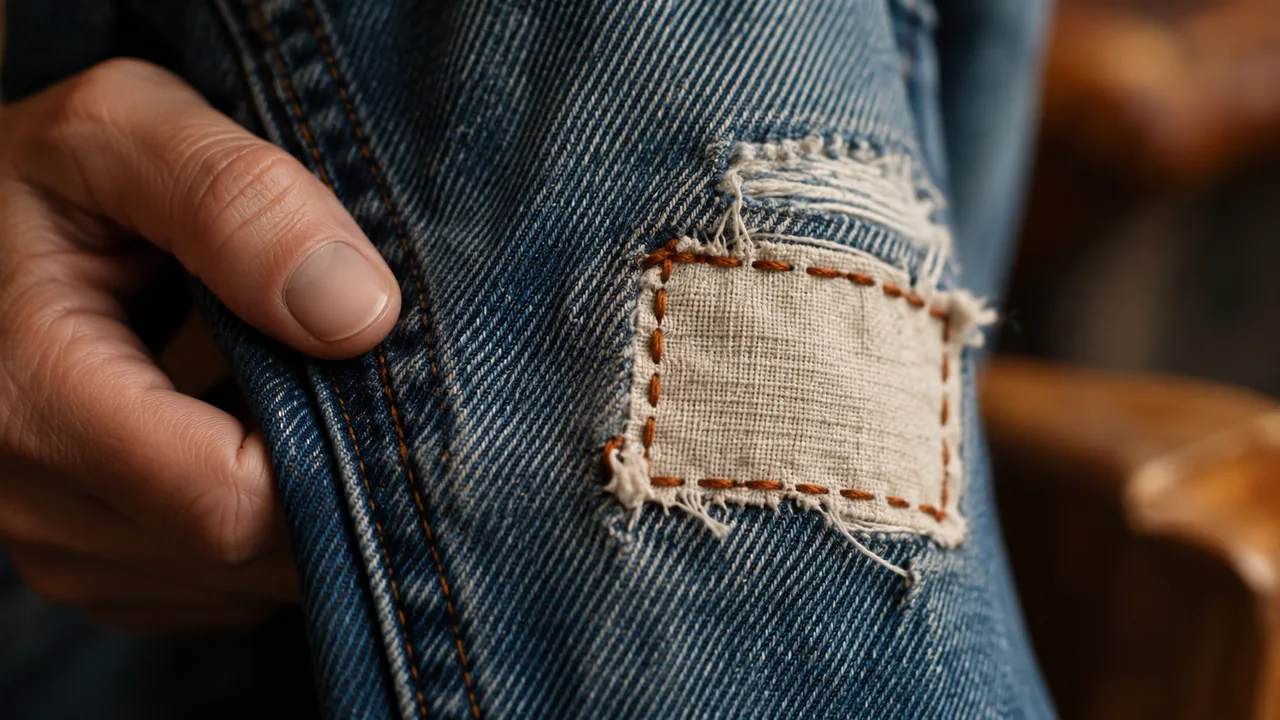
3Evidence: an actual repair detail
Use this sheet as a reference. Replace the example with your own project.
3Check the decision against its use
Show the repair, explain the care, and invite people to have the garment assessed.
Célia checks the worksheet: evidence—a detail of the actual repair.
Educational illustration created with Codex: Isa and Célia examine a visible patch. The generated scene presents the fictional case; it does not document a real service.
Test yourself
Does a generated sewing image prove the shop completed a repair?
If you got stuck here, that is normalUse the fictional case if you do not have a brand yet. Write down your assumption beside the evidence you will need to produce.
Practice now 0/3
Give appearance a purpose
Set aside 10 minutes of active work for this section. Waiting and image generation do not count. You are done when the three lines and one action are recorded, with the evidence identified.
Use your own or authorized references. Label illustrative images and keep the originals. AI features may depend on your account and plan; check before generating.
Project: Fio Claro or my brand
Lesson: Give appearance a purpose
Message: preserve a cherished garment — <your choice>
Intended feeling: care — <your choice>
Evidence: actual repair detail — <your choice>
Evidence saved: <file or note>
Adjustment: <next step>
After these steps, you can connect a message, an intended feeling, and visual evidence.
Lesson cheat sheet
Give appearance a purpose
Message: preserve a cherished garment
Intended feeling: care
Evidence: an actual repair detail
Your next step
You now have criteria to connect a message, an intended feeling, and visual evidence.
Save this lesson’s deliverable in the project folder. You will use it in the next step.
Next: Summarize the brand in five lines
Supplemental material · Module 1Production notes and safeguards for continuing after the short practice.
Art direction chooses what to communicate
Experiment at your own pace
Choose another brand piece and apply the same criteria. Keep the earlier version for comparison.
What to observe
The Fio Claro case is fictional. Its images illustrate the method; they do not prove a real service.
Separate intention from outcome
Experiment at your own pace
Explain your choice without using the word “beautiful.” Point out the feature that supports your decision.
What to observe
Record any interpretation that has not been checked with the audience as an assumption.
2Work from the big picture before choosing a color
Think in five levels: goal, desired position, central idea, rules, and pieces.
Example: explaining the repair guides the rule to show the stitches.
That rule guides the photography.
This hierarchy explains the reasoning; the exercise uses the five offer fields.
Complete this: for this audience, we offer this service, with this observable difference.
Avoid saying “the best on the market.”
Replace unsupported promises with features someone can verify.
Date the worksheet so you can revisit it when the offer changes.
Célia sees that alterations need different photos and a different promise.
Completed brief · lesson example
1Audience: people who want to keep cherished clothes
2Need: repair wear
3Offer: assessment and visible mending
4Proposed distinction: explain the repair as part of the story
5Evidence: real process documentation, still to be produced
Use this sheet as a reference. Replace the example with your own project.
3Check the decision against its use
Visible mending for cherished clothes, with process details and a garment assessment.
Célia checks the worksheet: evidence—real process documentation, still to be produced.
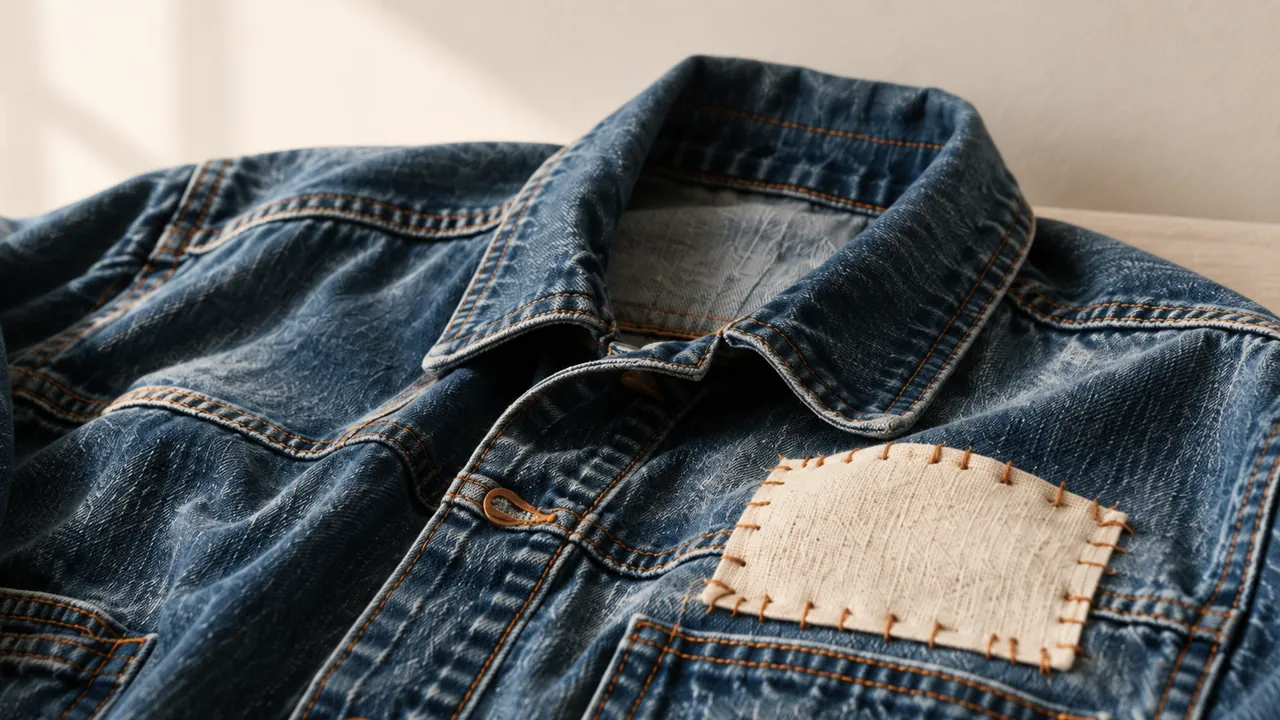
Educational illustration created with Codex: The jacket, patch, and tools present a concrete offer. The image does not represent the results of market research.
Test yourself
The offer changed from visible mending to alterations. What should you review first?
If you got stuck here, that is normalEach line can be a simple sentence. If details are missing, label the assumption and continue with the fictional case.
Practice now 0/3
Summarize the brand in five lines
Set aside 10 minutes of active work for this section. Waiting and image generation do not count. You are done when you have five lines, one identified assumption, and one justified visual decision.
Use your own or authorized references. Label illustrative images and keep the originals. AI features may depend on your account and plan; check before generating.
Audience:
Need:
Offer:
Observable distinction:
Available or pending evidence:
Visual decision allowed by the worksheet:
After these steps, you can write a brand core that guides choices.
Lesson cheat sheet
Summarize the brand in five lines
Audience and need: cherished, worn garments
Offer and distinction: explained visible mending
Evidence: documented real process
Your next step
You now have criteria to write a brand core that guides choices.
Save this lesson’s deliverable in the project folder. You will use it in the next step.
Next: Observe perception without leading the answer
Supplemental material · Module 1Production notes and safeguards for continuing after the short practice.
Start with the audience, need, and offer
Experiment at your own pace
Choose another brand piece and apply the same criteria. Keep the earlier version for comparison.
What to observe
The Fio Claro case is fictional. Its images illustrate the method; they do not prove a real service.
Work from the big picture before choosing a color
Experiment at your own pace
Explain your choice without using the word “beautiful.” Point out the feature that supports your decision.
What to observe
Record any interpretation that has not been checked with the audience as an assumption.
Check the features and costs in your current account. Guides may show different paths depending on the version and device.
Lesson 2 · Visual DNA v6.2 · INEMA.CLUB PRO
Module 1 · Lesson 3 of 15
Observe perception without leading the answer
You can prepare a neutral question and separate observations from assumptions.
Asking whether a brand seems caring gives away the answer you want. Find out what people understood.
In 1 minute
Question: open, with no suggested adjective
Record: keep the person’s words separate from your interpretation
Status: feedback collected or pending
1Ask before you explain
Show a piece and ask: What do you think this place does?
Then ask which detail led you to that impression.
Do not explain the concept first.
Keep the person’s words and the test context, with permission to record them.
A short conversation offers clues; it does not represent the whole audience.
Do not make up answers to fill in the worksheet.
If no one is available, prepare the script and mark feedback as pending.
This lesson’s short practice ends with the script; actual research comes later.
Isa writes down the feedback before suggesting a photography change.
Weak decision
Would you agree that our brand feels caring?
Verifiable decision
What does this place do, and what detail made you think so?
Notice which characteristics make the second decision easy to check.
2Separate words, interpretation, and decision
Record three fields: what I heard, what I interpreted, and what I will test.
If someone says “new clothes,” the image may be hiding the repair.
Your interpretation is still an assumption.
Try a larger detail and ask the question again.
The goal is not to make everyone like it.
It is to check whether people understood the main message.
Do not archive all your old communication based on one response.
Keep versions so you can compare the effect of changing one thing at a time.
Célia prepares the questions and marks feedback as pending until she can talk with someone.
Completed brief · lesson example
1Question: open, with no suggested adjective
2Record: words separate from interpretation
3Status: feedback collected or pending
Use this sheet as a reference. Replace the example with your own project.
3Check the decision against its use
What does this place do, and what detail made you think so?
Célia checks the worksheet: status—feedback collected or pending.
Educational illustration created with Codex: Célia talks with someone about the jacket. It illustrates a listening situation; no interview or research took place.
Test yourself
Someone says the shop sells new clothes. How should you record that?
If you got stuck here, that is normalYou do not need to find someone now. Prepare the script; an imagined conversation does not count as collected feedback.
Practice now 0/3
Observe perception without leading the answer
Set aside 10 minutes of active work for this section. Waiting and image generation do not count. You are done when the script has two neutral questions and the fields separate facts from assumptions.
Use your own or authorized references. Label illustrative images and keep the originals. AI features may depend on your account and plan; check before generating.
Project: Fio Claro or my brand
Lesson: Observe perception without leading the answer
Question: open, with no suggested adjective — <your choice>
Record: words separate from interpretation — <your choice>
Status: feedback collected or pending — <your choice>
Evidence saved: <file or note>
Adjustment: <next step>
After these steps, you can prepare a neutral question and separate observation from assumption.
Lesson cheat sheet
Observe perception without leading the answer
Question: open, with no suggested adjective
Record: words separate from interpretation
Status: feedback collected or pending
Your next step
You now have criteria to prepare a neutral question and separate observation from assumption.
Save this lesson’s deliverable in the project folder. You will use it in the next step.
Next: Turn three pillars into visible choices
Supplemental material · Module 1Production notes and safeguards for continuing after the short practice.
Ask before you explain
Experiment at your own pace
Choose another brand piece and apply the same criteria. Keep the earlier version for comparison.
What to observe
The Fio Claro case is fictional. Its images illustrate the method; they do not prove a real service.
Separate words, interpretation, and decision
Experiment at your own pace
Explain your choice without using the word “beautiful.” Point out the feature that supports your decision.
What to observe
Record any interpretation that has not been checked with the audience as an assumption.
Check the features and costs in your current account. Guides may show different paths depending on the version and device.
Lesson 3 · Visual DNA v6.2 · INEMA.CLUB PRO
Module 2 · Lesson 4 of 15
Turn three pillars into visible choices
You can define three pillars, each with a purpose, feeling, and distinction.
Words like authentic or human can describe almost any image. Give each word a visible consequence.
In 1 minute
Care: show the finish
Continuity: keep the garment recognizable
Clarity: choose one main focus
1Three pillars, three commitments
A pillar is an idea that guides several pieces.
For Fio Claro, use care, continuity, and clarity.
Care calls for visible texture and finish.
Continuity shows the whole garment, still usable.
Clarity organizes the service and the next step.
Separate purpose, intended feeling, and distinction.
The purpose is to explain the repair.
The intended feeling is ease.
The distinction is valuing visible mending.
This forms a concept: keep wearing it, with the repair becoming part of the story.
Isa rejects a blur that hides the stitches, even though she likes the atmosphere.
Weak decision
Use human, beautiful, and varied images.
Verifiable decision
Show the repair texture, keep the garment’s context, and highlight one action.
Notice which characteristics make the second decision easy to check.
2A rule must help you reject something
For each pillar, write one choice and one rejection.
Clarity allows one main focus and rejects five competing calls to action.
Care allows a sharp detail and rejects softening that erases the stitches.
A rule should help when two appealing options come up.
You do not need to repeat the same framing.
A wide photo and a detail shot can follow the same pillar.
Consistency comes from the reason and the features you keep.
Keep examples that support the rule and examples that contradict it.
Célia asks for a wide photo when the detail makes the garment hard to recognize.
Completed brief · lesson example
1Care: show the finish
2Continuity: keep the garment recognizable
3Clarity: choose one main focus
Use this sheet as a reference. Replace the example with your own project.
3Check the decision against its use
Show the repair texture, keep the garment’s context, and highlight one action.
Célia checks the worksheet: clarity—choose one main focus.
Educational illustration created with Codex: Three detail studies show the patch, stitches, and fabric. To judge continuity, add a wide photo; this image does not show the whole garment.
Test yourself
Which rule turns care into something you can verify?
If you got stuck here, that is normalReplace an adjective with something you can point to on screen: texture, distance, light, space, or order.
Practice now 0/3
Turn three pillars into visible choices
Set aside 10 minutes of active work for this section. Waiting and image generation do not count. You are done when each of the three pillars has a choice, a rejection, and a recorded application decision.
Use your own or authorized references. Label illustrative images and keep the originals. AI features may depend on your account and plan; check before generating.
Check the features and costs in your current account. Guides may show different paths depending on the version and device.
Lesson 4 · Visual DNA v6.2 · INEMA.CLUB PRO
Module 2 · Lesson 5 of 15
Find a difference without copying competitors
You can record patterns and a possible distinction across three references.
Being different in every way can make the service harder to recognize. First find what repeats and why.
In 1 minute
Sample: three references with URL and date
Pattern: a feature you actually observed
Assumption: a distinction that keeps the offer clear
1Observe what is there
Choose three public pages from the same category.
Record the URL, date, and two visible elements: photo subject, dominant color, amount of text, or type of proof.
Describe what you see.
Do not claim intent or sales results without evidence.
Do not copy logos, phrases, or entire layouts.
Research helps you recognize conventions and decide what to test.
For the fictional case, suppose the references show only finished clothes.
Showing the process becomes a possible distinction, not a proven discovery.
Isa spots a pattern in the sample without calling it a rule for the whole market.
Prompts to compare · teaching example
PromptCopy the piece that seems most successful.
There are no observable limits to check the work against.
PromptRecord visible patterns and test a distinction tied to the offer.
There are clear criteria for checking the decision.
Compare the two instructions. They are examples written for this lesson, with no simulated tool response.
2Look beyond your category for references
A tool catalog can teach you how to show details.
An exhibition can teach you how to organize a sequence.
Apply the principle to your problem without copying the full look.
Record which element you will use and which you will leave out.
A useful distinction still explains the offer.
An unusual palette cannot make up for a confusing photo.
Also check whether you can repeat the choice with the resources you have.
A direction that depends on unworkable production may fail the following week.
Célia looks for a simple way to show the process with the light she already has.
Completed brief · lesson example
1Sample: three references with URL and date
2Pattern: a feature you actually observed
3Assumption: a distinction that keeps the offer clear
Use this sheet as a reference. Replace the example with your own project.
3Check the decision against its use
Record visible patterns and test a distinction tied to the offer.
Célia checks the worksheet: assumption—a distinction that keeps the offer clear.
Educational illustration created with Codex: The board compares groups of materials and colors. These are fictional references; they do not represent researched brands.
Test yourself
You see many photos of finished clothes. What conclusion is supported?
If you got stuck here, that is normalIf you cannot research now, use three pieces you own and clearly state the sample’s limits.
Practice now 0/3
Find a difference without copying competitors
Set aside 10 minutes of active work for this section. Waiting and image generation do not count. You are done when three references are identified and the distinction is recorded as an assumption.
Use your own or authorized references. Label illustrative images and keep the originals. AI features may depend on your account and plan; check before generating.
Project: Fio Claro or my brand
Lesson: Find a difference without copying competitors
Sample: three references with URL and date — <your choice>
Pattern: a feature you actually observed — <your choice>
Assumption: a distinction that keeps the offer clear — <your choice>
Evidence saved: <file or note>
Adjustment: <next step>
After these steps, you can record patterns and a possible distinction across three references.
Lesson cheat sheet
Find a difference without copying competitors
Sample: three references with URL and date
Pattern: a feature you actually observed
Assumption: a distinction that keeps the offer clear
Your next step
You now have criteria to record patterns and a possible distinction across three references.
Save this lesson’s deliverable in the project folder. You will use it in the next step.
Next: Build a mood board that guides choices
Supplemental material · Module 2Production notes and safeguards for continuing after the short practice.
Observe what is there
Experiment at your own pace
Choose another brand piece and apply the same criteria. Keep the earlier version for comparison.
What to observe
The Fio Claro case is fictional. Its images illustrate the method; they do not prove a real service.
Look beyond your category for references
Experiment at your own pace
Explain your choice without using the word “beautiful.” Point out the feature that supports your decision.
What to observe
Record any interpretation that has not been checked with the audience as an assumption.
Write observable statements: preserve the texture, move closer to the stitch, leave an area clear.
Do not just list words like welcoming and premium.
The board should let someone else make a similar choice without guessing your taste.
Arrange the groups in a document or presentation app you already use.
Add the images and a caption under each one.
Record the source of external references.
For public sharing, use your own or authorized images, or link to the source.
Célia takes her own photo when she cannot find a reference with a clear source.
Completed brief · lesson example
1Subject: full garment and detail
2Light: visible texture without excessive shine
3Composition: space for a call to action
Use this sheet as a reference. Replace the example with your own project.
3Check the decision against its use
Separate subject, light, and composition, with two annotated references per group.
Célia checks the worksheet: composition—space for a call to action.
Educational illustration created with Codex: The three strips illustrate grouping references. The image has three samples per strip; in the exercise, choose two references per group, six total.
Test yourself
Which caption helps someone else use the reference?
If you got stuck here, that is normalYou can start with simple phone photos. The caption should explain the choice, not praise the image.
Practice now 0/3
Build a mood board that guides choices
Set aside 10 minutes of active work for this section. Waiting and image generation do not count. You are done when the board has six references, three groups, and six useful captions.
Use your own or authorized references. Label illustrative images and keep the originals. AI features may depend on your account and plan; check before generating.
Project: Fio Claro or my brand
Lesson: Build a mood board that guides choices
Subject: full garment and detail — <your choice>
Light: visible texture without excessive shine — <your choice>
Composition: space for a call to action — <your choice>
Evidence saved: <file or note>
Adjustment: <next step>
After these steps, you can organize six references into three groups with captions.
Lesson cheat sheet
Build a mood board that guides choices
Subject: full garment and detail
Light: visible texture without excessive shine
Composition: room for a headline
Your next step
You now have criteria for organizing six references into three labeled groups.
Save this lesson’s deliverable in the project folder. You will use it in the next step.
Next: Give each visual element a purpose
Supplemental material · Module 2Production notes and safeguards for continuing after the short practice.
Three groups prevent things from blending together
Experiment at your own pace
Choose another brand piece and apply the same criteria. Keep the earlier version for comparison.
What to observe
The Fio Claro case is fictional. Its images illustrate the method; they do not prove a real service.
A caption turns inspiration into a rule
Experiment at your own pace
Explain your choice without using the word “beautiful.” Point out the feature that supports your decision.
What to observe
Record any interpretation that has not been checked with the audience as an assumption.
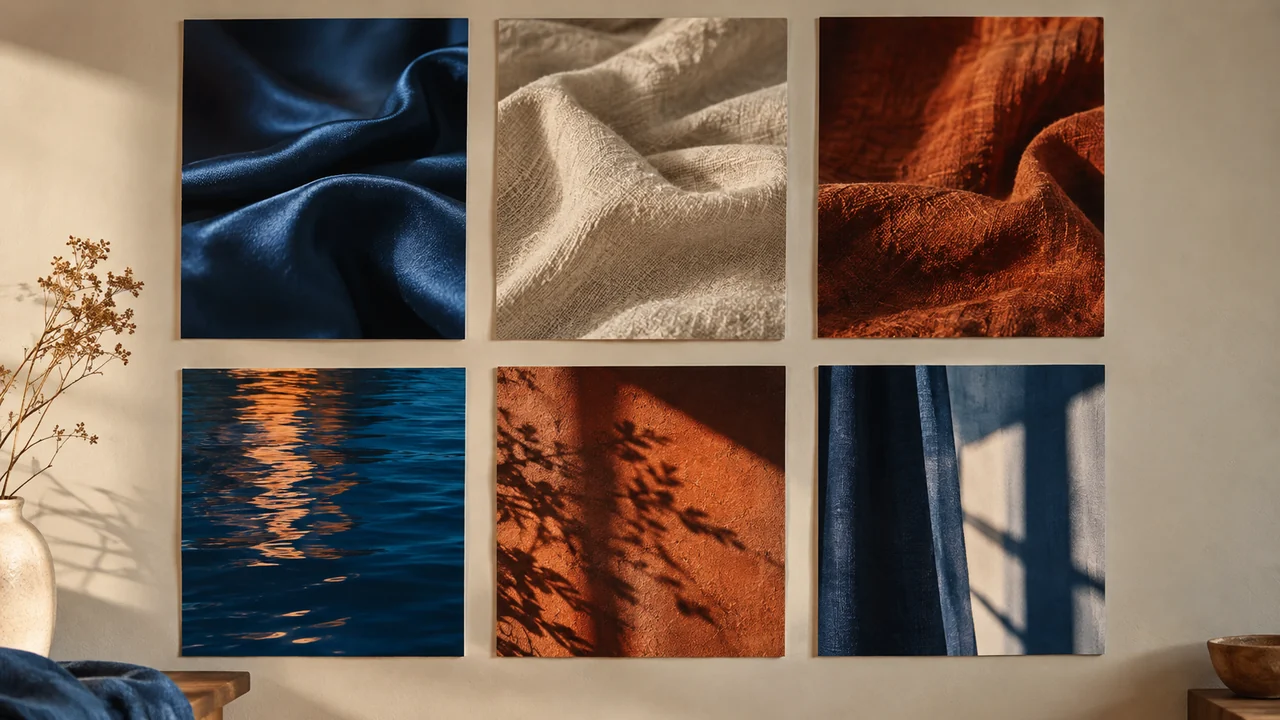
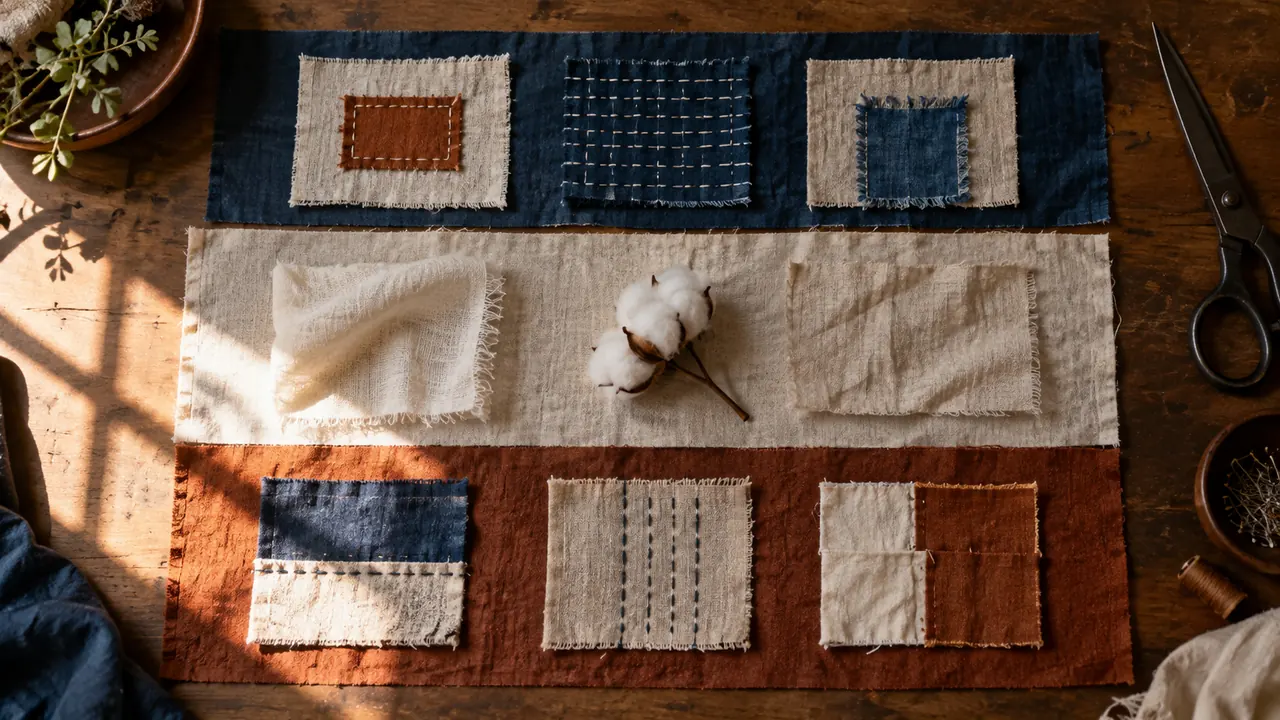
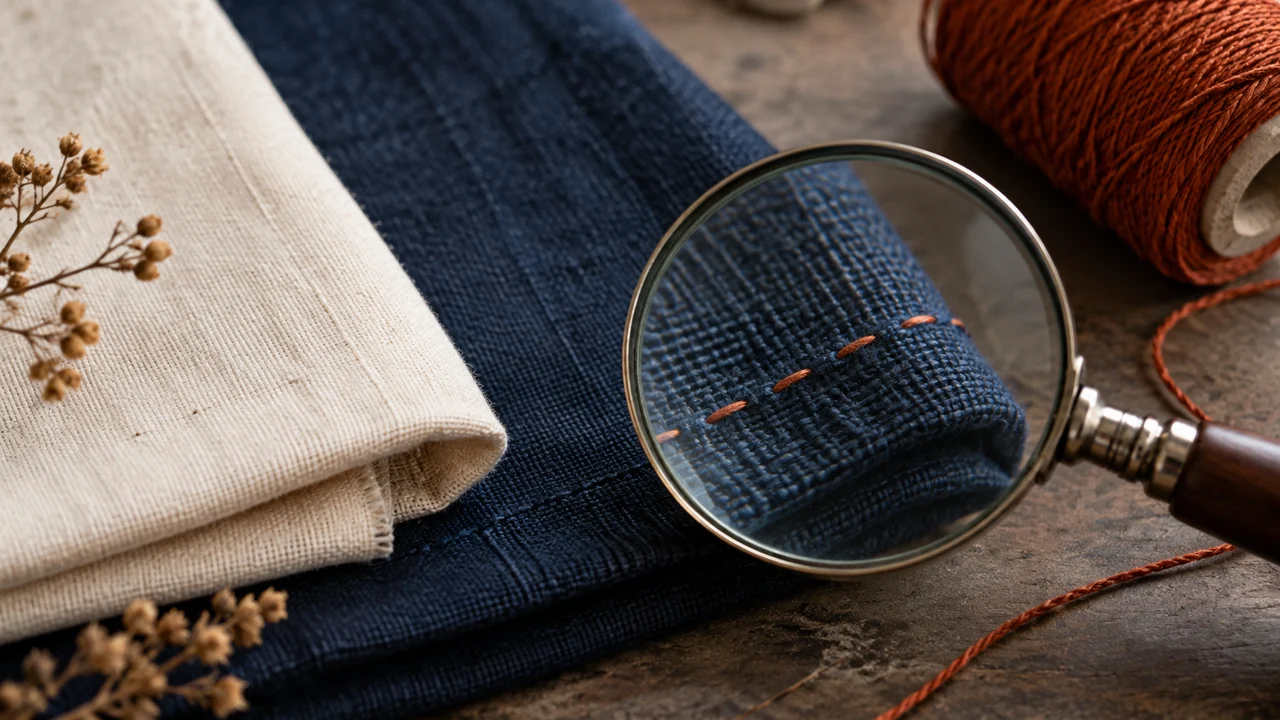
For Fio Claro, off-white fills the background, deep blue supports readability, and rust marks details.
We are not claiming that blue automatically builds trust.
Each color’s role helps keep the layout consistent.
Check readability in the next lesson.
If two elements do the same job, simplify.
If an ornament does not help the message, try removing it.
Keep an earlier version for comparison.
The map should also say what to observe to confirm or reject the hypothesis.
Célia removes an ornament that competed with the repair and made the service harder to explain.
Completed map · hypotheses for the fictional case
Off-white background Purpose: Separate the subject Desired association: Natural material Test: Is the subject still clear?
Deep-blue text Purpose: Make the text readable Desired association: Organization Test: Is small text legible?
Rust accent Purpose: Mark one point Desired association: Handwork Test: Does the accent compete with the photo?
Rectangular shape Purpose: Repeat the patch shape Desired association: Continuity Test: Does the shape help explain the repair?
Visible texture Purpose: Show the finish Desired association: Care Test: Can you still make out the stitches?
Photo with context Purpose: Explain the service Desired association: Transparency Test: Can you recognize the garment?
Six elements with different roles. Test the associations.
3Check the decision against its use
Deep blue will be used for text; check readability and perception.
Célia uses the sheet to check: test: an observation that could challenge the choice.
Teaching illustration created in Codex: Off-white, deep blue, and rust appear as materials. The combination shows possible roles; it does not prove an emotional response.
Test yourself
What can you say about a chosen color before testing it?
It is normal to get stuck hereUse short phrases. If you are unsure of the association, mark it as an open hypothesis and describe only the purpose.
Practice now 0/3
Give each visual element a purpose
Set aside 10 minutes of active work for this section. Queues and image generation are not included. You are done when the map has six rows, each with a purpose and a test.
Use your own or authorized references. Label illustrative images and keep the originals. AI features may depend on your account and plan; check before generating.
Project: Fio Claro or my brand
Lesson: Give each visual element a purpose
Map: six elements with a purpose — <your decision>
Association: a context-based hypothesis — <your decision>
Test: an observation that could challenge the choice — <your decision>
Saved evidence: <file or note>
Adjustment: <next step>
After completing these steps, you can fill in a map with six elements and hypotheses about what they mean.
Lesson cheat sheet
Give each visual element a purpose
Map: six elements with a purpose
Association: a context-based hypothesis
Test: an observation that could challenge the choice
Your next step
You now have criteria for filling in a map with six elements and hypotheses about what they mean.
Save this lesson’s deliverable in the project folder. You will use it in the next step.
Next: Make the message work at a small size
Supplementary material · module 3Production notes and care tips for returning after the short practice.
Purpose first, association second
Experiment at your own pace
Choose another brand piece and apply the same criteria. Keep the earlier version for comparison.
What to observe
The Fio Claro case is fictional. Its images illustrate the method; they do not prove a real service.
Color has a role, not magic powers
Experiment at your own pace
Explain your choice without using the word “beautiful.” Point out the feature that supports your decision.
What to observe
Record any interpretation that has not been checked with the audience as an assumption.
Check the features and costs in your current account. Guides may show different paths depending on the version and device.
Lesson 7 · Visual DNA v6.2 · INEMA.CLUB PRO
Module 3 · Lesson 8 of 15
Make the message work at a small size
You can check the hierarchy and contrast of a headline.
A design may work when enlarged but become unreadable on a phone. Test it at the size people will see it.
In 1 minute
Order: headline, explanation, and action
Contrast: aim for at least 4.5 to 1 for regular text
Use: read it at actual phone size
1Decide what people read first
Choose a main headline, an explanation, and an action.
Use size, weight, and spacing to distinguish their roles.
Two typeface families are enough for this exercise.
One may work, too.
Keep the accents and test real Portuguese words.
For Fio Claro, the headline is Your clothes can carry on.
The explanation is Visible repair assessment.
The action is Bring in your item.
Do not hide the offer in tiny text.
People need to understand the service before deciding what to do next.
Isa checks the contrast of the color pair before using it in the design.
Prompts to compare · teaching example
RequestChoose thin, light lettering just because it looks elegant.
There are no observable limits to check the work against.
RequestSet three reading levels and measure the text-to-background contrast.
There are clear criteria for checking the decision.
Compare the two instructions. They are examples written for this lesson, with no simulated tool response.
Open the contrast checker. Use the Foreground Color (text) and Background Color (background) fields.
2Measure contrast, then check readability
For regular text, use a minimum contrast ratio of 4.5 to 1 as a reference.
A checker compares the text color with the background.
Open the checker listed in the extra materials.
Enter both colors and read the result.
Try blue text #203448 on an off-white background #F4EFE5.
Apply the pair to your design, or assess the example shown in this lesson.
Record which option you tested and its measured ratio.
For your own colors, measure the actual pair.
A solid strip makes it easier to check text over a photo.
View the design on your phone without zooming in.
Célia reads the small headline and realizes the explanation needs to be larger.
Your clothes can carry on.
Visible repair assessment.
Bring in your item.
Original hierarchy example. Text #203448 on background #F4EFE5: calculated ratio of 11.13 to 1.
3Check the decision against its use
Set three reading levels and measure the text-to-background contrast.
Célia uses the sheet to check: use: read it at actual phone size.
Teaching illustration created in Codex: The cards illustrate contrast differences between graphic blocks. They do not replace color measurements or a test with real text.
Test yourself
The headline sits over a photo with light and dark areas. What makes readability easier to check?
It is normal to get stuck hereA six-character code identifies a color. Copy it exactly into the color field; it is not a programming command.
Practice now 0/3
Make the message work at a small size
Set aside 10 minutes of active work for this section. Queues and image generation are not included. You are done when the example or design is identified, its ratio is measured, and all three reading levels are reviewed.
Use your own or authorized references. Label illustrative images and keep the originals. AI features may depend on your account and plan; check before generating.
Material reviewed: lesson example or your own design
Text color:
Background color:
Measured ratio:
Are the headline, explanation, and action readable without zooming in?
Approved or needs adjustment:
After completing these steps, you can check the hierarchy and contrast of a headline.
Lesson cheat sheet
Make the message work at a small size
Order: headline, explanation, and action
Contrast: aim for at least 4.5 to 1 for regular text
Use: read it at actual phone size
Your next step
You now have criteria for checking the hierarchy and contrast of a headline.
Save this lesson’s deliverable in the project folder. You will use it in the next step.
Next: Write a repeatable photography rule
Supplementary material · module 3Production notes and care tips for returning after the short practice.
Decide what people read first
Experiment at your own pace
Checker: https://webaim.org/resources/contrastchecker/ . Enter #203448 for Foreground Color and #F4EFE5 for Background Color. Read Contrast Ratio. The WCAG reference applies to regular text; size, weight, and context also affect readability.
What to observe
The Fio Claro case is fictional. Its images illustrate the method; they do not prove a real service.
Measure contrast, then check readability
Experiment at your own pace
Explain your choice without using the word “beautiful.” Point out the feature that supports your decision.
What to observe
Record any interpretation that has not been checked with the audience as an assumption.
Check the features and costs in your current account. Guides may show different paths depending on the version and device.
Lesson 8 · Visual DNA v6.2 · INEMA.CLUB PRO
Module 3 · Lesson 9 of 15
Write a repeatable photography rule
You can define lighting, distance, and evidence for a brand image.
Different filters can make the same workshop look like several businesses. Describe the qualities that stay consistent.
In 1 minute
Keep consistent: lighting, texture, and context
Can vary: camera distance
Source: real photo or labeled illustration
1The rule must fit your routine
Define the subject, lighting, background, and distance.
For Fio Claro: visible repair, soft side lighting, a simple background, and one detail shown in context.
You can do this with a camera or an illustrative image.
Label the source in either case.
A sharp texture can help explain the work.
Too much smoothing erases stitches and wear.
Extreme crops can hide what is being repaired.
Do not turn a rule into a rigid requirement: the detail still needs to make sense.
Isa keeps the texture instead of covering it with an effect.
Weak decision
Apply a different filter every time an image looks plain.
Verifiable decision
Keep soft lighting and visible texture, and vary the distance with a purpose.
Notice which characteristics make the second decision easy to check.
2Evidence needs a source and context
A generated image does not document a real before-and-after.
To show the result of a service, photograph the same item and say what was done.
Keep the lighting and distance comparable.
Get permission when the garment or person could identify a customer.
Record three consistent elements and one permitted variation.
Consistent: soft lighting, visible texture, and recognizable garment context.
Variation: camera distance.
A wide photo and a close-up can belong to the same visual family.
Check that both still explain the offering.
Célia keeps real photos of her own work to support a presentation of the service.
Completed brief · lesson example
1Keep consistent: lighting, texture, and context
2Can vary: camera distance
3Source: real photo or labeled illustration
Use this sheet as a reference. Replace the example with your own project.
3Check the decision against its use
Keep soft lighting and visible texture, and vary the distance with a purpose.
Célia uses the sheet to check: source: real photo or labeled illustration.
Teaching illustration created in Codex: The generated detail shows texture and stitches. It teaches framing, but it is not proof of a repair that was actually done.
Test yourself
What material proves that a repair was actually completed?
It is normal to get stuck hereUse the teaching image to practice analysis. To promote completed work, use a real, authorized record.
Practice now 0/3
Write a repeatable photography rule
Set aside 10 minutes of active work for this section. Queues and image generation are not included. You are done when the rule has been applied to an image and its source is identified.
Use your own or authorized references. Label illustrative images and keep the originals. AI features may depend on your account and plan; check before generating.
Project: Fio Claro or my brand
Lesson: Write a repeatable photography rule
Consistent: lighting, texture, and context — <your decision>
Can vary: camera distance — <your decision>
Source: real photo or labeled illustration — <your decision>
Saved evidence: <file or note>
Adjustment: <next step>
After completing these steps, you can define lighting, distance, and evidence for a brand image.
Lesson cheat sheet
Write a repeatable photography rule
Keep consistent: lighting, texture, and context
Can vary: camera distance
Source: real photo or labeled illustration
Your next step
You now have criteria for defining lighting, distance, and evidence for a brand image.
Save this lesson’s deliverable in the project folder. You will use it in the next step.
Next: Use AI to discuss three directions
Supplementary material · module 3Production notes and care tips for returning after the short practice.
The rule must fit your routine
Experiment at your own pace
Choose another brand piece and apply the same criteria. Keep the earlier version for comparison.
What to observe
The Fio Claro case is fictional. Its images illustrate the method; they do not prove a real service.
Evidence needs a source and context
Experiment at your own pace
Explain your choice without using the word “beautiful.” Point out the feature that supports your decision.
What to observe
Record any interpretation that has not been checked with the audience as an assumption.
Check the features and costs in your current account. Guides may show different paths depending on the version and device.
Lesson 9 · Visual DNA v6.2 · INEMA.CLUB PRO
Module 4 · Lesson 10 of 15
Use AI to discuss three directions
You can compare three direction proposals against the brand criteria.
A convincing answer can include invented claims. Give it context and ask for options you can examine.
In 1 minute
Input: brief, pillars, and map
Comparison: four consistent criteria
Outcome: one direction chosen with a reason
1Provide the brief before the prompt
Open the text chat you already use, such as ChatGPT.
Paste the five-line brief, the pillars, and the map.
Ask for three directions for the same offering.
For each direction, request lighting, composition, colors, and one limitation.
Do not ask for fictional testimonials or results.
Use this prompt: suggest three directions for Fio Claro, a fictional visible-repair workshop.
Keep care, continuity, and clarity.
Do not invent customers or results.
Explain what changes, what stays fixed, and how to check each direction.
Isa rejects a direction that calls for production she cannot repeat.
Weak decision
Create the best brand in the world and prove that it sells.
Verifiable decision
Suggest three directions, preserve the pillars, and identify observable limits.
Notice which characteristics make the second decision easy to check.
2Choose by the criteria, not excitement
Compare the answers with four questions: does it explain the service, show the repair, stay readable, and fit the routine?
Mark yes, no, or needs testing.
A direction with elegant wording can fail every item.
Rewrite only the part that does not help.
Save the prompt and original answer so you know what you chose.
AI can support the discussion; you make the decision.
If chat is unavailable, compare three proposals you wrote yourself.
Label them as your own work; do not say they were generated.
Célia removes an invented result before approving the proposal.
Completed brief · lesson example
1Input: brief, pillars, and map
2Comparison: four consistent criteria
3Outcome: one direction chosen with a reason
Use this sheet as a reference. Replace the example with your own project.
3Check the decision against its use
Suggest three directions, preserve the pillars, and identify observable limits.
Célia uses the sheet to check: outcome: one direction chosen with a reason.
Teaching illustration created in Codex: Isa compares three physical boards. The scene illustrates evaluating options; it does not show a real chat response.
Test yourself
The AI suggests mentioning one hundred satisfied customers without any data. What should you do?
It is normal to get stuck hereIf you cannot access chat, write three proposals of your own. The comparison still works when their source is clear.
Practice now 0/3
Use AI to discuss three directions
Set aside 10 minutes of active work for this section. Queues and image generation are not included. You are done when three real proposals are recorded and your choice is explained using the criteria.
Use your own or authorized references. Label illustrative images and keep the originals. AI features may depend on your account and plan; check before generating.
Project: Fio Claro or my brand
Lesson: Use AI to discuss three directions
Input: brief, pillars, and map — <your decision>
Comparison: four consistent criteria — <your decision>
Outcome: one direction chosen with a reason — <your decision>
Saved evidence: <file or note>
Adjustment: <next step>
After completing these steps, you can compare three direction proposals against the brand criteria.
Lesson cheat sheet
Use AI to discuss three directions
Input: brief, pillars, and map
Comparison: four consistent criteria
Outcome: one direction chosen with a reason
Your next step
You now have criteria for comparing three direction proposals against the brand criteria.
Save this lesson’s deliverable in the project folder. You will use it in the next step.
Next: Turn the direction into an image prompt
Supplementary material · module 4Production notes and care tips for returning after the short practice.
Provide the brief before the prompt
Experiment at your own pace
Choose another brand piece and apply the same criteria. Keep the earlier version for comparison.
What to observe
The Fio Claro case is fictional. Its images illustrate the method; they do not prove a real service.
Choose by the criteria, not excitement
Experiment at your own pace
Explain your choice without using the word “beautiful.” Point out the feature that supports your decision.
What to observe
Record any interpretation that has not been checked with the audience as an assumption.
Open the saved image and inspect the patch, stitching, fabric, and space.
The output may change details or create flaws.
Record what meets the prompt and what needs to change.
Ask for a specific correction instead of adding more adjectives.
This is an illustration of the fictional workshop.
Label it if you share it.
You can adapt the prompt to another generator, including Nano Banana, depending on your account.
It does not depend on one specific model name or guarantee identical copies.
Célia checks that the full patch is visible before accepting the file.
Completed brief · lesson example
1Prompt: subject, lighting, composition, and limits
2File: an image that was actually generated and saved
3Review: check details before using it
Use this sheet as a reference. Replace the example with your own project.
3Check the decision against its use
Blue jacket, off-white patch, rust stitches, soft lighting, and the full repair visible.
Célia uses the sheet to check: review: details checked before use.
Teaching illustration created in Codex: The generated image keeps the jacket, patch, soft lighting, and open space. Check the visible details; small imperfections still need review.
Test yourself
The generator cropped half the patch. Which revision is more useful?
It is normal to get stuck hereIf there is a queue, quota limit, or no access, leave generation pending. The practice requires an image that was created, not just prompt text.
Practice now 0/3
Turn the direction into an image prompt
Set aside 10 minutes of active work for this section. Queues and image generation are not included. You are done when an actual file has been saved, opened, and reviewed against the criteria.
Use your own or authorized references. Label illustrative images and keep the originals. AI features may depend on your account and plan; check before generating.
Create an illustrative image of a blue denim jacket with a rectangular off-white patch and rust-colored stitches, on a cream background. Use soft side lighting, keep the full patch visible, and leave open space above. No lettering, logos, or claims of completed service. Keep the texture natural and proportions plausible.
After completing these steps, you can generate and save an illustrative image with checkable criteria.
Lesson cheat sheet
Turn the direction into an image prompt
Prompt: subject, lighting, composition, and limits
File: an image that was actually generated and saved
Review: check details before using it
Your next step
You now have criteria for generating and saving an illustrative image with checkable criteria.
Save this lesson’s deliverable in the project folder. You will use it in the next step.
Next: Create variety while preserving the anchors
Supplementary material · module 4Production notes and care tips for returning after the short practice.
The prompt includes the subject and limits
Experiment at your own pace
Choose another brand piece and apply the same criteria. Keep the earlier version for comparison.
What to observe
The Fio Claro case is fictional. Its images illustrate the method; they do not prove a real service.
Check what was created
Experiment at your own pace
Explain your choice without using the word “beautiful.” Point out the feature that supports your decision.
What to observe
Record any interpretation that has not been checked with the audience as an assumption.
If the repair changes shape or the jacket becomes a different garment, record the failure.
Request a correction that names only the deviation.
Do not approve a variation just because it looks beautiful.
Write down an allowed difference before testing.
Create a comparison sheet with four fixed items and one variable.
Mark each item as kept or changed.
Keep both images and the decision.
A rejected result teaches you something when you record why.
Célia rejects an image that changes the type of repair, even though the colors are similar.
Reference · lesson 11
Variation · camera closer
Two actual Codex outputs, with the first used as a reference for the second. Kept: blue denim, off-white patch, and soft lighting. Changed: stitching details and fastener. This is an illustrative variation, not an exact product copy.
3Check the decision against its use
Preserve four anchors and vary only the camera distance.
Célia uses the sheet to check: decision: accept or revise, with a reason.
Teaching illustration created in Codex: Variation based on the image from lesson 11, with the camera closer. Compare the fabric, patch, and stitches with the reference; the tool may change details.
Test yourself
The new image looks beautiful, but it changes the patch to embroidery. How should you assess it?
It is normal to get stuck hereIf the tool does not accept a reference, repeat the description and record that limitation. You still need to create and compare two files.
Practice now 0/3
Create variety while preserving the anchors
Set aside 10 minutes of active work for this section. Queues and image generation are not included. You are done when you have two files and a written comparison of the four anchors.
Use your own or authorized references. Label illustrative images and keep the originals. AI features may depend on your account and plan; check before generating.
Project: Fio Claro or my brand
Lesson: Create variety while preserving the anchors
Anchors: jacket, patch, stitches, and lighting — <your decision>
Variable: camera distance — <your decision>
Decision: accept or revise, with a reason — <your decision>
Saved evidence: <file or note>
Adjustment: <next step>
After completing these steps, you can create a second image and compare it with the first.
Lesson cheat sheet
Create variety while preserving the anchors
Anchors: jacket, patch, stitches, and lighting
Can vary: camera distance
Decision: accept or revise, with a reason
Your next step
You now have criteria for creating a second image and comparing it with the first.
Save this lesson’s deliverable in the project folder. You will use it in the next step.
Next: Apply the rules to three pieces
Supplementary material · module 4Production notes and care tips for returning after the short practice.
An anchor is a feature that stays
Experiment at your own pace
Choose another brand piece and apply the same criteria. Keep the earlier version for comparison.
What to observe
The Fio Claro case is fictional. Its images illustrate the method; they do not prove a real service.
Rejecting an option is part of the system
Experiment at your own pace
Explain your choice without using the word “beautiful.” Point out the feature that supports your decision.
What to observe
Record any interpretation that has not been checked with the audience as an assumption.
Check the features and costs in your current account. Guides may show different paths depending on the version and device.
Lesson 12 · Visual DNA v6.2 · INEMA.CLUB PRO
Module 5 · Lesson 13 of 15
Apply the rules to three pieces
You can create three simple applications with the same hierarchy.
A consistent board may fail when turned into a poster, invitation, and presentation. Test the system in different uses.
In 1 minute
Pieces: presentation, invitation, and detail
Keep consistent: color, type, lighting, and hierarchy
Test: each piece must work on its own
1One family must work across different formats
Choose three uses: workshop presentation, assessment invitation, and a repair detail.
Use a document or presentation editor you already know.
Create one page for each use.
Insert the approved image and write a short headline.
Keep the background, text color, type style, and way the image is shown consistent.
Vary the amount of information for each use.
An invitation needs a clear action.
A presentation needs to explain the service.
A detail needs context and a source.
Isa keeps the hierarchy while adapting the information on each page.
Weak decision
Repeat the same piece three times, changing only its size.
Verifiable decision
Adapt the information for each use while keeping color, type, lighting, and hierarchy consistent.
Notice which characteristics make the second decision easy to check.
2The rule appears across the set
Place the three pages side by side and look for what repeats.
Then view each one separately at a small size.
If one works only next to the others, it is missing information.
Adjust one feature at a time and record why.
The name Fio Claro can be written in plain lettering.
You do not need to create a logo to test the direction.
Do not invent real contact information or addresses for the fictional case.
Label it as an example and leave a field to fill in on a practice design.
Célia checks that the invitation explains how to request an assessment, without inventing contact details.
Completed brief · lesson example
1Pieces: presentation, invitation, and detail
2Keep consistent: color, type, lighting, and hierarchy
3Test: each piece must work on its own
Use this sheet as a reference. Replace the example with your own project.
3Check the decision against its use
Adapt the information for each use while keeping color, type, lighting, and hierarchy consistent.
Célia uses the sheet to check: test: each piece must work on its own.
Teaching illustration created in Codex: The physical pieces illustrate formats and visual repetition. They have no text; your applications need to include the exercise’s actual headline and information.
Test yourself
The invitation looks nice, but it does not say what to do. What is missing?
It is normal to get stuck hereStart with simple pages. The practice checks consistency and understanding, not mastery of a design program.
Practice now 0/3
Apply the rules to three pieces
Set aside 10 minutes of active work for this section. Queues and image generation are not included. You are done when three applications are saved and each has a recorded review.
Use your own or authorized references. Label illustrative images and keep the originals. AI features may depend on your account and plan; check before generating.
Project: Fio Claro or my brand
Lesson: Apply the rules to three pieces
Pieces: presentation, invitation, and detail — <your decision>
Keep consistent: color, type, lighting, and hierarchy — <your decision>
Test: each piece must work on its own — <your decision>
Saved evidence: <file or note>
Adjustment: <next step>
After completing these steps, you can create three simple applications with the same hierarchy.
Lesson cheat sheet
Apply the rules to three pieces
Pieces: presentation, invitation, and detail
Keep consistent: color, type, lighting, and hierarchy
Test: each piece must work on its own
Your next step
You now have criteria for creating three simple applications with the same hierarchy.
Save this lesson’s deliverable in the project folder. You will use it in the next step.
Next: Bring the system together in a usage guide
Extra material · module 5Production notes and care tips to revisit after the short practice.
A visual family must work across different formats
Experiment at your own pace
Choose another brand piece and apply the same criteria. Keep the earlier version for comparison.
What to observe
The Fio Claro case is fictional. Its images illustrate the method; they do not prove a real service.
The rule appears across the set
Experiment at your own pace
Explain your choice without using the word “beautiful.” Point out the feature that supports your decision.
What to observe
Record any interpretation that has not been checked with the audience as an assumption.
If the workshop also offers alterations, keep the elements that still work.
Change the subject, evidence, and headline to fit the service.
Name the offering in the text.
Do not use color alone to distinguish services people need to understand.
When revising the brand, keep an earlier version and note why it changed.
Older content can be archived or updated as needed.
Do not erase the history automatically.
A visual change needs a reason beyond personal boredom.
Célia can tell repair from alterations through the information, without relying only on color.
Completed brief · lesson example
1Document: core, map, board, and applications
2Control: date, version, and owner
3Reuse: brand constants and offer-specific variables
Use this sheet as a reference. Replace the example with your own project.
3Check the decision against its use
Bring rules, examples, sources, and version together in a usable document.
Célia uses the sheet to check: reuse: brand constants and offer-specific variables.
Teaching illustration created in Codex: The binder holds a palette and references. The loose photo showing the back changes the patch position: record that mismatch as a rejected example, not a faithful copy.
Test yourself
The brand adds a second offering. Which adaptation keeps it clear?
It is normal to get stuck hereYou do not need to lay out a long manual. Clear headings, examples, and files that open are enough to make the system usable.
Practice now 0/3
Bring the system together in a usage guide
Set aside 10 minutes of active work for this section. Queues and image generation are not included. You are done when the document brings the sections together and the listed files have been opened.
Use your own or authorized references. Label illustrative images and keep the originals. AI features may depend on your account and plan; check before generating.
Project: Fio Claro or my brand
Lesson: Bring the system together in a usage guide
Document: core, map, board, and applications — <your decision>
Control: date, version, and owner — <your decision>
Reuse: brand constants and offer-specific variables — <your decision>
Saved evidence: <file or note>
Adjustment: <next step>
After completing these steps, you can create a document that someone else can use.
Lesson cheat sheet
Bring the system together in a usage guide
Document: core, map, board, and applications
Control: date, version, and owner
Reuse: brand constants and offer-specific variables
Your next step
You now have criteria for creating a document that someone else can use.
Save this lesson’s deliverable in the project folder. You will use it in the next step.
Next: Review the set and plan the next revision
Extra material · module 5Production notes and care tips to revisit after the short practice.
The guide explains how to use the system
Experiment at your own pace
Choose another brand piece and apply the same criteria. Keep the earlier version for comparison.
What to observe
The Fio Claro case is fictional. Its images illustrate the method; they do not prove a real service.
Two offerings can share the system
Experiment at your own pace
Explain your choice without using the word “beautiful.” Point out the feature that supports your decision.
What to observe
Record any interpretation that has not been checked with the audience as an assumption.
If there is a problem, choose what most gets in the way of understanding and make one change.
Record the earlier version and the new one.
If the criteria pass, keep the version and note that no issues were observed.
In either case, decide what you will observe in the next test with people.
Schedule a short weekly review.
Study one reference and write a personal rule with a reason.
After collecting observations, revisit whether the rule still helps.
Visual judgment grows through attention and comparison; you do not have to follow every trend.
Célia notes that she still needs to speak with customers, without inventing their answers.
Completed brief · lesson example
1Deliverables: board, map, images, applications, and guide
2Review: five criteria with a clear status
3Next cycle: one decision and one observation
Use this sheet as a reference. Replace the example with your own project.
3Check the decision against its use
Check the deliverables and fix any issues before sharing.
Célia uses the sheet to check: next cycle: one decision and one observation.
Teaching illustration created in Codex: Isa and Célia review the set. The scene illustrates collaboration; it does not depict a real audience test or approval of an existing brand.
Test yourself
The guide mentions an image that has not been generated yet. Is the project complete?
It is normal to get stuck hereIf something is pending, record the next concrete step. An honest list lets you resume without pretending the test happened.
Practice now 0/3
Review the set and plan the next revision
Set aside 10 minutes of active work for this section. Queues and image generation are not included. You are done when the deliverables exist, the review is recorded, and the next test is defined.
Use your own or authorized references. Label illustrative images and keep the originals. AI features may depend on your account and plan; check before generating.
Deliverables and files opened:
Message, readability, evidence, consistency, and repeatability: pass / adjust / pending
Issue observed or none:
Decision: fix or keep
Version saved:
Next test and observation:
Actual pending items:
After completing these steps, you can review the complete project and define the next test.
Lesson cheat sheet
Review the set and plan the next revision
Deliverables: board, map, images, applications, and guide
Review: five criteria with a clear status
Next cycle: one decision and one observation
Your next step
You now have criteria for reviewing the complete project and defining the next test.
Save this lesson’s deliverable in the project folder. You will use it in the next step.
Next: Apply the system to a new piece and compare it with the documented rules.
Extra material · module 5Production notes and care tips to revisit after the short practice.
Review using the same standards
Experiment at your own pace
Choose another brand piece and apply the same criteria. Keep the earlier version for comparison.
What to observe
The Fio Claro case is fictional. Its images illustrate the method; they do not prove a real service.
One improvement per cycle
Experiment at your own pace
Explain your choice without using the word “beautiful.” Point out the feature that supports your decision.
What to observe
Record any interpretation that has not been checked with the audience as an assumption.