Art direction · v6.2 · free course
Give your brand meaning
Connect the message, references, and visual choices. Create a system you can explain, apply, and review.
start now →5 modules · 15 lessons of ~15 minutes · allow 7–11 hours for the work, plus waiting time

What you will be able to do
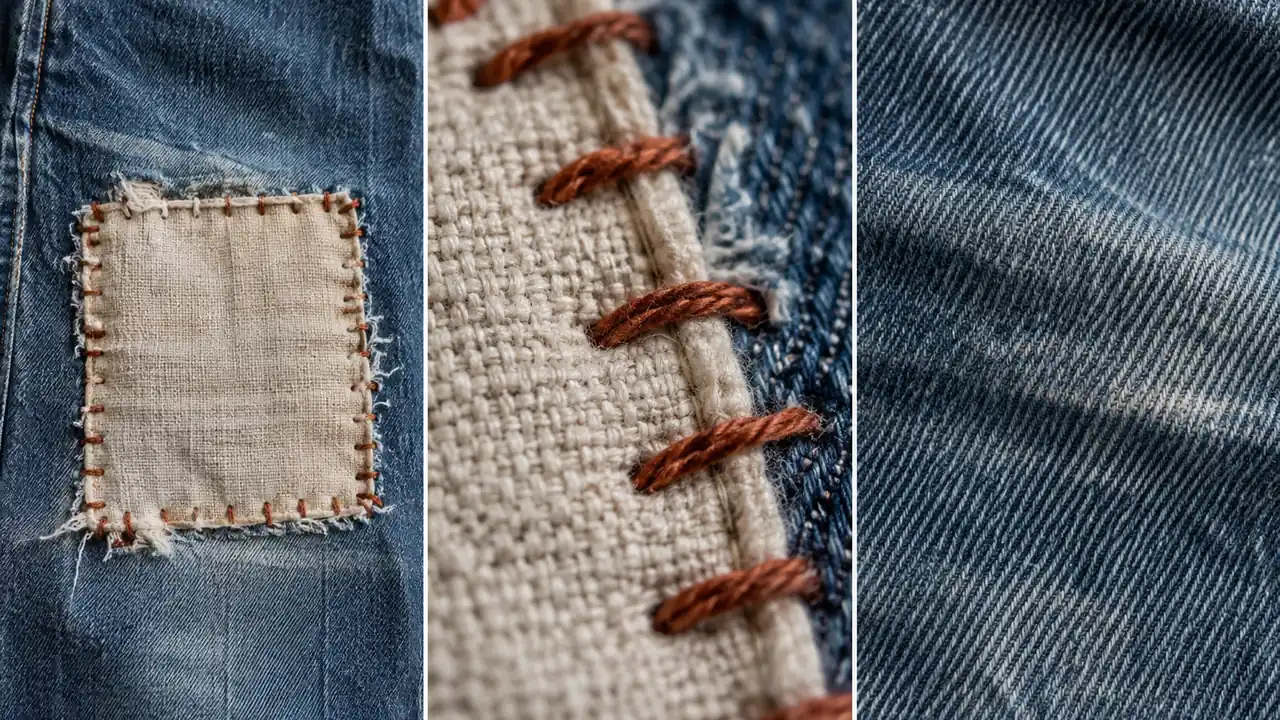
The Fio Claro case
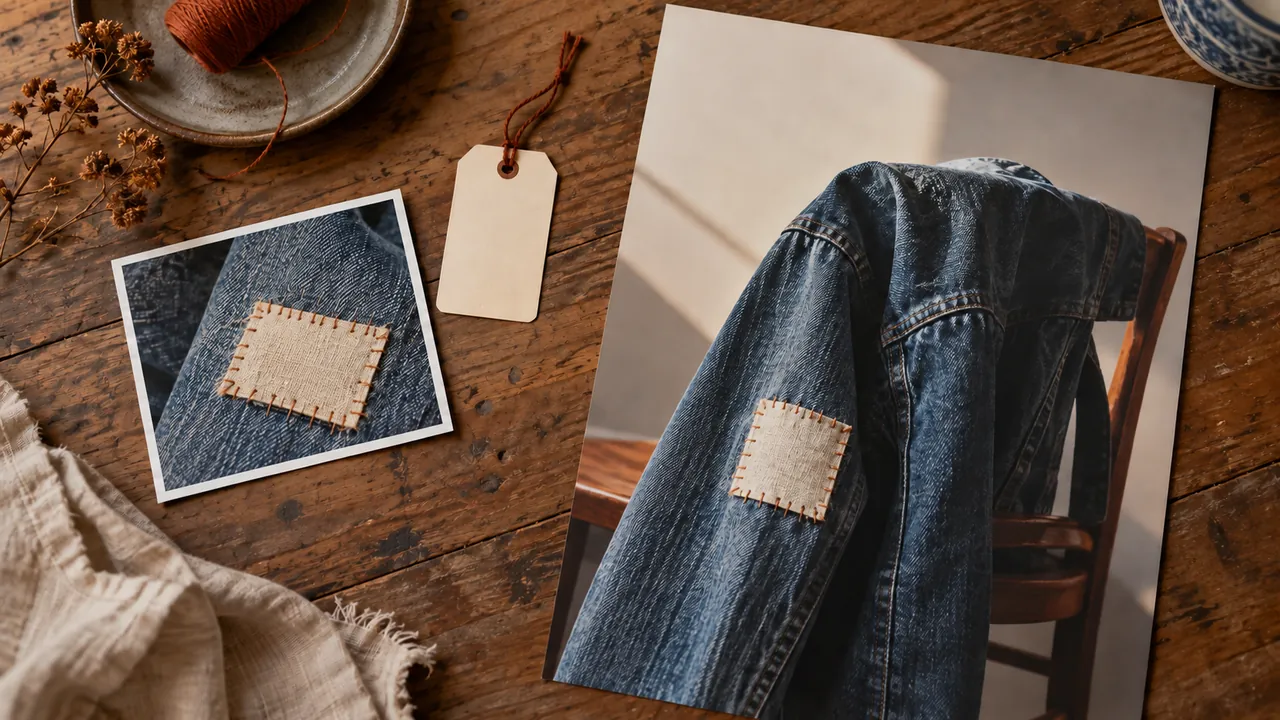
Isa, a 35-year-old designer, and Célia, a 57-year-old seamstress, define the style of a fictional visible-mending shop. Codex images are illustrations; they do not claim real services or results.
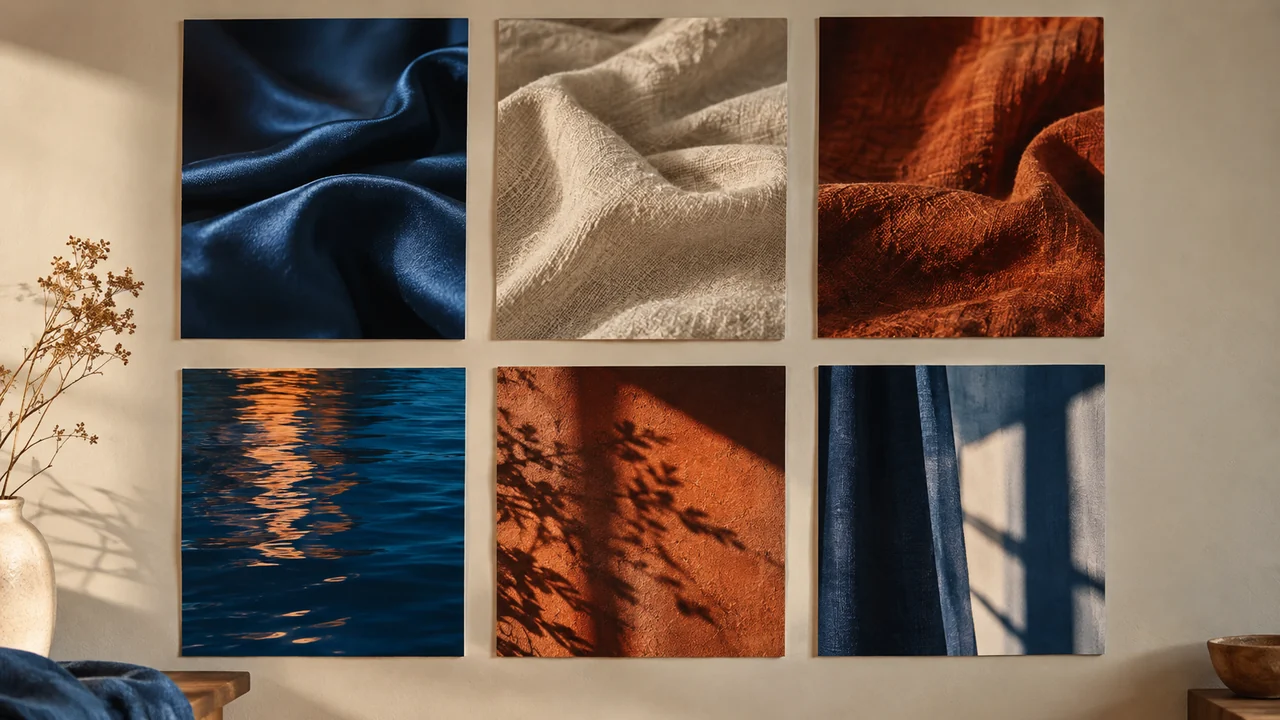
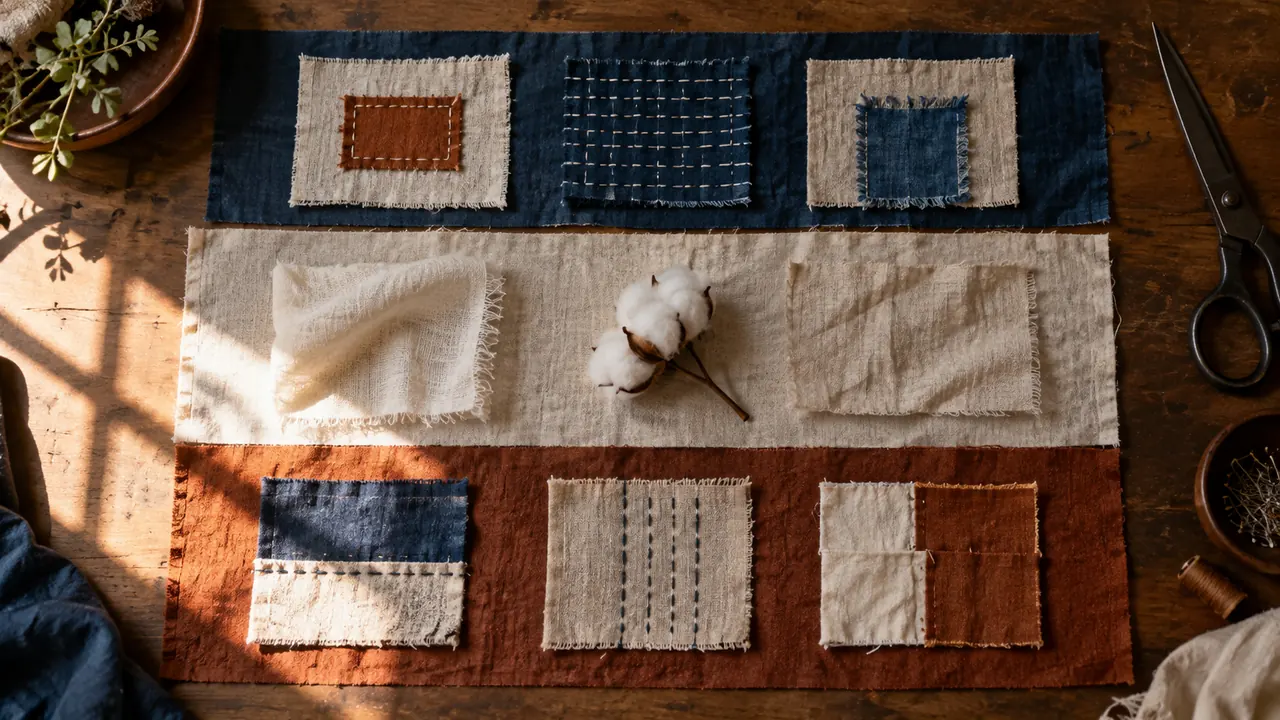
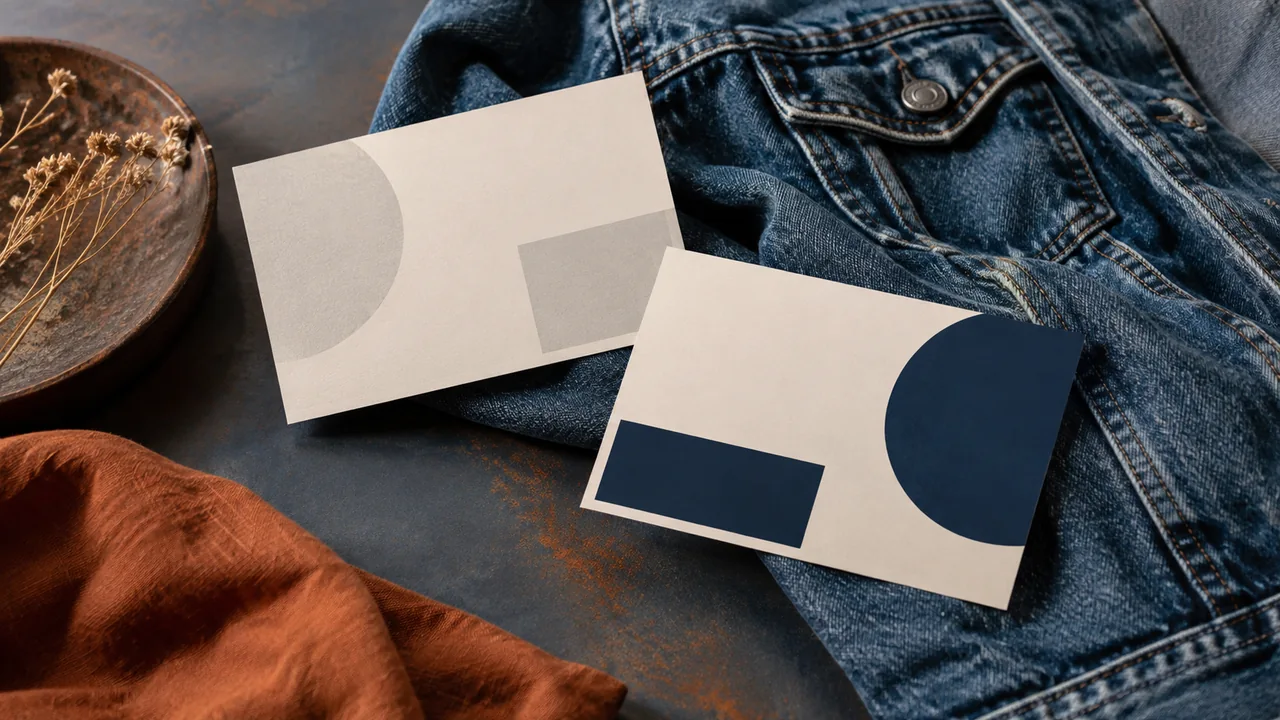
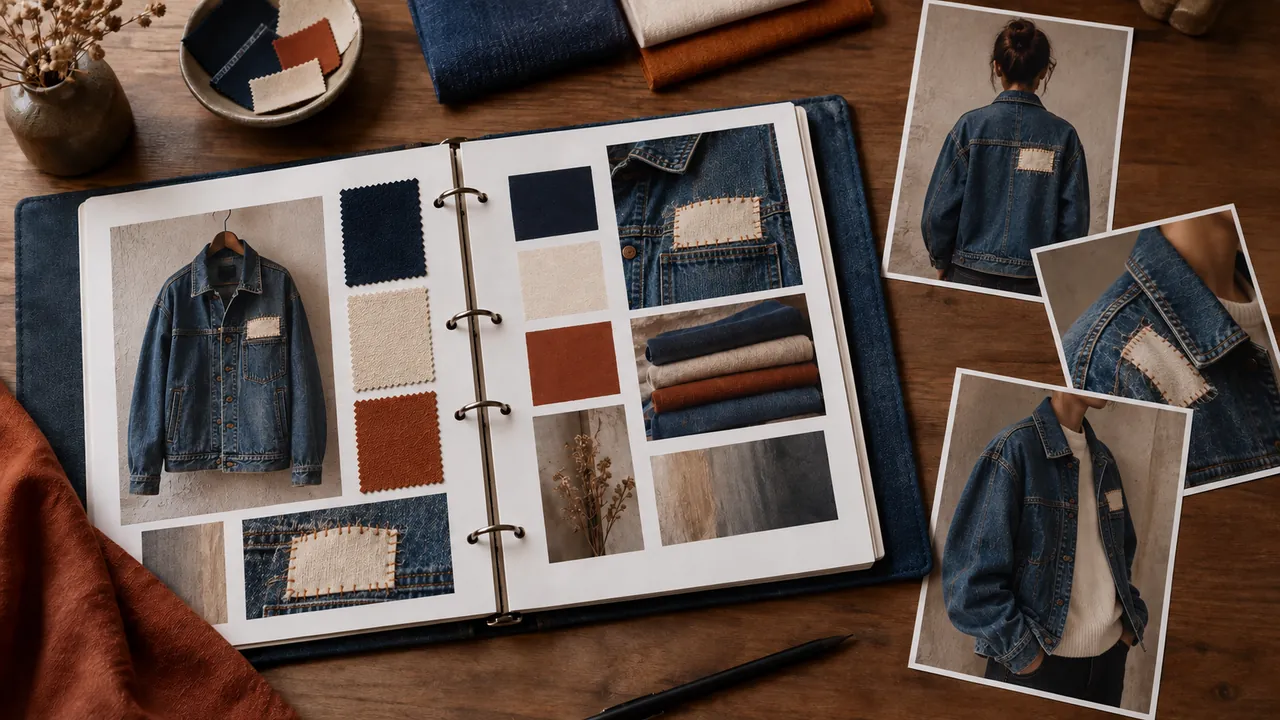
View educational images and prompts. The final project includes a brand worksheet, three pillars, a board with six references, a map with six elements, two compared images, three applications, and a usage guide.
How to study
Read in fifteen-minute sessions and complete the practice sections. To make everything, set aside 7–11 hours, plus image-generation waits and audience conversations. No sales or automatic emotional response are promised.
You should know how to save files and use a notes, document, or presentation app. Image generation requires access to an image generator. Check your account terms. Exercises without a created file remain pending.
Progress stays in this browser. Use the journey panel to save a copy. The pages contain text, examples, and activities; they are not recorded video lessons.
Who it is for
Creators and small businesses
For people who want to explain their choices and keep their pieces consistent.
What you need to know
Basic file use and an editor you already know. No programming required.