From chat to the terminal|INEMA.CLUB-PRO

Lesson 3 · 16 min

The folder is the context: README, AGENTS.md, and Markdown

When everything is in one folder, the AI reads material that has nothing to do with your request, and you can’t tell where each sentence came from. One folder per topic, with one file for people and another for the agent, solves this before your first request.

Start the lesson
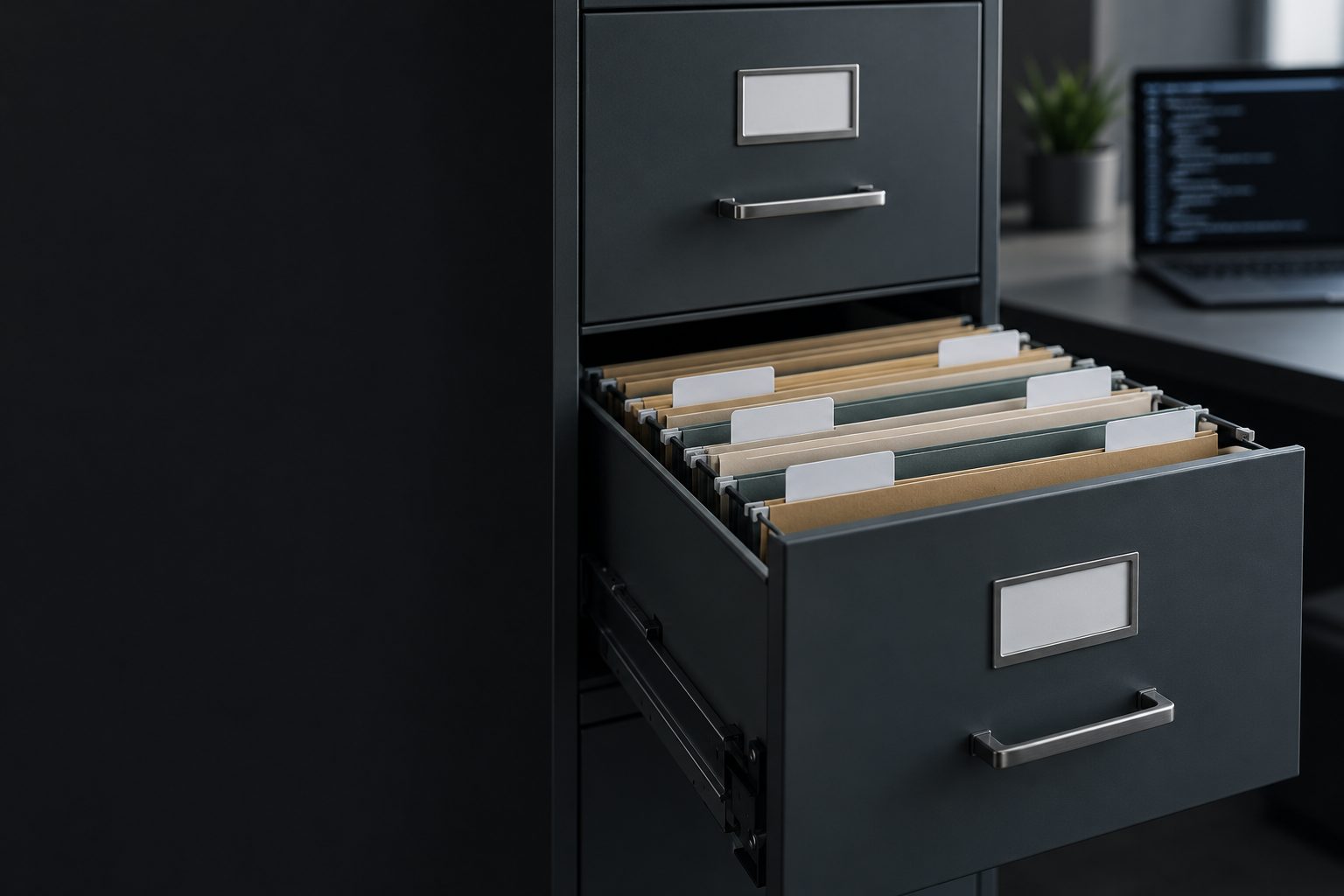
An open steel filing cabinet with labeled hanging folders and a laptop in the background.

In this lesson, you will

  1. 1One folder per topic, and config for what applies to all
  2. 2The three Markdown markers: #, ##, and -
  3. 3README for people, AGENTS.md for the agent
  4. 4Edit with Notepad and check with type

Objective: create the projetos/config tree and the project folder with entradas, saídas, README.md, and AGENTS.md in Markdown.

01The work tree

Each drawer holds one topic. Click each part.

Scroll down: each step below lights up its part of the diagram.

  1. 1/5

    projetos

    Brings together independent work. Each folder inside it is a context: the material for one topic. When you open the agent in a folder, it works from there.

  2. 2/5

    config

    It stays inside projetos, but outside each project. It stores what always applies, such as “I prefer short reports, with pending items at the end.” Write it once, use it everywhere.

  3. 3/5

    meu-primeiro-agente

    Entradas is what the AI reads; saidas is what it produces for you to review. Keeping them separate lets you check one against the other. Don’t mix in material from another client or class here.

  4. 4/5

    Agent

    The agent looks for AGENTS.md on its own when it starts. It reads the rest when you point it to them: the AI doesn’t open every file in the folder on its own.

  5. 5/5

    Less material, clearer trail

    A separate folder for each topic means the AI reads less and you can tell where each sentence came from. Sketch the folder tree on paper before creating it. Take your time with the names.

Short names, with no spaces or accents: meu-primeiro-agente, entradas, saidas.

02Markdown and the two files

Text organized with three marks.

1. Three marks

# at the start of a line makes a heading, ## makes a subheading, and a hyphen makes a list item. The file ends in .md and opens in any text editor.

It’s still text: readers can understand the structure even without formatting.

In the file# Science fair ## Materials - cotton and a cup

03The folder tree and the two files

Create the folders in cmd and paste the templates into Notepad. Replace what’s inside < >.

cmd · the folders
cd %USERPROFILE%\projetos
mkdir config
cd meu-primeiro-agente
mkdir entradas
mkdir saidas
dir /b
README.md
# My first agent

## Purpose
<what this project produces, in one sentence>

## Read first
1. AGENTS.md
2. ../config/decisoes.md
3. ../config/memoria.md

## Organization
- entradas: what the AI reads
- saidas: what it produces for me to review

## How to verify
<how someone can check that the result is correct>

## Current status
To be defined.
AGENTS.md
# Who I am
<your name, your profession, who you work for>

# Rules for this project
- Write in English, using short sentences.
- Work only inside this folder. Don’t delete files without asking.
- Before you finish, say what changed and how I can check it.

# What’s here
- entradas/: material you can read
- saidas/: where you deliver drafts
cmd · create, edit, and check
notepad README.md
notepad AGENTS.md
type AGENTS.md
Simulation: illustrative example
C:\Users\ana\projetos
├─ config
└─ meu-primeiro-agente
   ├─ AGENTS.md
   ├─ README.md
   ├─ entradas
   └─ saidas

Notepad asks if you want to create the new file: answer Yes. Save with Ctrl+S and close it.

04Rehearse: build the folder tree

Create the folders and check them, as you would on your computer.

Missions

  1. 1Create the config folder here in projetos.
  2. 2Go into meu-primeiro-agente.
  3. 3Create the entradas folder.
  4. 4Create the saidas folder (without an accent).
  5. 5Open AGENTS.md in Notepad.
  6. 6List only the names of what’s in the folder.
  7. 7Show AGENTS.md in the terminal.
Command Prompt · simulation

Simulation: Ana is an example. In cmd, uppercase and lowercase letters in a file name mean the same thing.

05Practice

In the folder created in lesson 1.

E5 · The tree and the README

15 min

Draw the tree on paper, create config, entradas, and saidas in cmd, and write the README with the five sections.

Done when: dir /b shows entradas, saidas, and README.md, and each README section has real information or says "to be defined".

E6 · The employee handbook

15 min

Create AGENTS.md with who you are, the project rules, and what’s in the folder.

Done when: type AGENTS.md shows at least three rules you wrote yourself.

06Test what you learned

The explanation appears after your answer.

Question 1 of 3

You want to save "I prefer short reports, with open items at the end." Where does that note belong?

To learn more

Previous lessonNext lesson