FTH — Humanoid Technology Training · course 4 of 5 · 8 lessons
Operating a real humanoid: SDK, ROS 2, and safety
The last step of the training is talking to the real robot without hurting anyone or breaking anything. In eight lessons you build the checklist, start the manufacturer's simulator, read and command the Unitree G1 over DDS with limits, ramp, and watchdog, detect a fall, run ROS 2 in a container, record the session, and write the deployment plan.
- 8lessons
- 140minutes of lessons
- 19tested terminal blocks
- 0robots required
The whole training
Five courses, in order. This is the last one: it applies to the robot what the others teach in the simulator.
 Course 0The humanoid's bodyFrom the actuator to the simulation model: MJCF, joints, torque, sensors, and balance.Open the course
 Course 1Teaching it to walkLocomotion with RL in simulation: PD, reward, PPO, and evaluation.Open the course
 Course 2From the simulator to the groundSim-to-real: randomization, identification, actuator, sim2sim, and the ladder.Open the course
 Course 3Whole bodyImitate, teleoperate, and obey: retargeting, motion tracking, and teleoperation.Open the course
 Course 4Operating a real humanoidThis course: SDK, ROS 2, and safety, in the manufacturer's simulator.Open the course
The lessons
From the checklist before powering on to the deployment plan: software architecture, state, low-level command, fall, ROS 2, and recording, all against the manufacturer's simulator.
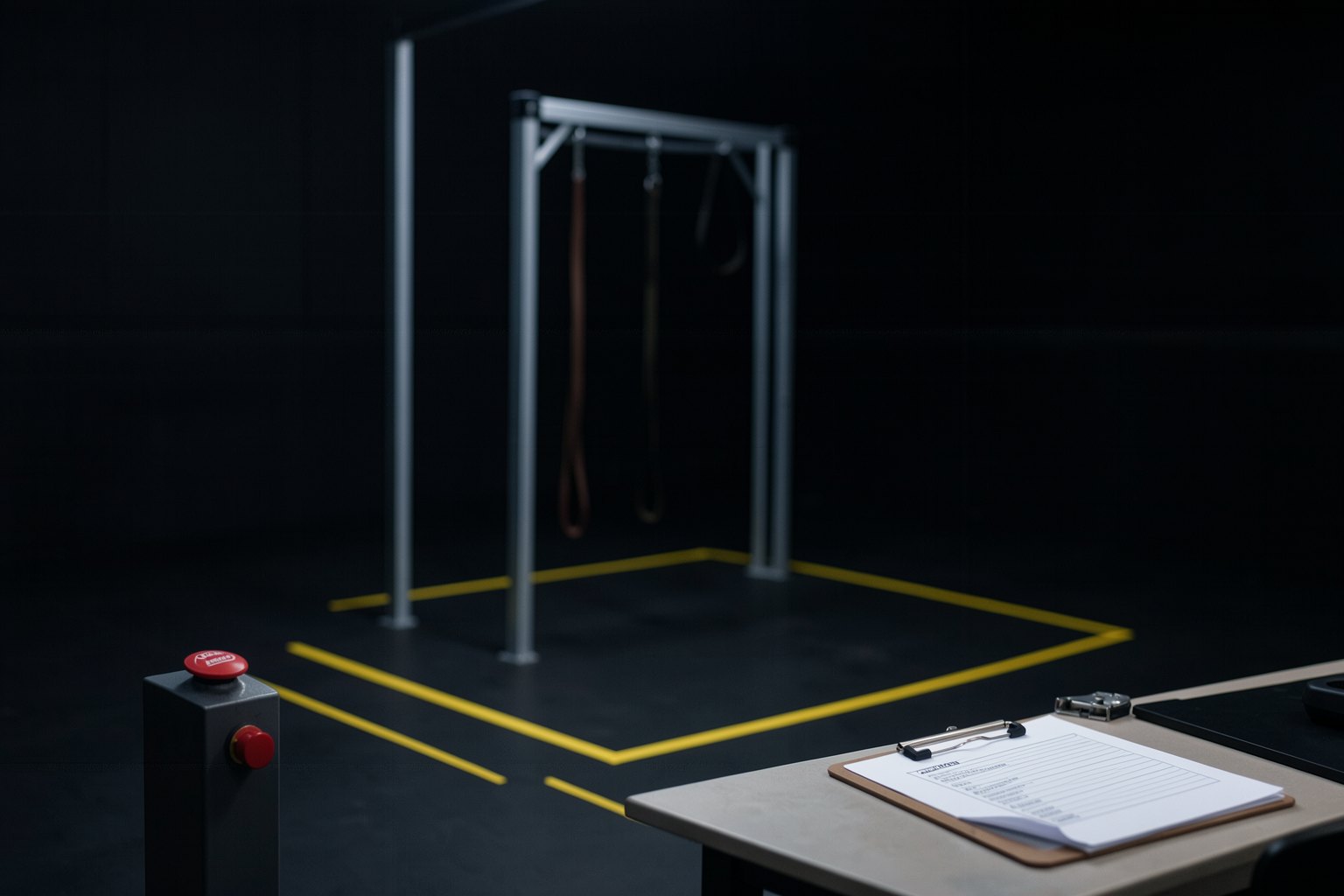 Lesson 1 · 15 minBefore powering on: gantry, area and emergency stopAn industrial arm stays where it is when it loses power; a humanoid falls. That is why the first lesson in operating a real robot has no control code: it has a 12-item checklist that you fill in, sign, and check by script before any session. Lessons 2 to 7 rehearse each item in the simulator.
 Lesson 2 · 20 minInside the software: DDS, SDK, high and low levelYour program does not call a robot function: it publishes and subscribes to messages on a DDS bus. In this lesson you set up the manufacturer's bench (simulator, SDK, and CycloneDDS 0.10.2), bring up the simulated G1, and read the first state message, through the same path you would use with the real robot.
 Lesson 3 · 15 minRead the robot: joints, IMU, battery, and temperatureBefore you send any command, you need to know whether the robot is alive, upright, and cool. In this lesson you listen to the G1's state for a few seconds, measure the rate instead of memorizing it, and summarize tilt, torque, and temperature, saying "sem dado" when the simulator doesn't send a field.
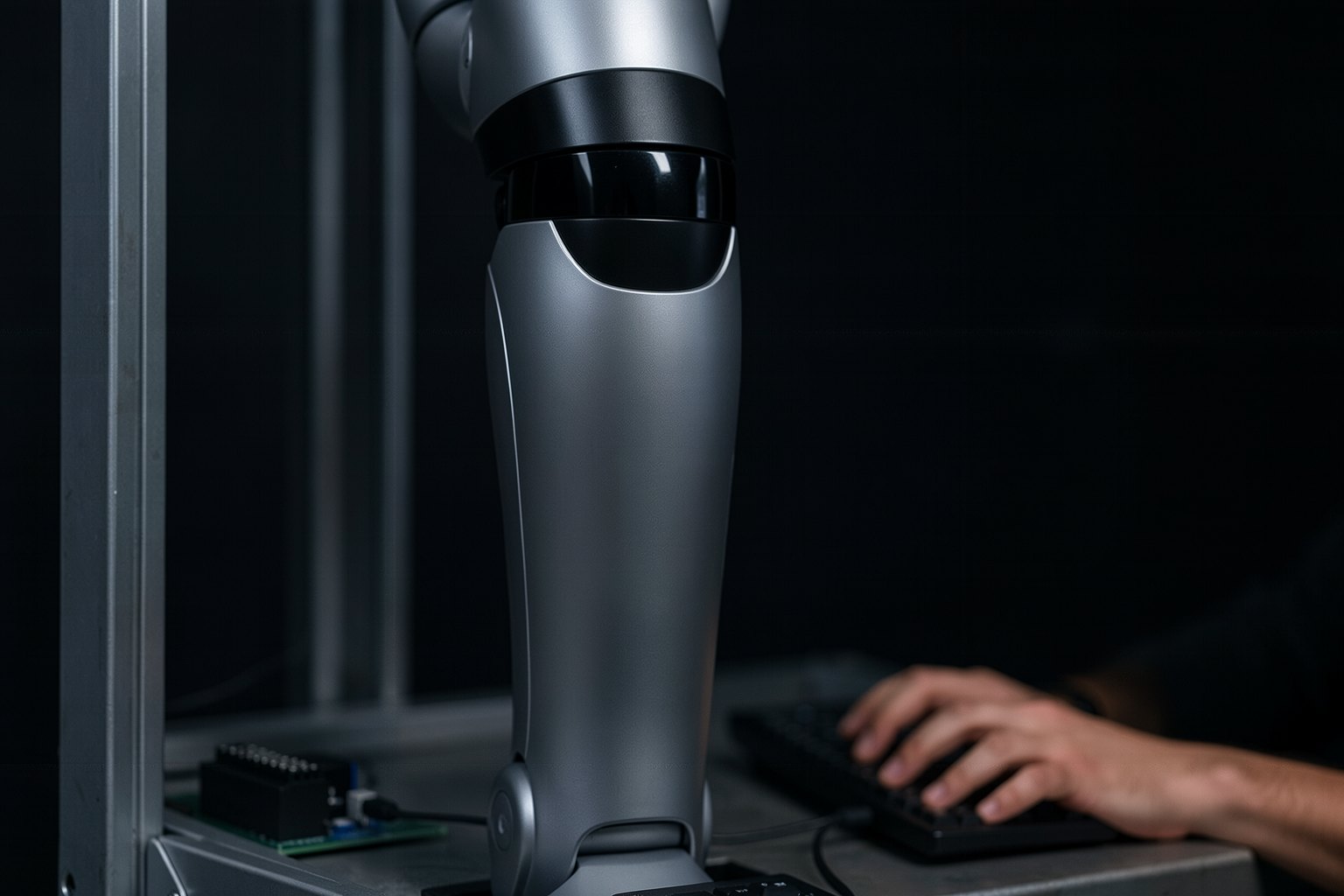 Lesson 4 · 20 minSend low-level commands without breaking anythingSending a target to 29 motors is easy; the hard part is what happens when the target is far away, out of range, or stops arriving. In this lesson you command the suspended G1 with three protections (MJCF limit, ramp, and watchdog) and see, in the same script, the step ask for more torque than the motor has.
 Lesson 5 · 15 minWhen it falls: detect, damp, and get upEvery humanoid under test falls. What separates a prepared lab from a broken robot is what the software does in the first tenths of a second and what the people do afterward. In this lesson the simulated G1 really falls, and your IMU detector sends damping without trying to catch the tumble.
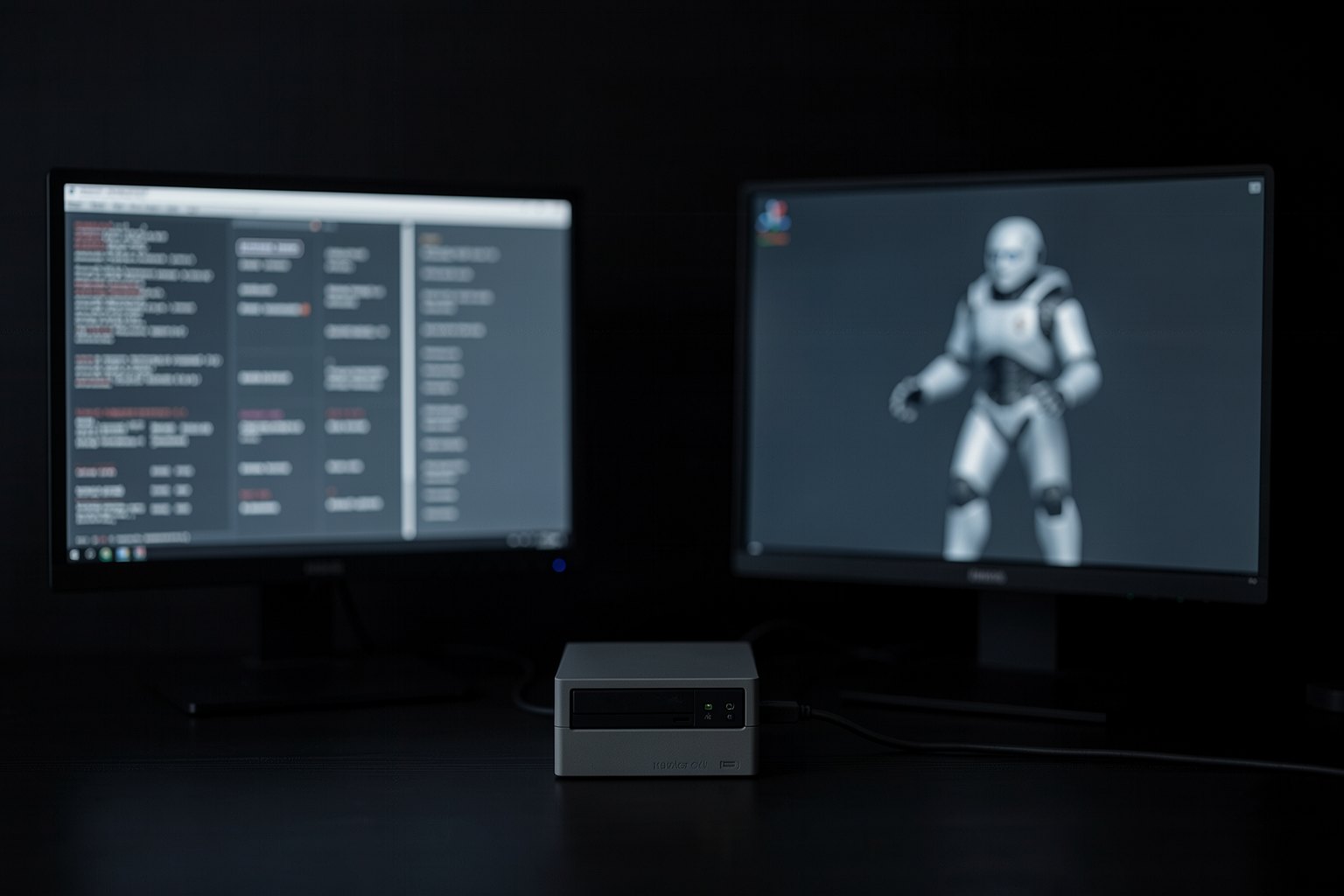 Lesson 6 · 20 minThe policy as a ROS 2 nodeThe current ROS 2 is Lyrical, but Unitree's official package asks for Humble. The way out is one container per robot: Humble inside, only to talk to the G1, and the rest of your system wherever you like. In this lesson the container sees the simulator's topics, measures the rate, and runs a policy node at 50 Hz.
 Lesson 7 · 15 minLog and diagnose: logs and telemetryAfter a fall, the question is always the same: what happened before? Without a log, the answer is a guess. In this lesson you record a G1 session to MCAP, with and without ROS, and read the file back: how many messages, how long, and whether the fall is in there.
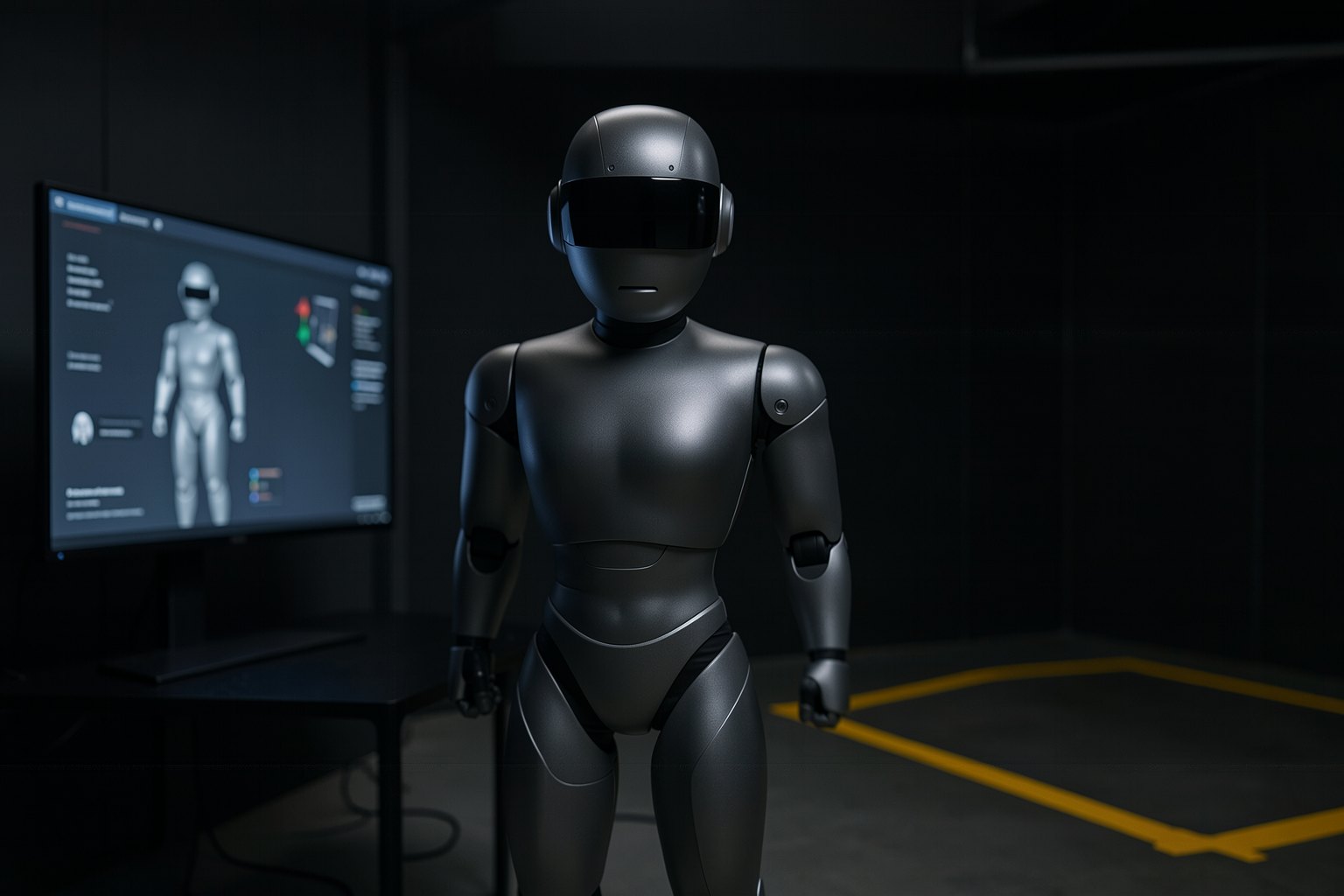 Lesson 8 · 20 minThe deployment plan for your labThe course 2 ladder becomes a procedure: manufacturer simulator, sim2sim, suspended, floor. In this last lesson of the program you write the plan for your lab in four steps, each with a criterion to pass and a stop condition, check it with a script, and close the FTH with the map of what you built across the five courses.
Who it's for
- 1People who program in Python, have already seen ROS 2 (or took the robot course), and want to work with humanoids.
- 2If you don't have the robot yet: the manufacturer's simulator answers over the same DDS as the Unitree G1, on CPU.
- 3If you're about to receive a humanoid in your lab and need a procedure before the first time.
What you will be able to do
- 1Fill in the 12-item checklist and write down what the emergency stop does.
- 2Read the G1 state over DDS and measure the rate, without making up what the simulator doesn't send.
- 3Command the 29 joints with a limit, ramp and watchdog, and detect a fall from the IMU.
- 4Run ROS 2 Humble in a container, record the session in MCAP and write the plan in 4 steps.