Your safe Jarvis: INTELECTO v2 and caixa-do-agente|INEMA.CLUB-PRO

Lesson 6 · 14 min

Each command in an offline sandbox

Approval decides whether a command can start; the sandbox executor decides where it runs. Docker uses an image, the sandbox template, to create an isolated container. Only the workspace is mounted at /trabalho, with no network or terminal variables (named values, such as keys stored in that session). Exit code 0 means the command finished without errors.

Start the lesson
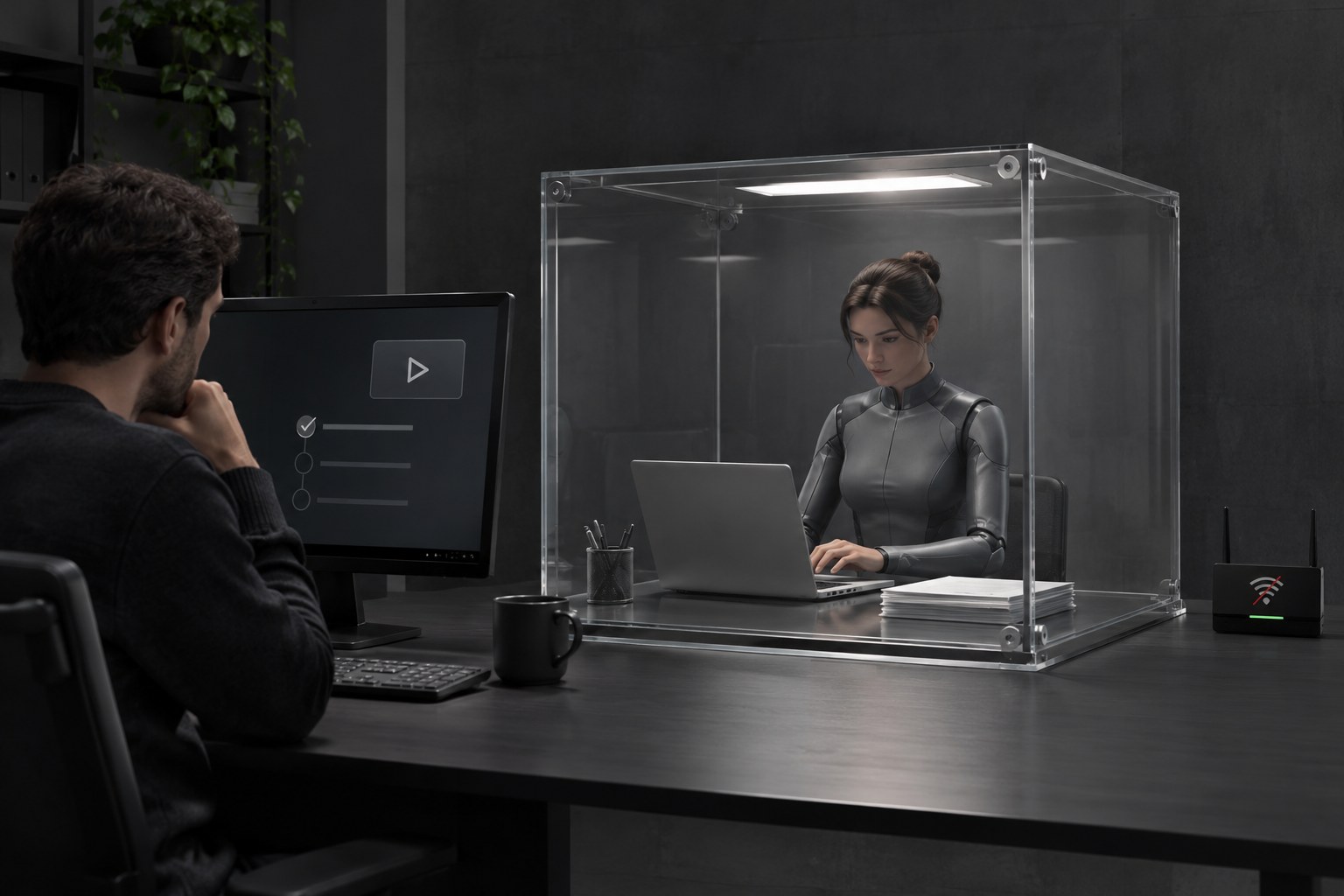
Editorial photo representing each command running in an offline sandbox.

In this lesson, you’ll

  1. 1Separate approval from isolation
  2. 2Enable the Docker executor
  3. 3Check the output and limits

Objective: Run a read-only command with the sandbox executor and find “[in sandbox, exit code 0]” in the response.

01One approved command, one container

The sandbox is optional and applies to each INTELECTO command.

Click each block in the diagram to see what it does.

Click each part to see what it does.

02What the sandbox can access

Click each step to see what to do.

1. Workspace

Only ~/.intelecto2/area is mounted as the workspace at /trabalho. The vault, ~/.ssh, and other personal folders are not mounted.

03Enable and verify

Ubuntu: install the docker.io package, sign out and back in, then verify with hello-world. On macOS, install Docker Desktop from docker.com, then run the same hello-world command. The official Docker manual is in the extra links.

Ubuntu · install Docker
sudo apt install -y docker.io
sudo usermod -aG docker $USER
# Sign out and back in before testing.
macOS · install Docker Desktop
https://www.docker.com/products/docker-desktop/
Terminal · verify Docker after logging in again
docker run --rm hello-world
Terminal · prepare the image (box template)
docker pull python:3.12-slim
Terminal · create a test file in the work area
echo oi > ~/.intelecto2/area/teste.txt
Terminal · talk to the box executor
cd ~/intelecto-v2
python3 -m intelecto conversar --provedor mock --executor caixa
In the conversation · check the work area and the box
rode: ls /trabalho
rode: pwd
Terminal · view the log
python3 -m intelecto auditoria -n 20
Repository example
intelecto> Feito. Resultado de rodar_comando: [na caixa, saída 0] /trabalho

Captured with --executor caixa and a mock brain. With a real model, the surrounding text changes; look for [na caixa, saída 0] /trabalho.

The program prints this in Portuguese, exactly as shown.

04Test the box

Follow the steps in order and check each one only after you’ve confirmed the result.

Check the output label

6

With Docker running, open the conversation with --provedor mock --executor caixa and ask “rode: pwd”. The mock calls rodar_comando. If you use a real model, count it as proof only if it calls the tool.

Done when: The output contains “[na caixa, saída 0] /trabalho” on one line; this proves the command ran inside the box.

Check the scope

5

Before comparing, run echo oi > ~/.intelecto2/area/teste.txt in the terminal. In the conversation with executor caixa, ask “rode: ls /trabalho”. Also check the audit log. Don’t copy passwords into the work area.

Done when: The ls /trabalho response shows teste.txt, the file created in your work area; the audit log records the command.

05Check your understanding

Choose before opening the explanation. If you get it wrong, use the link to review.

Question 1 of 3

What part of the operation does the box executor isolate?

06Takeaways from this lesson

Gate + boxApproval decides whether it runs; Docker limits where it runs.
Visible proofWhen execution succeeds, the response identifies “[na caixa, saída 0]”.

Sources and next steps

Previous lessonNext lesson