Course · INEMA Learning v7.2 · 9 lessons
Your safe Jarvis: INTELECTO v2 and caixa-do-agente
One mistake or malicious text hidden on a website can be enough for AI to delete a folder or send your password somewhere else. Here, you’ll build an assistant with a lock, a vault, and approval. You’ll learn how to let agents work in a copy in the sandbox, then create a plan your way at the grocery store.

- 9lessons to build and check
- 3visible decisions: run, ask, or refuse
- 1copy to test before using the original
Your sequence
Start with the demo. Telegram and the service are optional; only lessons 6 and 7 require Docker. In lesson 9, choose ingredients and download your plan as a .md file.
 Lesson 1 · 12 minWhy have your own Jarvis, and why make it safeBefore trusting AI with your files, see what it can do and when it asks for your OK. One mistake or malicious text hidden on a website can lead AI to delete a folder or send a password somewhere else. Tested on Linux (Ubuntu). macOS: supported in the code, not tested live. Windows: only through WSL (Ubuntu inside Windows), not tested.
 Lesson 2 · 16 minInstall and chat in the terminalYou already downloaded the project in lesson 1. Now choose a local AI that fits your computer, answer the seven setup questions, and check the installation before chatting.
 Lesson 3 · 15 minGive the assistant an identity and memoryChange how the assistant speaks and save facts for another conversation. Since v2.0.1, “remember that…” is saved directly, even with llama3.2. Check the fact with the memoria command; a friendly response alone doesn’t prove it was saved.
 Lesson 4 · 16 minThe gate: run, ask, or refuseA read command doesn’t need the same decision as a command that writes a file. The gate classifies before running; the audit shows what ran and what was refused. The chosen policy changes when the assistant asks: perigosos (dangerous), sempre (always) or nunca (never).
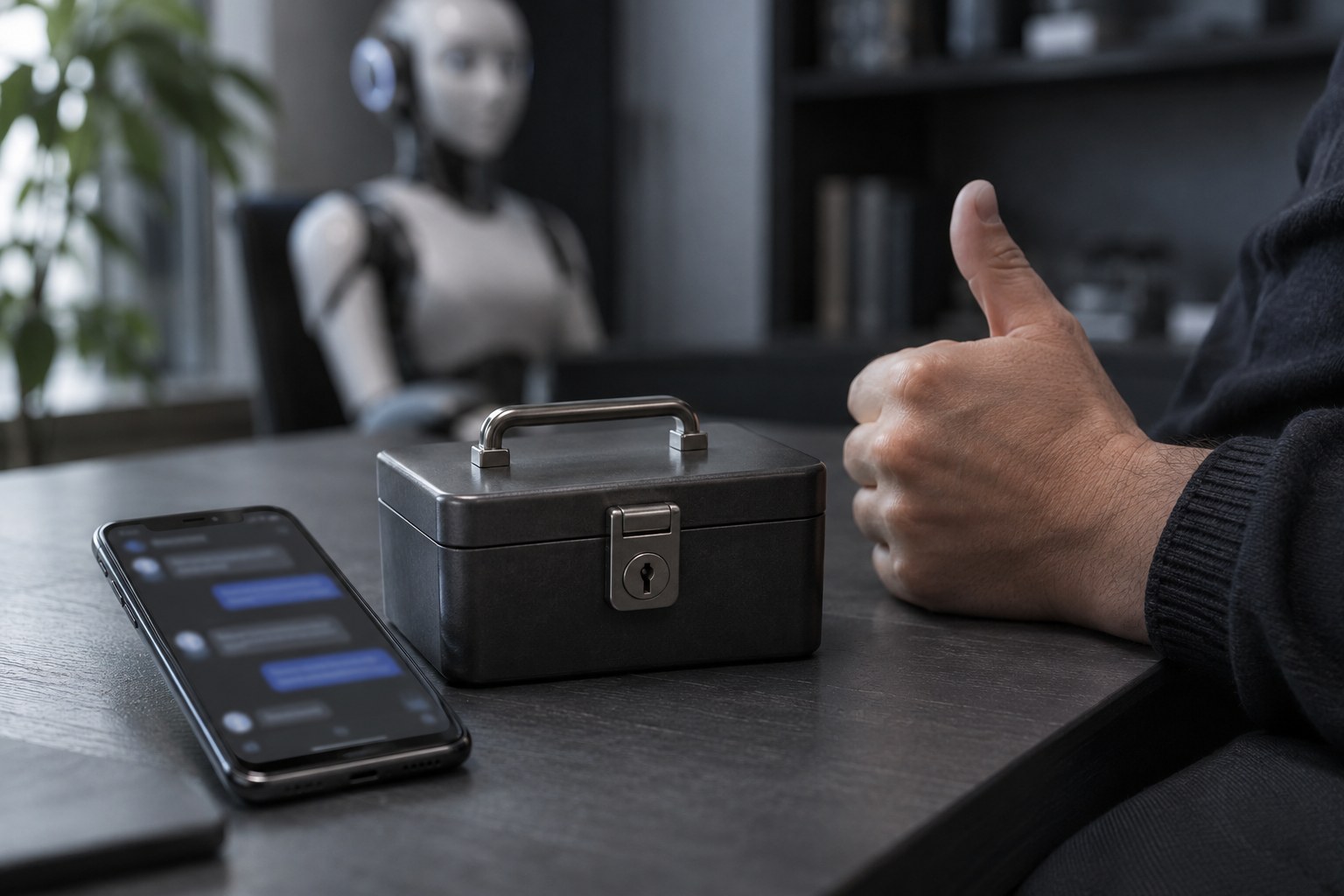 Lesson 5 · 15 minVault, owner, and approval through TelegramTelegram is optional. @BotFather is Telegram’s official account for creating bots; the token is your bot’s secret code, and the ID is your account number. The token stays in the vault; only registered IDs can talk to the bot. The project tests used a local fake server.
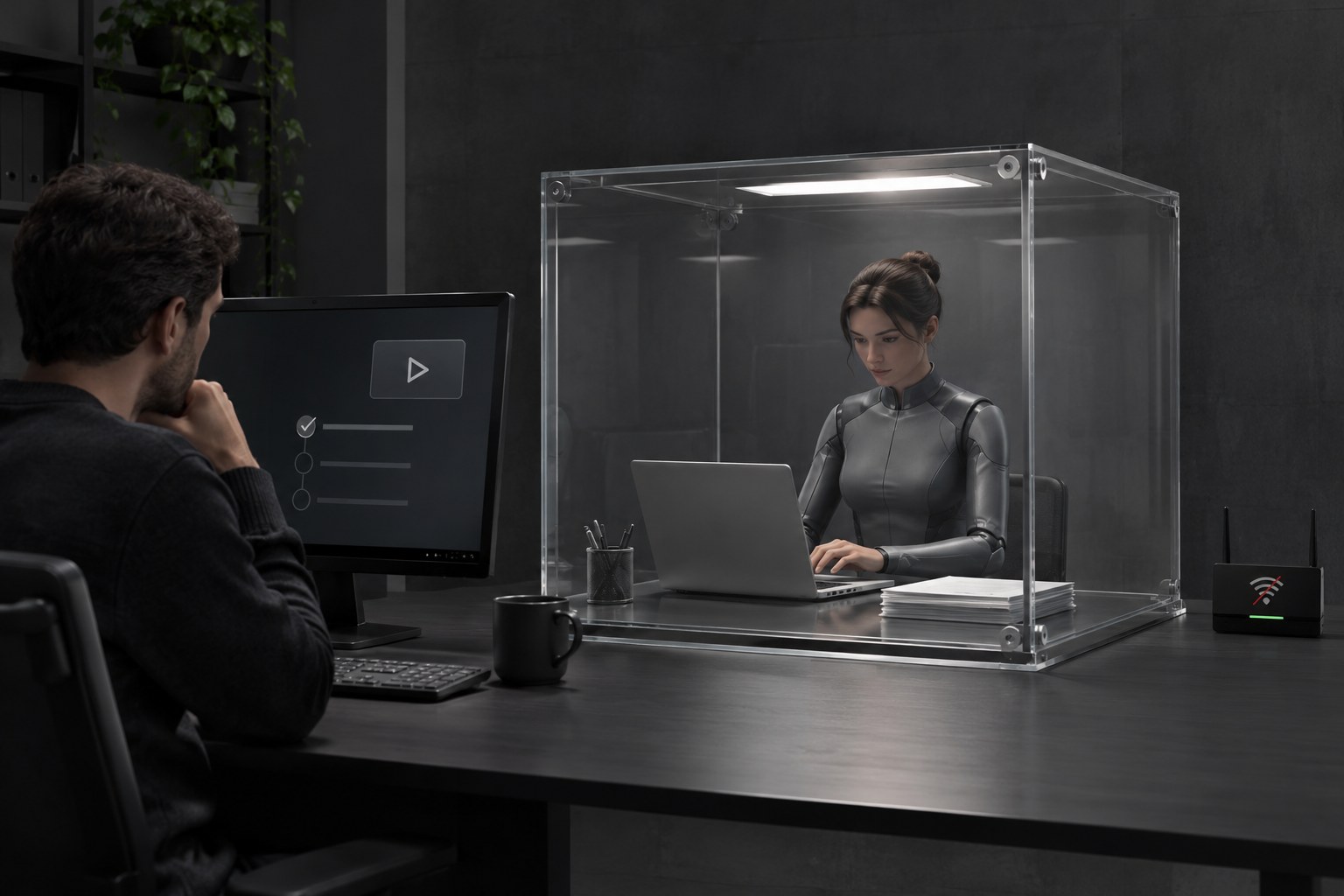 Lesson 6 · 14 minEach command in an offline sandboxApproval decides whether a command can start; the sandbox executor decides where it runs. Docker uses an image, the sandbox template, to create an isolated container. Only the workspace is mounted at /trabalho, with no network or terminal variables (named values, such as keys stored in that session). Exit code 0 means the command finished without errors.
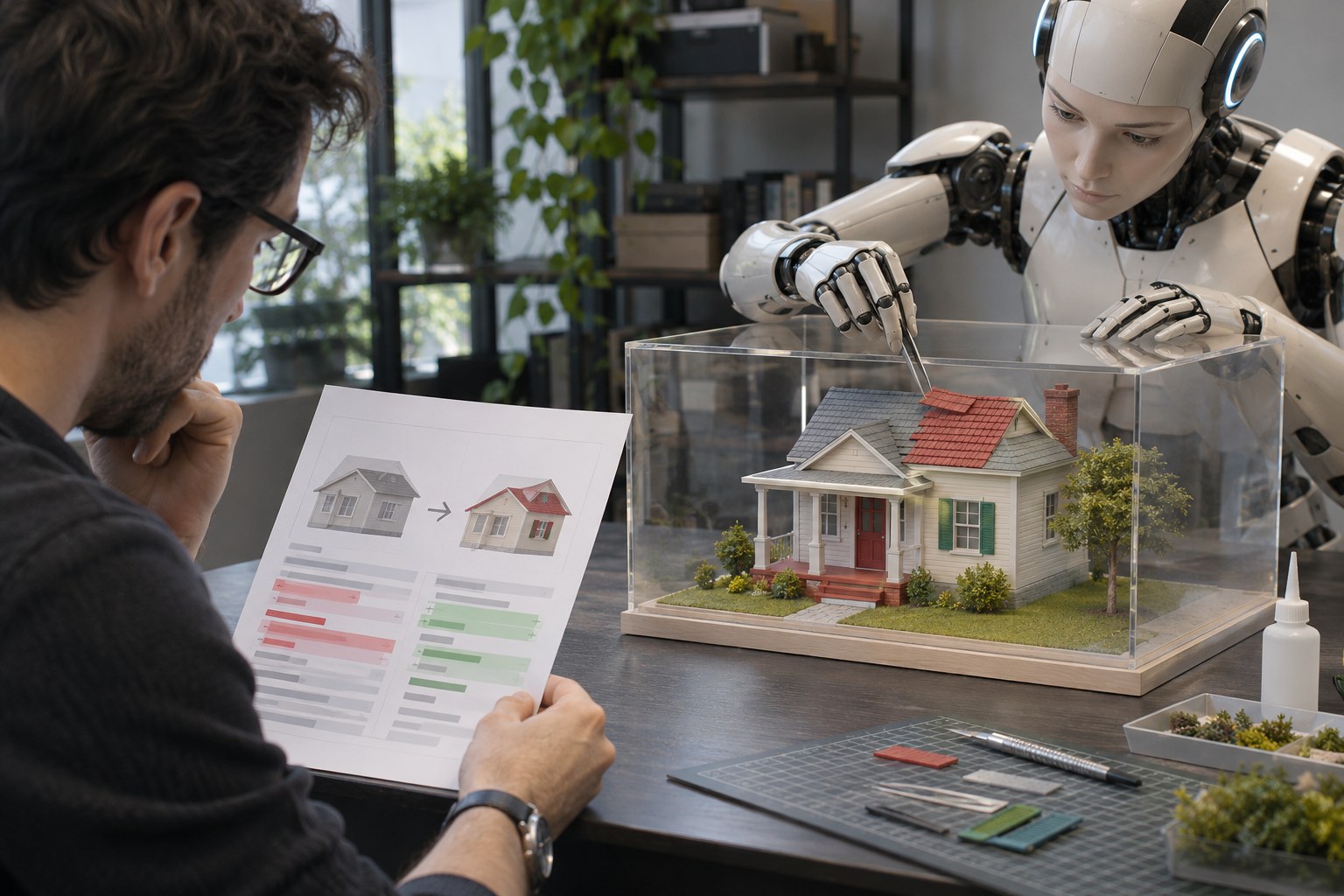 Lesson 7 · 20 mincaixa-do-agente in your projectYou need Docker installed for lesson 6; only lessons 6 and 7 require Docker. Here, caixa-do-agente works on a copy of the project. Make a small change without a key, read the patch, and decide whether to apply it. You’ll also learn how to let agents work in a copy, in an optional example that isn’t run in this course.
 Lesson 8 · 14 minYour Jarvis, your wayThe assistant already chats, remembers, and has safeguards. Continuous operation is optional: on Linux, a service can start the bot when you log in. Finish by reviewing the safeguards and choosing only the next step you’ll use.
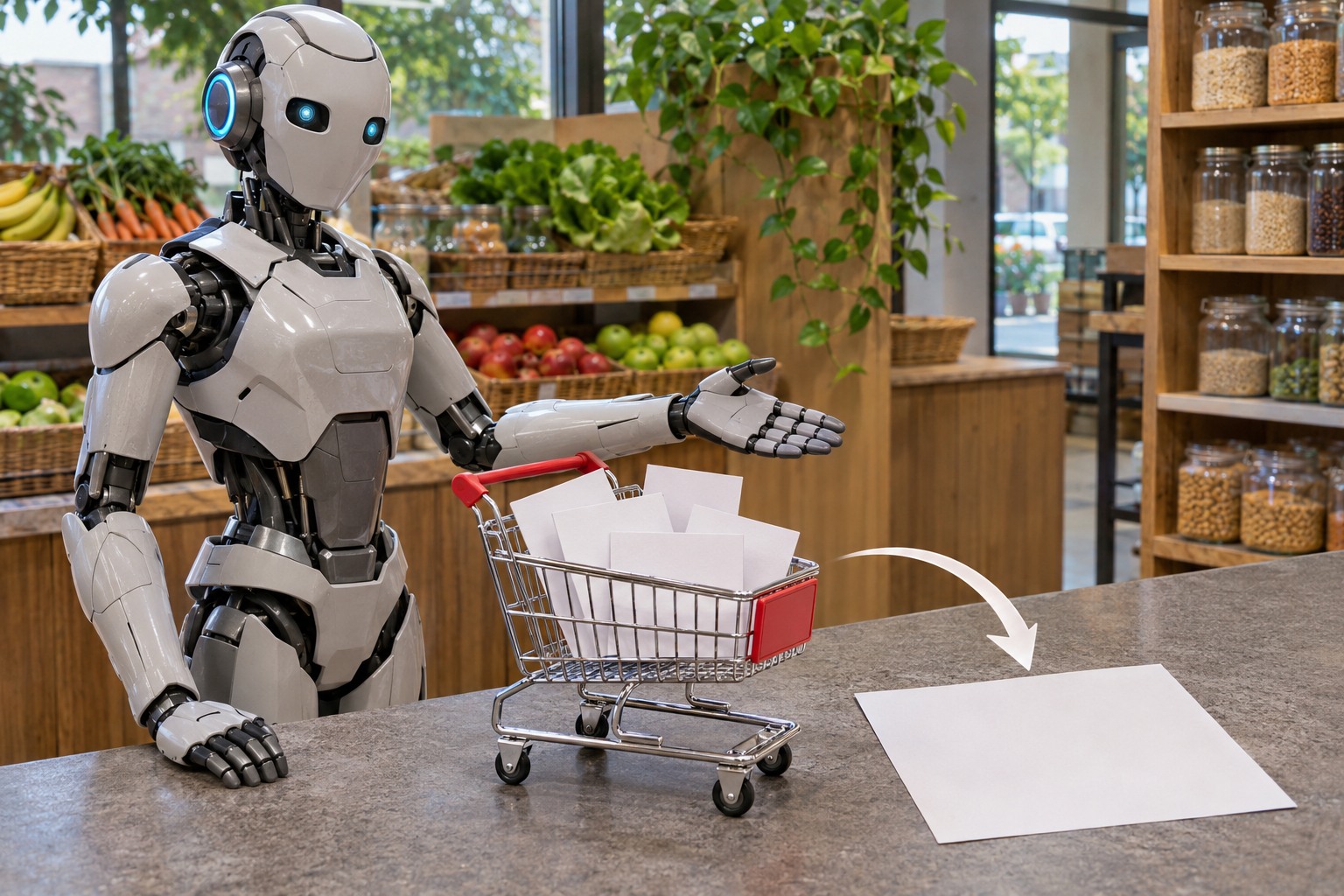 Lesson 9 · 18 minBuild your own: the grocery store and meu-assistente.mdINTELECTO v2 is already working. The grocery store helps you choose what to add: it builds an .md file with the ingredients, each one’s status in the project, and rules for a coding agent. You can just read a ready-made example without using an agent or spending credits.
Who this is for
- 1You use AI in chat, open a terminal, and can copy commands.
- 2You haven’t built an agent yet and want to understand each safeguard before using one.
- 3The course was tested on Linux (Ubuntu). macOS support exists in the code, but hasn’t been tested live. On Windows, use WSL with Ubuntu; that hasn’t been tested live either.
What you’ll check
- 1The assistant remembers a fact in a later run and records decisions in the audit log.
- 2The sandbox tests in a copy without .env or keys. You review the patch (the change file) and decide whether to apply it to the original.
- 3At the grocery store, choose ingredients, download meu-assistente.md, and check what already exists and what still needs to be built.