Your safe Jarvis: INTELECTO v2 and caixa-do-agente|INEMA.CLUB-PRO

Lesson 7 · 20 min

caixa-do-agente in your project

You need Docker installed for lesson 6; only lessons 6 and 7 require Docker. Here, caixa-do-agente works on a copy of the project. Make a small change without a key, read the patch, and decide whether to apply it. You’ll also learn how to let agents work in a copy, in an optional example that isn’t run in this course.

Start the lesson
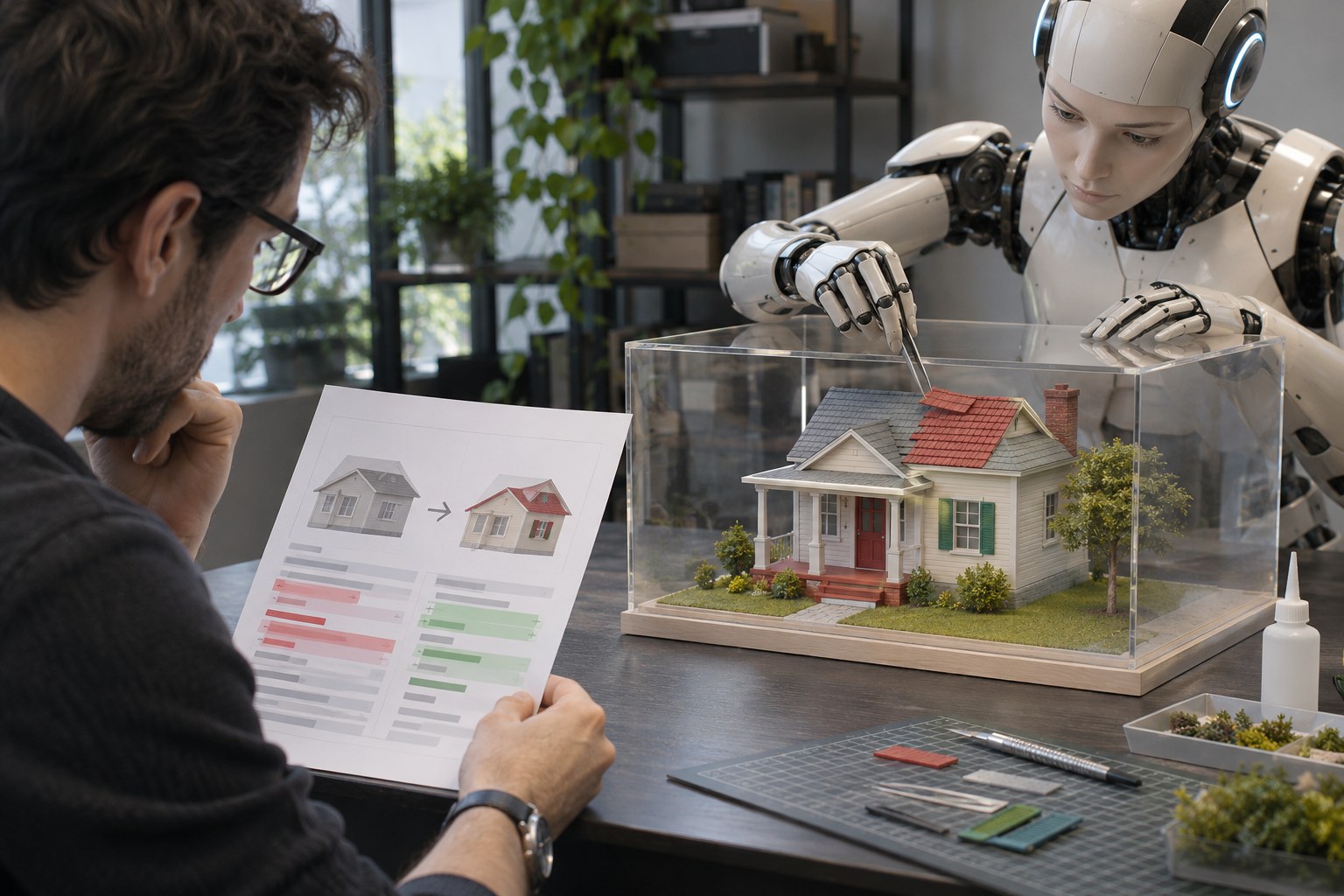
Editorial photo representing caixa-do-agente in your project.

In this lesson, you’ll

  1. 1Understand create, run, and destroy
  2. 2Review the patch and apply it consciously
  3. 3Read the auditor’s score without confusing it with the model’s score

Objective: Create and read a patch without a key, apply the reviewed change to the project, and undo it.

01A model of your house

The original only changes when you apply the patch you read or confirm a new run with --aplicar.

Click each block in the diagram to see what it does.

Click each part to see what it does.

02Two tools in the kit

Click each step to see what to do.

1. caixa.sh

The create → run → destroy flow uses a copy: .env, .pem keys, and ~/.ssh stay out. The Docker image is the box’s mold; without --aplicar, the original stays intact. There are memory, CPU, and time limits.

With --rede, the box gets network access. With --env ANTHROPIC_API_KEY, only that key goes in. The optional command with an agent uses your key and may send the copy’s contents to the agent service; it wasn’t run in this course. --dangerously-skip-permissions turns off the agent’s internal questions in the copy. Check the patch before applying it.

On macOS, caixa.sh also needs the timeout command: install coreutils with brew install coreutils, as described in the kit’s README.

03Create, read, and apply a patch without a key

Docker from lesson 6 should already be working. Start in your home folder and use the full path to caixa.sh; the patch will be saved in ~. Replace AAAAMMDD-HHMMSS with the name printed by the box.

Terminal · download the kit once
cd ~ && git clone https://github.com/inematds/caixa-do-agente
macOS · caixa.sh requirement
brew install coreutils
Ubuntu · check the box and patch tools
rsync --version
patch --version
# if either is missing:
sudo apt install -y rsync patch
Terminal · create a note in the copy, without a key
cd ~ && ~/caixa-do-agente/caixa.sh ~/intelecto-v2 --imagem python:3.12-slim -- sh -c "echo teste > nota.txt"
Terminal · read the patch (press q to exit less)
less ~/caixa-AAAAMMDD-HHMMSS.patch
Terminal · apply the patch you read
cd ~/intelecto-v2 && patch -p1 < ~/caixa-AAAAMMDD-HHMMSS.patch
cat nota.txt
Terminal · undo the test note
cd ~/intelecto-v2 && rm nota.txt
Second practice · tests in the project image
cd ~/intelecto-v2
docker build -t intelecto-v2-testes caixa/
cd ~/caixa-do-agente
./caixa.sh ~/intelecto-v2 --imagem intelecto-v2-testes -- python3 -m pytest -q -p no:cacheprovider
Optional · audit the project
cd ~/caixa-do-agente
python3 auditar.py ~/intelecto-v2
OPTIONAL · example of an agent in the sandbox, not run in this course
cd ~/caixa-do-agente
./caixa.sh ~/meu-projeto --rede --env ANTHROPIC_API_KEY -- npx -y @anthropic-ai/claude-code -p "rode os testes" --dangerously-skip-permissions
Repository example
▶ 1/3 CRIAR   cópia de ~/intelecto-v2 (sem segredos)
  0 arquivo(s) de segredo ficaram de fora
▶ 2/3 CAIXA   python:3.12-slim · rede desligada · 4g · 2 CPU · 1800s
  saída do comando: 0
▶ 3/3 DESTRUIR
  1 arquivo(s) mudaram dentro da caixa
  patch salvo (o diff de tudo que mudou): ~/caixa-20261113-005926.patch
  container apagado · cópia apagada

Captured by the main session on 11/13/2026 with the practice command run from ~. The patch name changes with each run.

The program prints this in Portuguese, exactly as shown.

04What the optional agent example does

This example from the caixa-do-agente README was not run in this course. It uses your ANTHROPIC_API_KEY and sends a copy of the project over the network to the agent service. This may use your service subscription or credits.

./caixa.sh ~/meu-projeto copies that project; --rede allows internet access; --env ANTHROPIC_API_KEY puts only that key in the sandbox. After --, npx -y @anthropic-ai/claude-code -p "run the tests" starts the agent with that request; --dangerously-skip-permissions removes the agent's internal prompts in the copy. The sandbox creates a patch for you to review before applying it to the original.

05Test the mockup

Follow the steps in order and check each one only after you’ve confirmed the result.

Make the change and return it to the original

12

In your home folder, run the command without a key, using the python:3.12-slim image and ~/caixa-do-agente/caixa.sh. Copy the printed patch name. Open that file with less and press q to exit; go to ~/intelecto-v2, apply it with patch -p1, check with cat nota.txt, and undo it with rm nota.txt.

Done when: The patch you read contains +teste; patch prints “patching file nota.txt”; cat shows “teste”; after rm, the test note is no longer in the original.

Run the tests in another sandbox

8

In ~/intelecto-v2, create the intelecto-v2-testes image with docker build. Then, in ~/caixa-do-agente, run caixa.sh with that image and python3 -m pytest -q -p no:cacheprovider. The kit's bash testes/teste.sh suite is optional.

Done when: Pytest shows your test summary, and the sandbox reports how many files changed; compare it with the documented measurement without expecting the same numbers.

06Check your understanding

Choose before opening the explanation. If you get it wrong, use the link to review.

Question 1 of 3

What is the “mockup” in this lesson?

07Takeaways from this lesson

Create, run, destroyThe box works in a copy without .env or keys and starts without network access. With --rede, the copy’s contents can be sent; resources remain limited.
You decideThe patch shows changes. patch -p1 applies the file you read; --aplicar starts another round and asks before copying.
Score with contextThe score depends on the agent programs installed on your computer, not the model’s intelligence.

Sources and next steps

Previous lessonNext lesson