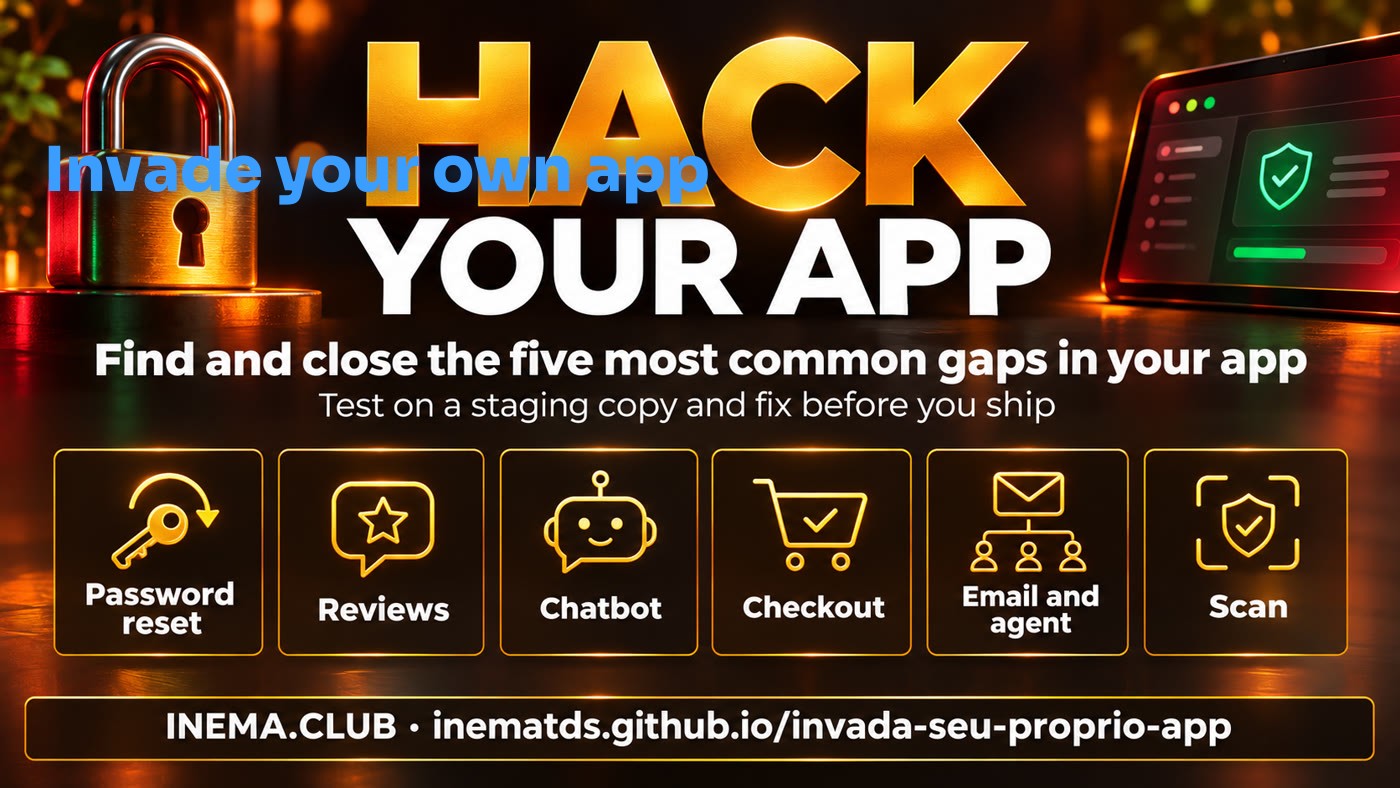
Built an app with AI and don't know what ended up exposed? Run the check, follow the five gaps and close the doors — all on a test copy, without touching production.

Hack your own app is a defensive review kit with a checker, five gap guides and prompts to organize the results. It is for anyone who built an app with AI and can edit the project, but does not work with security every day. It helps you look for signs of flaws, fix the app's rules and verify the result before publishing. To use it, you need an isolated copy of your app, made-up data, two fake accounts and Python 3.
A playbook to review your app, fix one flaw at a time and record what was confirmed.
A single read request looks for signs in the HTML and inline JavaScript, with no login, forms or redirects.
Each guide explains the problem, a controlled scenario, the fix and how to confirm the result.
Organize a simulated penetration test and a visual report with evidence, limits and priorities.
Start on an isolated copy, review the rules and repeat both the rejected scenario and the legitimate use.
Prepare the test copy and open the terminal in the project folder; the checker uses Python 3, with no additional dependencies.
Staging is a copy for testing. Use made-up data, accounts A and B, a test email and simulated payments; disable external integrations and back up the copy.
# Checklist before any access
Authorized URL and routes
Fake accounts A and B
Test email and payment
Backup of the copyCheck the installation in the terminal; there is no need to install additional packages.
python3 --versionOpen the terminal at the root of this repository, where the kit folder lives, and check the checker's real options.
python3 kit/scripts/checa.py --helpFollow the six steps on your test copy. The address in the commands is illustrative: replace it with your app's authorized URL.
Read START HERE (in Portuguese). Record authorization, URL, allowed routes and the person in charge. Confirm the prerequisites above; never use production.
# Read the local instructions before testing cat kit/COMECE-AQUI.md
Replace the URL with your isolated copy's. The flag declares your permission; the script does not prove ownership or isolation. It makes a single GET, does not follow redirects and only reads the HTML and inline JavaScript of the response. A sign does not confirm a flaw; the absence of signs does not prove security.
python3 kit/scripts/checa.py --url https://staging.seu-app.test --eu-tenho-permissao # Optional: add --json for structured output
Follow documents 01 to 05 and record evidence without passwords, tokens or personal data.
# Read the five documents in the terminal, if you prefer cat kit/brechas/*.md
Adapt the pseudocode to your app, one change at a time, including alternate routes. For comments, also review safe rendering on every screen. Repeat the rejected scenario and the legitimate flow; check the database, logs and final state.
# There is no universal fix command. # Record of each finding: gap · route · fake account · evidence risk · fix · retest · owner
Open the pentest and visual report prompt (in Portuguese). Copy the block and provide the URL, allowed routes and isolation before any access. Start by reading the code and passive checks; state changes should be simulated scenarios or local tests run by you.
cat kit/prompts/pentest-do-seu-app.md
Run the checker's offline tests. They do not validate your app's security: that confirmation depends on the retests in staging and the evidence for each gap.
python3 kit/testes/run.py
For each one, mark: applicable, not applicable or pending. Open the document to see the test scenario and the retest.
An ID sent by the browser can pick the wrong account during the password change. Fix: On the server, derive the account only from the token, with expiration and single use, preventing two simultaneous uses.
Saved content can be interpreted as code in the reader's browser. Fix: Show comments as text and, if you allow formatting, filter tags and attributes with a sanitizer based on an allowlist.
Off-topic requests can consume your response quota. Fix: Validate the subject before responding and enforce usage and budget limits on the server, independent of the model.
The server may accept a value altered by the buyer as the final price. Fix: Calculate the total on the server and check order, value, currency and status when confirming the payment.
The agent may confuse instructions received by email with orders from the owner. Fix: Treat messages as data, limit permissions and require human confirmation for sensitive actions in the executor.

The real case, the five common doors and how to test on your copy, in four minutes (in Portuguese).
The kit documents what is available today; new gaps and a CI mode are not implemented and have no set deadline.