🏁 Set your finish line
Before running any loop, answer two questions: what "done" means (written in a way a machine can check) and how you'll check. These two answers are the loop's "done?" check — not a detail, but the engine that makes it stop.
Read the diagram: the two responses don't stay separate — they add up and become the check the loop runs on each turn. Defining "done" and defining "how to check" is defining the loop.
🧩 The 4 types of checks
How you check depends on the task. There are four ways, from easiest to most human: Functional (the machine decides), Visual (needs to be seen), Judgment (rubric + 2nd agent) and You-decide (you approve). The next topics unpack each one.
✅ Functional check
The check Functional is when a machine answers yes or no with zero opinion: the tests pass, the app runs, the build compiles. It's the easiest of all — start with it whenever you can.
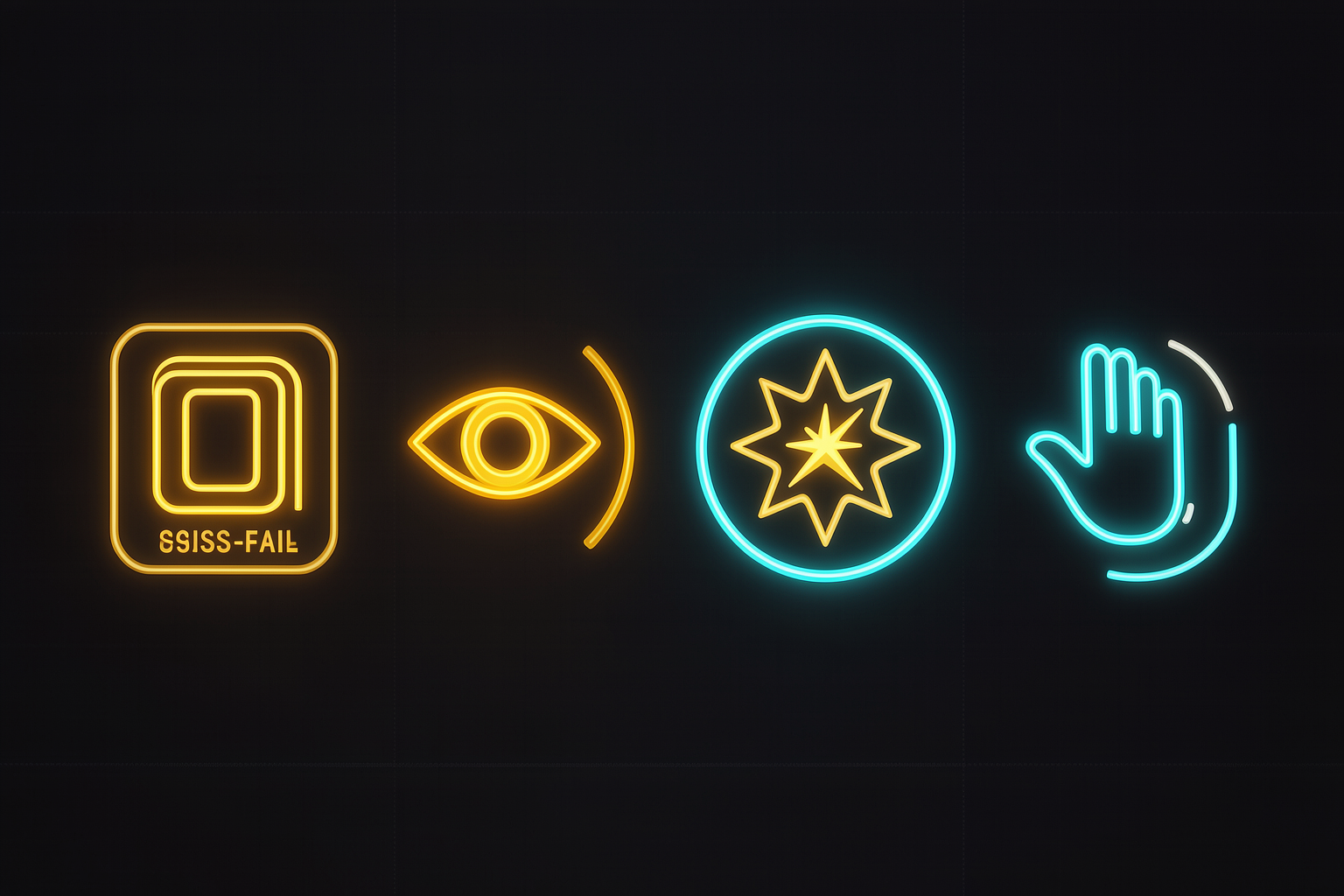
What to look at: the four checks, from left (more automated) to right (more human). Functional is the first—a green/red signal the machine can read without you.
Tests pass
Run the suite → “0 failing.” Yes or no, no debate.
App runs
Start the app → does it respond on the port? Does it boot without errors?
Build compiles
Compile → "success" or "error on line X". Binary.
✓ Why start with Functional
It's unquestionable and cheap: the machine already gives you the answer, so you don't need to interpret anything. Whenever you can reduce “done” to a test that runs, do it — it's the most reliable kind of check there is.
👁️ Visual Check
Sometimes the result needs to be seen to be judged: a UI, a thumbnail, a layout. That’s the check Visual. The good news: most agents today can look at images or take a screenshot and judge based on it.
✓ The agent can see
It takes a screenshot of the screen, opens the generated image, and compares it with what was requested — “is the button centered?”, “do the colors match?”
✗ Check only by reviewing the code
Looking at the CSS and assuming it looks good is blind—the final pixel may be broken even when the code is "right." Visual work requires seeing the pixel.
What to look at: the agent captures the screen, looks and returns a judgment about what it saw—not about the code.
⚖️ Check Judgment
When "done" needs to taste, but you can describe that taste, use the check Judgment: you write a checklist (a rubric) and a second agent scores it. It's the maker→checker from Trail 2 applied to subjective quality.
⚠️ The trap: "until you're satisfied"
“Iterate until it’s good” is too subjective — the loop can’t measure “satisfied” and never stops (or stops in the wrong place).
The fix: make it objective — "keep iterating until X metric = Y," for example, "iterate until the rubric's average score ≥ 9." Now there's a number for the loop to pursue.
✗ Too subjective
“Redo it until it’s elegant.” → without a metric, the loop never knows if it got there.
✓ Measured against a rubric
“Score this using the rubric (0-10) and iterate until the average is ≥ 9.” → now there’s a target.
🙋 Check You-decide
When the step is irreversible or it’s purely a matter of taste that no rubric can capture, use the check You-decide: the loop pause, you approve, and it continues. This is the right check for risky steps—the "one-way doors," which you can’t go back from.
▶ Copy-run: the human gate
Objective: instruct the loop to pause and ask for approval before any irreversible action, instead of acting on its own.
# Cole junto com seu prompt no Claude Code — um gate humano para portas de mão única

# a regra de pausa (You-decide)
Pause e me pergunte ANTES de deletar, enviar ou pagar qualquer coisa.
Para essas ações, não decida sozinho: descreva o que vai fazer, espere meu "ok",
e só então execute.

# o que NÃO precisa pausar
Ler arquivos, rodar testes, editar código localmente e <outras ações reversíveis>
você pode fazer direto, sem pedir.
How to verify: give the agent a task that involves a risky action (e.g., "clean up folder X"). Confirm that it stop and ask before deleting, instead of deleting right away. If it paused and waited for your "okay," the gate is working.
💡 You-decide is rare, but critical
Use sparingly — pausing at every step kills the loop’s gains. Save it for what’s irreversible or for the kind of judgment no metric can capture. For everything else, prefer Functional, Visual, or Judgment.
🎚️ Objective vs. subjective
The guiding rule of this module: the more objective the “done” criteria, the better the loop. A goal gives the loop a number to pursue and a clear stopping point. A subjective goal leaves the loop lost. Whenever possible, make "done" objective.
🎬 Real example: the Abbey Road photo in CSS (Nate’s video)
The task: recreate the classic "Abbey Road" cover photo using only CSS. The definition of "done" was set objectively:
- •Stop when the average score ≥ 9 (rubric) OR after 8 passes (hard cap).
- •Each version was screenshot + reevaluated (combined Visual + Judgment check).
Notice: note and cap. The loop doesn’t run “until it’s good” — it runs up to 9 or 8 passes. This hard cap is the brake that keeps the loop from spinning forever.
| Subjective “Done” (bad) | Objective “Done” (good) |
|---|---|
| "until it looks elegant" | "until the rubric average ≥ 9 or 8 passes" |
| "improve the code" | "until lint and tests pass" |
| "summarize well" | "≤ 5 lines and covers the 3 key points" |
Which of these is the best definition of "done" for a loop?
🧾 Module Summary
Next:
Track 3 — Building your first loop (the 7-step sequence)