Two commands: projeto "what it does" finds the project, in a folder or only on GitHub. memoria "question" answers with a date and source, based on your lessons and notes. The index and search run on your machine; memory uses your Claude subscription, with no API key.

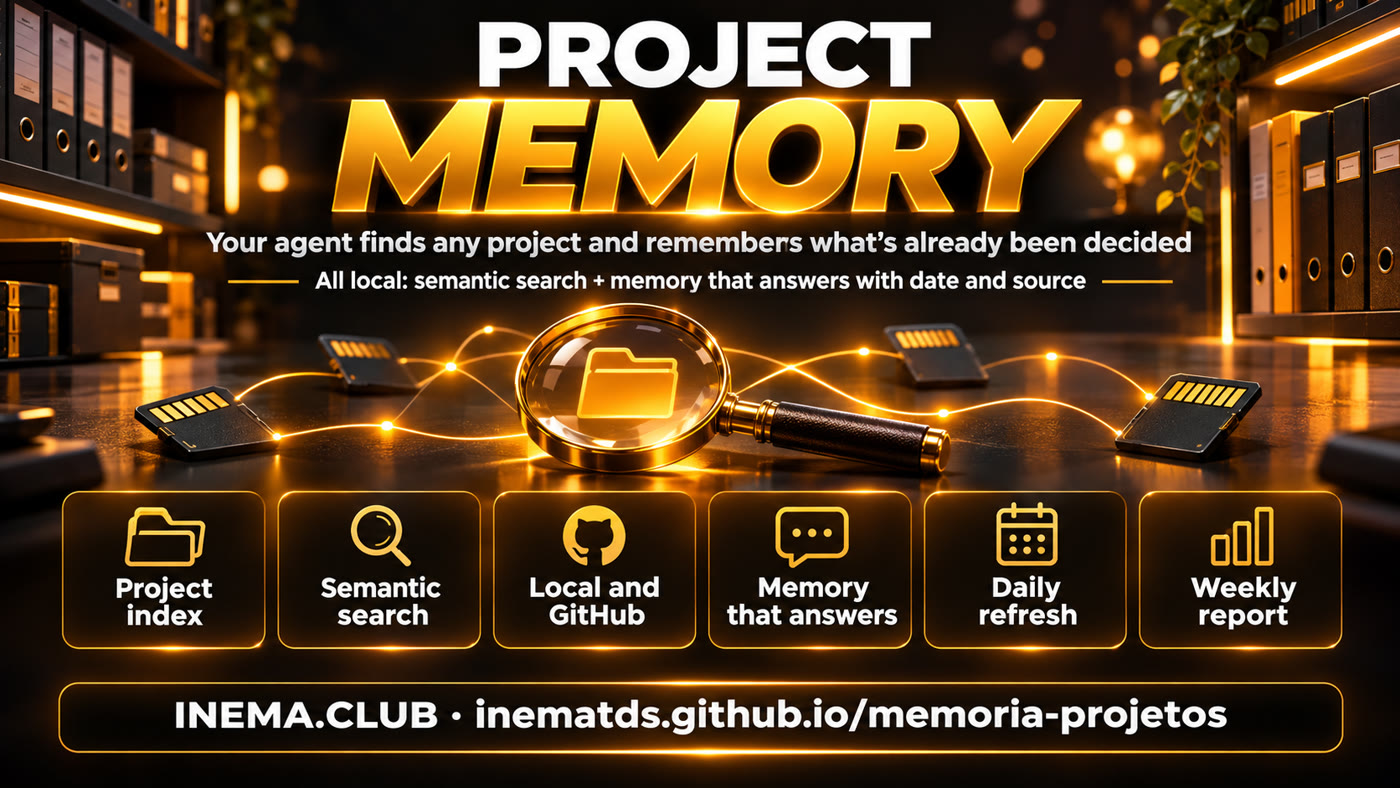
memoria-projetos is a kit for people with many projects who work with AI agents such as Claude Code and Codex. It solves two problems: the agent does not know where each project is and forgets what has already been decided. The projeto command searches by what the project does, in your folders and on GitHub. The memoria command answers questions such as "can we do X?" by reading your lessons and notes. To use it, you need a Linux computer, Python, Ollama, and a Claude subscription for memory. Note: the index stays entirely on your machine, but memory sends the text of your notes to Claude to extract facts.
You can install just one. The index runs entirely locally; memory stores everything locally, but uses Claude to extract facts. Both update automatically every day.
projeto "what it does" searches by keyword and meaning across more than a thousand projects, including those that exist only on GitHub, and warns when the local folder is behind GitHub.
memoria "can we do X?" reads your lessons, failures, and agent memory and returns a short answer with date and source, instead of a pile of grep lines.
Every use is recorded. A report comes out every week: how many times the agent used it, how long it took, what it cost, and whether the answers were useful.
Index: folders and repositories become one line each. For semantic search, each line becomes a vector (a list of numbers representing the meaning of the text), calculated by the bge-m3 model in local Ollama. Memory: Hindsight, an open-source memory server for code agents (MIT), stores facts in a local database and uses Haiku, Claude’s smaller, faster model, through your subscription to extract facts from notes and answer. A local reranking model puts the most relevant passages at the top.
projeto "X"
memoria "question"→
Weekly report
The installer only checks these things; it does not install anything on the system.
Ollama provides multilingual vectors (used by both halves).
# vector model ollama pull bge-m3
Logged in to each account you want to index. Without it, the index only includes local folders.
gh auth login # once per account gh auth status
Memory uses your subscription through Hindsight’s claude-code provider, intended for personal and local use. Automatic schedules use user-level systemd; enable-linger lets timers run even when you are logged out. Without systemd, use --sem-systemd and run manually.
claude --version loginctl enable-linger "$USER"
Commands from the repository README. The first time the memory server starts, it downloads the embedded database and reranking model; after that, everything runs locally.
--dry-run shows everything first, without writing anything.
git clone https://github.com/inematds/memoria-projetos.git cd memoria-projetos ./instalar.sh --dry-run
Creates the projeto and memoria shortcuts in ~/.local/bin, services with a memory limit, and installs Hindsight (about 2 GB). For just one half: --so-indice or --so-memoria. If a shortcut or service with the same name already exists and is not from this kit, it skips it and warns you; to replace it, use --forcar. Make sure ~/.local/bin is in your PATH.
./instalar.sh --instalar-hindsight echo $PATH | grep -q .local/bin || echo 'export PATH="$HOME/.local/bin:$PATH"' >> ~/.bashrc source ~/.bashrc # or open a new terminal systemctl --user status memoria-hindsight # first startup downloads the database: wait for "active (running)"
In indice/config.json: the projects root folder and GitHub accounts (replace sua-conta-github with yours, or leave [] for local folders only). In memoria/fontes.json: the lessons, failures, and memory files. In memoria/.env: the name of the memory database (one per person or project).
# a source in memoria/fontes.json (full template in fontes.exemplo.json) {"nome": "licoes", "tipo": "linhas", "caminho": "~/meu-projeto/LESSONS.md", "contexto": "lição aprendida no projeto", "tag": "licao"} # Claude Code memory is in ~/.claude/projects/<pasta>/memory ls ~/.claude/projects/ # <pasta> = project path with / replaced by -
A thousand projects take 1 to 2 minutes. Then search for something whose location you know to check.
projeto --atualizar projeto "publishes video on youtube" -n 5 # * = all words matched
First preview what would be sent. Each document is a Haiku call and uses a little of your subscription quota: in the pilot, about 5.6 thousand input tokens per document, and 100 documents took 8 minutes.
python3 memoria/carga.py --simular # sends nothing python3 memoria/carga.py --max 200 # initial ingestion
Get a ready-made answer (30 to 75 s) or just the passages (7 to 17 s, with no LLM in the answer). Then rate the last answer (the text in quotes is the reason): it will be included in the report.
memoria "can I run a long process without a memory limit?" memoria -r "systemd PATH" memoria --nota util "found the right rule"
The agent only uses what is in its instructions. Paste the “Find a project and consult memory” block from the README into CLAUDE.md or AGENTS.md. Memory is not loaded at the start of the session: the agent asks when it needs it, so quota is only used when there is a question.
# instruction excerpt
- Rule or decision question: run `memoria "question"` BEFORE grepping lessons and failures.
The timers rebuild the index at 05:40, store only new items at 06:10, and generate the report every Monday at 08:00. Use it to decide whether to keep it, change the rule, or turn it off.
python3 memoria/semana.py # → memoria/semana-AAAA-MM-DD.md python3 memoria/avalia.py # grep × passages × answers to your questions (uses quota)
To stop everything, disable the services. To remove it, also delete the shortcuts, the Hindsight Python environment, and the local database (~/.pg0).
systemctl --user disable --now memoria-hindsight.service memoria-carga.timer memoria-semana.timer memoria-indice.timer rm ~/.config/systemd/user/memoria-*.service ~/.config/systemd/user/memoria-*.timer systemctl --user daemon-reload rm ~/.local/bin/projeto ~/.local/bin/memoria rm -rf memoria/.venv # from inside the kit folder rm -rf ~/.pg0 # only if no other program uses pg0: deletes stored memory
Real output from a machine with around a thousand projects; the names belong to its projects.
Without remembering the name, just what it does. The * marks that all words matched:
projeto "publishes video on youtube" -n 2 1.01* yt-pubx — Publish any video on YouTube with one command… 0.96* yt-pub-livesx2 — YouTube video publisher for N channels…
With -r, only the relevant passages appear, each with its source:
memoria -r "systemd PATH codex" # 12.7 s - systemd-run without PATH called /usr/bin/codex old… set PATH to ~/.npm-global/bin
grep (the current approach): 10 out of 10, but it took 43.6 thousand tokens of mixed lines for the agent to read. Passages (-r): 9 out of 10, with 5.3 thousand tokens. Ready-made answers: 10 out of 10, with 4.3 thousand tokens, about 10 times less text. This result comes from a small pilot, evaluated by the person who set it up; real-world use is being measured by the weekly report.
The index is used daily. Memory is being tested: the weekly report will determine the next steps.
memoria command with usefulness rating, and weekly usage and cost report.