Local kit · no API key · v1.0.0
How to protect yourself over the next 2 years of AI
Three risk horizons, one kit for each: a prepared home, locked-down accounts, measured work and a 90-day plan.

Three risk horizons, one kit for each: a prepared home, locked-down accounts, measured work and a 90-day plan.
sobreviver-ia is a set of simple tools that run on your own computer, to get through the next two years of AI with fewer surprises. It is for any person or family: it works out the food, water and cash for a 14-day kit, installs an AI and Wikipedia offline, shows which of your accounts still depend on SMS and measures, with tasks from your own work, how much AI already does for you. All you need is Python 3 (and, if you want the offline AI, disk space). Nothing uses an API key.
The risk does not arrive all at once. In the short term it is about security; in the medium term, work and income; in the long term, beliefs and identity. Each horizon has its own part of the repository.
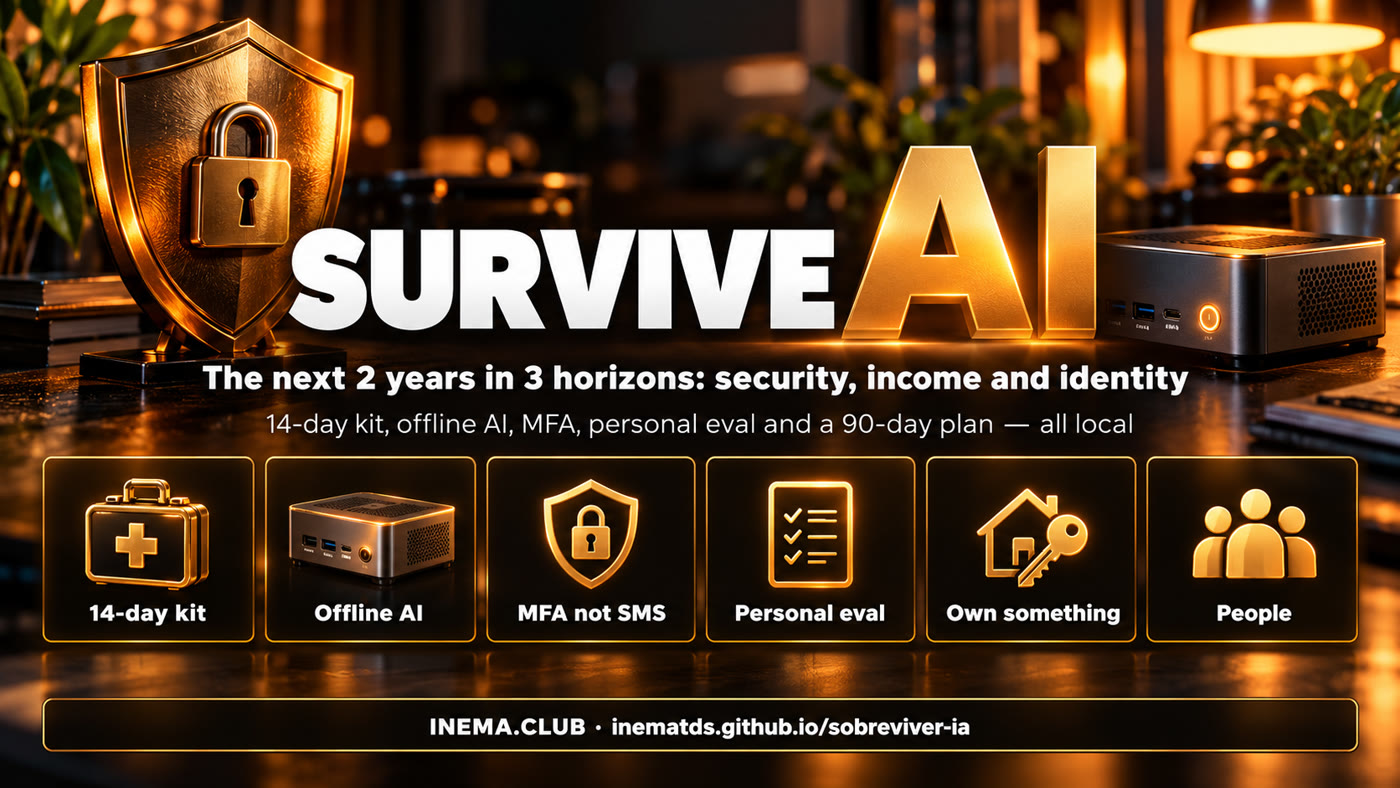
Attacks on internet-connected systems are getting cheaper and more common. Prepare your home for a few days without the usual services and move your accounts off SMS.
kit/ food, water, cashoffline/ AI and Wikipedia without internetseguranca/ MFA and auditEntry-level jobs in the most exposed roles are already shrinking. Use AI for everything, measure how much of your work it does, own something, build distribution and move closer to the physical world.
eval/ your personal eval + scoreboardplano/ weeks 1–8If you are your job title, every AI advance hurts like a threat. Define yourself by character, review your beliefs, keep an open mind and invest in people.
plano/ weeks 9–13Four verified facts show the three horizons are not theory.
How far below it fell, relative to the less exposed roles. Each bar is a version of the study, not a year: the number is cumulative.
| Study version | Cumulative gap |
|---|---|
| 1st version | −13% |
| 2nd version | −15% |
| Aug 2026 update | −19% |
The effect comes through hiring, not mass layoffs.
In practice: the first rung of the career ladder is getting narrower, and physical systems depend on digital passwords. Both call for preparation now.
Sources: Stanford Digital Economy Lab, "Canaries in the Coal Mine" (Aug 2026 update); Reuters (France, Oct 11, 2026; other sources say 500–700 stores); public report of the July 2026 incident; Dario Amodei, "Machines of Loving Grace" (2024).
Basis: 2,000 kcal per person per day and 1.5 to 2 liters of drinking water per person per day, for 14 days. The cash is one month of your spending. Play with the numbers.
Thousand kcal · 2,000 kcal/person/day
| People | kcal (14 days) |
|---|---|
| 1 | 28,000 |
| 2 | 56,000 |
| 3 | 84,000 |
| 4 | 112,000 |
| 5 | 140,000 |
Liters · range from 1.5 L (mark) to 2 L (bar) per person/day
| People | Liters (14 days) |
|---|---|
| 1 | 21–28 |
| 2 | 42–56 |
| 3 | 63–84 |
| 4 | 84–112 |
| 5 | 105–140 |
Everything runs on your computer. Suggested order:
Only the first one is required.
For the kit, audit and eval tools. No extra libraries (matplotlib is optional, only for the scoreboard PNG).
git clone https://github.com/inematds/sobreviver-ia
cd sobreviver-ia
For the offline AI: 2 to 5 GB for the model + from 2.5 GB (Wikipedia pt "mini") to 110 GB (en "maxi"). The script shows the total first.
df -h ~ # how much is left
To run the eval on a local model. For cloud models, use Claude Code, Codex or the chat you already subscribe to.
ollama list # already have it?
Real commands, ready to copy. Run them from the repository folder.
Calories, liters of water, jugs, cash and the shopping list of non-perishables. With --markdown you get a checklist ready to print. The full checklist (first aid, fire extinguisher, flashlight, radio, power bank) is in kit/checklist-casa.md (in Portuguese). The tools print their output in Portuguese.
python3 kit/calcula_kit.py --pessoas 2 --dias 14 --gasto-mensal 4500
# Calories: 56,000 kcal · Water: 42 to 56 liters (~12 jugs of 5 L) · Cash: R$ 4,500
python3 kit/calcula_kit.py --pessoas 4 --markdown > meu-kit.md
The default is dry-run: it shows what it would do and how much space it takes, without downloading anything. Choose the model (llama3.2:3b, qwen2.5:7b…), the languages and the Wikipedia type: mini (article summaries), nopic (full text without pictures) or maxi (with pictures).
bash offline/instala-offline.sh --modelo qwen2.5:7b --wiki pt,en --tipo nopic
# [1] Ollama + model qwen2.5:7b (~4.7 GB)
# [2] Kiwix + Wikipedia pt/nopic ~9 GB, en/nopic ~55 GB
# Approximate total space: ~68.7 GB
bash offline/instala-offline.sh --modelo qwen2.5:7b --wiki pt --tipo nopic --instalar
kiwix-serve --port 8088 ~/offline/wikipedia_pt_all_nopic_*.zim  # → http://localhost:8088
Windows: install Ollama with the installer from ollama.com/download/windows (or winget install Ollama.Ollama) and run ollama pull llama3.2:3b in Command Prompt. Install Kiwix Desktop from kiwix.org/applications and download the wikipedia_pt_all_nopic_…zim file from download.kiwix.org/zim/wikipedia; open the .zim in Kiwix.
Create the accounts spreadsheet (just the name, never the password), mark each one's method (senha, sms, email, app, chave — password, SMS, email, app, key) and get the list of what to migrate first. The step-by-step for each account is in seguranca/checklist-mfa.md (in Portuguese).
python3 seguranca/auditoria_contas.py --modelo contas.csv      # template spreadsheet
python3 seguranca/auditoria_contas.py --interativo contas.csv  # or ask account by account
python3 seguranca/auditoria_contas.py contas.csv --saida relatorio.md
# Accounts: 7 · With authenticator app or passkey: 1 (14%) · Still on SMS: 4
# 1 | Main email | email | SMS (weak) | replace SMS with an authenticator app or passkey; save codes…
An eval is a set of 10 to 15 real tasks from your day, always the same ones, with the context files and a criterion for what counts as "done". Each task is a folder: eval/tarefas/NN-nome/ with tarefa.md, contexto/ and criterio.md. It ships with 3 examples (in Portuguese): summarizing a meeting, organizing the month's expenses and replying to an angry customer.
eval/tarefas/
├── 01-resumir-reuniao/   tarefa.md · contexto/reuniao.txt · criterio.md
├── 02-planilha-gastos/   tarefa.md · contexto/extrato.csv · criterio.md
└── 03-email-cliente/     tarefa.md · contexto/email.txt, politica.md · criterio.md
By default the script generates a package for you to paste into Claude Code, Codex or the chat you already subscribe to. With --ollama it runs directly on a local model. It never calls a paid API and refuses addresses that are not on your machine.
python3 eval/rodar.py --modelo claude-novo     # generates eval/saida/<data>-claude-novo/pacote.md
python3 eval/rodar.py --ollama qwen2.5:7b      # runs on local Ollama (localhost:11434)
# then: read each answer against criterio.md and give the score (0, 0.5 or 1) in notas.csv
Each round becomes a line in eval/placar.csv. The chart shows how the percentage of your work that AI already does evolves. Only you know this number, because it comes from your tasks.
python3 eval/placar.py registrar eval/saida/2026-10-19-qwen2.5-7b/notas.csv
python3 eval/placar.py ver
python3 eval/placar.py grafico   # eval/placar.svg (+ .png if you have matplotlib)
plano/plano-90-dias.md (in Portuguese) has a week 0 for the short term and 13 weeks with exercises: own something, build distribution, move closer to the physical world, identity by character, belief review, open mind and people. On day 90, run the eval again and compare.
python3 -m pytest -q # 22 tests for the tools
Summary of plano/plano-90-dias.md (in Portuguese). This is not financial advice; adjust it to where you are.