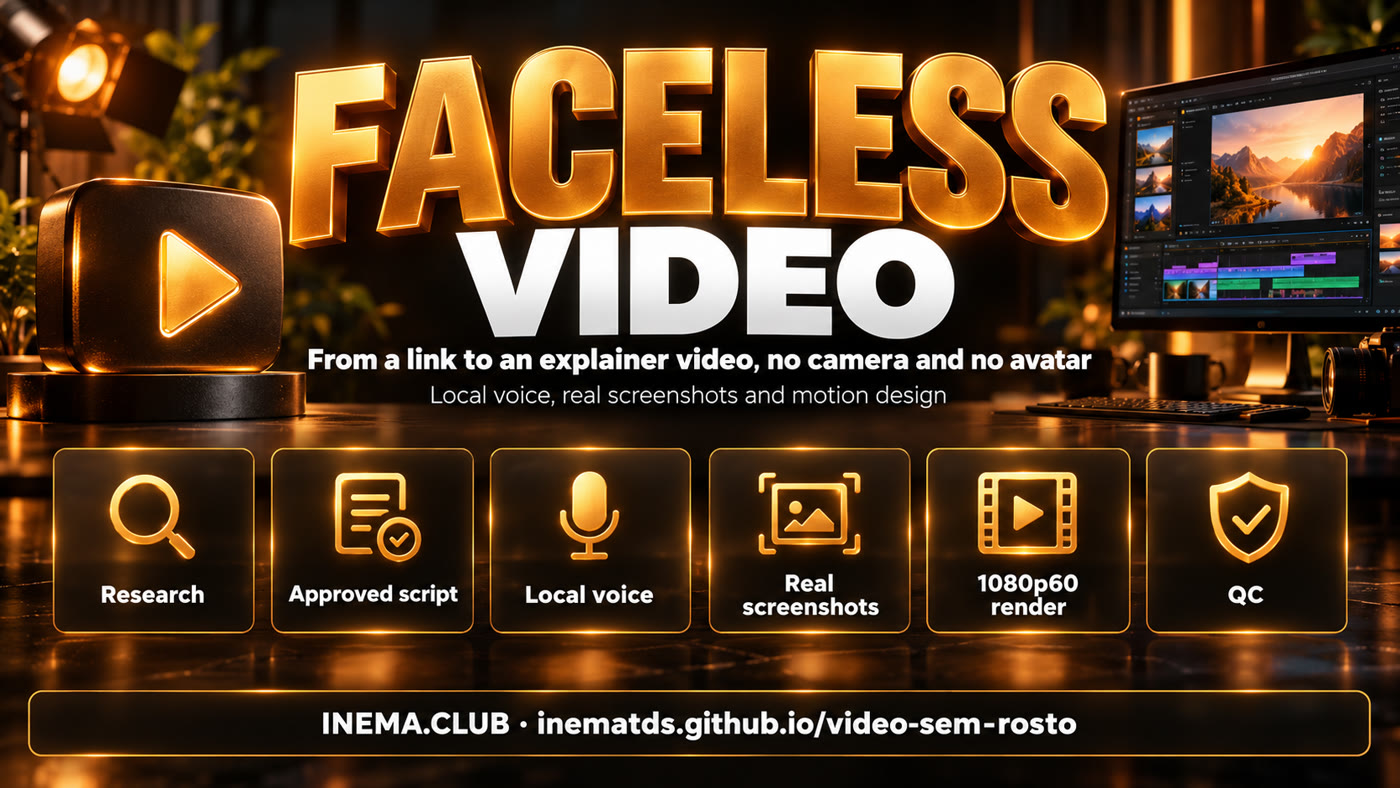
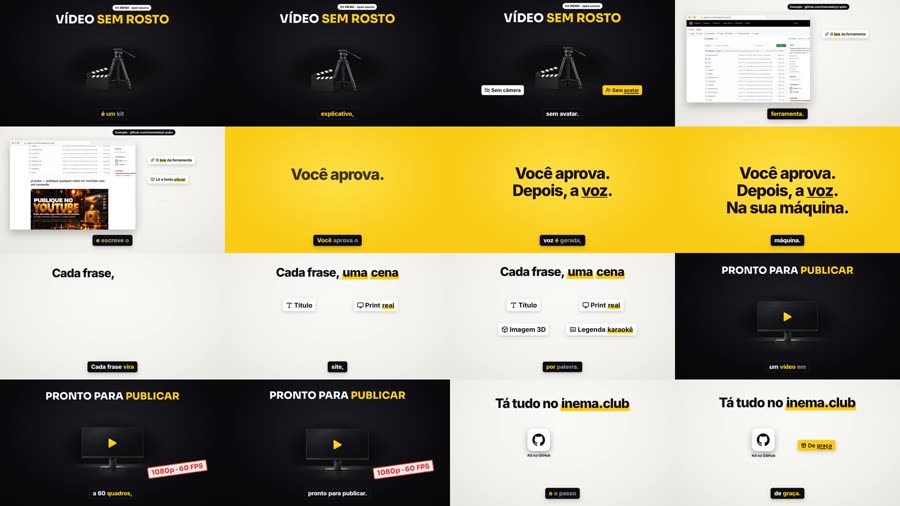
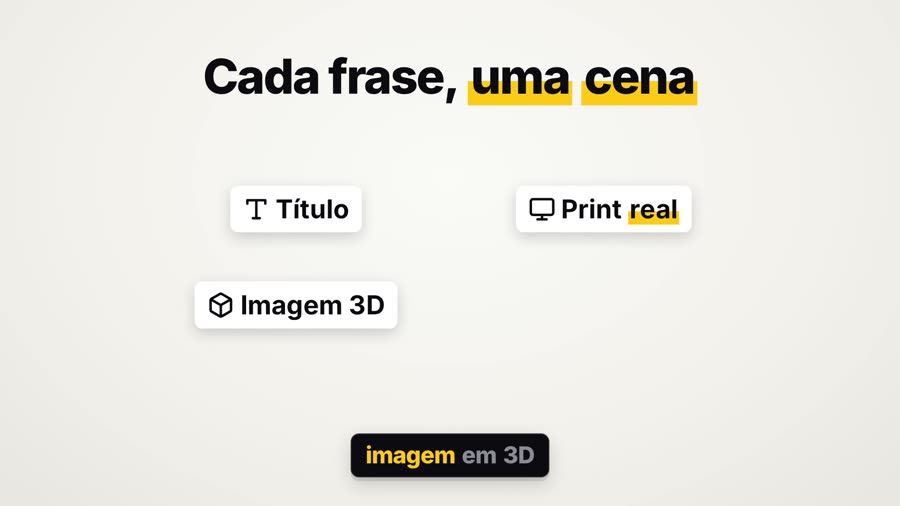
You hand over the link to a tool. The agent researches it and writes the script, you approve it, and every sentence becomes a scene with a real screenshot, a 3D image and word-by-word captions.

video-sem-rosto is a kit (a "skill") that teaches Claude Code to make horizontal explainer videos without recording anything: no camera, no avatar. It is for anyone who wants to explain a tool, a repository or a piece of news on video without appearing on screen and without paying for a voice service. The voice is generated on your computer with a cloned voice, and the scenes show the real web page, 3D images and synchronized captions. To use it, you need Claude Code, ffmpeg, Python and inemavox (which handles the voice and transcription) running on your machine.
Each scene is an HTML page animated to the exact timing of the speech. Chromium advances frame by frame and ffmpeg assembles the video.
Chatterbox generates each sentence with the cloned voice; the local Whisper listens, compares it with the script and regenerates any sentence that came out wrong. No paid API.
capture.py opens the page, finds the text the voice mentions and returns its position, so the zoom and the ring land exactly there.
Nothing is generated before the script is approved. At the end, qc.py checks 1920x1080, 60 fps, bitrate, โ14 LUFS and black frames, and builds a sheet for you to review.
Voice, images and screenshots run in parallel. Scenes are written by reading the timing of each word in words.json.
reel (paper โ black, chips, 3D), cinema (real image first, letterbox) and ledger (release notes, counters). Alternate between videos.
Black #0c0c10, light paper, yellow #FACC15, Sora headings and Inter body text, applied across all three looks. FV_THEME=original returns to the cream/orange palette.
Just the voice, at โ14 LUFS, plus an optional quiet music bed. No whoosh on the cuts (FV_WHOOSH=1 turns it on, if you want it).
setup.sh checks everything and stops with a message about what is missing.
Scene engine and video encoding.
# Ubuntu sudo apt install python3-venv ffmpeg
An open INEMA project that provides the Chatterbox worker and a venv with faster-whisper. The kit uses both by path (INEMAVOX_DIR changes the location).
git clone https://github.com/inematds/inemavox ~/projetos/inemavox cd ~/projetos/inemavox && python3 -m venv venv venv/bin/pip install faster-whisper soundfile numpy
An open voice model that clones a voice from a short audio clip. It runs in its own conda environment (CHATTERBOX_PYTHON changes the path).
# Miniconda (if you don't have it): https://docs.anaconda.com/miniconda/ โ installs in ~/miniconda3 # elsewhere: export CHATTERBOX_PYTHON=.../envs/chatterbox/bin/python3 conda create -n chatterbox python=3.11 -y ~/miniconda3/envs/chatterbox/bin/pip install chatterbox-tts soundfile
10 seconds of clean speech, no music, as a 24 kHz mono .wav. Record with your phone and convert:
ffmpeg -i gravacao.m4a -ss 2 -t 10 -ac 1 -ar 24000 ~/minha-voz.wav echo 'export FV_VOICE=~/minha-voz.wav' >> ~/.bashrc && source ~/.bashrc
It is the one that follows SKILL.md: it researches, writes the script and scenes, and runs the scripts.
claudeGenerates the 3D images through your ChatGPT subscription (no API): npm i -g @openai/codex and codex login. Without it: FV_IMG=flux if you have a local flux2-klein server, or make the video with just screenshots, logos and icons.
codex loginVoice and Whisper run much faster on a GPU; both fall back to CPU if needed.
nvidia-smiWhisper: a model that transcribes speech; here it listens to each sentence to measure whether it came out right and to mark the timing of each word. LUFS: a measure of perceived loudness; โ14 is the YouTube standard. Contact sheet (stills): one image with several frames from the video, to check everything at once. Look: the video's visual style โ reel (default), cinema (full-screen real image, cinematic black bars) or ledger (release-notes look); choose it with Video(job, look="cinema"). flux2-klein: an image generator that runs locally; the kit calls it at localhost:8000 (FV_FLUX_URL) only if you have that server.
On the first run, Whisper large-v3 (~3 GB) and Chatterbox download the model weights. If Playwright complains about a system library: sudo .venv/bin/python -m playwright install-deps chromium.
Put TMPDIR=$(mktemp -d /tmp/fv.XXXX) in front of the render and the capture: Chromium aborts if the temporary path is too long.
Creates the project's .venv (Playwright + Pillow), checks voice and Whisper, and links the skill at ~/.claude/skills/video-sem-rosto.
git clone https://github.com/inematds/video-sem-rosto ~/projetos/video-sem-rosto cd ~/projetos/video-sem-rosto && bash setup.sh # must end with SELFTEST PASS
PROFILE.md holds voice, call to action, visuals and banned words; the skill reads it before every video. It ships with the INEMA profile (call to action for inema.club, publishing through yt-pubx, bot notifications): swap the name, call to action, channel and rules for your own. The publishing steps in SKILL.md that mention INEMA tools are optional.
nano PROFILE.md # your name, your voice, your call to action (~3:00 and at the end), your channel
The agent researches the official source, writes script.txt and the script with timings, and stops to wait for your approval. After your "ok", it runs steps 4 to 7 itself; the commands below are for running by hand or understanding what happens.
make a faceless video about https://github.com/dono/projeto โ about 8 minutes, show me the script first
To run without the agent, start from the ~40 s example (it carries the INEMA brand in the scene text: change it in job.py). tts.py reads $P/script.txt and generates vo.mp3, words.json and vo_qc.json (similarity of each sentence).
P=~/videos/teste; mkdir -p $P/{img,cap} cp templates/exemplo_30s.py $P/job.py && cp templates/exemplo_30s.txt $P/script.txt python3 scripts/tts.py $P # uses FV_VOICE; FV_LANG=pt
c_ = light background, d_ = dark; one object per image. The screenshot returns a .json with the box of each requested text.
python3 scripts/images.py $P/img d_clap="a film clapperboard beside an empty tripod" d_monitor="a widescreen monitor with a play button" TMPDIR=$(mktemp -d /tmp/fv.XXXX) .venv/bin/python scripts/capture.py https://github.com/inematds/yt-pubx $P/cap/gh.png "README"
The example's job.py uses img/d_clap.png, img/d_monitor.png and cap/gh.png (generated in step 5). The scene timings are those of the example's voice: with your own voice, adjust the v.scene(start, end, โฆ) calls by reading words.json. For a long video: templates/job_full_template.py. First the scene sheet, then the render.
TMPDIR=$(mktemp -d /tmp/fv.XXXX) .venv/bin/python $P/job.py stills # out/stills.jpg TMPDIR=$(mktemp -d /tmp/fv.XXXX) .venv/bin/python $P/job.py # out/video-sem-rosto-teste.mp4
Checks size, fps, bitrate, loudness and black frames; exits with an error if anything fails and saves a 16-frame sheet.
python3 scripts/qc.py $P/out/video-sem-rosto-teste.mp4
Local voice, INEMA theme, 1080p60, โ14.3 LUFS. Download both in 1080p60 from release 1.0.1.
Below: the contact sheet and a frame from example 1.

qc.py: paper โ black, yellow card, real screenshot, karaoke captions.
The kit already makes the whole video. The next steps are about integrating with what INEMA already uses.
script.txt, generate the voice with FV_LANG=en|es and reuse the scenes.