OPEN KIT · LOCAL EXECUTION · v1.0.0
From script to vertical video.
Turn clips, voice and a clear idea into a video with cuts, highlighted words and synchronized sound.

Turn clips, voice and a clear idea into a video with cuts, highlighted words and synchronized sound.
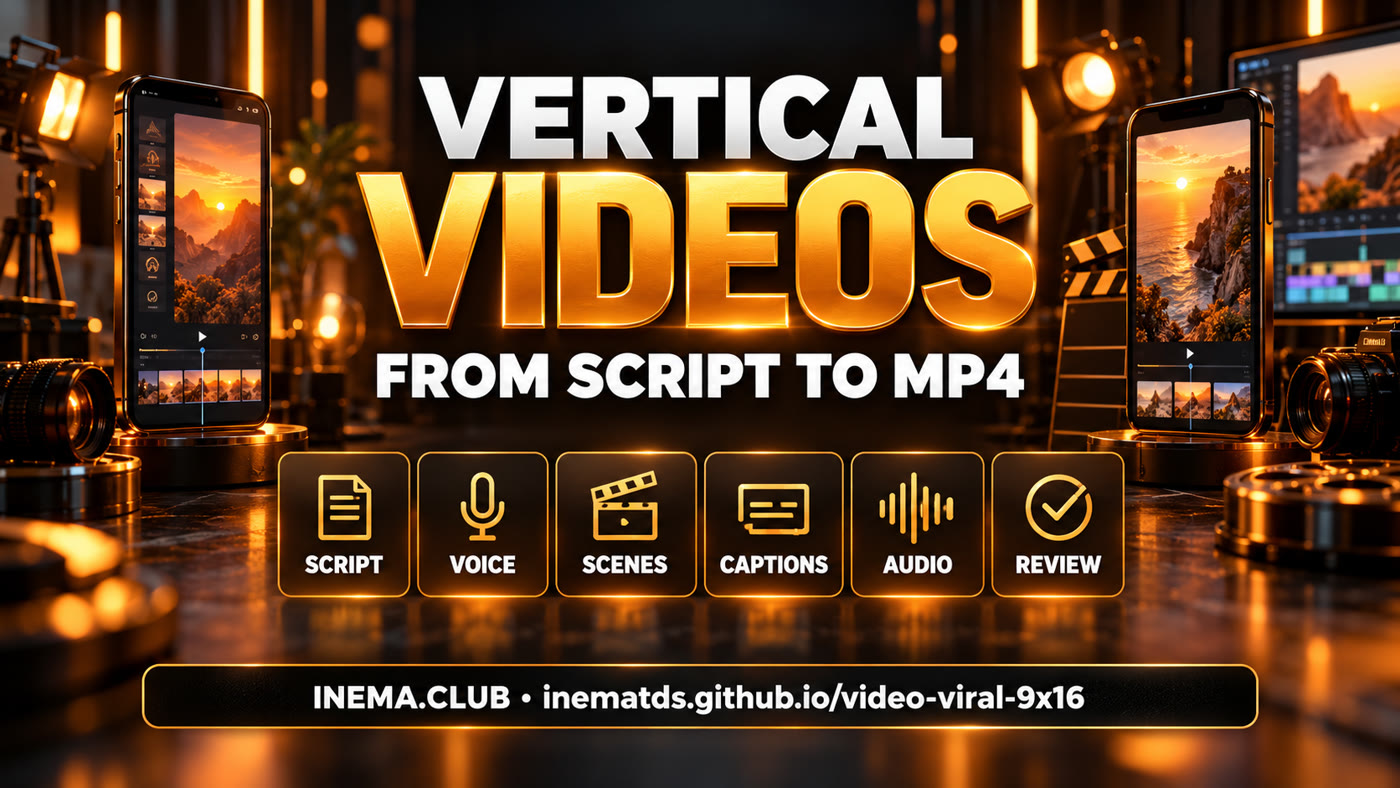
video-viral-9x16 is a vertical video production kit for content creators who want to control editing through code. It combines an animated text engine, synchronized captions, scene assembly and audio mixing. You get a complete 48-second example and can adapt the script and media to other topics. To run it, you need Linux, Node.js, Python and FFmpeg; the example media are already included.
The supplied files are organized for you to study, run and adapt. “Viral” describes the editing style; it is not a promise of reach.
The script defines the hook, benefit and final call to action. project.json stores cuts and timing; scenes.js controls the presentation.
Animated text and captions use word-level timestamps. Music lowers during speech and effects play at their cues.
Generate a preview sheet, validate inputs and check the MP4 frame count. Watch and listen to the result before publishing.
One main idea, a quick hook and a final action. Each scene should support what is being said.
Recommended: Linux, Node.js 18+, Python 3.10+ and FFmpeg with ffprobe. Setup downloads dependencies; rendering uses local files.
Clone the repository, install Python dependencies in an isolated environment and install the Canvas engine in Node.
# command
git clone https://github.com/inematds/video-viral-9x16.git
cd video-viral-9x16
bash scripts/setup.shRun commands from the repository root. The example includes clips, narration, music, effects and a transcript.
The validator checks files, cut continuity and word timestamps.
.venv/bin/python scripts/viral.py validate exemplo-inemaccbot-v2/project.json
Open out/prev/review.jpg inside the example folder. Check text, faces and contrast.
.venv/bin/python scripts/viral.py preview exemplo-inemaccbot-v2/project.json
The command rebuilds the music track, base video, mix, MP4 and technical review. Slow-motion interpolation may take time. Each stage has a 30-minute limit.
.venv/bin/python scripts/viral.py build exemplo-inemaccbot-v2/project.json
The copy includes the media. Choose a new folder, then change text in scenes.js and cuts in project.json.
.venv/bin/python scripts/viral.py new ../meu-video --example
Without --example, you get a scaffold that needs to be filled in. Add clips, narration, music, SFX and a transcript with word-level timestamps.
.venv/bin/python scripts/viral.py new ../novo-video
# After preparing the files:
.venv/bin/python scripts/viral.py validate ../novo-video/project.json
48 seconds, 20 edited segments, 1080 × 1920 video at 30 fps. Content and media from the original kit, in Portuguese.

The video is saved to exemplo-inemaccbot-v2/out/INEMACCBOT_v2_9x16.mp4. The technical sheet is saved to out/qc/final_sheet.jpg. QC reports loudness; human review should check voice, music and readability.
Generating new media is a separate step that you choose.