AI video · v6.2 · free course
The message can be heard too
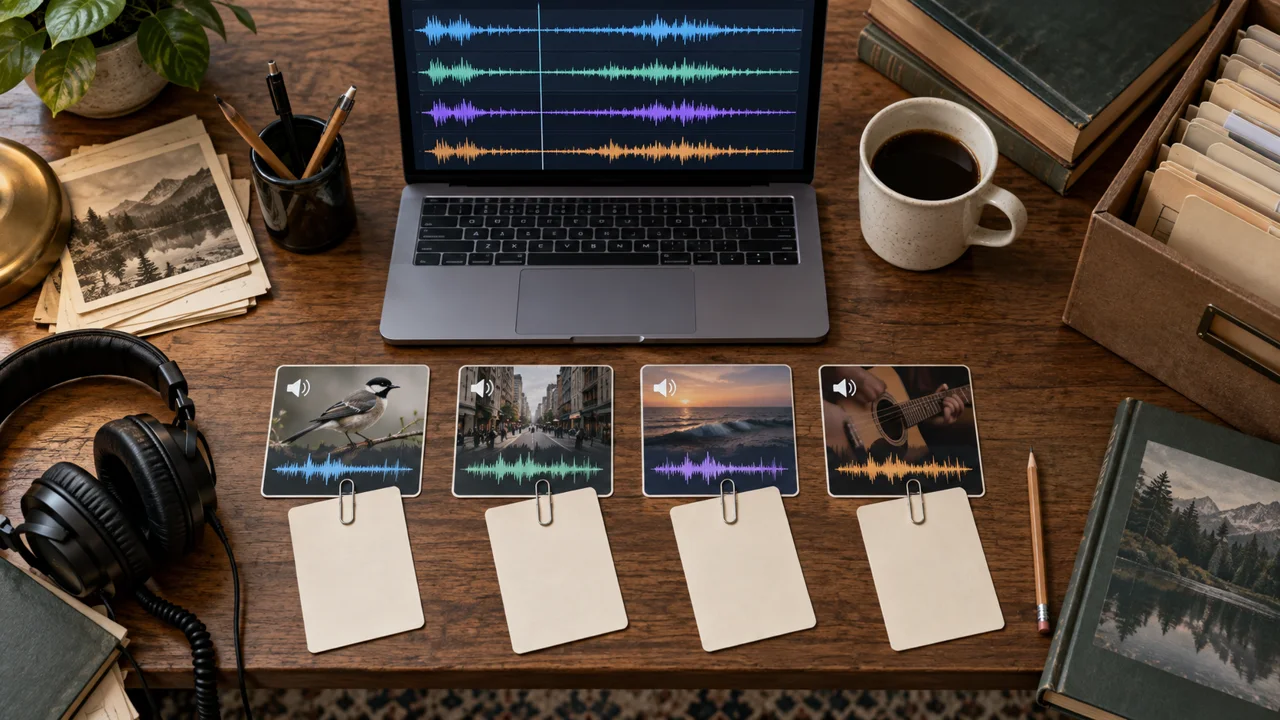
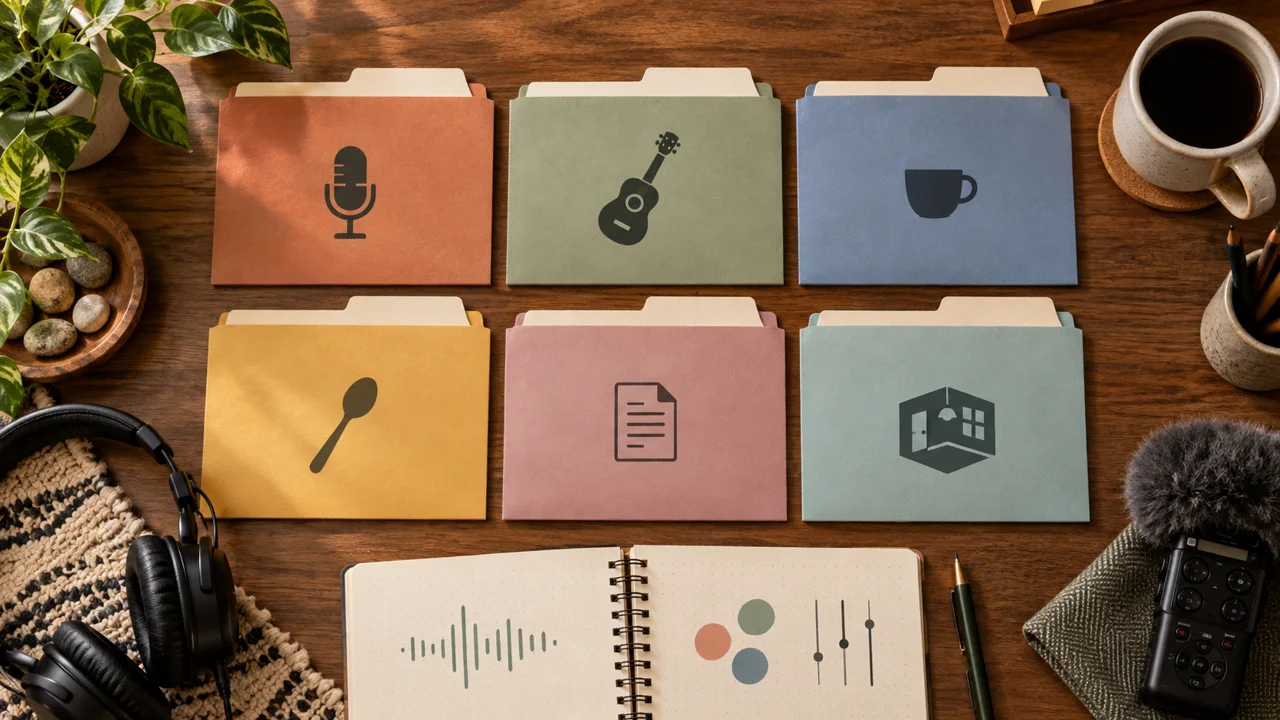
Prepare voice, music, effects, and ambience. Build a soundtrack that keeps speech clear, then compare your piece with and without effects.
start now →4 modules · 12 lessons · ~15 min guided reading · set aside 4–7 h for production, plus queues
What you will be able to do
How to study
Read in short sessions and do the practice in the suggested time. Progress stays in this browser. Make copies using the journey’s export option.
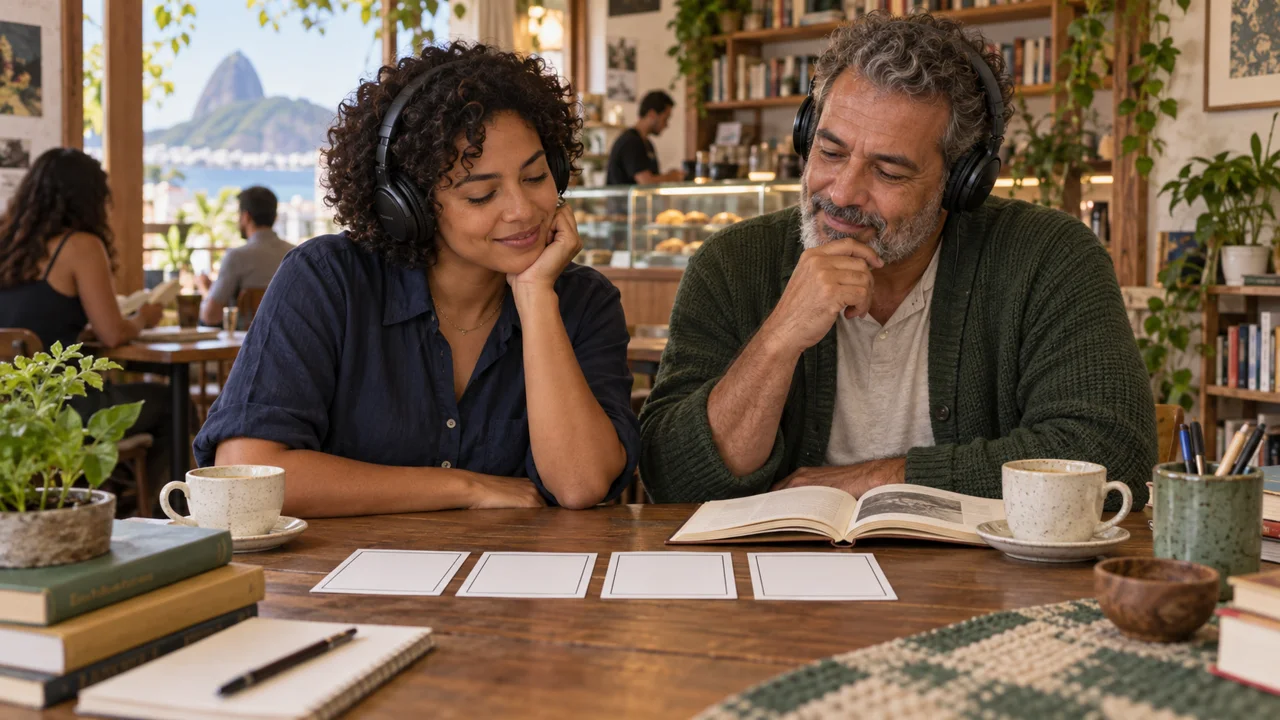
The lesson images are illustrations created in Codex, not video results. To finish production, you need an editor such as CapCut and your own files or the course kit. Check credits and features before you begin.
The Entrelinhas case
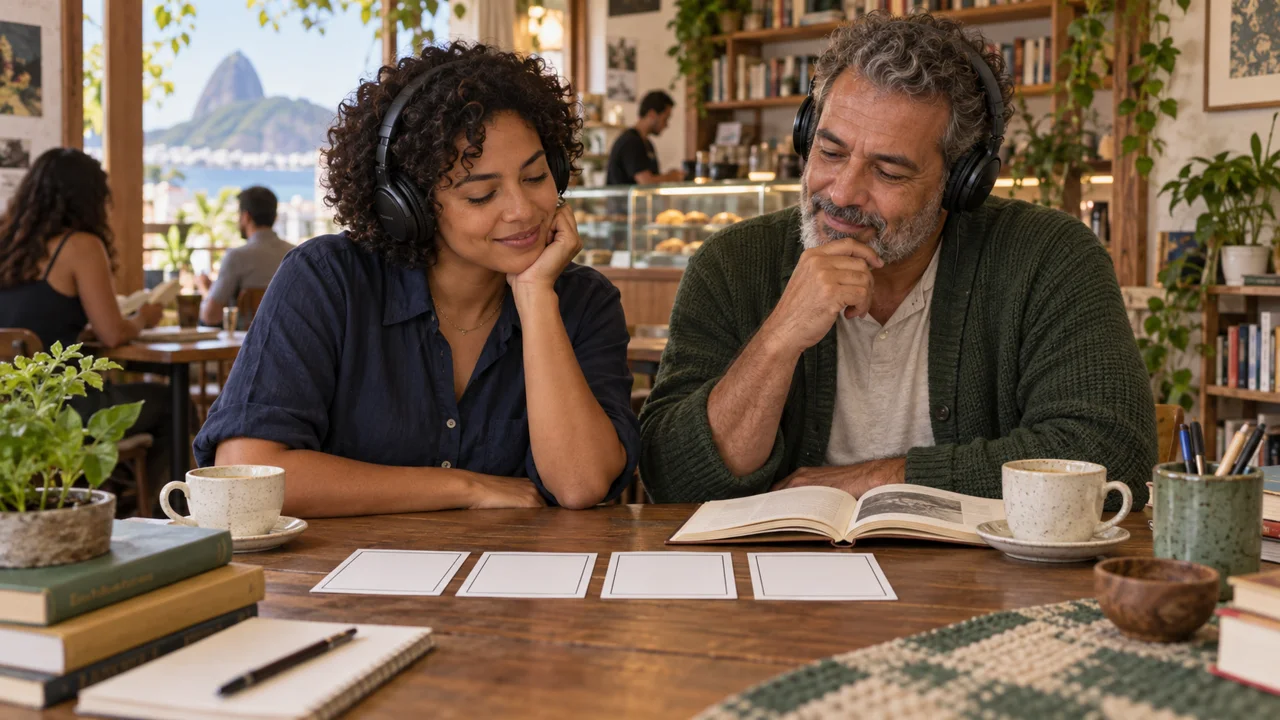
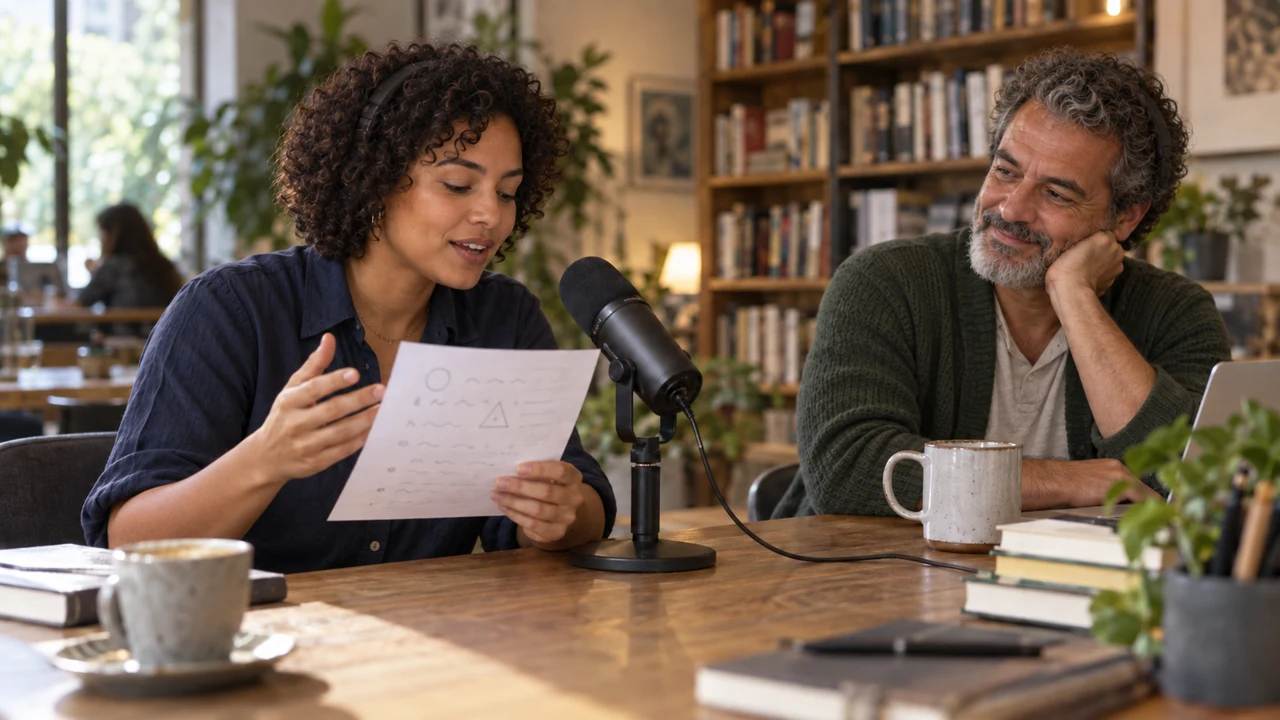
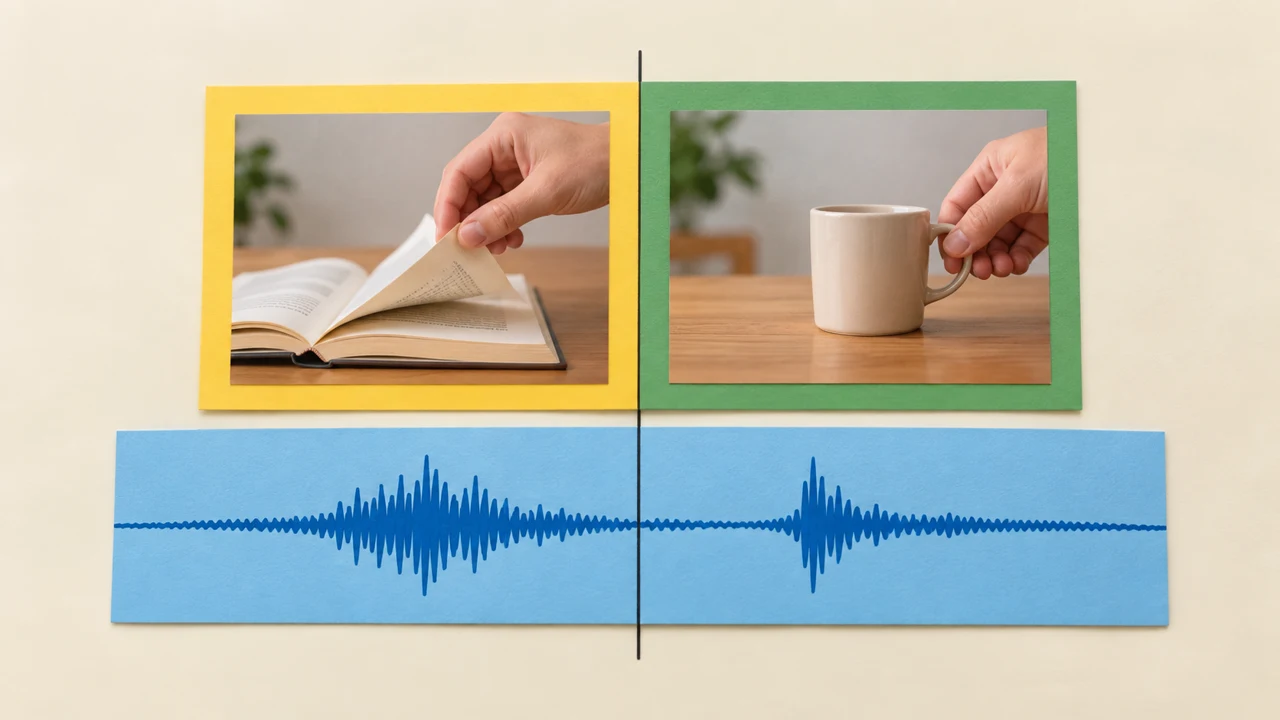
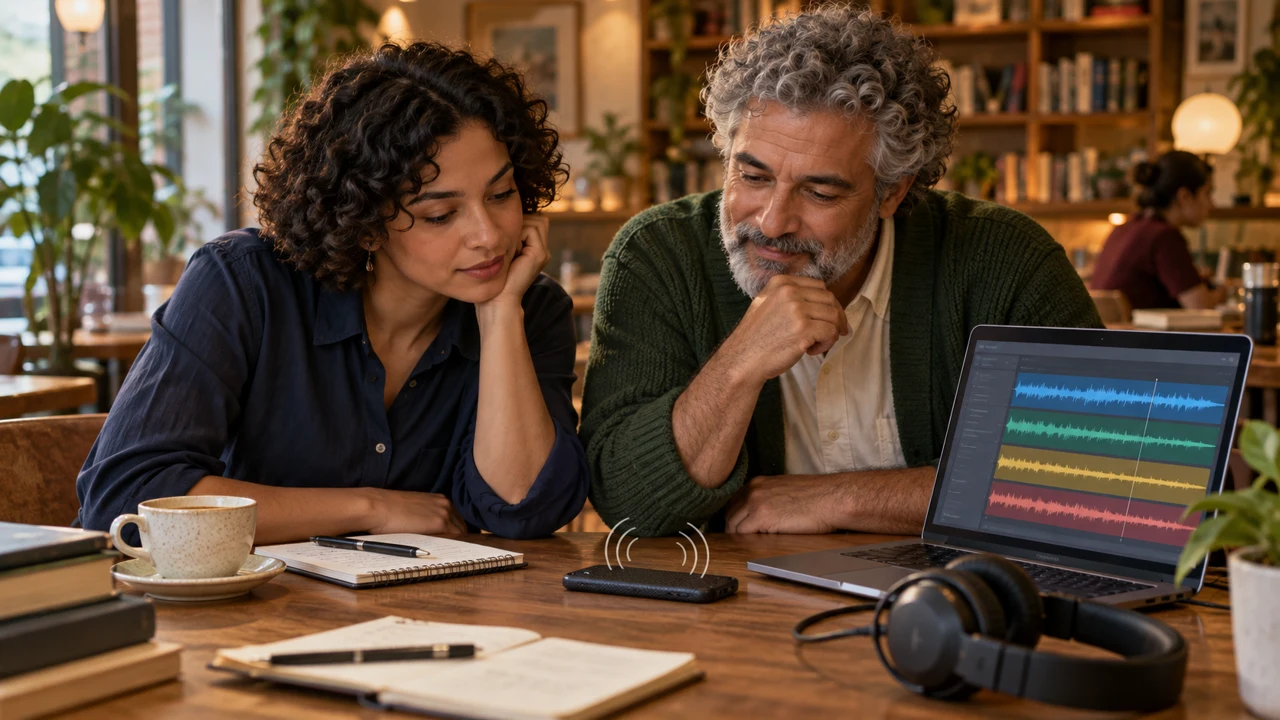
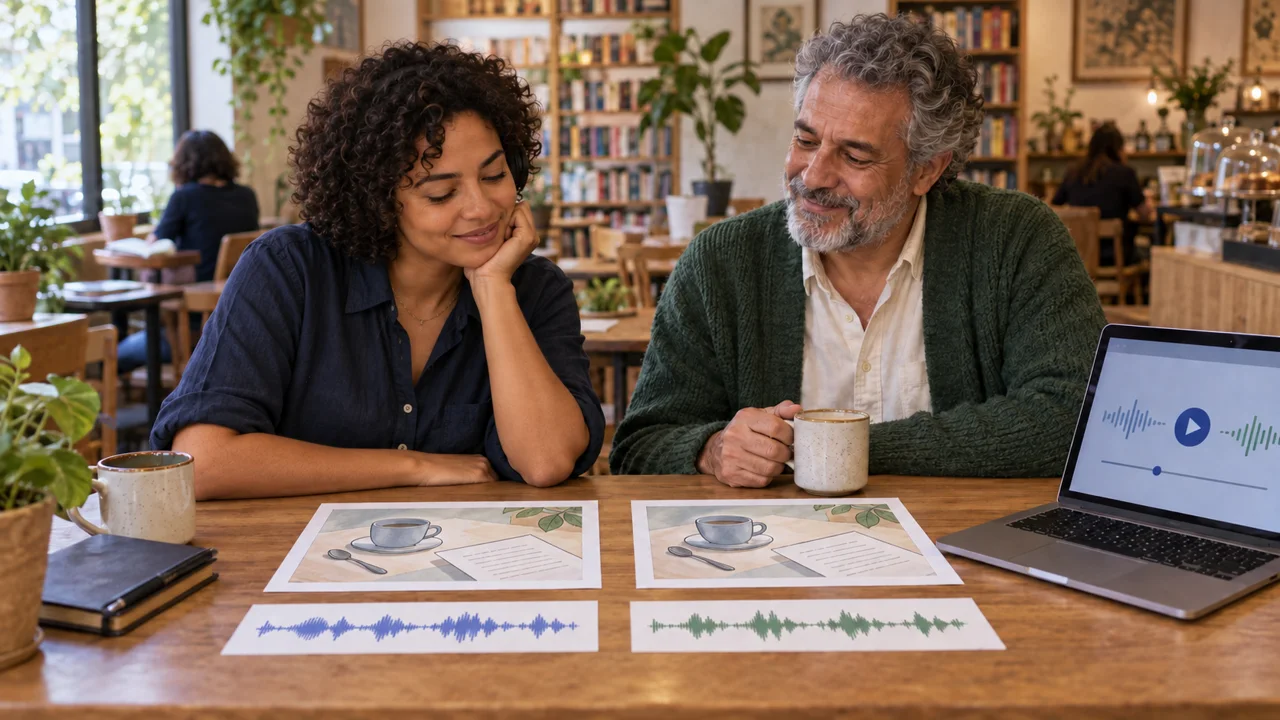
Duda, a producer, and Sérgio, a bookseller, prepare an invitation for a bookstore café. A cup, spoon, and page create three sound events; the voice invites a pause.
The course includes an audio kit, credits, and a real sound comparison. The title refers to communication, not guaranteed sales. Production uses your own video or three photos; you do not need to buy generation tools.
Prerequisite: know how to save files and make a simple edit. If needed, start with Your First AI Video. The short exercises count toward estimated production time; queues and corrections can take longer.
Who it is for
It is for you if you
- You have made a simple video and want more control over tests.
- You have your own references and are willing to review results and costs.
- Prefer to learn by doing.
It is not for you if you
- Already know the subject well and want technical material.
- Want a traditional video lesson.