Direction: think like a director|INEMA.CLUB-PRO

Lesson 7 · 18 min

From script to shot list: a list of shots with sound and dialogue

Making a shot list means cutting the written scene into numbered shots, each with a camera, timing and sound. In 2026 sound joined the list: video generators return audio along with the image, so what you hear in each shot is also a directing decision.

Start the lesson
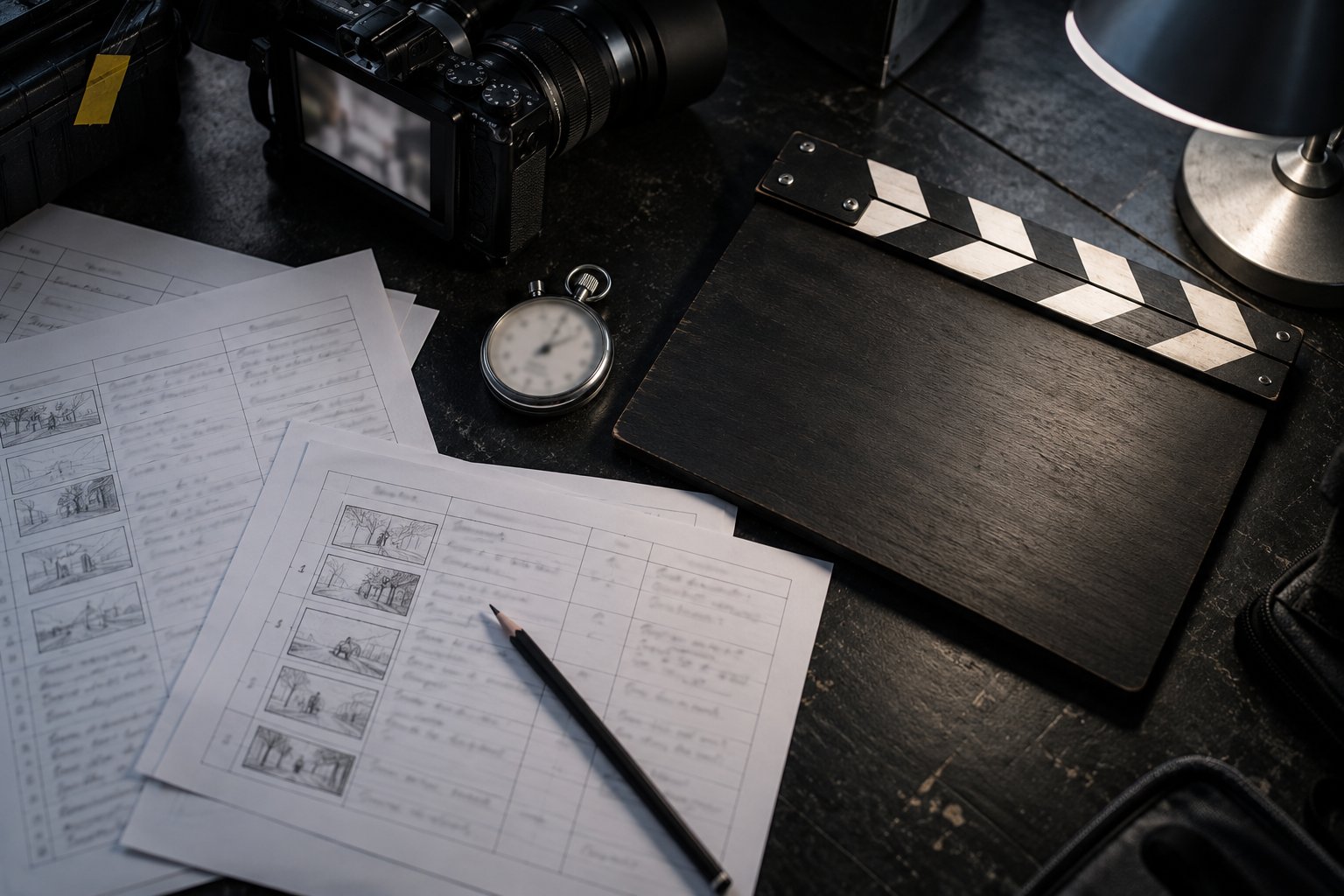
Dark desk seen from above with handwritten shot-list sheets, a pencil, a closed clapperboard and a stopwatch.

In this lesson you will

  1. 1Write the scene in three or four sentences, with a beginning, a turn and an end
  2. 2Cut the scene into numbered shots with camera and duration
  3. 3Put each shot's sound on the list: ambience, effect and dialogue
  4. 4Check the shot list on the page itself before generating

Goal: turn a written scene into a numbered shot list with the size, angle, movement, sound and duration of each shot.

01From the written scene to the shot list

Six decisions, in this order. Click each one.

Click each block in the diagram to see what it does.

Order matters: deciding the sound before the timing avoids a shot too short for the dialogue to fit.

02How to make a shot list, step by step

The example is the scene that runs through the course: "The first batch".

1. The scene in four sentences

Write the scene before thinking about the camera. Four sentences are enough: where and when, who and what they do, what changes, how it ends.

Also decide what the audience should feel. In the batch scene, it's the quiet pride of someone who wakes up before the city.

Scene (20 s)4:50 a.m., a neighborhood bakery still closed. Dona Lia prepares the dough alone. The first batch comes out of the oven. Someone knocks on the iron door and she opens it for the first customer.

03Templates to copy

The format the page checks, and a request for the AI assistant to make the draft.

decupagem.txt (template)
Scene: <scene name> (<duration> s)
Script: <the scene in 3 or 4 sentences>
# n | size | angle | movement | duration | what happens | sound: ambience, effect, speech
1 | <size> | <angle> | <one movement> | <n> s | <shot action> | sound: <what you hear>
2 | <size> | <angle> | <one movement> | <n> s | <shot action> | sound: <what you hear>
Request for the AI assistant (shot list draft)
You are a film directing assistant. Read the scene below and propose a shot list of 5 to 8 shots, one line per shot, in this format:
n | size | angle | movement | duration | what happens | sound: ambience, effect, speech
Rules:
- one camera movement per shot (or a locked-off camera);
- the shot size changes between neighboring shots;
- the durations add up to <scene duration> seconds;
- the sound column carries the ambience, the effect of the action and, if there is one, a short line of speech;
- do not invent a character, place or object that is not in the scene.
Scene: <paste the scene here in 3 or 4 sentences>

04Check your shot list

Paste the file (or upload the .txt). First try the example that passes and the example with errors: it's a rehearsal, and it costs nothing.

decupagem.txt

05Optional: check in the terminal

Only for those who already use a terminal. Download the course from GitHub and run it in its folder: the rules are the same as the page's. For your own file, replace --exemplo with its name (decupagem.txt); it exits 0 when it passes.

Terminal (in the course folder)
python3 conferir.py decupagem --exemplo; echo "saída: $?"
python3 conferir.py decupagem --errado; echo "saída: $?"
Example from the repository
$ python3 conferir.py decupagem --exemplo; echo "saída: $?"
OK: 6 planos com tamanho, ângulo, movimento e som · 20 s
saída: 0

06Practice

A scene of your own, about 20 seconds long. You can start from the assistant's draft, but the final decision is yours.

Shot list · your 20 s scene

25 min

Write the scene in four sentences and break it down into 5 to 8 shots in the template's format: size, angle, one movement, duration and the sound column. Paste it into the "Check your shot list" section and use "Download the file" to save decupagem.txt in your project folder.

Done when: the page answers OK: [n] planos com tamanho, ângulo, movimento e som · [s] s for your text, with the total between 16 and 24 s, and decupagem.txt is in the project folder.

Sound · an ambience-only shot

10 min

In your shot list, leave one shot with no dialogue, only ambient sound, right before the shot that has the line. Check again.

Done when: the page still answers OK: … and, in your list, the shot before the line shows only ambient sound or effect in the sound column, without the word dialogue.

07Quick quiz

Four questions. The explanation shows up after each answer.

Question 1 of 4

Why does the 2026 shot list have a sound column on every shot?

08To keep

Scene before cameraFour sentences and the audience's emotion. Without that, the shot list has nowhere to go.
One line per shotSize, angle, a single movement, duration, action and sound. The total gives the scene duration.
Sound is a decisionAmbient sound, effects and dialogue per shot, because the audio comes out together with the image.

Going further

Previous lessonNext lesson