Direction: think like a director|INEMA.CLUB-PRO

Lesson 6 · 17 min

Character, wardrobe, and setting: the sheet that holds consistency

One of the most visible mistakes in generated video is the character who changes face, clothes, or hair from one shot to the next. The defense is a written character sheet and a pack of reference images, decided before the first generation and repeated in every shot.

Start the lesson
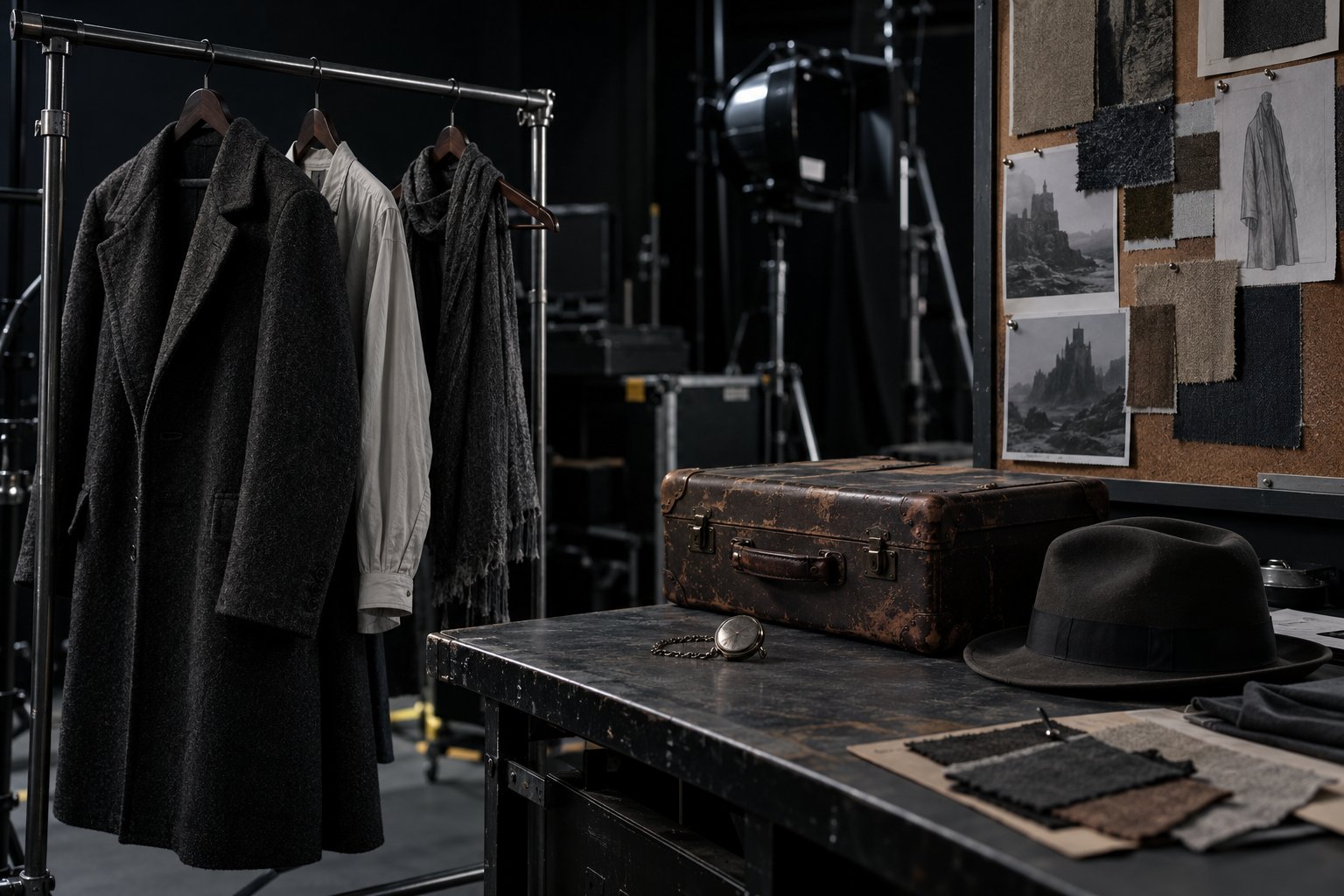
Wardrobe department with a rack of neutral coats, a worn leather suitcase, a hat, and fabric swatches pinned to a corkboard.

In this lesson you will

  1. 1Describe identity, wardrobe, and prop in detail that repeats
  2. 2Write the lock: what never changes between shots
  3. 3Build the reference image pack
  4. 4Separate look from composition

Goal: write the sheet for the character and setting you'll reuse as a reference in every shot, without imitating a real person.

01What the sheet holds

Six parts. Click each one.

Click each block in the diagram to see what it does.

The character sheet is your own text and works for any generator. How each tool receives the references is covered in course 1, lesson 5.

02How to build the character sheet

The character in the first batch is fictional: Dona Lia, 58 years old.

1. A detail that repeats

The generator doesn't remember the previous shot. What holds the character together is you repeating the same words in every prompt.

That's why the character sheet uses concrete detail: color, material, shape, a mark on the face. "Friendly" changes from shot to shot; "freckles on the nose and thin-rimmed glasses" doesn't.

Dona Lia's wardrobeNavy canvas apron over a white shirt with rolled-up sleeves, gray scarf over the hair.

03Templates to copy

The character sheet and the request for the reference images in a neutral studio.

ficha.txt (template)
Name: <name of the fictional character>
Age: <apparent age>
Face: <shape, marks, eyes, resting expression>
Hair: <color, length, how it's tied up>
Body: <height, build, posture>
Wardrobe: <pieces, colors and materials>
Prop: <the scene prop that carries the story>
Setting: <the place, the materials, the time>
Light: <the light from the look card, in one line>
Never changes: <the list of what stays the same in every shot>
Character reference request (image generator)
Character reference photograph, neutral studio, plain gray background, soft natural light, neutral pose, full body from the front, looking at the camera. <paste here the Age, Face, Hair, Body and Wardrobe from the character sheet>. Fictional character, no resemblance to a real person, no text, no logo.

04Check your character sheet

Ten fields, each with at least two letters or numbers of description.

ficha.txt

05Practice

The character (or product) in your scene.

Character sheet · character and setting

20 min

Fill in the ten fields of the character sheet with concrete, repeatable detail. If your anchor is a product, the sheet is for the person who appears with it, and the product goes in detail under Prop. Check it and download the ficha.txt to the project folder.

Done when: the page answers OK: sheet with 10 fields filled in for your text and the ficha.txt is in the project folder.

References · the package list

5 min

At the end of the ficha.txt, write the list of reference images you will generate in course 1: one line per image, starting with Ref:.

Done when: the ficha.txt ends with at least 4 lines that start with Ref: (character from the front, in profile or full body, wardrobe or prop, empty setting).

06Quick quiz

Four questions. The explanation shows up after each answer.

Question 1 of 4

Which description best keeps the same face from one shot to another?

07To keep

Concrete and repeatedColor, material, and a mark on the face, with the same words in every prompt.
LockThe list of what never changes goes into every shot of the scene.
Neutral referencesLook in a neutral studio; composition comes from the shot. Fictional character.

Going further

Previous lessonNext lesson