Direction: think like a director|INEMA.CLUB-PRO

Lesson 3 · 16 min

The camera as a verb: each movement tells something

Camera movement weighs heavily on the result of a generated video, and a common mistake is stacking movements in the same shot. In this lesson each movement gets a function: move closer, pull back, follow, reveal, orbit, or shake. One per shot, chosen for its effect on the audience.

Start the lesson
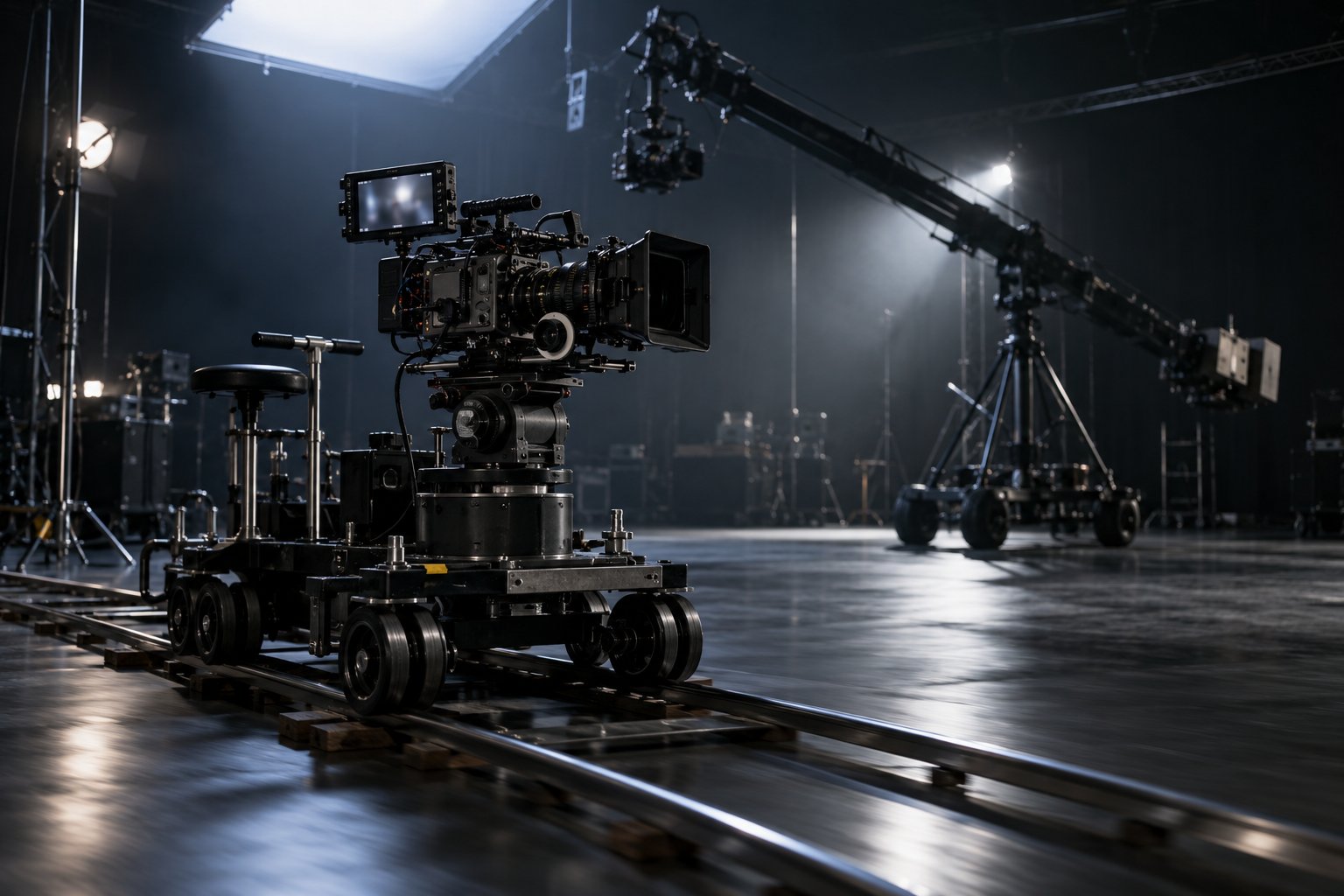
A film camera on a dolly track in a dark studio, with a crane arm in the background.

In this lesson you will

  1. 1Match six intentions to the movements that deliver them
  2. 2Tell camera movement apart from lens movement
  3. 3Use one movement and one style per shot
  4. 4Vary the movement between neighboring shots

Goal: choose one movement per shot by intent and write, for each shot, the effect it causes in whoever is watching.

01Six intentions, six movements

Start with what the audience should feel. Click to see the movement and the prompt term.

Click each block in the diagram to see what it does.

A still camera (static shot) is also a choice: watching without interfering. It counts as "one movement" in the shot.

02The rules of movement

The example continues in the bakery.

1. One movement per shot

Orbit plus push in plus pan plus zoom: the camera fights itself and the shot comes out unstable. One movement gives the generator a single direction to carry out.

If the scene calls for two movements, it calls for two shots.

Weak × directedWeak: an orbit with a zoom and a dolly on the oven. Directed: a slow push in on the oven while the door opens.

03Templates to copy

The intention → movement → prompt term table, and the template file for the exercise.

Intention → movement → prompt term
# what the audience should feel → movement → prompt term
tension, intimacy → slow approach → slow dolly in, push-in
isolation, scale → pulling away → dolly out, pull-out
fluidity, following without cutting → travelling → tracking shot, truck left/right
revealing horizontally → pan → pan left, pan right
revealing vertically → tilt → tilt up/down
grandeur, revealing from above → crane or pedestal → crane shot, pedestal up
volume, expensive-looking cinema → orbit → orbit shot, arc shot
urgency, realism → handheld camera → handheld shot
observing without interfering → locked-off camera → static shot
disorientation → dolly zoom → dolly zoom (vertigo effect)
movimentos.txt (template)
Scene: <scene name>
1 | <one movement> | <what happens in the shot> | effect: <what the audience feels>
2 | <one movement> | <what happens in the shot> | effect: <what the audience feels>

04Check your movements

The page rejects a shot with two movements, a shot with no movement, and a shot with no written effect. It also asks for at least 4 different movements in the scene.

movimentos.txt

05Practice

Use the shots from your step (lesson 2) and give each one its movement.

Movements · one per shot, with the effect

15 min

For each shot in your scene, choose a movement (or a still camera) and write the effect on the audience. At least 4 different movements, with no repeats in neighboring shots. Check it and download movimentos.txt into the project folder.

Done when: the page answers OK: [n] shots, one movement each, with the effect written for your text, and movimentos.txt is in the project folder.

Neighbors · no movement repeated in a row

5 min

Read the list from top to bottom and mark where two neighboring shots use the same movement. Swap one of them for the movement that delivers the same intention in a different way.

Done when: in movimentos.txt, no pair of neighboring shots repeats the same movement, and the page keeps answering OK: ….

06Quick quiz

Four questions. The explanation shows up after each answer.

Question 1 of 4

What is the difference between a dolly in and a zoom in?

07To keep

Movement is a verbPush in, pull back, follow, reveal, orbit, shake: each one makes the audience feel something different.
One per shotOne movement and one style. Two movements call for two shots.
Camera ≠ lensA dolly moves and gives depth; a zoom only brings the image closer.

Going further

Previous lessonNext lesson