Git without fear · in 6 steps
Git is a garden
Save every version of your work, try ideas without breaking anything, and bring it all together with your team.
Save every version of your work, try ideas without breaking anything, and bring it all together with your team.
This free guide explains Git through the story of a gardener. Git is a tool that keeps every version of a project, like photos of a garden taken over time. It is useful for people who program, people who work with AI agents, and anyone who wants to stop losing files. Here you will learn six commands (clone, commit, branch, worktree, merge, and push), each with a drawing, a simple explanation, and commands ready to copy. To practice, you just need to have Git installed.
Before the commands, the metaphor. Each part of Git has a place in the garden — keep this table handy and the rest is easy.
The whole project folder, with everything inside it.
Every file you create, edit, or delete.
A photo of the whole garden, with a date and a note saying what changed.
A name that points to a photo and moves along when you take new photos.
Another folder for the same project, so you can work on two things at the same time.
The shared copy for the team, for example on GitHub.

This is the daily cycle: you clone once, then repeat commit, branch, merge, and push. Click a step to open its explanation.

Clone copies the project and its entire history to your computer.
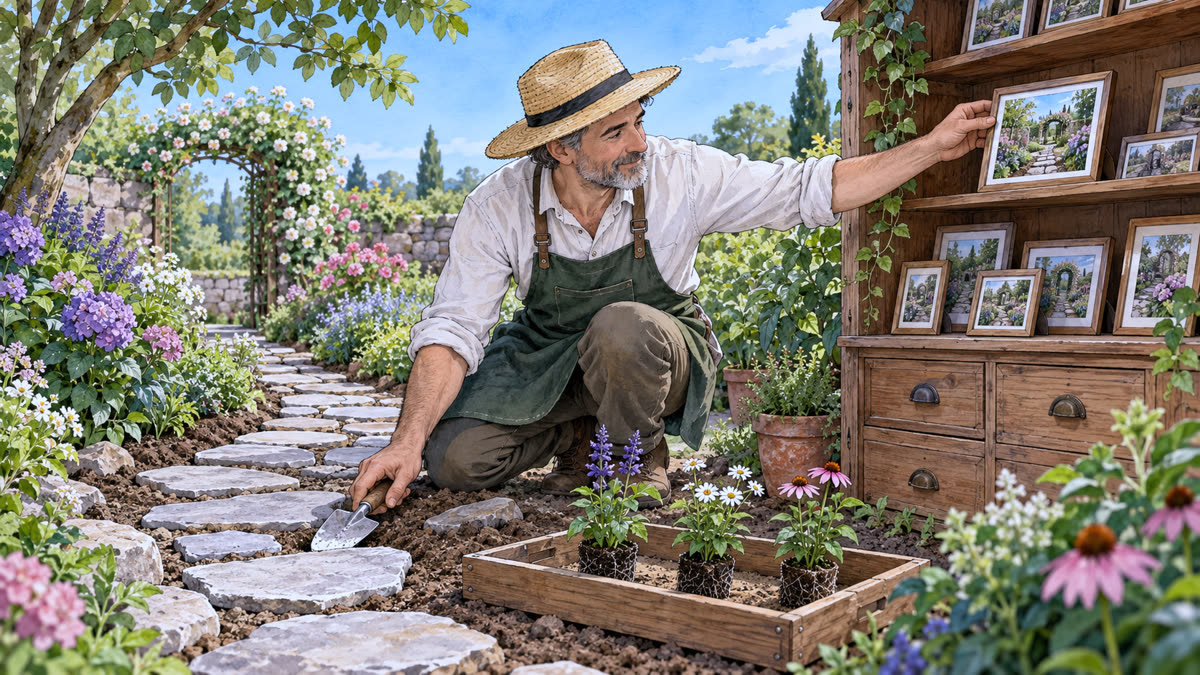
Edit, choose what to include, and take the photo. The commit saves it on your computer.

A branch is a label that moves along with your new commits.

A worktree is another folder for the same project, open on another branch.

Merge brings two histories together in a new commit.

Push sends your commits to the remote. Now the team can get them.
The full explainer video, with drawings and animated commands, plus a short reel to send to someone who needs it.
Print it, save it, or keep it open next to the terminal.
| git clone <url> garden | bring the project and its history to your computer |
| git status | see what changed and what is in the staging area |
| git add . | put the changes in the staging area |
| git commit -m "frase" | take the photo: save the version on your computer |
| git switch -c flowers | create the flowers label and work on it |
| git worktree add ../garden-main main | open another folder, on another branch |
| git merge flowers | bring the flowers branch into the current branch |
| git push origin main | take your photos to the greenhouse |
| git fetch | download the greenhouse's new history without joining it |
| git pull | download and join it into your branch |
Commit saves at home. Push shares with the team.

Clone once. After that: commit often, branch for each idea, worktree when you need two things at once, merge to bring them together, and push to share.